 ProMapRanker
Best Alternatives to Homebrew in 2026

Key takeaways
- MacPorts is the most direct Homebrew alternative, with a long-running ports system and isolated installs in its own directory.
- Nix and nix-darwin suit developers who want reproducible, rollback-friendly environments across machines.
- pkgsrc and Fink suit users who want a Unix-style ports collection or Debian-style packages on a Mac.
- Devbox, Spack, and Conda suit specific workflows: Nix without the learning curve, scientific software, and data science environments.
- The Mac App Store and Setapp are not package managers, but they are practical alternatives for installing and updating Mac apps.
Quick comparison
| Pick | Great for | Pricing starts at | Free tier | |
|---|---|---|---|---|
 MacPorts | Direct Homebrew replacement | Free | Yes | Visit |
 Nix | Reproducible environments | Free | Yes | Visit |
 nix-darwin | Nix-managed Macs | Free | Yes | Visit |
 Devbox | Easier Nix projects | Free | Yes | Visit |
 pkgsrc | Unix ports collection | Free | Yes | Visit |
 Fink | Debian-style packages | Free | Yes | Visit |
 Spack | Scientific software | Free | Yes | Visit |
 Conda | Data science environments | Free | Yes | Visit |
 Setapp | Curated Mac apps | See website | Free trial | Visit |
The best alternatives to Homebrew
Homebrew is the most popular Mac package manager, but developers switch for several reasons: they want isolated builds, reproducible environments, older macOS support, or a different package collection. The tools below cover those needs, and we compared official documentation, package availability, and macOS support to find options that are live in October 2026.
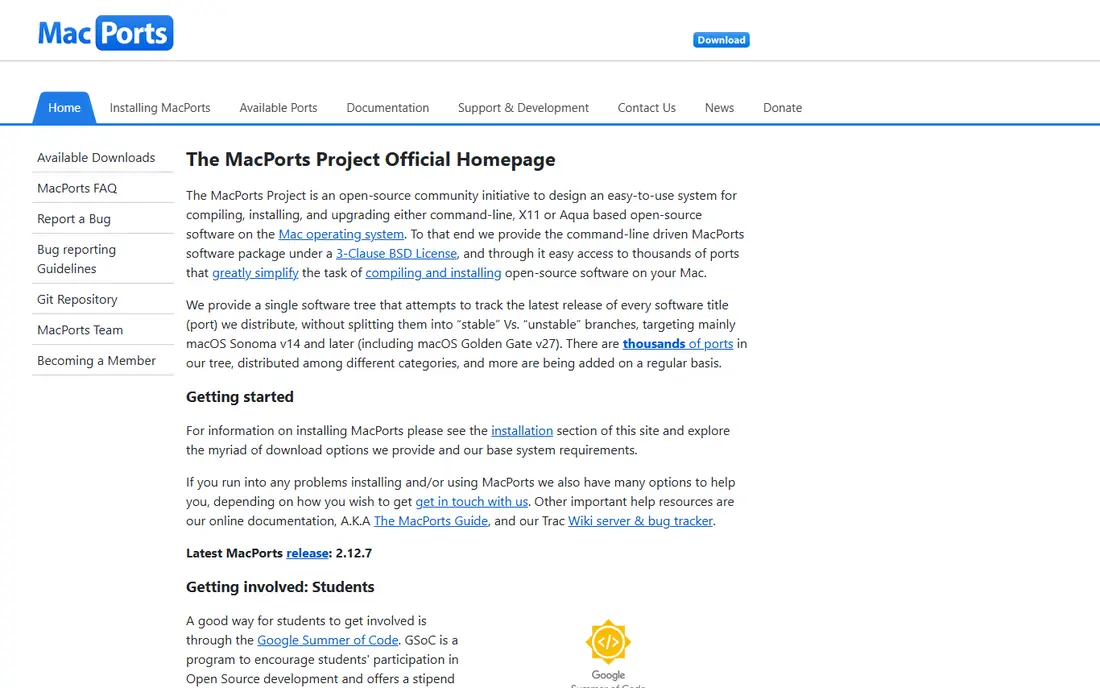
MacPorts is the classic alternative to Homebrew. It installs command-line tools and libraries into its own directory, keeping them separate from system files, and it has a large collection of ports maintained over many years. Developers who want stable, self-contained builds often prefer MacPorts, especially for libraries with complex dependencies.
The trade is speed. MacPorts builds more packages from source than Homebrew, so a large install can take longer, though binary archives help for common packages. It also requires sudo for installation, which some users dislike. If you want a direct, mature replacement with a different philosophy, MacPorts is the first tool to test.
- Large ports collection
- Installs are isolated in its own directory
- Long history on macOS
- Many packages build from source, so installs can be slower
- Requires Xcode command-line tools and sudo for installs
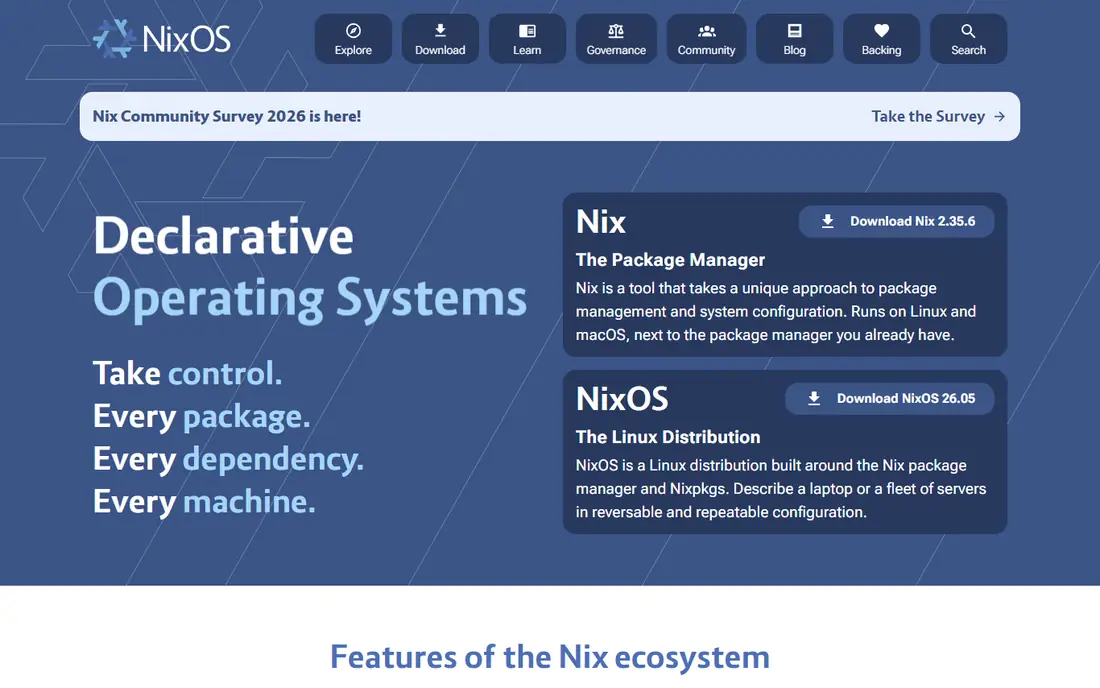
Nix takes a different approach from Homebrew: every package lives in the Nix store with a unique path, upgrades are atomic, and you can roll back to a previous generation if an update breaks something. Environments can be defined in files and shared across machines, which makes Nix popular for teams that need identical setups.
The learning curve is the main barrier. Nix has its own language, its store layout looks unfamiliar at first, and macOS setup needs care around paths and shells. Developers who invest the time get a level of reproducibility Homebrew cannot offer, but casual users may find it heavy for installing a few tools.
- Atomic upgrades and easy rollbacks
- Reproducible environments defined in code
- Large package collection
- Steep learning curve
- Nix store layout and language take time to learn
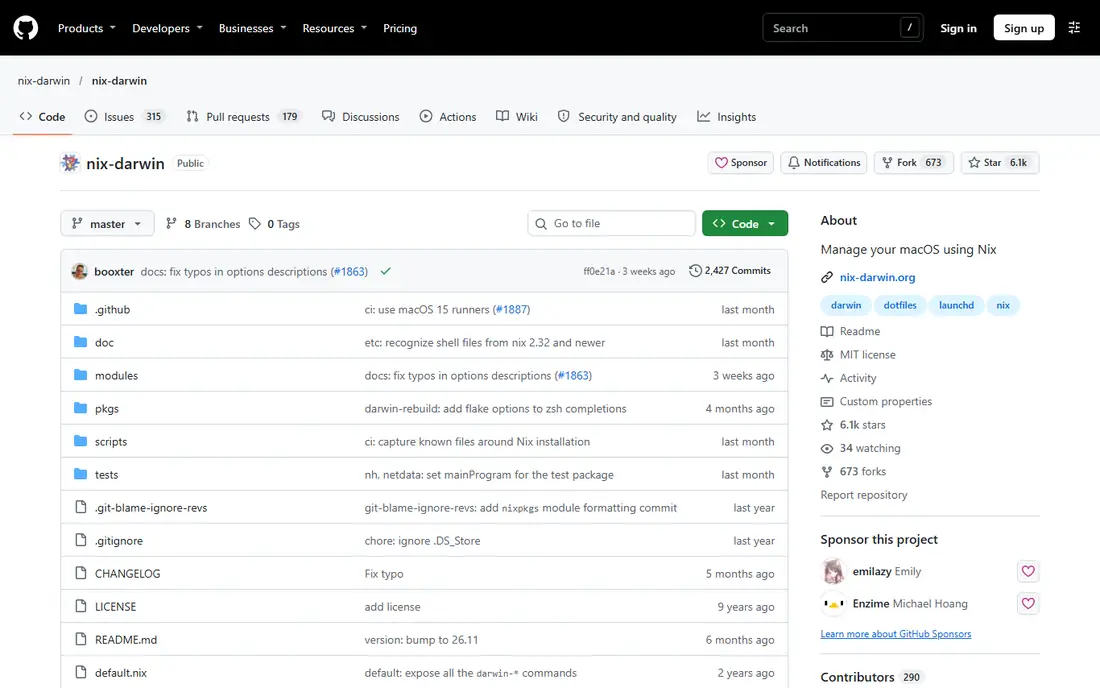
nix-darwin extends Nix to macOS system configuration. It lets you declare installed packages, system defaults, and services in Nix files, so a new Mac can be set up from the same configuration as an old one. Combined with Home Manager, it can also manage dotfiles and user-level packages in one workflow.
This is a power-user tool. You need to understand Nix basics before nix-darwin makes sense, and troubleshooting can involve both Nix and macOS system details. For developers who already use Nix and want their Mac configuration version-controlled, nix-darwin is the natural next step.
- Manages macOS system settings and packages with Nix
- Pairs well with Home Manager for dotfiles
- Reproducible Mac setup
- Requires Nix knowledge
- Setup is more involved than a simple package install
Devbox gives you Nix benefits with less Nix pain. You define a project environment in a simple configuration file, add packages, and enter an isolated shell with those tools available. Teammates can use the same file to get the same environment, which helps when a project needs specific tool versions.
Devbox does not replace system-wide package management. It is best for per-project environments, such as a web app or data pipeline, rather than managing every tool on your Mac. If Nix sounds appealing but its learning curve puts you off, Devbox is a good entry point.
- Adds a friendly interface on top of Nix
- Isolated project environments
- Easy to share a project setup with a team
- Still built on Nix, so deep issues may need Nix knowledge
- Best for projects, not whole-system management
pkgsrc, from the NetBSD project, is a portable package system that runs on macOS, Linux, and BSD systems. It offers a large collection of packages and a consistent build system, which appeals to users who work across several Unix platforms and want the same package tools everywhere.
Mac-specific polish is thinner. pkgsrc assumes comfort with Unix build tools and paths, and its macOS integration is less polished than Homebrew or MacPorts. For cross-platform Unix users, though, pkgsrc gives a single package system that travels with you.
- Portable across many Unix systems including macOS
- Large package collection
- Builds from source with binary package support
- Less Mac-specific polish than Homebrew or MacPorts
- Setup and documentation assume Unix experience
Fink adapts Debian package tools for macOS, letting Debian users manage Mac packages with familiar commands and concepts. It suits developers who already think in Debian terms and want that workflow on a Mac, rather than learning a new package manager from scratch.
The package selection is smaller and less current than Homebrew or MacPorts, so you may find missing or older versions of newer tools. Fink is a niche choice in 2026, but for Debian-focused users with modest needs, it still works.
- Brings Debian-style package management to macOS
- Familiar apt-style workflow for Debian users
- Open-source packages
- Smaller and less current package selection than Homebrew or MacPorts
- Best for users who already know Debian tools
Spack is a package manager built for scientific computing, where the same software may need many versions, compilers, and build options. It handles complex dependency trees and lets researchers build the exact combination a project needs, which is why it is common in labs and high-performance computing.
For everyday Mac use, Spack is more than you need. Its configuration and build model reward users with scientific workloads, while a developer who only wants git, node, and python will find Homebrew or MacPorts simpler. Choose Spack when your work involves scientific libraries and HPC-style builds.
- Built for scientific and HPC software with many versions and variants
- Flexible builds for compilers and libraries
- Overkill for everyday Mac tools
- Learning curve for users who only need common packages
Conda, through distributions such as Miniconda and Anaconda, manages data science environments rather than whole-system tools. You create an environment, install Python or R packages into it, and switch environments per project without conflicts. That isolation is ideal for data work, machine learning, and teaching.
It is not a Homebrew replacement for general tools. Conda focuses on language packages and data libraries, and it will not install Mac apps or system utilities in the same way. Data scientists who already live in Conda environments may not need Homebrew at all for their core work.
- Manages Python and R environments with isolated packages
- Works on macOS, Windows, and Linux
- Large data science package range
- Not a general Mac package manager
- Environments can grow large
- Some packages lag behind native releases
Setapp is different from every other tool here: it is a subscription library of Mac apps, not a package manager. You install the Setapp app, browse its catalog, and install included apps with updates handled in one place. It suits users who want quality Mac apps without buying each one separately.
The limits matter. Setapp does not install command-line packages, and access ends if you cancel the subscription. It is best as a companion to a package manager, or as a replacement for buying individual Mac apps, rather than a direct Homebrew substitute for developers.
- Subscription access to a curated library of Mac apps
- Easy install and updates in one app
- Includes many popular utilities
- Subscription cost
- Library covers apps, not command-line packages
- You do not own the apps outright
How we picked these
We compared official documentation, package availability, and macOS support, and we kept only tools that are live and usable on macOS in October 2026. We favored tools with a real package or app installation story, and we noted clearly where a tool is project-focused, scientific, or app-focused rather than a general package manager. We left out retired projects and tools with no current macOS support.
How to choose a Homebrew alternative
Start with what you install most. If you install everyday command-line tools, MacPorts is the simplest direct swap. If you need identical environments across machines, Nix or Devbox fit better, despite the learning curve. If your work is data science, Conda may cover most of your needs, and if your work is scientific computing, Spack is built for it.
Next, avoid mixing managers casually. Running Homebrew, MacPorts, and Nix side by side can cause path conflicts and duplicate libraries, so pick one primary manager for system tools and use project tools only inside projects. Test your core workflow, including builds, upgrades, and rollbacks, before you uninstall Homebrew, and keep a list of your installed packages so you can rebuild your setup.
Frequently asked questions
What is the best direct alternative to Homebrew?
MacPorts is the best direct alternative, with a large ports collection and a long history on macOS. It installs into its own directory and suits developers who want isolated, stable builds.
Is Nix better than Homebrew?
Nix is better for reproducibility and rollbacks, since environments are defined in code and upgrades are atomic. Homebrew is simpler for everyday installs, so Nix wins for teams that need identical setups and Homebrew wins for casual use.
Can I use MacPorts and Homebrew together?
You can, but it is not recommended for beginners, since both managers may install the same libraries in different places and cause path conflicts. Pick one as your primary manager and use the other only for a specific package if you must.
What is the easiest Homebrew alternative to learn?
MacPorts is easiest for most users, since its commands mirror common package manager workflows. Devbox is easiest for project environments on top of Nix, while full Nix takes the most learning time.
Does Setapp replace Homebrew?
No, Setapp replaces buying individual Mac apps, not installing command-line packages. Developers still need a package manager for tools, libraries, and compilers, even if they use Setapp for apps.
Which alternative works best for reproducible team setups?
Nix, with nix-darwin and Home Manager for Macs, or Devbox for projects, gives the most reproducible team setups. Define the environment in files, share them in version control, and every machine builds the same toolset.
Sources
See where you really rank - block by block
ProMapRanker scans Google Maps across a grid of your service area. Simple monthly plans from $19, white-label on every plan.
Start freeKeep reading
 zscaler alternatives
Best Zscaler Alternatives in 2026
Looking for zscaler alternatives? We compare 9 SASE and zero trust platforms on architecture, data protection, pricing, and fit for your network and team.
Read → zapier alternatives free
Best Zapier Alternatives Free in 2026
Nine automation tools for zapier alternatives free in 2026, all with genuinely free tiers, plus free plan limits, starting prices and upgrade paths explained.
Read → which platform is best for online reputation
Which Platform Is Best for Online Reputation in 2026
Wondering which platform is best for online reputation? We compare 8 review, listing, and response tools for small and multi-location businesses and agencies.
Read →