 ProMapRanker
Alternatives to Google Photos in 2026

Key takeaways
- iCloud Photos is the simplest move for Apple users, while Amazon Photos is best value for Prime members.
- Ente Photos and Proton Drive offer end-to-end encryption for readers who want more privacy.
- Immich gives full control with no subscription, but it needs your own server or NAS.
- Shared storage quotas matter, since Google, Apple, and Microsoft all count photos against one total.
Quick comparison
| Pick | Great for | Pricing starts at | Free tier | |
|---|---|---|---|---|
 iCloud Photos | Apple device owners | $0.99 per month | Yes | Visit |
 Amazon Photos | Prime members with large libraries | See website | Yes | Visit |
 Microsoft OneDrive | Windows and Microsoft 365 users | $1.99 per month | Yes | Visit |
 Dropbox | Reliable file sync with photo viewing | $11.99 per month | Yes | Visit |
 Ente Photos | Private, encrypted photo backup | $2.49 per month | Yes | Visit |
 Immich | Self-hosted photo library | Free | Yes | Visit |
 Proton Drive | Encrypted cloud with photos | $4.99 per month | Yes | Visit |
 pCloud | One-time lifetime storage | $4.99 per month | Yes | Visit |
 Flickr | Photographers and public sharing | See website | Yes | Visit |
The best alternatives to Google Photos
Google Photos is strong on search and sharing, but its 15 GB free quota is shared with Gmail and Drive, and its privacy model suits some readers less than others. The services below are alternatives to Google Photos, not Google Photos itself, and they differ in price, privacy, and device support.
iCloud Photos is the natural move for iPhone, iPad, and Mac owners. Photos sync across Apple devices with little setup, Live Photos and edits stay intact, and the Shared Library lets up to six family members contribute to one library. Paid iCloud plans start at $0.99 per month for 50 GB, with 200 GB at $2.99 per month and 2 TB at $9.99 per month.
The limits are clear. Free storage is only 5 GB, shared across iCloud, and Android users cannot join a Shared Library in the same way. Advanced Data Protection adds end-to-end encryption for many data types, but it is optional and needs setup. For Apple-only households, iCloud is still the simplest alternative.
- Deep Apple integration
- Shared Library for families
- Full-resolution sync
- Only 5 GB free
- Weak on Android
- Advanced Data Protection is optional
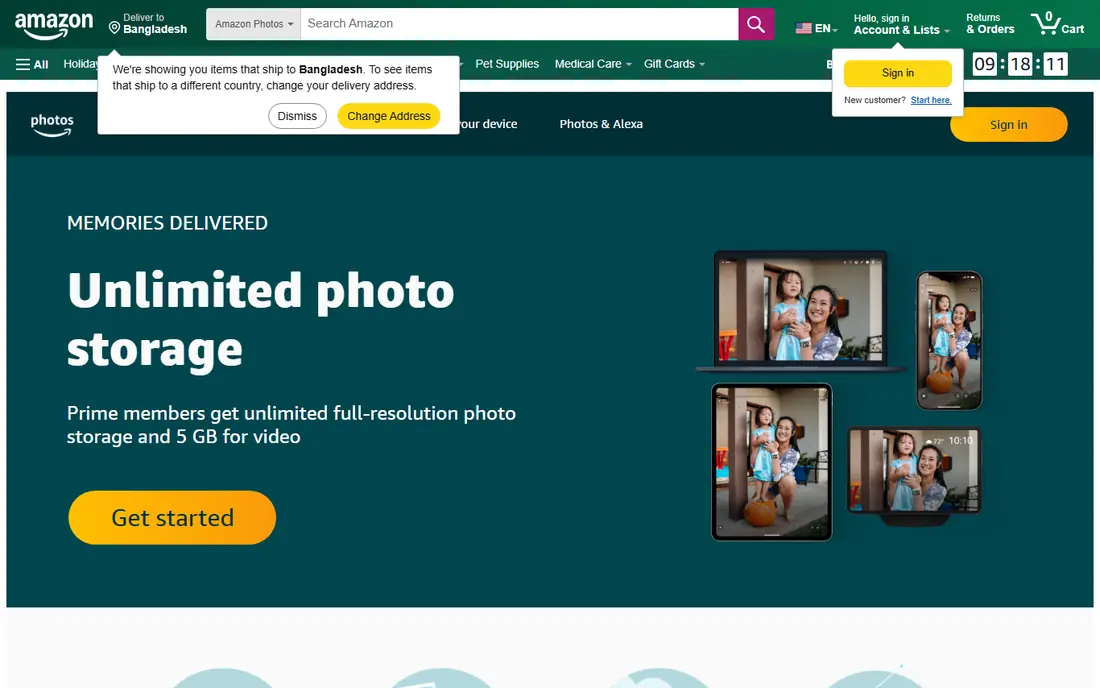
Amazon Photos is easy to overlook, but for Prime members it is one of the best values here. Prime includes unlimited full-resolution photo storage, plus 5 GB for videos, and Family Vault lets up to five other people add photos. The apps cover Android, iOS, web, and desktop, with search, albums, and memories.
Video is the catch. Videos share a 5 GB allowance unless you buy extra storage, so a large video library needs a separate plan. Non-Prime accounts get 5 GB total, with extra storage from $1.99 per month for 100 GB in recent guides. If you already pay for Prime, check Amazon Photos first.
- Unlimited full-resolution photos with Prime
- Family Vault sharing
- Desktop and mobile apps
- Video counts toward a 5 GB limit
- Non-Prime storage is limited
- Prime price varies by plan
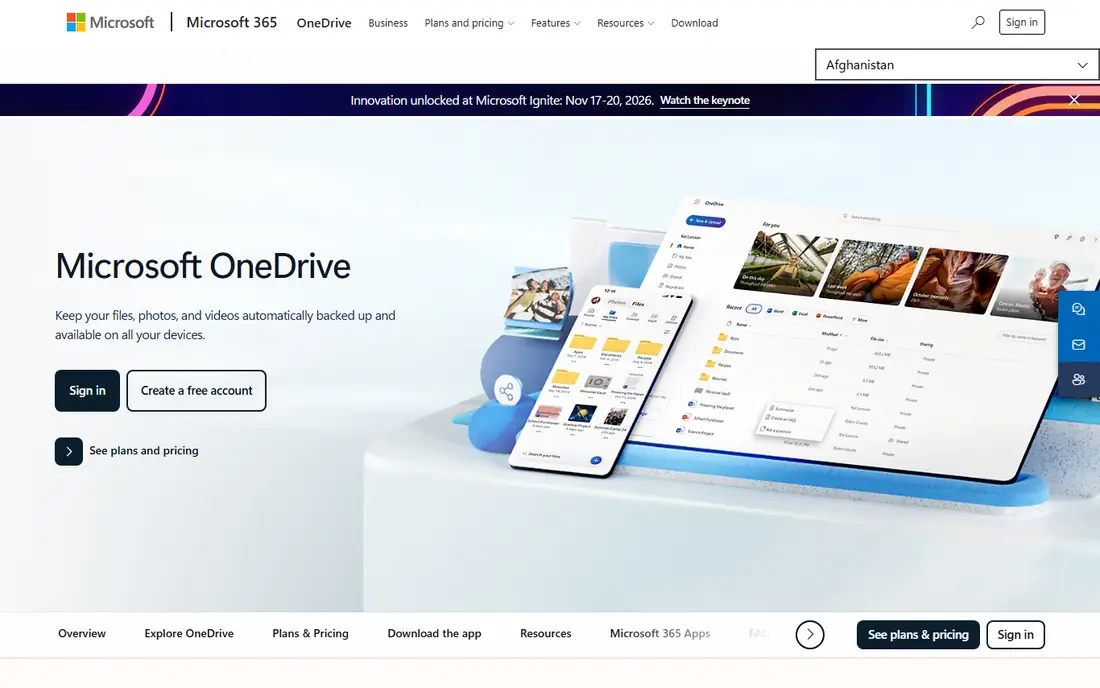
OneDrive is a file service first, but its photo features cover the basics well. It backs up phone photos, builds albums, and lets you share links, while Windows and Microsoft 365 integration keeps files and photos in one place. A standalone 100 GB plan starts at $1.99 per month in recent guides, and Microsoft 365 Personal includes 1 TB plus Office apps.
Search and memories are less polished than Google Photos, and storage is shared with documents and email attachments. For Windows users who already use Microsoft 365, OneDrive is a practical alternative that needs no new subscription.
- Windows and Office integration
- Photo albums and search
- 1 TB with Microsoft 365
- Photo features are thinner than Google Photos
- Storage is shared with files
Dropbox is best thought of as a file service that also stores photos, rather than a photo-first service. Sync is reliable across devices, sharing links are simple, and the desktop apps are mature. That makes it a good home for original photo files, especially when you also need to share documents and folders.
Photo browsing, search, and memories are thinner than in Google Photos, iCloud, or Ente. Free storage is only 2 GB, and paid plans start at $11.99 per month for 2 TB in recent guides. Choose Dropbox for sync and sharing, not for a photo gallery experience.
- Reliable sync
- Easy sharing
- Strong desktop apps
- Only 2 GB free
- Photo browsing is basic
- Paid plans start at 2 TB
Ente Photos is the closest private drop-in for Google Photos in this list. It backs up photos and videos with end-to-end encryption, offers on-device face recognition, shared albums, and memories, and its apps cover Android, iOS, web, and desktop. Paid plans include storage sharing for up to six people at no extra member charge, which helps families.
Pricing starts at $2.49 per month for 50 GB in recent comparisons, with 10 GB free. That is more per GB than Google One or iCloud, but the privacy model is the point. If you want a Google Photos-like app without giving the provider access to your photos, Ente is our pick.
- End-to-end encryption
- Open source
- Family sharing for up to six people
- Paid plans cost more per GB than big-cloud rivals
- Smaller ecosystem
Immich is a self-hosted, open-source photo service that looks and feels like a modern photo app. It offers automatic backup, face recognition, map views, shared albums, and partner sharing, with no subscription for the software itself. You run it on your own server, NAS, or home computer, and your photos stay under your control.
The cost is time and hardware. You need to install, update, and back up the system yourself, and a failure without a separate backup can mean lost photos. For readers who enjoy self-hosting, Immich is the strongest free alternative. For readers who want a managed service, Ente or iCloud will be easier.
- Free open-source software
- Full control of your data
- Face recognition and maps
- Needs a server or NAS
- Setup and updates are your job
- No hosted support
Proton Drive backs up phone photos and videos at original quality with end-to-end encryption, inside a wider Proton account that can include Mail, Calendar, and VPN. Free accounts get 5 GB, and Drive Plus with 200 GB costs $4.99 per month in recent comparisons. That makes it a good pick if you already use Proton or want one encrypted account for files and photos.
Photo-specific features, such as albums and memories, are less mature than in Ente or Google Photos. If photos are your main need, Ente is more focused. If you want encrypted files, mail, and photos together, Proton Drive is a coherent choice.
- End-to-end encryption
- Swiss-based service
- Photos inside a broader encrypted cloud
- Photo features are newer than Ente
- Free storage is only 5 GB
pCloud is a file service with a photo view, and its main draw is lifetime pricing. Monthly plans start at $4.99 for 500 GB, with annual and lifetime options, including 2 TB for $499 once in recent pricing. A free account can grow to 10 GB. That one-time model suits readers who dislike another monthly bill and plan to keep the service for years.
Photo browsing is basic compared with Ente or Google Photos, and end-to-end encryption is a separate paid add-on, not included by default. For long-term file and photo storage with a single payment, pCloud is worth a look, but keep a second backup for irreplaceable photos.
- Lifetime plans available
- Up to 10 GB free
- Desktop and mobile apps
- Encryption is a paid extra
- Photo features are basic
Flickr is a photo community first, with albums, groups, and public sharing built in. Free accounts can show up to 1,000 photos, and Flickr Pro offers unlimited storage with full-resolution originals. That makes it a good home for a portfolio or a public collection, with tools for licensing and discovery that other services lack.
It is less suited to private family backup, since its strength is sharing, not encrypted backup or device sync. For photographers who want an audience as well as storage, Flickr remains a distinct alternative to Google Photos.
- Unlimited storage on Pro
- Strong community
- Full-resolution originals
- Free tier caps at 1,000 photos
- Less suited to private family backup
How we picked these
We compared official pricing pages, privacy policies, and 2026 photo storage comparisons for services that back up photos at full resolution on mobile and web. We kept services with a live free or paid tier in October 2026, and we noted where storage is shared, where encryption is end-to-end, and where self-hosting is required. Prices are entry figures where published.
How to move your library without losing photos
Export first, then check the copy
Use Google Takeout or your current service export tool, then check that the downloaded files open and that albums, dates, and locations survived. A move that looks complete but drops metadata is a quiet loss. Keep the export until the new service shows the same photo count.
Pick based on your weakest device
If your household mixes iPhone and Android, a cross-platform service such as Ente, Amazon Photos, or OneDrive will serve everyone better than iCloud alone. If everyone uses Apple devices, iCloud is simpler. Test sharing with a family member before you move the whole library.
Keep two copies of irreplaceable photos
No single cloud service should hold the only copy of family photos. Keep a second copy on an external drive or a second service, and test a restore from time to time. That habit matters more than which service you pick.
Frequently asked questions
What is the best Google Photos alternative?
For most readers, iCloud Photos is best on Apple devices, Amazon Photos is best for Prime members, and Ente Photos is best for privacy. The best Google Photos alternative depends on your devices, budget, and whether encryption matters to you. Test the free tier before you move a large library.
Is there a free alternative to Google Photos?
Yes. Immich is free if you self-host, Ente offers 10 GB free, and Amazon Photos offers 5 GB free without Prime. iCloud offers 5 GB free and OneDrive offers 5 GB free. Free tiers suit small libraries, while larger libraries usually need a paid plan.
What are the best Google Photos alternatives for privacy?
Ente Photos and Proton Drive offer end-to-end encryption, so the provider cannot read your photos. Immich gives full control through self-hosting, but you manage security yourself. iCloud with Advanced Data Protection adds end-to-end encryption for many data types, but it is optional.
Can I move my Google Photos library to another service?
Yes, through Google Takeout and the import or upload tools of the new service. Check photo counts, dates, and albums after import, since metadata handling varies. Keep the Takeout export until you confirm the new library is complete.
Does Amazon Photos really offer unlimited photo storage?
For Prime members, Amazon Photos includes unlimited full-resolution photo storage, with videos sharing a 5 GB allowance. Non-Prime accounts get 5 GB total. Check the current Prime terms in your country, since benefits can vary by region.
Sources
- https://www.icloud.com
- https://www.amazon.com/photos
- https://www.onedrive.com
- https://www.dropbox.com
- https://www.ente.photos
- https://www.immich.app
- https://www.proton.me
- https://www.pcloud.com
- https://www.flickr.com
- https://www.lovd.app/blog/google-photos-alternatives
- https://blog.internxt.com/cloud-storage-for-photos/
- https://ente.photos/compare/ente-vs-proton-drive-photos/
See where you really rank - block by block
ProMapRanker scans Google Maps across a grid of your service area. Simple monthly plans from $19, white-label on every plan.
Start freeKeep reading
 zscaler alternatives
Best Zscaler Alternatives in 2026
Looking for zscaler alternatives? We compare 9 SASE and zero trust platforms on architecture, data protection, pricing, and fit for your network and team.
Read → zapier alternatives free
Best Zapier Alternatives Free in 2026
Nine automation tools for zapier alternatives free in 2026, all with genuinely free tiers, plus free plan limits, starting prices and upgrade paths explained.
Read → which platform is best for online reputation
Which Platform Is Best for Online Reputation in 2026
Wondering which platform is best for online reputation? We compare 8 review, listing, and response tools for small and multi-location businesses and agencies.
Read →