 ProMapRanker
Best Alternatives to FTP in 2026

Key takeaways
- FTP sends credentials and files without strong protection by default, so modern tools use encrypted transfers and access controls instead.
- WeTransfer, Filemail and Smash suit one-off sends, while Dropbox and Google Drive suit ongoing collaboration.
- Syncthing and Resilio Sync suit teams that want device-to-device sync without a central cloud store.
- MASV suits large media files, where pay-per-delivery pricing can beat a monthly subscription.
Quick comparison
| Pick | Great for | Pricing starts at | Free tier | |
|---|---|---|---|---|
 WeTransfer | Quick one-off sends | See website | Yes | Visit |
 Dropbox | Everyday collaboration and storage | See website | Yes | Visit |
 Google Drive | Teams already on Google Workspace | See website | Yes | Visit |
 Filemail | Large sends without an account | See website | Yes | Visit |
 Smash | Simple large sends with no account | See website | Yes | Visit |
 MASV | Large media delivery | See website | Yes | Visit |
 Syncthing | Private device-to-device sync | Free | Yes | Visit |
 Resilio Sync | Fast peer-to-peer sync for teams | See website | Free trial | Visit |
The best alternatives to FTP
This article treats FTP as a job to replace, not as a product to list. FTP, the File Transfer Protocol, moves files between computers, but in its classic form it lacks encryption, so passwords and file contents can be exposed on the network. Modern replacements use encrypted connections, link controls, passwords, expiry dates and download tracking, and most need no server setup at all.

WeTransfer is the simplest FTP replacement for sending a file to someone once. Upload files, enter an email or copy a link, and the recipient downloads without needing an account. Recent plans include a free tier with rolling sending limits, a Starter tier and an Ultimate tier with larger allowances, so check the current pricing page for the limits that apply to you.
The trade is that WeTransfer is a delivery service, not a workspace. Links expire, storage is limited, and version history is not its job. For a one-off delivery to a client, it is ideal. For a project that needs shared folders and ongoing edits, use Dropbox or Google Drive instead.
- Very easy to send a link
- No account needed for basic sends
- Password and expiry controls on paid plans
- Free sending limits are tight
- Links expire
- Not built for ongoing collaboration
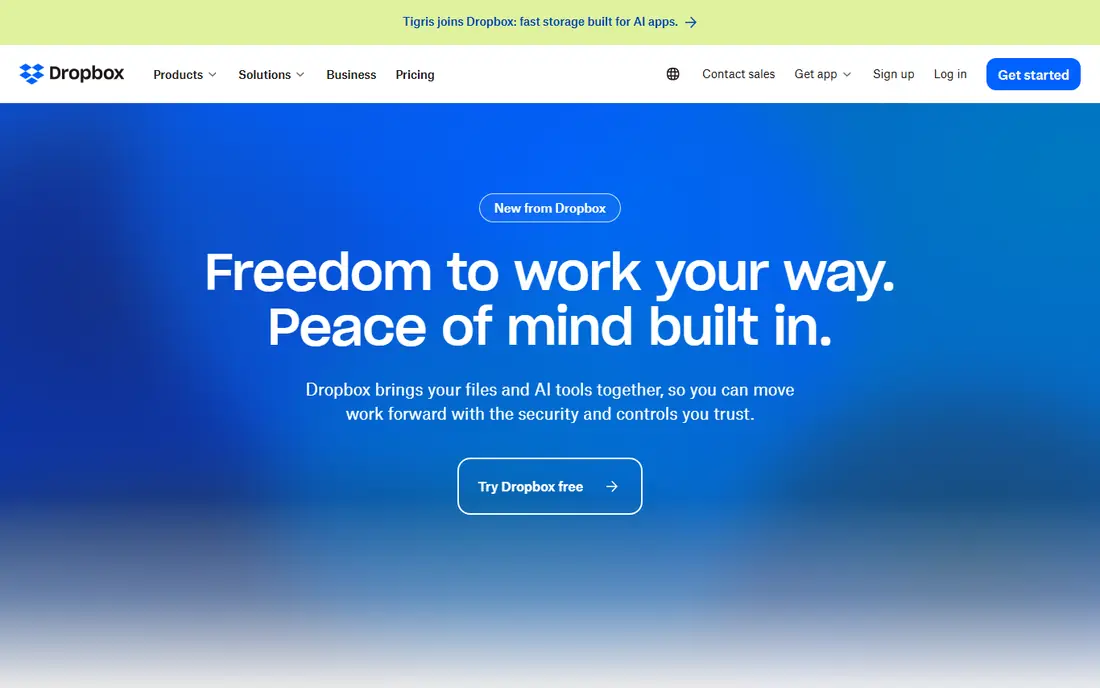
Dropbox replaces both the transfer and the storage parts of FTP. Shared folders let a team work from the same files, file requests let clients upload to you without seeing other files, and version history helps when a file is overwritten by mistake. Transfer features let you send large files as links even to people without a Dropbox account.
Pricing depends on storage and team size, with a free Basic plan and paid personal and business plans, so check the current page for your country. The main cost driver is storage, not transfer, so teams with large video libraries should compare it with MASV before committing.
- Shared folders and file requests
- Version history
- Wide app support
- Storage limits drive the price up
- Large transfers need a paid plan
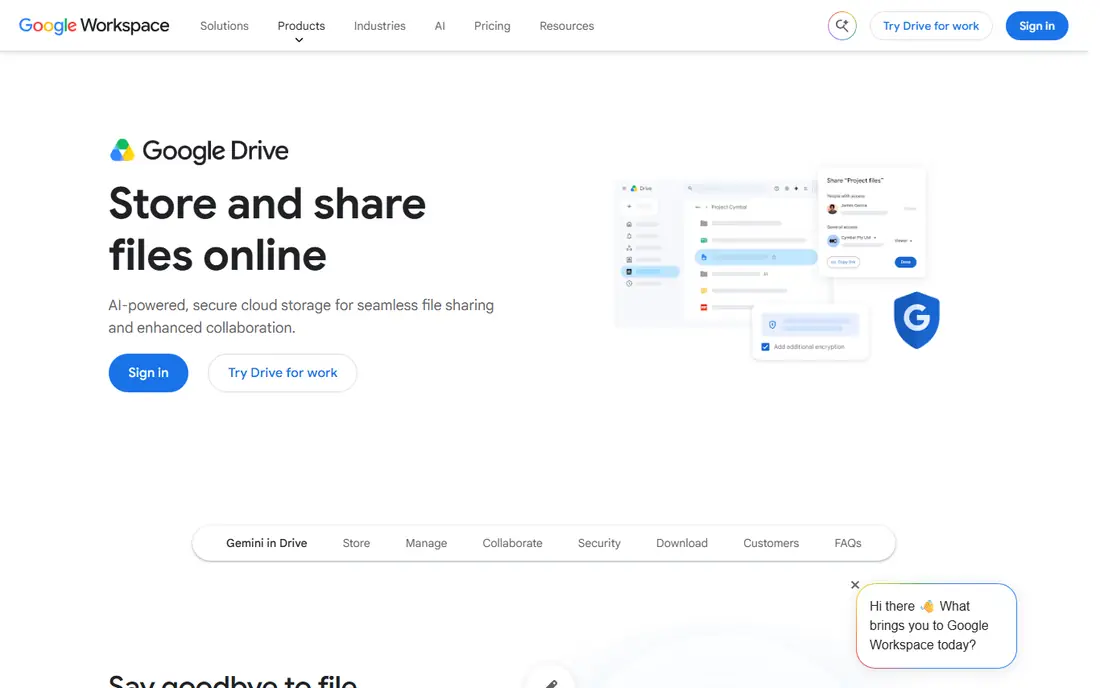
Google Drive is the natural FTP replacement for teams already using Gmail, Docs and Workspace. Share a file or folder, set viewer or editor access, and let recipients download or collaborate without a separate transfer step. A free Google account includes 15 GB shared across Drive, Gmail and Photos, and Workspace plans raise that limit.
Sharing settings deserve attention, because a link set to anyone with the link can spread further than intended. Use named sharing, expiry where available, and folder permissions for sensitive work. For teams already in Google, Drive removes the need for a separate FTP server entirely.
- Sharing controls and link expiry options
- Docs integration
- 15 GB free with a Google account
- Sharing settings need care
- Large storage needs a paid plan
- Transfer limits depend on storage
Filemail focuses on sending, and it does that job well. Free sends up to 5 GB need no registration, and desktop apps help with larger files that browsers struggle to upload. Paid plans add larger limits, longer availability, custom branding and business controls, with a trial route for testing.
Like WeTransfer, Filemail is a delivery tool rather than a shared workspace, so it suits client deliveries and large attachments better than ongoing project folders. If your FTP use was mostly sending finished files out, Filemail is a clean and low-friction swap.
- Free sends up to 5 GB without registration
- Desktop apps for large files
- Download tracking
- Free files expire
- Business features need a paid plan
- Not a collaboration workspace
Smash takes simplicity even further, with free transfers that have no stated per-transfer size cap but run in a non-priority queue, so delivery can be slower at busy times. Recipients get a preview and a download link without needing an account, which keeps client deliveries painless. Paid tiers add priority handling, customisation and longer file availability.
The free queue is the main limit to understand. A delivery without a strict deadline suits Smash free well, while a time-critical large delivery may justify a paid plan or MASV. For casual large sends, Smash is one of the easiest FTP replacements to try.
- Free sends with no size cap on the free tier queue
- Simple interface
- Preview for recipients
- Free sends use a non-priority queue
- Paid features needed for branding and longer availability
MASV is built for media professionals sending very large files, such as raw video, where a monthly storage subscription does not fit the workflow. Pricing is pay-as-you-go per gigabyte delivered, with a free monthly delivery allowance, so you pay for what you send rather than for a storage tier you rarely fill. Portals let clients upload to you through a branded page.
Repeated downloads increase the bill, since delivery charges apply per completed download, so agree download expectations with recipients for very large files. For occasional huge deliveries, MASV is often cheaper and faster than FTP over a slow server, and far simpler to manage.
- Pay-as-you-go delivery pricing
- Fast large-file handling
- Portals for receiving files
- Costs rise with repeated downloads
- Storage and extra features add charges
Syncthing replaces FTP with direct sync between your own devices. Install it on each computer, phone or server, share a folder, and files move between devices over encrypted connections with no central cloud store. That privacy and control appeal to teams and individuals who do not want files sitting on a third-party server.
The trade is setup and sharing. Every device needs the app, outsiders cannot simply open a web link, and sync conflicts need handling when the same file changes in two places. For personal sync and trusted teams, Syncthing is a strong free replacement. For client deliveries, pair it with a link-based tool above.
- Free and open source
- No central server
- Encrypted device-to-device sync
- Needs setup on each device
- No hosted web sharing for outsiders
- Sync conflicts need attention
Resilio Sync also uses peer-to-peer technology, but with a more polished business product around it. Files sync directly between devices, selective sync keeps large folders manageable, and teams can share folders without routing everything through a central cloud. That speed helps with large media libraries and distributed teams.
Business features, management and support sit on paid plans, so check the current pricing page for team use. Resilio suits teams that want FTP-style direct control with modern encryption and sync, rather than a cloud workspace. For simple client sends, a link tool remains easier.
- Fast peer-to-peer transfers
- Selective sync
- Works across devices and servers
- Paid plans for business features
- Setup takes more care than a cloud drive
How we picked these
We compared official product pages, pricing pages and transfer guides for tools that replace FTP work in October 2026: sending files, sharing folders and syncing between devices. We required encrypted transfers or a clear security model, and we left out classic FTP clients and servers, since the point is to move past FTP rather than to dress it up. Where a vendor does not publish a simple price, we mark it as See website.
Choosing the right replacement for your FTP use
Match the tool to the job FTP was doing. If FTP was a way to send finished files to clients, a link-based sender such as WeTransfer, Filemail, Smash or MASV is the direct swap. If FTP was a shared folder for a team, Dropbox or Google Drive is closer, because they add version history and permissions. If FTP was a private sync between your own machines, Syncthing or Resilio Sync keeps that control with encryption added.
Security checks matter in every case. Confirm that transfers use encryption in transit, that links can carry passwords and expiry dates where needed, and that you can see who downloaded a file. For sensitive client work, prefer tools with access logs and the ability to revoke a link after sending.
Frequently asked questions
What is the best alternative to FTP for sending large files?
MASV suits very large media files with pay-as-you-go delivery, while Filemail and Smash suit large sends without an account. For ongoing large libraries, Dropbox or Google Drive with a paid storage plan may work out cheaper than paying per delivery.
Is FTP still safe to use?
Classic FTP is not a safe default, because it does not encrypt credentials or file contents. Secure variants such as SFTP and FTPS add encryption, but they still need a server, accounts and upkeep. For most teams, a modern encrypted service is simpler and safer than running a file server.
Which FTP alternative is free?
Syncthing is free and open source for device-to-device sync, and WeTransfer, Filemail, Smash, Dropbox and Google Drive all offer free tiers with limits. Free tiers usually cap size, storage or link lifetime, so check those limits against your largest files.
Can I replace an FTP server with Google Drive or Dropbox?
Yes, for most sharing and collaboration work. Shared folders, permissions and version history cover what an FTP folder did, without server upkeep. You may still need SFTP for automated system-to-system transfers, where a script expects a server, rather than a human sharing files.
What should I check before moving files off FTP?
Check file sizes, link expiry, download tracking, permissions and retention for each tool. Test a large file end to end, confirm the recipient experience without an account where that matters, and revoke old FTP accounts once the move is done so the old server is not left open.
Sources
See where you really rank - block by block
ProMapRanker scans Google Maps across a grid of your service area. Simple monthly plans from $19, white-label on every plan.
Start freeKeep reading
 zscaler alternatives
Best Zscaler Alternatives in 2026
Looking for zscaler alternatives? We compare 9 SASE and zero trust platforms on architecture, data protection, pricing, and fit for your network and team.
Read → zapier alternatives free
Best Zapier Alternatives Free in 2026
Nine automation tools for zapier alternatives free in 2026, all with genuinely free tiers, plus free plan limits, starting prices and upgrade paths explained.
Read → which platform is best for online reputation
Which Platform Is Best for Online Reputation in 2026
Wondering which platform is best for online reputation? We compare 8 review, listing, and response tools for small and multi-location businesses and agencies.
Read →