 ProMapRanker
Best Alternatives to Freshdesk Free in 2026

Key takeaways
- Zoho Desk is our pick for small customer support teams that want a genuine free tier with ticketing, tags and a help centre.
- HubSpot Service Hub suits teams already using HubSpot CRM, because tickets, contacts and conversations stay in one system.
- Jira Service Management suits dev-led teams that need service requests, workflows and Jira integration on a free tier.
- Spiceworks, osTicket, Zammad, FreeScout and HESK suit teams that want a free, self hosted or ad supported option and can handle setup.
- Tawk.to suits teams that need free live chat plus ticketing without a per agent fee.
- We excluded trial-only tools from this list, even when they are popular paid helpdesks, because a trial is not a free tier.
Quick comparison
| Pick | Great for | Pricing starts at | Free tier | |
|---|---|---|---|---|
 Zoho Desk | Small support teams | Free | Yes | Visit |
 HubSpot Service Hub | CRM connected support | Free | Yes | Visit |
 Jira Service Management | Dev-led service requests | Free | Yes | Visit |
 Spiceworks | Free IT help desk | Free | Yes | Visit |
 osTicket | Self hosted ticketing | Free | Yes | Visit |
 Zammad | Open source help desk | Free | Yes | Visit |
 FreeScout | Lightweight self hosted inbox | Free | Yes | Visit |
 HESK | Simple self hosted help desk | Free | Yes | Visit |
 Tawk.to | Free live chat and tickets | Free | Yes | Visit |
The best alternatives to Freshdesk free
This article lists only helpdesk tools with a genuinely free tier, not tools that offer only a free trial. Freshdesk itself is not listed, because this is a list of alternatives to it. If a tool on another list requires payment after 14 or 30 days, it does not belong here, and we left those tools out even when they are well known paid helpdesks. We compared official pricing pages and feature notes to check that each free tier below is published as free, not as a trial.
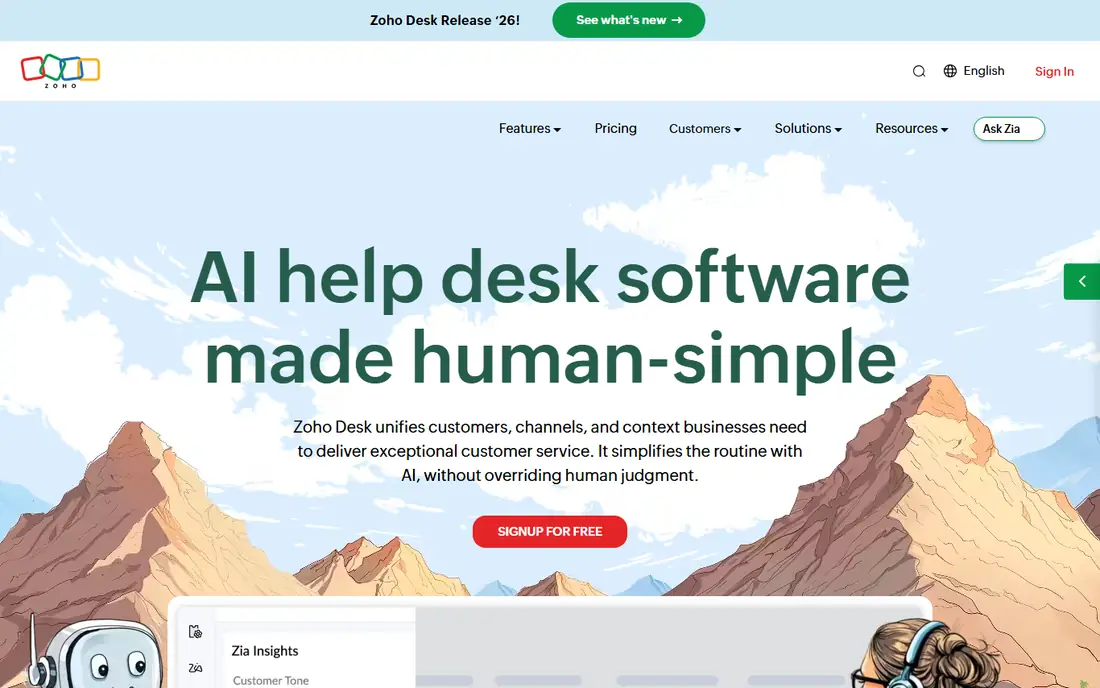
Zoho Desk is the most complete free help desk for a small customer support team. The free tier covers up to 3 agents, with email ticketing, ticket tags, customer management and a private knowledge base, which is enough for many small businesses to move off a shared inbox. That combination of ticketing plus self-service is why it leads this list.
The free tier is deliberately limited. Automation is basic, agent count is capped, and reporting and AI features sit on paid plans. The interface also takes a few days to learn, because Zoho packs many options into each screen. If your team is small and you want a real free help desk, not a trial, Zoho Desk is our pick.
- Genuine free tier for up to 3 agents
- Email ticketing, tags and customer management
- Private knowledge base on free tier
- Free tier limits automation and agents
- Interface takes time to learn
- Best features need paid plans or other Zoho apps
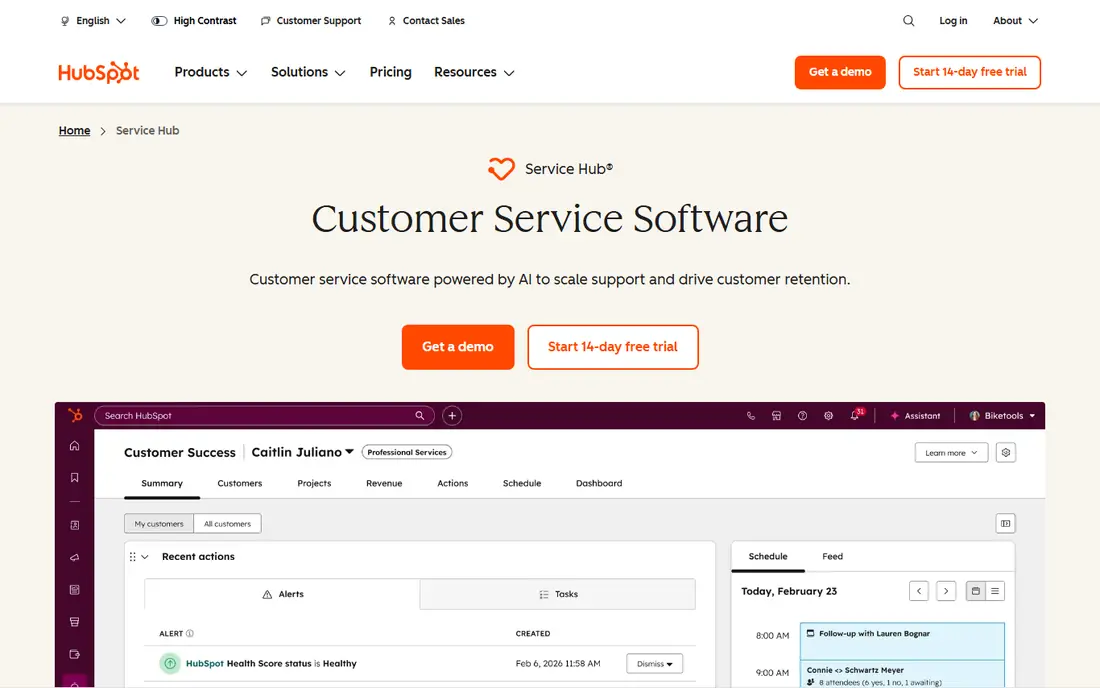
HubSpot Service Hub suits teams that already use HubSpot CRM, because support tickets, contacts and conversations live in the same system. The free tools include ticketing, a shared inbox and basic knowledge base features, so a small team can answer customers without buying a separate help desk. That CRM link also gives agents context about each customer without switching tools.
Free tools are limited in users and advanced automation, and paid seats can add cost as the team grows. Reporting on free tools is also basic. If you already run sales or marketing on HubSpot, the free service tools are a natural fit. If you do not use HubSpot, Zoho Desk may be simpler as a standalone help desk.
- Free tools include ticketing and conversations
- Tickets link to CRM contacts
- Good for teams already on HubSpot
- Free tier limits users and advanced features
- Paid seats add cost quickly
- Reporting is basic on free tools
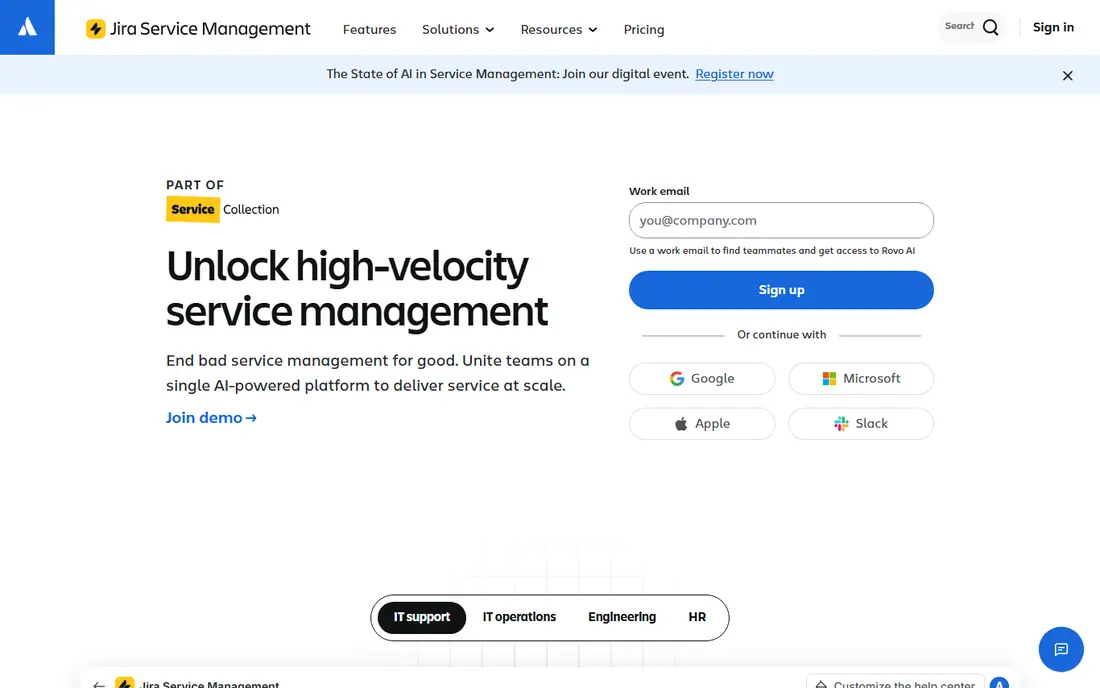
Jira Service Management is built for internal service requests and dev-led support, such as IT help, access requests and bug triage. The free tier covers small teams, with request portals, workflows and a link to Jira issues, so a support request can become a dev task without copying details between tools. That workflow is a major advantage for product and IT teams.
Non-technical teams may find setup heavy, because Jira concepts such as projects, workflows and queues take time to learn. Agent limits apply on the free tier, and customer facing features need configuration to feel simple. Choose it when your support work already lives near Jira, not when you need a simple customer inbox on day one.
- Free tier for small teams
- Service request workflows and portals
- Strong Jira integration for dev teams
- Setup is complex for non-technical teams
- Free tier agent limits apply
- Customer support features need configuration
Spiceworks is a free, ad supported help desk aimed at IT teams, with ticketing, a community and inventory tools in the same ecosystem. There is no per agent fee, which makes it attractive for a small IT team with zero budget. For internal IT requests, that free model is hard to beat.
The trade-off is polish and support. The interface includes ads, features are basic compared with paid tools, and help comes mainly from the community rather than a support team. If you need a free IT help desk and can accept ads and basic features, Spiceworks is a practical choice. If you need customer facing polish, a tool like Zoho Desk will feel more professional.
- Completely free for IT teams
- Ticketing plus community and inventory tools
- No per agent fee
- Ad supported interface
- Features are basic compared with paid helpdesks
- Support is community based
osTicket is a free, open source ticketing system that you host yourself. It gives you ticket forms, departments, assignments and customer portals without a subscription, and you control where data lives. For a team with a server and basic technical skill, that control and zero licence cost are appealing.
Self hosting is also the main cost. You must install updates, handle backups and fix problems yourself, and the interface feels dated next to modern SaaS tools. Integrations often need manual work. Choose osTicket when you want a free, self hosted system and have the skills to run it, not when you need a managed service.
- Free open source ticketing
- You control hosting and data
- Customisable ticket forms and departments
- You must install and maintain it
- Interface feels dated
- Integrations need manual setup
Zammad is a modern open source help desk that combines email, chat and phone tickets in one inbox, with a cleaner interface than many older open source tools. The free self hosted version suits teams that want control over data and no per agent fee, while still giving agents a usable daily workspace. It is a good middle ground between a dated ticket system and a paid SaaS tool.
Hosting and maintenance still fall on you, and the hosted Zammad service is paid, so the free version is not a managed SaaS plan. Advanced automation and reporting need configuration. If you want an open source help desk with a modern feel and you can host it, Zammad is a strong pick.
- Free open source help desk
- Modern interface for an open source tool
- Email, chat and phone channels in one inbox
- Self hosting needs technical skill
- Hosted version is paid
- Advanced features need configuration
FreeScout is a lightweight, free shared inbox for email support, built for teams that mainly answer customers by email. It is simple to understand, fast to use for a small queue, and modules cover common needs such as assignments and canned replies. For a team moving from a shared Gmail inbox, FreeScout feels familiar without a subscription.
It is narrower than a full help desk: live chat, advanced automation and deep reporting are not its strengths, and self hosting means you handle updates and backups. If email is your main channel and you want a free, simple system, FreeScout fits well. If you need multi-channel support, look at Zoho Desk or Zammad instead.
- Free and lightweight
- Shared inbox for email support
- Simple modules for common needs
- Self hosting and updates are your job
- Feature set is narrower than full helpdesks
- Support is community based
HESK is a simple, free help desk for teams that want tickets and a knowledge base without a complex platform. The free version covers basic ticketing, customer portals and self-service articles, and it runs with low resource needs on standard hosting. That simplicity suits a small business or a community project with a modest support load.
The free version is more basic than the paid version, and the interface prioritises function over modern design. Self hosting still needs updates and backups. If you want the simplest free help desk that just works for email tickets, HESK is a good fit. If you need automation or multi-channel support, a SaaS free tier may serve you better.
- Free version for basic help desk use
- Simple ticket and knowledge base setup
- Low resource needs
- Free version is more basic than paid version
- Interface is simple rather than modern
- Self hosting needs care
Tawk.to is best known for free live chat, but it also offers ticketing and knowledge base features without a per agent fee. That makes it useful for a small business that wants to answer visitors live on its website and keep a simple ticket queue, all for free. Mobile apps let agents reply away from a desk, which suits small teams.
The free model relies on optional paid add-ons, and removing branding or adding advanced features costs extra. Ticketing is also simpler than in a dedicated help desk such as Zoho Desk. If live chat is your main channel and you want a genuine free plan, Tawk.to is a strong choice, especially alongside a free ticketing tool if your queue grows.
- Free live chat with no per agent fee
- Ticketing and knowledge base features
- Mobile apps for agents
- Free model relies on optional paid add-ons
- Branding removal and advanced features are paid
- Chat focus means ticketing is simpler
How we picked these
We compared official pricing pages and feature notes for helpdesk tools that publish a free tier in October 2026. We kept only tools where the free tier is presented as free, not as a trial with an end date, and we excluded popular paid tools that offer only a 14 or 30 day trial. We used Free as the starting price where that free tier is published, and we noted self hosting where the free version requires your own server.
We did not claim hands-on testing. Our judgement comes from published free tier limits, channels and setup requirements, not from running a support queue in each tool. Free tier limits change, so check the current pricing page and agent limits before you migrate tickets.
How to choose a free help desk without hitting a paywall in month two
Start with your channel and team size. If you answer mainly by email, Zoho Desk, FreeScout or HESK may be enough. If you need live chat, Tawk.to is the free leader. If you work in Jira or HubSpot, the free tier from that ecosystem will save integration work. Count agents honestly, because a free tier for 3 agents will not help a team of 8.
Next, test the free tier with real tickets for two weeks. Check agent limits, automation limits, knowledge base limits and export options, because a tool that locks your tickets behind a paid export is not truly free for your business. For self hosted tools, check who will handle updates and backups. A free tool that no one maintains can cost more in downtime than a simple SaaS free tier.
Frequently asked questions
Is there a truly free alternative to Freshdesk?
Yes, Zoho Desk, HubSpot Service Hub, Jira Service Management, Spiceworks and several open source tools offer genuine free tiers. Freshdesk itself has offered a limited free program at times, but this list focuses on alternatives with a published free tier. Always check the current pricing page, because free programs change.
Which free help desk is best for a small team?
Zoho Desk is our pick for a small customer support team, because its free tier covers ticketing, tags and a knowledge base for up to 3 agents. HubSpot Service Hub is better if you already use HubSpot CRM, while Jira Service Management is better for dev-led internal requests. The best choice depends on your team size and existing tools.
Are open source help desks really free?
The software licence is free, but hosting, maintenance, backups and updates cost time and sometimes server fees. osTicket, Zammad, FreeScout and HESK are free to use in that sense, and you control your data. If you cannot host and maintain a system, a managed free tier such as Zoho Desk may be cheaper in total effort.
Why did you exclude trial-only help desks?
A trial is not a free tier, because it ends after 14 or 30 days and then requires payment. This article was asked to list only genuinely free-tier tools, so we excluded trial-only tools even when they are popular. If your budget later allows a paid plan, you can compare trial tools separately, but they do not belong on a free list.
Can I migrate tickets from Freshdesk to a free tool?
In many cases, yes, through CSV import, API import or a migration tool, depending on the target system. Zoho Desk, HubSpot and Jira offer import options, while open source tools often use CSV or API imports. Test with a small batch first, check attachments and ticket history, and keep a backup export from Freshdesk before you switch.
Sources
See where you really rank - block by block
ProMapRanker scans Google Maps across a grid of your service area. Simple monthly plans from $19, white-label on every plan.
Start freeKeep reading
 zoro.to alternatives
Best Zoro.to Alternatives in 2026
We compare the best zoro.to alternatives in 2026, listing only legal licensed anime streaming services, from Crunchyroll to free options for fans today.
Read → zip alternatives
Best Zip Alternatives in 2026
We compare the best zip alternatives for buy now, pay later in 2026, covering pay-in-4 plans, fees, spending limits, and credit reporting options today.
Read → yesware alternatives
Best Yesware Alternatives in 2026
Compare the best yesware alternatives for sales email tracking, templates, and sequences, with current pricing and honest tradeoffs for small sales teams.
Read →