 ProMapRanker
Best Alternatives to Flatpak in 2026

Key takeaways
- Snap is the closest like-for-like alternative, with a central store, sandboxing and automatic updates across many distributions.
- AppImage is the simplest portable option, since one file runs without installation, but it has no automatic updates by default.
- Nix and GNU Guix suit users who want reproducible, rollback-friendly systems, with a steeper learning curve.
- Homebrew on Linux suits developers who want familiar package management without changing their distribution.
- Native distro packages remain the best choice for system tools and stability, while containers suit isolated apps and services.
Quick comparison
| Pick | Great for | Pricing starts at | Free tier | |
|---|---|---|---|---|
 Snap | Store-based sandboxed apps | Free | Yes | Visit |
 AppImage | Portable single-file apps | Free | Yes | Visit |
 Nix | Reproducible systems | Free | Yes | Visit |
 GNU Guix | Free software systems | Free | Yes | Visit |
 Homebrew | Developer packages on Linux | Free | Yes | Visit |
 Docker | Isolated apps and services | Free | Yes | Visit |
 Distrobox | Apps from other distributions | Free | Yes | Visit |
 Soar | Portable package management | Free | Yes | Visit |
The best alternatives to Flatpak
Flatpak delivers sandboxed desktop apps across Linux distributions from Flathub, with shared runtimes and portal-based permissions. The alternatives below solve the same cross-distribution problem in different ways, from store-based packages to portable files to reproducible system managers. We compared availability, sandboxing, updates, ease of use and distribution support, and we kept only tools that are live and maintained in October 2026.
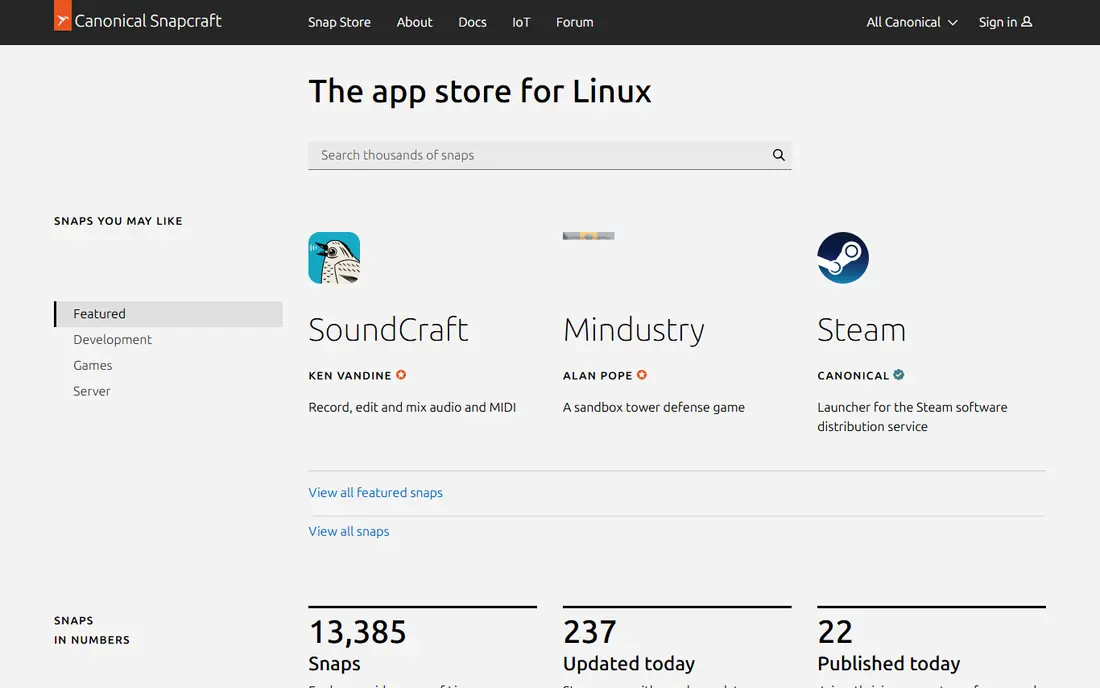
Snap, from Canonical, is the closest alternative to Flatpak. Apps are packaged as snaps, distributed through the Snap Store, sandboxed by default, and updated automatically. It covers desktop apps, command-line tools, servers and IoT devices, and it works on Ubuntu and many other distributions where snapd is installed.
The trade-offs are control and speed. The Snap Store server side is run by Canonical, which bothers users who prefer fully community-run infrastructure, and snap apps can start more slowly on first launch. Some distributions, including Linux Mint, discourage Snap by default. If you want a store, sandboxing and automatic updates without Flatpak, Snap is the most direct replacement.
- Central Snap Store with many desktop, server and IoT apps
- Automatic updates
- Sandboxing with AppArmor confinement
- Snap Store server side is controlled by Canonical
- Cold starts can feel slower
- Some distributions discourage or block Snap by default
AppImage takes the simplest possible approach: one file holds the app and its dependencies, you make it executable, and you run it. There is no installation step, no system-wide change and no root access needed, which makes it ideal for trying an app, carrying tools on a USB drive, or running a newer version than your distribution ships.
The limits are updates and isolation. AppImage has no built-in update system unless the developer adds one, and it has no sandbox by default, so you trust the file you download. Desktop integration, such as menu entries and icons, needs a helper tool. For portable, one-off apps, AppImage is unbeatable. For a managed desktop, pair it with a store-based system.
- One file runs without installation or root access
- Works on most distributions
- Easy to carry on a USB drive
- No automatic updates unless the app builds them in
- No sandbox by default
- Desktop integration needs an extra helper
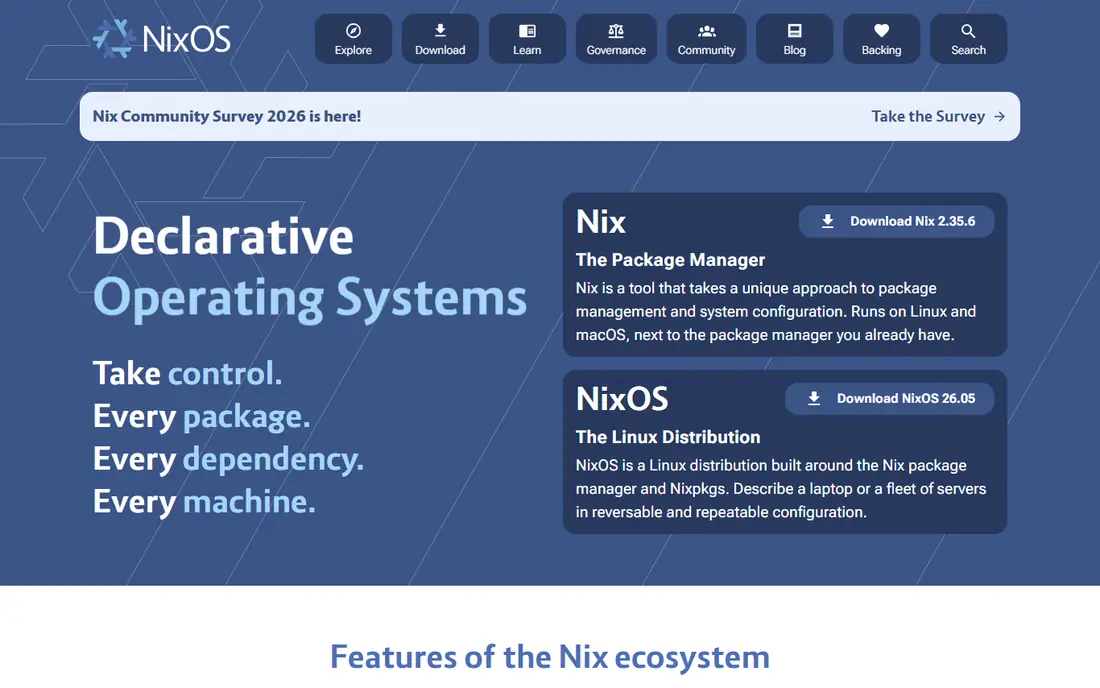
Nix is a package manager built around reproducibility. Every package build should give the same result, multiple versions can live side by side, and you can roll back a system or user environment if an update breaks something. It runs on most Linux distributions and macOS, and NixOS extends the same idea to the whole operating system.
The cost is learning. Nix uses its own language for package definitions, and concepts such as generations, profiles and channels take time to grasp. Disk use also grows as old generations pile up, though cleanup commands handle that. For developers and power users who want exact, repeatable setups, Nix is the most powerful alternative here.
- Reproducible builds and rollbacks
- Many packages across distributions
- Declarative system and user environments
- Steep learning curve
- Disk use grows with many generations
- Documentation can feel dense for newcomers
GNU Guix shares the Nix philosophy with a free-software focus. It offers reproducible, transactional package management with rollbacks, declarative system configuration written in Scheme, and user profiles that do not interfere with each other. Guix System extends the same model to a full distribution.
The limits are scope and policy. Its package set is smaller than Nix, and its commitment to free software means some proprietary apps and non-free firmware are not available, which can affect hardware support. Scheme also adds a learning step for users who have not used it. If free software purity and reproducibility matter most, Guix is the principled choice.
- Fully free software focus
- Reproducible and transactional updates with rollbacks
- Declarative system configuration in Scheme
- Smaller package set than Nix
- Free-software-only policy excludes some firmware and proprietary apps
- Learning curve for Scheme
Homebrew on Linux brings the macOS package manager to Linux, installing tools into a user-space prefix without touching system packages. Developers who already use Homebrew on a Mac can use the same commands and formulas on Linux, which smooths cross-platform work. Its formula set is strong for developer tools, languages and command-line utilities.
The limits are desktop scope and priority. Homebrew is less focused on sandboxed GUI apps than Flatpak or Snap, and Linux support, while real, is secondary to macOS in community attention. For a developer workstation that needs current command-line tools alongside distro packages, Homebrew is a handy and familiar addition.
- Familiar to macOS developers
- Installs user-space packages without system changes
- Large formula set for developer tools
- Less suited to desktop GUI apps than Flatpak or Snap
- Linux support is secondary to macOS
- System integration is lighter
Docker is not a desktop app store, but it is a strong alternative when the goal is running an app in isolation. Containers package an app with its dependencies, run the same way on different machines, and keep the host system clean. Servers, self-hosted services and development environments are its natural home, and its image library is vast.
For a desktop app, Docker is heavier than Flatpak or Snap. It needs the daemon running, GUI apps need display and permission setup, and updates follow image tags rather than a store. If your real need is an isolated service, a development stack or a reproducible deployment, Docker is the right tool. If you just want a newer browser, pick Snap or AppImage instead.
- Strong isolation for apps and services
- Huge image library
- Consistent environments across machines
- Overkill for a single desktop app
- Needs the Docker daemon and some setup
- Desktop GUI use needs extra work
Distrobox lets you run a container from another distribution and use its apps as if they were native. You can run an Ubuntu container on Fedora, install an app from Ubuntu packages, and launch it from your host desktop with home directory access. That solves the common problem of an app that is packaged for one distribution but not yours.
The setup is heavier than a store install, since you need a container runtime and a Distrobox container first. Distrobox also integrates containers with the host, so it is not a strict sandbox for untrusted code in the way Flatpak aims to be. For users who want another distribution package set without dual-booting, Distrobox is a clever and practical tool.
- Runs apps from other distributions inside containers
- Integrates them into the host desktop
- Easy to try another distro package set
- Needs a container runtime such as Docker or Podman
- Setup takes more steps than a store install
- Not a sandbox for untrusted apps by itself
Soar, from the PkgForge project, is a portable package manager for AppImage-style packages. It adds install, remove, update and temporary run commands on top of portable apps, so you get some package-manager convenience without system-wide installation. It can download and run apps temporarily, which is useful for trying software without committing to it.
The trade-offs are maturity and coverage. Soar has a smaller community than Snap or Nix, and package availability depends on community-built portable packages, so not every app you want will be there. Details may also change as the project develops. For users who like AppImage but want a manager around it, Soar is worth trying alongside the more established options.
- Manages portable AppImage-style packages
- Install, remove and run commands
- Works without system-wide installation
- Smaller community than Snap or Nix
- Package availability depends on community builds
- Newer project with changing details
How we picked these
We compared official project pages, documentation and 2026 Linux packaging guides. We kept tools that are maintained now, that solve a real part of the Flatpak job such as cross-distribution delivery, sandboxing, portability, reproducibility or isolated services, and that a reader can install on a current Linux system. We left out discontinued formats, single-distribution package managers presented as cross-distribution solutions, and tools with no clear project page. All tools in this list are free and open source in their core form, so starting price is Free throughout, with paid support or hosting available only for some container services.
What to check before you switch
First, decide what you miss about Flatpak. If you miss the store, pick Snap. If you miss portability, pick AppImage or Soar. If you miss reproducibility, pick Nix or Guix. If you miss running another distribution app, pick Distrobox. No single tool copies every Flatpak feature, so many users combine two, such as distro packages for system tools plus Snap or AppImage for newer desktop apps.
Second, check sandboxing honestly. Snap and Flatpak sandbox by design, while AppImage does not by default and Distrobox integrates with the host. Do not treat a portable file as sandboxed just because it runs without installation. Third, check update behaviour. Snap updates automatically, Nix and Guix update through their own commands, AppImage needs a manual download unless the app adds updates, and Docker updates follow image tags.
A simple decision guide
- Newer desktop app, store feel: Snap.
- Try once, carry anywhere: AppImage.
- Exact, rollback-friendly setup: Nix or Guix.
- Developer tools on Linux: Homebrew.
- Isolated service or dev stack: Docker.
- App from another distribution: Distrobox.
- Managed portable apps: Soar.
Frequently asked questions
What is the best alternative to Flatpak?
Snap is the best like-for-like alternative, with a central store, sandboxing and automatic updates. AppImage is the best portable alternative, while Nix is the best choice for reproducible systems. Your best pick depends on whether you value a store, portability or reproducibility most.
Is Snap better than Flatpak?
It depends on your priorities. Snap offers a central store and automatic updates, while Flatpak offers community-run infrastructure through Flathub and shared runtimes. Snap cold starts can feel slower, and some distributions discourage Snap, while Flatpak apps can feel larger due to runtimes. Try both for the apps you use daily and keep the one that feels better.
Can I use AppImage instead of Flatpak?
Yes, for many desktop apps. An AppImage runs as a single file without installation, which is simpler than Flatpak for one-off use. You lose automatic updates and sandboxing by default, so download only from trusted sources and update manually. For a managed desktop with many apps, a store-based system is easier.
What is the difference between Nix and Guix?
Both offer reproducible, rollback-friendly package management, but Guix focuses strictly on free software and uses Scheme for configuration, while Nix has a larger package set and uses its own language. Guix System is a full distribution built on Guix, while NixOS is the equivalent built on Nix. Pick Guix for free-software purity and Nix for broader package coverage.
Can I run apps from another Linux distribution?
Yes, with Distrobox. It runs a container from another distribution and integrates its apps into your host desktop, so you can use packages that your own distribution does not ship. You need a container runtime such as Docker or Podman first, and the setup takes more steps than a store install.
Do I still need Flatpak if I use native packages?
Not always. Native distro packages are best for system tools, stability and security updates from your distribution. Flatpak, Snap or AppImage add value for newer desktop apps that your distribution does not ship or ships in an old version. Many users combine native packages for the system with one cross-distribution format for desktop apps.
Sources
See where you really rank - block by block
ProMapRanker scans Google Maps across a grid of your service area. Simple monthly plans from $19, white-label on every plan.
Start freeKeep reading
 zscaler alternatives
Best Zscaler Alternatives in 2026
Looking for zscaler alternatives? We compare 9 SASE and zero trust platforms on architecture, data protection, pricing, and fit for your network and team.
Read → zapier alternatives free
Best Zapier Alternatives Free in 2026
Nine automation tools for zapier alternatives free in 2026, all with genuinely free tiers, plus free plan limits, starting prices and upgrade paths explained.
Read → which platform is best for online reputation
Which Platform Is Best for Online Reputation in 2026
Wondering which platform is best for online reputation? We compare 8 review, listing, and response tools for small and multi-location businesses and agencies.
Read →