 ProMapRanker
Best Alternatives to Claude Code in 2026

Key takeaways
- Cursor is the closest all-in-one editor alternative, while GitHub Copilot is the cheapest broad option for VS Code and JetBrains users.
- OpenAI Codex and Cline suit developers who want model choice or a terminal workflow without a new editor.
- JetBrains AI, Amazon Q Developer, and Gemini Code Assist win mainly when you already live in their ecosystems.
- Usage credits matter more than headline prices, so check what counts toward your quota before you commit.
Quick comparison
| Pick | Great for | Pricing starts at | Free tier | |
|---|---|---|---|---|
 Cursor | AI-native editing | $20 per month | Yes | Visit |
 GitHub Copilot | VS Code and JetBrains users | $10 per month | Yes | Visit |
 OpenAI Codex | OpenAI models in CLI and IDE | $20 per month | Yes | Visit |
 Windsurf | Agentic IDE with cloud agents | $20 per month | Yes | Visit |
 JetBrains AI | JetBrains IDE users | $10 per month | Yes | Visit |
 Amazon Q Developer | AWS workflows | $19 per user per month | Yes | Visit |
 Gemini Code Assist | Google Cloud workflows | $19 per user per month | Yes | Visit |
 Cline | Model choice in VS Code | Free | Yes | Visit |
 Aider | Git-native terminal pairing | Free | Yes | Visit |
The best alternatives to Claude Code
Claude Code is a terminal-first agent tied to Anthropic models. The tools below cover the same ground in different forms, from full editors to terminal pair programmers, and none of them is the named product itself.
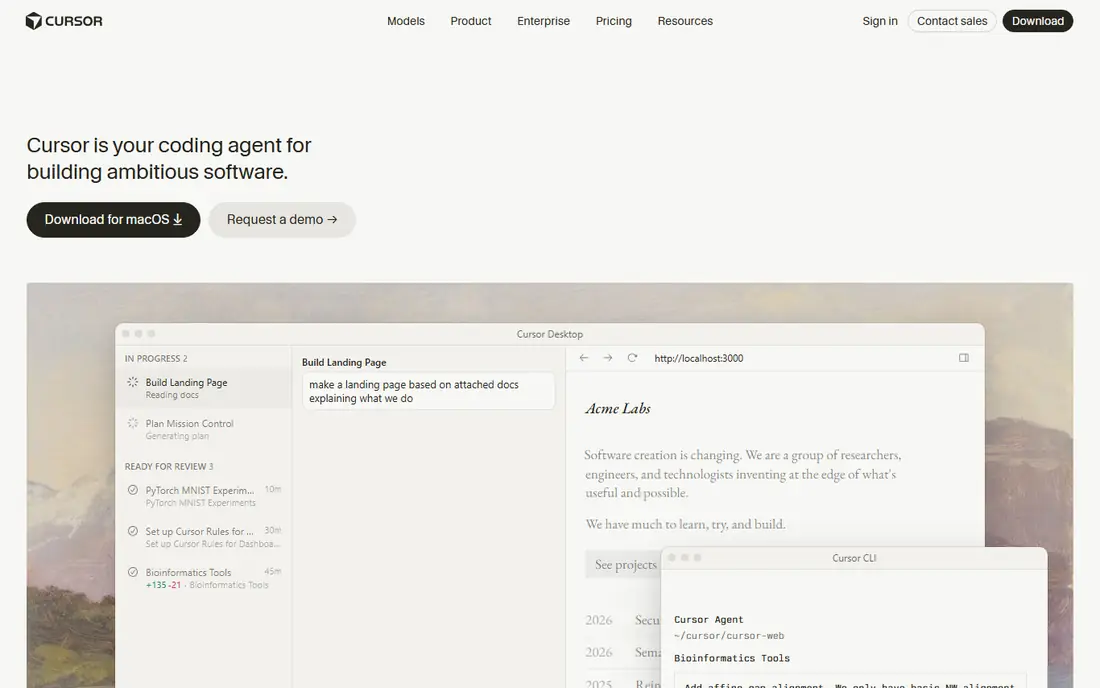
Cursor is the most direct editor replacement for developers who want an agent inside the place they write code. Its agent can read a codebase, make multi-file changes, and run follow-up fixes, while tab completion handles smaller edits in the flow of typing. That combination suits feature work more than single-file snippets.
Pro costs $20 per month, with higher tiers at $60 and $200 for heavier use. Start on the free Hobby plan, test a real multi-file task, and watch how quickly usage pools are consumed before choosing a tier.
- Multi-model agent in a full editor
- Deep codebase indexing
- Fast agent and tab completion
- Heavy agent use adds usage costs
- Hobby plan limits agent work
- VS Code fork means some extensions lag
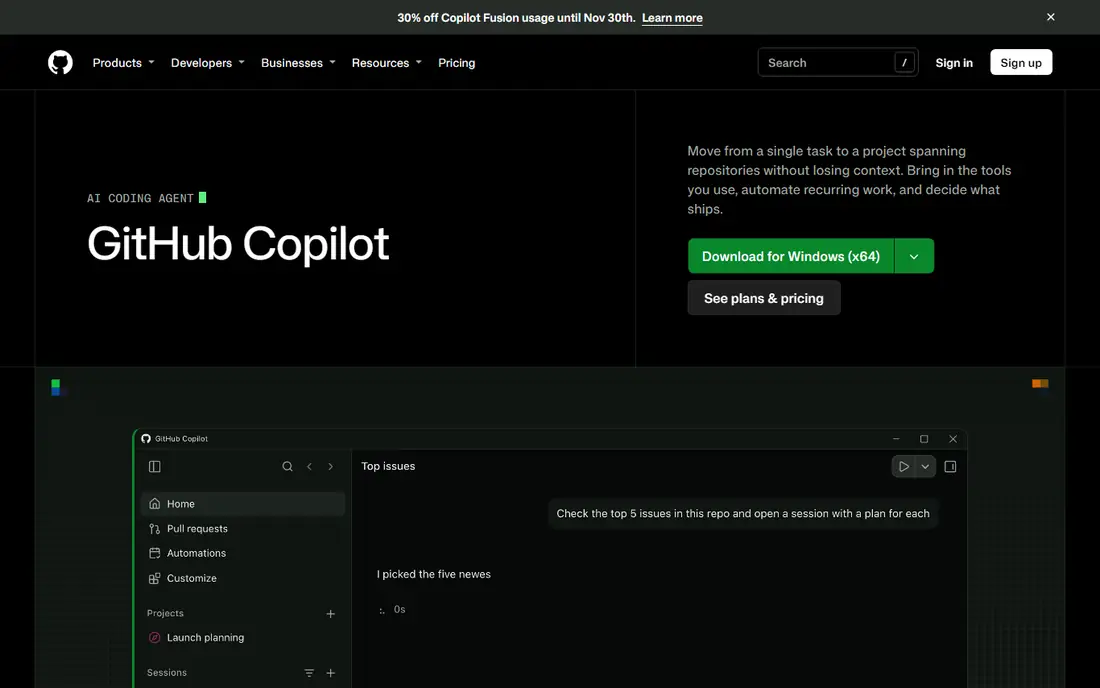
GitHub Copilot is our pick for most people who do not want to change editors. It adds completions, chat, agent mode, and pull request review to VS Code, JetBrains, Visual Studio, and other supported editors, and it ties naturally into GitHub repos and actions.
Pro costs $10 per month, with Pro+ at $39 and Max at $100 for larger credit pools. The free tier covers a limited number of completions and agent work, which is enough to judge the everyday completion experience.
- Works where most developers already work
- Unlimited completions on Pro
- Agent mode, chat, and code review
- Model routing is largely automatic
- Credit limits apply to agent work
- Review quality varies by repo

Codex gives OpenAI model users a terminal and IDE agent without a separate subscription for many people, since it is included with ChatGPT plans. Plus at $20 per month is the practical entry point for regular use, while the free tier offers a limited trial of the same workflow.
It suits developers who already pay for ChatGPT and want coding help in the same account. Heavy autonomous runs consume credits faster than short chat-style edits, so check the credit rules for your plan.
- CLI, IDE extension, and cloud tasks
- Included with ChatGPT plans
- Strong autonomous task handling
- Quotas are credit-based on heavier use
- Tied to OpenAI models
- Cloud tasks need review before merge
Windsurf, now linked to Devin Desktop after Cognition folded it in during 2026, offers a Cursor-like editor with an agent that can work across files and run tasks in the background. Developers who like delegating a whole task, rather than editing line by line, tend to like its flow.
Pro costs $20 per month and Max costs $200, with a free tier offering a lighter quota. Confirm the current product name and pricing page at signup, since older Windsurf reviews may describe plans that have since changed.
- Full AI editor with agent flows
- Unlimited tab completions on paid plans
- Cloud sessions for background work
- Brand and ownership changes confuse older reviews
- Smaller community than Cursor
- Quotas apply to agent work
JetBrains AI is the natural pick if your daily work already happens in IntelliJ IDEA, PyCharm, WebStorm, or a sibling IDE. It adds chat, completions, and the Junie coding agent without forcing a move to a VS Code fork, and it respects the project setup you already use.
AI Pro costs $10 per month and AI Ultimate costs $30, with a free tier offering a small credit allowance. If you split time between JetBrains and VS Code, a cross-editor tool like Copilot may fit better.
- Native fit for IntelliJ, PyCharm, and other JetBrains IDEs
- Junie agent for multi-step tasks
- Local model options
- Little value outside JetBrains IDEs
- Credit system needs checking
- Agent depth varies by language
Amazon Q Developer targets developers building on AWS. It can explain AWS services, help with console tasks, suggest code for AWS SDK work, and assist with upgrades and transformations that are painful by hand. That focus is its main advantage over general agents.
Pro costs $19 per user per month, with a generous free tier for individuals. Teams with little AWS work will get more breadth from Cursor or Copilot for a similar price.
- Strong AWS console and service knowledge
- IDE plugins
- Code transformation help for upgrades
- Best value only on AWS-heavy work
- Pro pricing is per user
- General coding breadth is narrower
Gemini Code Assist is the Google Cloud counterpart to Amazon Q Developer. It fits teams that deploy on Google Cloud, use BigQuery or other Google services daily, and want code help that understands that stack. Standard costs $19 per user per month, with Enterprise at $45.
Check the current free terms carefully, since the individual free tier changed during 2026. For general coding outside Google Cloud, broader multi-model tools offer more choice.
- Deep Google Cloud integration
- Works in VS Code and JetBrains
- Enterprise controls on higher tiers
- Individual free tier ended in mid-2026
- Best value only for Google Cloud teams
- Standard pricing is per user
Cline is the pick for developers who want control over models and costs. It is an open source VS Code extension and CLI agent that can use Claude, GPT, Gemini, DeepSeek, or a local model through your own API key. That freedom avoids lock-in to one vendor's pricing or model limits.
The trade-off is setup and billing. The extension itself is free, but model use is billed by your chosen provider, so a powerful model on a large task can cost more than a flat subscription. Cline suits developers comfortable tuning models and prompts.
- Open source
- Use almost any model or local model
- Agent works in VS Code and CLI
- You pay the model provider separately
- Setup takes more effort
- Quality depends on the model you choose
Aider is a terminal pair programmer that works directly with Git repos. It edits files, respects your repo state, and helps you commit changes in small steps, which appeals to developers who already live in the terminal and like precise control.
Like Cline, Aider itself is free and open source, with model costs billed by your provider. It is less polished than a full AI editor, but for terminal-first developers who found Claude Code appealing, it is the closest free, model-flexible alternative in spirit.
- Open source and Git-aware
- Pairs well with many models
- Edits map cleanly to commits
- Terminal only
- No full IDE experience
- You pay model costs separately
How we picked these
We compared official pricing pages, product pages, and October 2026 pricing summaries for coding agents that are live and usable as an alternative to a terminal-first, model-specific agent. We kept editors, IDE plugins, CLI tools, and cloud agents, and we excluded the named product itself. Where pricing changed during 2026, we used the most recent published figure and marked uncertain cases as See website in the full list where needed.
Choosing the right coding agent
Start with where you write code. If you want a new editor, test Cursor or Windsurf. If you want to stay in VS Code or JetBrains, Copilot, JetBrains AI, or Cline will feel less disruptive. If you live in the terminal, Aider or Codex CLI deserve the first test.
Next, test the billing on a real task. Run the same multi-file change through two tools and note how many credits, tokens, or agent requests it consumes. Headline monthly prices hide very different usage costs, and that test reveals the true price faster than any comparison table.
Finally, check model and privacy rules for your work. Some teams need a specific model, a self-hosted option, or enterprise controls. A tool that is fast for personal projects may not pass a workplace review, so confirm data handling and model choice before rolling it out to a team.
Frequently asked questions
What are the best Claude Code alternatives?
Cursor, GitHub Copilot, and OpenAI Codex are the strongest general alternatives, with Cursor for a full AI editor, Copilot for staying in your current editor, and Codex for OpenAI model users. Cline and Aider suit developers who want model choice and terminal workflows.
Is there a free alternative to Claude Code?
Yes. Cline and Aider are free and open source, though you pay your model provider separately. GitHub Copilot, Cursor, and Windsurf also offer limited free tiers that are enough to test everyday coding help.
Which alternative is best for VS Code users?
GitHub Copilot and Cline fit VS Code best, since both work as extensions in the editor you already use. Cursor is a VS Code fork, so it feels familiar, but it replaces your editor rather than extending it.
Which alternative is best for AWS or Google Cloud teams?
Amazon Q Developer fits AWS-heavy teams, while Gemini Code Assist fits Google Cloud teams, because each understands its own cloud services and console workflows. For general coding, a multi-model editor may still be the better daily tool.
Do I need to change editors to use an AI coding agent?
No. Copilot, Cline, JetBrains AI, and Codex work inside existing editors or terminals, while Cursor and Windsurf are full editors. Choose an extension or CLI tool if you want to keep your current setup unchanged.
Sources
See where you really rank - block by block
ProMapRanker scans Google Maps across a grid of your service area. Simple monthly plans from $19, white-label on every plan.
Start freeKeep reading
 zscaler alternatives
Best Zscaler Alternatives in 2026
Looking for zscaler alternatives? We compare 9 SASE and zero trust platforms on architecture, data protection, pricing, and fit for your network and team.
Read → zapier alternatives free
Best Zapier Alternatives Free in 2026
Nine automation tools for zapier alternatives free in 2026, all with genuinely free tiers, plus free plan limits, starting prices and upgrade paths explained.
Read → which platform is best for online reputation
Which Platform Is Best for Online Reputation in 2026
Wondering which platform is best for online reputation? We compare 8 review, listing, and response tools for small and multi-location businesses and agencies.
Read →