 ProMapRanker
Alternatives to Caddy in 2026


High-concurrency serving and proxying · Pricing starts at: Free
Key takeaways
- This list excludes Caddy itself and covers servers and proxies that replace its web serving and reverse proxy jobs.
- NGINX and Apache remain the safest defaults for broad docs, hosting support, and community answers.
- Traefik suits Docker and Kubernetes setups, while HAProxy suits high-performance load balancing.
- Automatic HTTPS is the main feature you lose when leaving Caddy, so plan certificate renewal with Certbot or a built-in ACME tool.
- Most options here are free and open source, so the real cost is setup time and maintenance, not licenses.
Quick comparison
| Pick | Great for | Pricing starts at | Free tier | |
|---|---|---|---|---|
| NGINX Open Source | High-concurrency serving and proxying | Free | Yes | Visit |
 Apache HTTP Server | Shared hosting and legacy apps | Free | Yes | Visit |
 Traefik | Docker and Kubernetes routing | Free | Yes | Visit |
 HAProxy | High-performance load balancing | Free | Yes | Visit |
 OpenLiteSpeed | WordPress and PHP hosting | Free | Yes | Visit |
 Lighttpd | Low-memory servers and embedded use | Free | Yes | Visit |
 Envoy | Service mesh and cloud-native proxying | Free | Yes | Visit |
 NGINX Proxy Manager | Simple proxy setup with a web UI | Free | Yes | Visit |
The best alternatives to Caddy
Caddy is known for a short config file and automatic HTTPS. These alternatives cover the same jobs with different trade-offs in config style, performance, and certificate handling. We compared official docs and recent server comparisons rather than claiming hands-on testing.
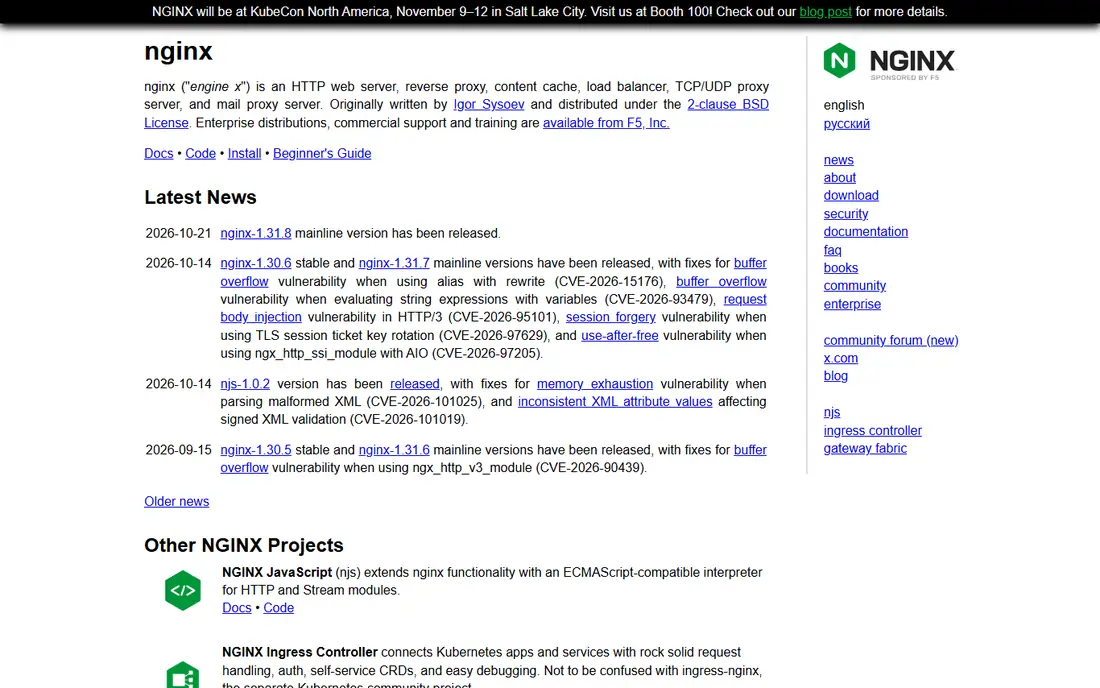
NGINX is the safest default alternative for most teams leaving Caddy. Its event-driven design handles many simultaneous connections with low memory, and it serves static files, proxies APIs, balances load, and caches content in one package. Docs, tutorials, and hosting support are extensive, so a problem you hit has usually been solved and written up before. That breadth is why NGINX remains a standard choice for production sites.
The main loss against Caddy is automatic HTTPS. Open source NGINX does not issue and renew certificates by default, so you add Certbot or a similar ACME client and manage renewal and reloads yourself. Config files are also longer than a Caddyfile. If you want proven performance and you can accept certificate plumbing, NGINX is the first alternative to test.
- Very fast event-driven serving
- Huge docs and community
- Strong reverse proxy and load balancing
- Automatic HTTPS needs Certbot or a similar tool
- Config is more verbose than Caddy
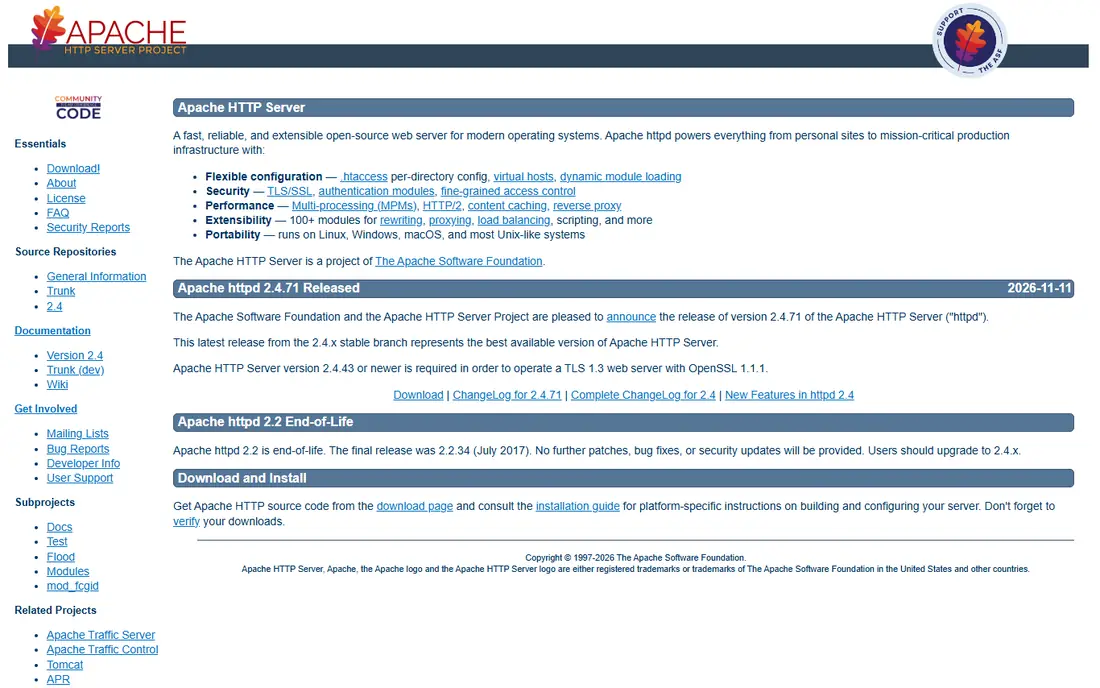
Apache suits shared hosting, legacy PHP apps, and teams with existing Apache configs. Its module ecosystem covers authentication, rewriting, caching, and proxying, and .htaccess files let hosting customers set rules per directory without server-wide access. Almost every shared host supports Apache, so moving a site between hosts is usually simple. That compatibility is a practical advantage for older apps.
The trade-off is resource use and config style. Some Apache process models use more memory under high concurrency than NGINX, and HTTPS still needs Certbot or mod_md setup rather than Caddy-style automatic handling. If your app already runs on Apache or your host is Apache-based, staying with Apache avoids a migration. If you need maximum concurrency on a small server, NGINX may serve better.
- Very broad module ecosystem
- Per-directory config with .htaccess
- Huge hosting support
- Higher memory use under some models
- HTTPS needs Certbot or mod_md setup

Traefik is the closest alternative for container teams that liked Caddy's low-friction HTTPS. It discovers services from Docker labels or Kubernetes resources, routes traffic by host rules, and handles Let's Encrypt certificates with built-in ACME support. New containers can appear without manual config edits, which suits teams that deploy often. That dynamic model is the reason many self-hosters pick Traefik over a static config server.
The cautions are security and learning. Giving Traefik access to the Docker socket needs careful permissions, since a misconfigured proxy can expose more than intended. Label syntax also takes time to learn, and static config changes still need a restart in some cases. If your stack is container-based, Traefik is a strong Caddy replacement. If you run one static site, NGINX is simpler.
- Automatic service discovery from Docker and Kubernetes
- Built-in Let's Encrypt support
- Dynamic config without restarts for many changes
- Docker socket access needs careful security
- Label syntax takes learning
HAProxy suits teams whose main job is load balancing rather than serving files. It routes TCP and HTTP traffic with fine-grained health checks, sticky sessions, and routing rules, and it handles very high throughput with low latency. Large sites use it in front of app servers, and its config gives precise control over backends, retries, and failover. Recent versions add ACME support for certificates, which helps with HTTPS termination.
The limit is scope. HAProxy is a proxy and load balancer first, not a general file server like NGINX or Apache, so static sites usually need a web server behind it. Config also takes learning, with many options that reward careful reading. If you need to balance traffic across several backends with confidence, HAProxy is a leading choice. If you need one server for files and proxying, start with NGINX.
- Very high throughput load balancing
- Fine-grained health checks and routing
- Long production record
- Not a full general web server for static sites
- Config takes learning
OpenLiteSpeed suits WordPress and PHP hosting where caching and speed matter. It is the free, open source version of LiteSpeed Web Server, with event-driven handling and a built-in full-page cache that pairs well with WordPress caching plugins. Apache rewrite compatibility helps migrate many Apache rules without a full rewrite. For a host or site owner focused on PHP performance, that combination is attractive.
The trade-off is the split with the commercial version. Some enterprise features, full control panel integrations, and advanced caching options sit in paid LiteSpeed Web Server, so OpenLiteSpeed users must check feature gaps before they commit. Setup through its web admin also differs from editing NGINX config files. If WordPress speed is the goal and you want a free server, OpenLiteSpeed is worth testing.
- Free and open source
- Built-in page cache
- Apache rewrite compatibility for many rules
- Some enterprise features sit in paid LiteSpeed
- Admin GUI and setup differ from NGINX
Lighttpd, often called lighty, suits small servers, embedded devices, and low-memory VPS plans. Its event-driven design serves static content fast with little memory, and its config is simpler than Apache for a basic site. Features cover FastCGI, compression, URL rewriting, and authentication, which is enough for many small PHP and static sites. For a tiny server that must stay lean, Lighttpd is a sensible pick.
The limits are community size and HTTPS plumbing. Fewer tutorials exist than for NGINX or Apache, and certificates still need an ACME client and reload setup rather than Caddy-style automatic handling. Large, complex proxy setups also favor NGINX or Traefik. If your server is small and your site is simple, Lighttpd gives speed without waste.
- Very low memory use
- Fast for static content
- Simple config for small servers
- Smaller community than NGINX or Apache
- HTTPS needs an ACME client setup
Envoy suits microservices and service mesh setups where observability and fine routing matter. It proxies HTTP and TCP traffic with detailed metrics, tracing, retries, and load balancing, and it is widely used as the data plane in service meshes. Teams running many services across clusters benefit from its consistent routing and telemetry. That depth is why cloud-native platforms standardize on Envoy.
The complexity is the barrier for simple use. Envoy config is verbose and takes learning, and a single static site does not need its feature set. Certificate handling also needs explicit setup rather than Caddy-style defaults. If you run microservices and you need mesh-grade proxying, Envoy is a leading choice. If you run one app on one server, NGINX or Traefik will be faster to set up.
- Modern cloud-native proxy
- Rich observability and routing
- Service mesh use with Istio and similar tools
- Config is complex for a single site
- Overkill outside microservices
NGINX Proxy Manager suits self-hosters who want Caddy-like ease without learning NGINX config files. Its web UI lets you add proxy hosts, set up SSL certificates with Let's Encrypt, and manage redirects and access lists from a browser. That UI removes the most common friction for home servers and small teams that proxy a handful of apps. It is free and open source, and it runs well in Docker.
The limit is depth. It wraps NGINX, so advanced NGINX tuning still needs manual config files, and large production fleets will prefer direct NGINX or Traefik. It is also a community project rather than a vendor-supported product, so support comes from docs and community. If you want a simple UI for a few proxy hosts with automatic certificates, it is an excellent Caddy-style alternative.
- Web UI for proxy hosts
- Built-in Let's Encrypt certificates
- Easy for self-hosters
- Built on NGINX, so advanced NGINX features need manual config
- Less suited to large production fleets
How we picked these
We compared official docs, feature pages, and recent server comparisons for web servers and proxies. We did not claim hands-on testing or benchmark measurements. We excluded Caddy entirely, favored servers live in October 2026, and focused on free open source options that cover web serving, reverse proxying, or load balancing.
How to choose a Caddy alternative
Decide whether you need a server, a proxy, or both
A web server serves files and apps directly. A reverse proxy routes traffic to backends. A load balancer spreads traffic across backends. NGINX and Apache cover server plus proxy, Traefik and NGINX Proxy Manager cover proxy with easier HTTPS, and HAProxy and Envoy cover proxy and balancing at scale. Match the tool to the job, not just the brand.
Plan certificates before you migrate
Caddy handles issuance and renewal by default, so a move means you must plan that job. Choose Certbot, a built-in ACME tool, or your host's certificate service, and test renewal and reload before you switch DNS. A missed renewal is the most common failure after leaving Caddy, and it is easy to prevent with a test.
Test with your real traffic pattern
Test static files, API proxying, WebSocket or streaming needs, and header handling with your real app, not a demo page. Check upstream DNS behavior, reload behavior, and log format, since these details cause the most surprises after migration. A short pilot on a staging domain will reveal config gaps before production traffic depends on the new server.
Frequently asked questions
What is the best alternative to Caddy for beginners?
NGINX Proxy Manager suits beginners who want a web UI and built-in Let's Encrypt certificates for a few proxy hosts. Traefik suits beginners with Docker setups, while NGINX suits beginners who want broad docs and hosting support.
Is NGINX better than Caddy?
NGINX is faster for raw throughput in many setups and has broader docs and hosting support, while Caddy is simpler for automatic HTTPS and short configs. The better pick depends on whether you value performance and ecosystem depth or setup simplicity more.
Does any Caddy alternative offer automatic HTTPS?
Traefik offers built-in Let's Encrypt support, and NGINX Proxy Manager offers certificate setup through its UI. NGINX and Apache need Certbot or a similar ACME client for automatic issuance and renewal. Plan that step before you migrate.
What is the best Caddy alternative for Docker?
Traefik is the best Caddy alternative for Docker, because it discovers containers from labels and updates routing without manual config edits. NGINX Proxy Manager is simpler for a few containers, while NGINX in Docker suits teams that prefer explicit config files.
Can I use Apache instead of Caddy?
Yes. Apache serves static and dynamic sites, proxies, and rewrites URLs, with broad hosting support. You will need to set up certificates with Certbot or mod_md, and you should check memory use for your traffic pattern, but Apache is a proven Caddy replacement for many sites.
Is HAProxy a replacement for Caddy?
HAProxy replaces Caddy as a load balancer and reverse proxy, but it is not a full general web server for static files. Pair HAProxy with NGINX or Apache behind it if you need both balancing and file serving in one stack.
Sources
See where you really rank - block by block
ProMapRanker scans Google Maps across a grid of your service area. Simple monthly plans from $19, white-label on every plan.
Start freeKeep reading
 zoho inventory alternatives
6 Alternatives to Zoho Inventory, Compared on Price and Fit
Zoho Inventory alternatives: 6 tools compared on price, free plans and fit. Katana leads the list for manufacturers. Fit and flaws are laid out for each entry.
Read → zoho crm alternatives
Best Zoho CRM Alternatives (2026)
Need Zoho CRM alternatives? We compare 7 tools on cost, free access and who each suits. Every pick gets a straight assessment. Built for quick decisions.
Read → zelle alternatives
Best Zelle Alternatives in 2026
Compare the best Zelle alternatives for sending money to friends, paying sellers and moving funds abroad, with honest notes on fees, speed and safety in 2026.
Read →