 ProMapRanker
Best MeetAlfred Alternatives in 2026

Key takeaways
- Expandi is our pick for teams that want cloud outreach with clear limits, while Dripify suits teams that want simple plan quotas they can read at a glance.
- Linked Helper and Dux-Soup are the budget routes, but both need a computer running or a cloud upgrade, so the low headline price is only part of the cost.
- Waalaxy is the cheapest easy start for solo prospectors, and Skylead and HeyReach fit agencies that manage many senders from one dashboard.
- Every tool here works outside LinkedIn rules for automation, so account restriction is a real risk no vendor can remove.
Quick comparison
| Pick | Great for | Pricing starts at | Free tier | |
|---|---|---|---|---|
 Expandi | Teams running cloud campaigns | $99 per month | Free trial | Visit |
 Dripify | Structured LinkedIn and email sequences | $59 per month | Free trial | Visit |
 Waalaxy | Solo prospectors on a budget | See website | Yes | Visit |
 Skylead | Agencies and multi-seat teams | $100 per month | Free trial | Visit |
 HeyReach | Agencies running many senders | $79 per month | Free trial | Visit |
 Linked Helper | Power users who want fine control | $15 per month | Free trial | Visit |
 Dux-Soup | Long-running prospecting lists | $14.99 per month | Free trial | Visit |
 La Growth Machine | Multichannel teams with CRM needs | See website | Free trial | Visit |
 PhantomBuster | Data extraction plus outreach | $56 per month | Free trial | Visit |
The best MeetAlfred alternatives
These nine tools cover the same job in different ways, from cloud campaigns to desktop control and data extraction.

Expandi runs campaigns from its own servers, so you do not need to leave a browser open all day. It pairs LinkedIn steps with email follow-ups, and it lets you branch a sequence based on what a prospect does, such as accepting a connection or replying. That branching is the main reason larger teams pick it over a simple drip tool. The vendor also publishes warm-up controls and limit ranges, which help a team set a cautious pace instead of guessing.
The catch is cost and risk. At $99 per seat each month, a team of five pays a serious monthly bill before any data or email tools are added. Expandi also cannot make LinkedIn approve automation, so teams still need to keep volumes modest, use real personalisation, and accept that an account can be restricted. We would shortlist it for a team that already has a working offer and wants a steady, managed system.
- Cloud execution with a dedicated country-based IP per account
- Conditional LinkedIn and email sequences
- Agency controls and CRM links
- High price per seat
- No free plan beyond the trial
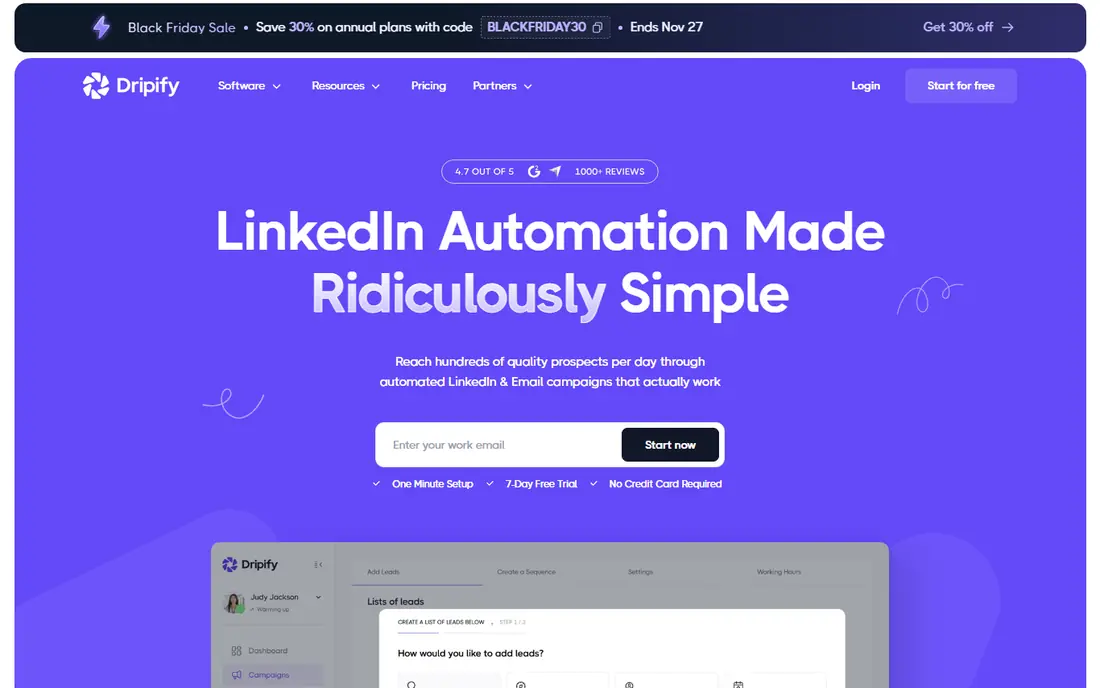
Dripify is the clearest tool on this list about how much you can send each day. Its plans publish connection and message quotas, which makes budgeting and pacing easier than a tool that hides its limits. Campaigns run in the cloud, and the interface walks a user through LinkedIn steps, email steps, and follow-ups in one sequence. For a small sales team, that clarity matters more than a long feature list.
The trade-off sits in the plan ladder. The entry plan is fine for one person testing outreach, but team features, a full inbox, and advanced options sit higher up. If you compare Dripify with a cheaper desktop tool, add the value of cloud running and the published quotas to the price. We would pick it for a team that wants predictable limits and does not want to manage software on a local machine.
- Clear daily quotas by plan
- Cloud execution
- Campaign analytics and team views
- Basic plan limits campaigns and features
- Higher plans are needed for full team use
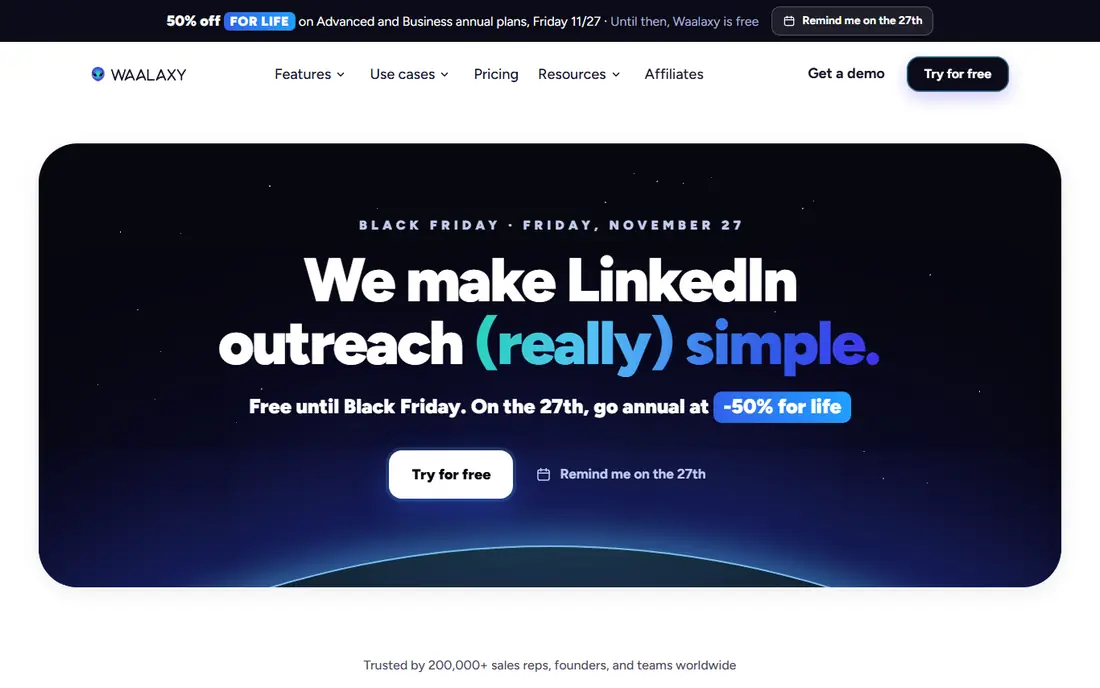
Waalaxy is built for a first-time outreach user. Its campaigns are guided, its lists are simple to build from LinkedIn searches, and its free plan lets a solo user test the flow before paying. Since mid-2026 it has run as a cloud product, which removes the old need to keep a browser tab open for every action. That change makes it a more practical daily tool than it was as a pure extension.
The limits are real. Invitation caps depend on the plan, and email outreach and a full inbox sit on higher tiers, so the cheapest paid plan is not the full product. Waalaxy also shares some infrastructure traits that make high-volume sending riskier than a dedicated IP setup. We would pick it for a founder or recruiter sending a modest number of personalised invitations, not for an agency running dozens of accounts at full speed.
- Guided campaigns that are easy to start
- Free plan for light use
- Email on higher plans
- Invitation caps vary by plan
- Inbox and some features cost extra
Skylead combines LinkedIn outreach, email outreach, and prospect data work in one place. Agencies like the flat agency pricing for larger seat counts, and the post-signal feature, which flags prospects who engage with posts, gives a team a warmer reason to reach out. Its dashboard is made for managing many accounts, with roles and reporting that a solo tool does not need.
The price is the main barrier. At $100 per seat each month, it only makes sense if outreach is a core revenue activity and the team uses both LinkedIn and email every week. Enrichment and some AI features are add-ons, so the headline price can rise. We would shortlist Skylead for an agency that wants one workflow for client campaigns, and skip it for a single user who only needs LinkedIn messages.
- LinkedIn and email in one workflow
- Agency pricing options
- Post signals and enrichment options
- High per-seat price
- Some advanced features are add-ons
HeyReach is designed around one problem: running many LinkedIn senders without juggling a separate login for each one. It rotates senders, groups accounts into campaigns, and gives an agency a single view of replies and progress. That structure is useful when a team manages client accounts and needs to keep each sender inside a safe daily limit. The interface is less about fancy sequences and more about scale and control.
The weakness is breadth. If your plan depends heavily on email sequences and deep CRM workflows, other tools on this list offer more in that area. Proxy and IP handling also vary by plan, so an agency should check exactly what is included before committing many accounts. We would pick HeyReach for an agency whose main job is LinkedIn volume across many senders, with email handled elsewhere.
- Sender rotation across accounts
- Unified campaign view
- Agency-friendly account management
- LinkedIn focus with less email depth
- Proxy quality depends on plan
Linked Helper gives a user more control than most cloud tools at a much lower price. You can set rolling limits, chain many action types, and manage lists, tags, and notes in detail. It runs on your own IP when used locally, which some users prefer because it looks like normal browsing from a home or office connection. Recruiters and solo prospectors who like to tune every step tend to stay with it for years.
The cost is effort. The local version needs a machine that stays on, and the cloud storage option costs more than the local version. The interface is functional rather than polished, and new users can feel lost in the settings. We would pick Linked Helper for a budget-conscious user who is comfortable with settings and wants control, and we would skip it for a team that wants a hands-off cloud service.
- Low entry price
- Granular limits and actions
- Local or cloud storage options
- Needs a running computer or a virtual machine for local use
- Interface feels dated
Dux-Soup is one of the oldest LinkedIn prospecting tools, and that history shows in its simple approach. It visits profiles, sends connection requests, and runs drip messages, and it exports the data you collect to a spreadsheet. For a user who mainly needs to work through a list steadily, that simplicity is a strength. The entry price is low, and the tool has been maintained for a long time.
The catch is the plan structure and the extension model. The basic plan covers simple automation, while the full campaign engine and cloud running need the higher Turbo or Cloud tiers. Because it runs through a browser extension, detection risk is higher than with a dedicated cloud IP, and a user must keep the browser setup in good order. We would pick Dux-Soup for steady, low-volume prospecting on a budget, not for high-speed agency campaigns.
- Long track record
- Simple drip campaigns
- CSV export of profile data
- Chrome extension dependency
- Full campaign engine sits on higher plans
La Growth Machine is the multichannel pick on this list. It can start on LinkedIn, follow up by email, and add X steps, all inside one sequence, and it syncs results back to a CRM. That matters for a growth team that does not want to stitch three tools together and reconcile replies by hand. Enrichment is built in, so a team can find contact details without a separate data tool for many campaigns.
The downside is complexity and price clarity. Plans are priced per identity, and the total depends on the currency and billing term you choose, so a team should price the exact seat count before signing up. Setting up multichannel sequences also takes more thought than a LinkedIn-only drip, because each channel needs its own message and timing. We would pick it for a team that already uses a CRM and runs outreach across more than one channel.
- LinkedIn, email, and X in one sequence
- CRM sync with HubSpot and Pipedrive
- Built-in enrichment
- Price varies by currency and plan
- Learning curve for multichannel setup
PhantomBuster is different from the other tools here because it starts with data. Its library includes automations that scrape profiles, collect post engagers, enrich lists, and run outreach steps, and it can work across many platforms, not just LinkedIn. Growth teams use it to build a clean list first, then feed that list into a dedicated outreach tool or a CRM. The API makes it a good fit for a team that already automates parts of its workflow.
That flexibility is also its weakness for a beginner. PhantomBuster does not hold your hand through a campaign the way Waalaxy or Dripify do, and a user needs to understand limits, proxies, and data handling to use it safely. We would pick it for a data-focused team that wants extraction and custom flows, and we would pair it with a dedicated sender if the main goal is daily LinkedIn messaging at scale.
- Large library of ready automations
- API and integration options
- Works beyond LinkedIn
- Needs more setup skill
- Outreach features are less guided than dedicated tools
How we picked these
We compared official pricing pages, feature pages, and public documentation for LinkedIn outreach tools that are live in October 2026, and we checked each tool against the core job: running LinkedIn sequences, managing replies, and handling data safely. We favoured tools with published prices, a clear execution model, and a track record of active use, and we left out tools that had no clear pricing or no working LinkedIn function. We did not run live LinkedIn campaigns for this guide, and we did not claim hands-on testing that did not happen.
What to check before you pay for LinkedIn automation
Start with your daily volume. A solo founder sending 20 personalised invitations a day has a different need from an agency sending across 30 accounts, and the cheapest plan is often wrong for the second case. Check if the price is per seat, per account, or per identity, and count the total for every sender you plan to run, because that total is the real monthly cost.
Next, check the execution model. Cloud tools run without your computer, desktop tools run on your IP and need a machine that stays on, and extension tools depend on your browser. Each model changes the risk profile and the daily effort. Ask the vendor what IP handling, warm-up, and limit controls are included on the plan you will actually buy, not on the top plan in a marketing page.
Finally, protect the account. Keep messages personal and specific, keep volumes modest, and stop any campaign that gets warning signs from LinkedIn. Automation tools operate outside LinkedIn terms of service, and no vendor promise removes that risk. A tool that helps you send fewer, better messages is worth more than a tool that helps you send more messages faster.
Frequently asked questions
What are MeetAlfred alternatives?
MeetAlfred alternatives are tools that run LinkedIn outreach, and in many cases email outreach, in place of MeetAlfred. The most direct replacements are Expandi, Dripify, Waalaxy, and Skylead, because they cover LinkedIn sequences, follow-ups, and team management. The right choice depends on your volume, your budget, and if you need email and CRM sync as well.
Is LinkedIn automation allowed?
LinkedIn terms of service do not allow most third-party automation, so using any tool on this list carries a risk of restriction. Vendors reduce that risk with limits, warm-up, and dedicated IPs, but they cannot remove it. Keep volumes low, personalise messages, and use an account you can afford to pause if LinkedIn sends a warning.
Which MeetAlfred alternative is cheapest?
Linked Helper and Dux-Soup have the lowest headline prices, starting at $15 and $14.99 per month. Waalaxy also offers a free plan for light use. The cheapest headline price is not always the cheapest total, because cloud running, inbox features, and higher campaign tiers can add cost, so price the exact plan you need.
Do I need a cloud tool or a desktop tool?
A cloud tool suits a team that wants campaigns to run without a local machine, while a desktop tool suits a solo user who wants to run on their own IP and keep costs low. Cloud tools cost more per seat but need less daily care. Desktop tools cost less but need a computer that stays on and more setup.
Can these tools replace a CRM?
Some tools include a basic pipeline or inbox, but most work best alongside a CRM such as HubSpot or Pipedrive. La Growth Machine and Skylead offer stronger CRM links, while Dux-Soup and Linked Helper rely more on exports. If pipeline management is central, pick a tool with a native CRM sync on your plan.
What is the safest way to start?
Start with one account, a small list, and low daily limits, and increase only after a few weeks of clean activity. Use real personalisation, avoid copy-paste pitches, and reply by hand once a prospect responds. A slow start protects the account far better than any safety feature a vendor lists.
Sources
See where you really rank - block by block
ProMapRanker scans Google Maps across a grid of your service area. Simple monthly plans from $19, white-label on every plan.
Start freeKeep reading
 zscaler alternatives
Best Zscaler Alternatives in 2026
Looking for zscaler alternatives? We compare 9 SASE and zero trust platforms on architecture, data protection, pricing, and fit for your network and team.
Read → zapier alternatives free
Best Zapier Alternatives Free in 2026
Nine automation tools for zapier alternatives free in 2026, all with genuinely free tiers, plus free plan limits, starting prices and upgrade paths explained.
Read → which platform is best for online reputation
Which Platform Is Best for Online Reputation in 2026
Wondering which platform is best for online reputation? We compare 8 review, listing, and response tools for small and multi-location businesses and agencies.
Read →