 ProMapRanker
Best Alchemer Alternatives in 2026

Key takeaways
- SurveyMonkey and Google Forms suit fast, general surveys, while Qualtrics and QuestionPro suit serious research with panels and deep analysis.
- SurveySparrow suits teams that want chat-style surveys with higher completion, and Typeform suits polished, conversational forms.
- Jotform is the best pick when a form must also collect payments, approvals, or files, not just answers.
- Check response limits, logic depth, and reporting exports before you buy, since those limits decide most survey switches.
Quick comparison
| Pick | Great for | Pricing starts at | Free tier | |
|---|---|---|---|---|
 SurveyMonkey | General surveys at scale | $25 per month | Yes | Visit |
 Qualtrics | Enterprise research | See website | No | Visit |
 QuestionPro | Research with panels | $83 per month | Yes | Visit |
 SurveySparrow | Conversational feedback | $19 per month | Yes | Visit |
 Typeform | Polished conversational forms | $29 per month | Yes | Visit |
 Google Forms | Free simple surveys | Free | Yes | Visit |
 Jotform | Forms plus workflows | $39 per month | Yes | Visit |
 Zoho Survey | Zoho-based teams | $25 per month | Yes | Visit |
 LimeSurvey | Self-hosted privacy control | Free | Yes | Visit |
The best alchemer alternatives
Alchemer is known for flexible surveys with advanced logic, scripting, and reporting, so the tools below cover survey research, customer feedback, and general forms in different ways. We compared official pricing and feature pages and public reviews, without claiming hands-on testing we did not do. Prices are starting prices where vendors publish them, and enterprise tools that quote per project are marked See website.
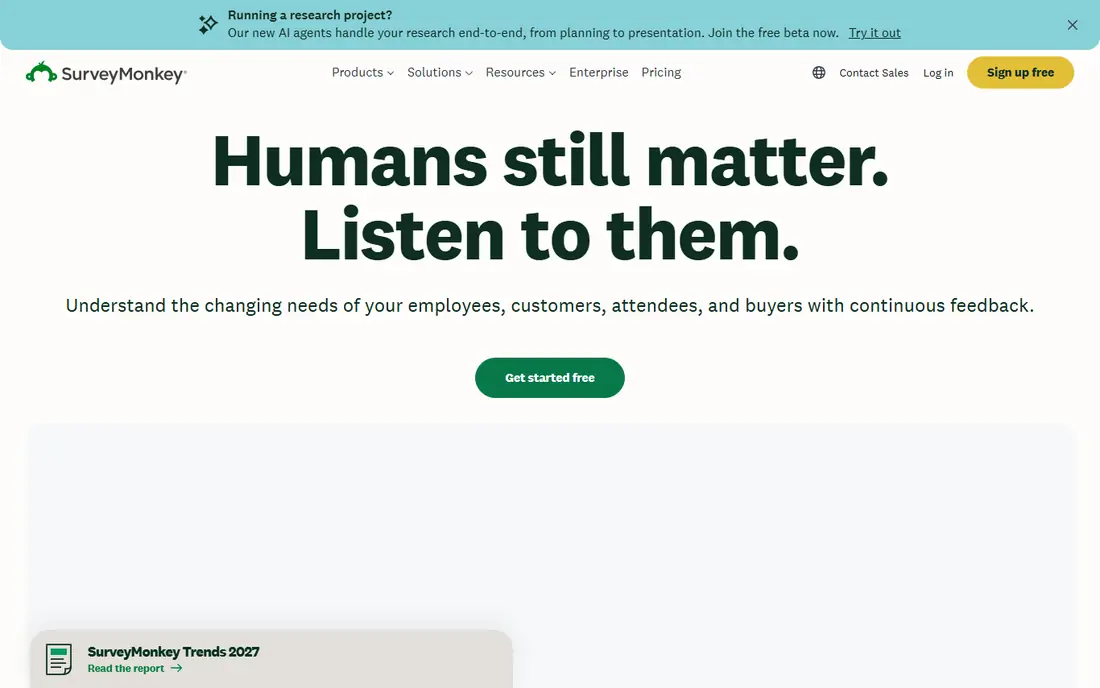
SurveyMonkey is the familiar default for general surveys. Templates cover customer, employee, and market research, the builder is easy for non-technical staff, and results are easy to share as charts and summaries. For teams that run many standard surveys and need a tool everyone already knows, that familiarity saves training time.
The limits are plan-based. Advanced branching, custom branding, and larger response allowances sit on higher tiers, so a team with complex logic should check the plan table carefully. For straightforward surveys at scale, SurveyMonkey remains a reliable, well-supported choice.
- Huge template library
- Familiar interface
- Strong benchmarks and basic analytics
- Advanced logic and branding need higher plans
- Response limits apply on lower plans

Qualtrics suits large organisations running experience management programmes across customer, employee, product, and brand research. Logic, distributions, text analysis, and dashboards are deep, and governance controls suit regulated teams. When research must feed decisions across departments, Qualtrics gives a single platform for that work.
Small teams will likely find it too much. Pricing is quote-based, implementation takes planning, and a simple feedback form does not need this depth. Choose Qualtrics when research is a core, ongoing programme, not a one-off survey.
- Deep logic, analysis, and experience management
- Strong governance
- Large research panel options
- Expensive and heavy for small jobs
- Setup and training take time
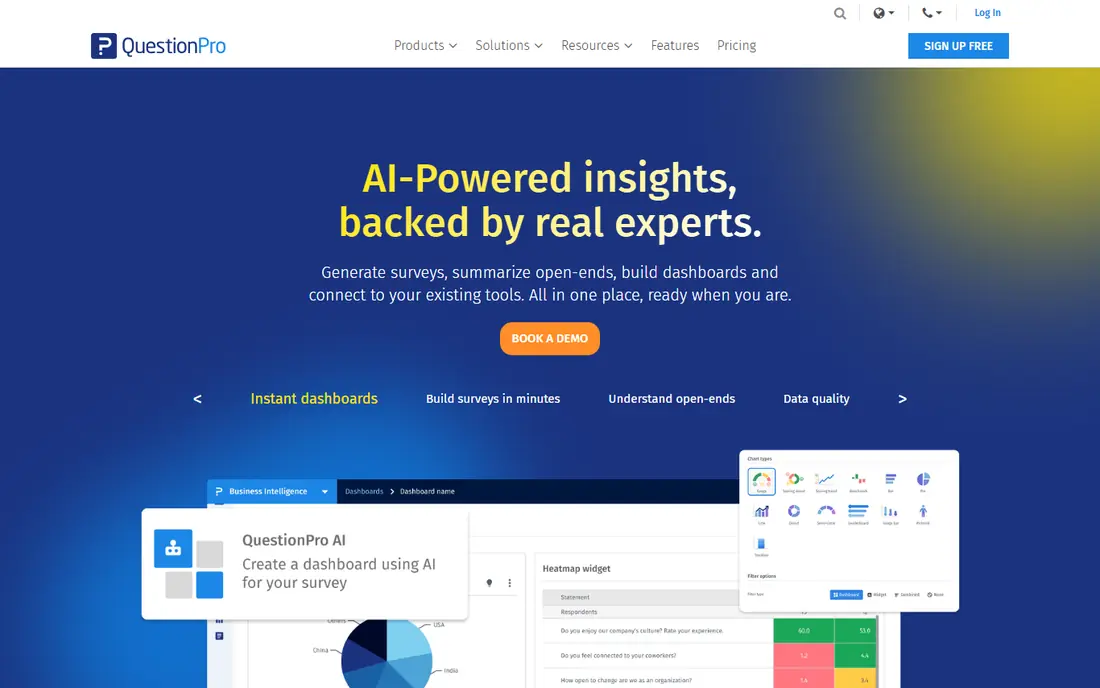
QuestionPro is a strong pick for market research and insights teams that need respondents as well as a survey builder. Built-in panels, longitudinal tracking, and cross-tab analysis support recurring studies in a way general tools do not. Logic depth also makes it a closer match to Alchemer for complex questionnaires than simpler builders.
Casual users may find the tool research-heavy, and the starting price reflects that focus. If your team runs panels, trackers, or studies that repeat over time, QuestionPro offers research depth without moving to a full enterprise platform.
- Built-in panels and longitudinal studies
- Advanced logic and cross-tab analysis
- Research-focused reporting
- Interface feels research-heavy for casual users
- Entry price is higher than general survey tools
SurveySparrow stands out for its conversational, chat-style format, which presents one question at a time in a friendly flow. That format can improve completion for customer and employee feedback, and the platform supports web, email, and other channels with automation for follow-up. Teams focused on NPS, CSAT, and product feedback often like the modern feel.
For academic or highly complex research, SurveySparrow is less deep than Qualtrics or QuestionPro, and some advanced reporting sits on higher plans. If response rates and a modern respondent experience matter most, it is a strong alternative.
- Chat-style surveys that can lift completion
- Omnichannel feedback
- Automation and integrations
- Less suited to academic research depth
- Advanced features need higher plans
Typeform is the pick when the form itself must feel good to complete. Its one-question-at-a-time design, clean visuals, and logic jumps make short surveys, sign-ups, and lead forms feel more like a conversation than a questionnaire. Integrations with common tools help results flow into CRMs and sheets without manual export.
Long, complex surveys are a weaker fit, since the conversational pace can drag over many questions, and response limits apply by plan. For short, polished forms where completion matters, Typeform is an excellent choice.
- Beautiful one-question-at-a-time design
- Good completion for short forms
- Strong integrations
- Long surveys can feel slow
- Advanced logic and response limits depend on plan
Google Forms is the obvious choice for simple internal surveys, class feedback, and quick polls where cost and speed matter most. Anyone with a Google account can build and share a form in minutes, and responses land in Sheets for easy analysis. For a small team or a one-off survey, there is little reason to pay for more.
Its limits are clear: design options are basic, logic is limited, and branding and advanced analysis are thin. If a survey needs complex branching, panels, or polished respondent branding, move to a paid tool in this list.
- Free and instant to start
- Sheets integration
- Easy sharing inside Google Workspace
- Basic design and logic
- Limited branding and advanced reporting
Jotform suits teams whose forms must do more than ask questions. A single form can collect payments, signatures, files, and approvals, then route results through workflows, which makes it useful for registrations, applications, orders, and internal requests. The template library covers a wide range of everyday forms, so setup is often fast.
Survey analysis is less deep than research-focused tools, so a team running complex studies should not treat Jotform as a research platform. For operational forms that need actions after submission, Jotform is the most versatile tool in this list.
- Large template library
- Payments, approvals, and file uploads
- Workflow automation
- Interface can feel crowded
- Survey-specific analysis is less deep than Qualtrics
Zoho Survey is a practical choice for teams already using Zoho CRM or other Zoho apps. It offers branching, custom themes, multilingual surveys, and reporting that covers most business feedback needs, and results can connect to Zoho workflows. The price is fair for what it includes.
Outside Zoho, it is a competent general survey tool rather than a research leader, so teams needing panels or deep text analysis should look at QuestionPro or Qualtrics. Inside a Zoho workflow, though, it is a natural, cost-effective alternative.
- Solid logic and reporting at a fair price
- Fits Zoho CRM and apps
- Good templates
- Standalone depth is less than Qualtrics
- Best value comes inside Zoho
LimeSurvey suits privacy-focused and regulated organisations that want full control over survey data. As open-source software it can be self-hosted, which means data stays on your own servers, and its logic, quotas, and question types support serious research questionnaires. For universities, public bodies, and privacy-conscious teams, that control matters.
Self-hosting needs technical care for updates, backups, and security, and the interface is functional rather than polished. A paid cloud version removes some of that burden. If data control is the top requirement, LimeSurvey is the strongest open option in this list.
- Open source and self-hosted
- Full data control
- Strong survey logic for research use
- Setup and maintenance need technical skill
- Hosted cloud version is paid
How we picked these
We compared official pricing and feature pages and public reviews, and we kept only tools that build and analyse surveys or forms as a core job. We excluded pure polling widgets and feedback buttons that cannot run a full questionnaire, since they do not replace Alchemer. Where pricing is quote-based or depends on responses and users, we wrote See website rather than printing a figure that would not match your use.
What to check before you choose a survey tool
Start with the hardest question types in your next survey. Test branching, matrix questions, file uploads, and piping with real content, since a builder that looks fine for simple questions can struggle with complex logic. Also check how results export, because a tool that traps data in its own dashboard will slow down reporting.
Next, check response and audience limits. Some plans cap monthly responses, some cap questions, and some charge for panels separately, so model your busiest month, not an average one. If you need respondents rather than just a builder, confirm panel availability and cost before you commit.
Finally, test the respondent experience on a phone. Most people now answer surveys on mobile, so a form that is awkward on a small screen will hurt completion no matter how good the analysis tools are. Send a test survey to colleagues on different devices and fix layout problems before launch.
Frequently asked questions
Which Alchemer alternative is best for market research?
QuestionPro and Qualtrics are the strongest research picks in this list. QuestionPro suits mid-size research teams that need panels and longitudinal studies, while Qualtrics suits large enterprises running full experience management programmes.
Is there a free alternative to Alchemer?
Yes. Google Forms is free for simple surveys, and LimeSurvey is free as open-source software. SurveyMonkey, SurveySparrow, Typeform, Jotform, and Zoho Survey also offer free plans, though response and feature limits apply.
Can I migrate surveys from Alchemer?
Migration depends on the tool. Questions and logic can often be rebuilt or imported through templates and file formats, but complex scripting and custom reports usually need manual work. Export your Alchemer surveys and test an import with one questionnaire before moving a full library.
Do these tools support NPS and CSAT surveys?
Yes, most tools in this list support NPS, CSAT, and CES questions, including SurveySparrow, SurveyMonkey, Qualtrics, and QuestionPro. Check whether scoring, benchmarking, and trend reports are included on the plan you intend to buy.
How do I improve survey response rates?
Keep surveys short, send them at a sensible time, explain why answers matter, and test on mobile first. Conversational formats such as SurveySparrow and Typeform can also help, but the biggest gains usually come from fewer questions and a clear purpose.
Sources
See where you really rank - block by block
ProMapRanker scans Google Maps across a grid of your service area. Simple monthly plans from $19, white-label on every plan.
Start freeKeep reading
 zoro.to alternatives
Best Zoro.to Alternatives in 2026
We compare the best zoro.to alternatives in 2026, listing only legal licensed anime streaming services, from Crunchyroll to free options for fans today.
Read → zip alternatives
Best Zip Alternatives in 2026
We compare the best zip alternatives for buy now, pay later in 2026, covering pay-in-4 plans, fees, spending limits, and credit reporting options today.
Read → yesware alternatives
Best Yesware Alternatives in 2026
Compare the best yesware alternatives for sales email tracking, templates, and sequences, with current pricing and honest tradeoffs for small sales teams.
Read →