 ProMapRanker
Best Aircall Alternatives in 2026


AI transcription and coaching built in · Pricing starts at: $15 per user per month
Key takeaways
- Dialpad gives the lowest starting price here at $15 per user per month on annual billing, with AI transcription built into its base plans.
- RingCentral and Nextiva suit teams that want calling, video and team messaging in one place rather than a phone-only tool.
- CloudTalk and JustCall are the stronger picks for outbound sales work, thanks to dialers and local numbers in many countries.
- Small teams that mainly share one number should look at Quo first, since it starts at $15 per user per month and needs no large seat minimum.
- Every price below is the entry plan on annual billing unless stated otherwise, so check monthly billing and add-ons before you commit.
Quick comparison
| Pick | Great for | Pricing starts at | Free tier | |
|---|---|---|---|---|
| Dialpad | AI transcription and coaching built in | $15 per user per month | Free trial | Visit |
 RingCentral | Large, all-in-one communications | $20 per user per month | Free trial | Visit |
 Nextiva | Voice, messaging and customer experience together | $15 per user per month | No | Visit |
 CloudTalk | International calling and sales dialers | $25 per user per month | Free trial | Visit |
 JustCall | CRM-connected sales calling | $29 per user per month | Free trial | Visit |
 Ooma | Simple office phone without complexity | $19.95 per user per month | No | Visit |
 Vonage | Mid-market teams wanting flexibility | $19.99 per user per month | No | Visit |
 Zoom Phone | Teams already using Zoom meetings | $10 per user per month | No | Visit |
 Quo | Small teams sharing business numbers | $15 per user per month | Free trial | Visit |
The best aircall alternatives
These nine options cover the main reasons teams leave a phone system: price, missing AI features, weak CRM links, or a setup that feels too heavy for a small team. We compared official pricing pages, feature lists and public reviews, and we did not claim hands-on testing.
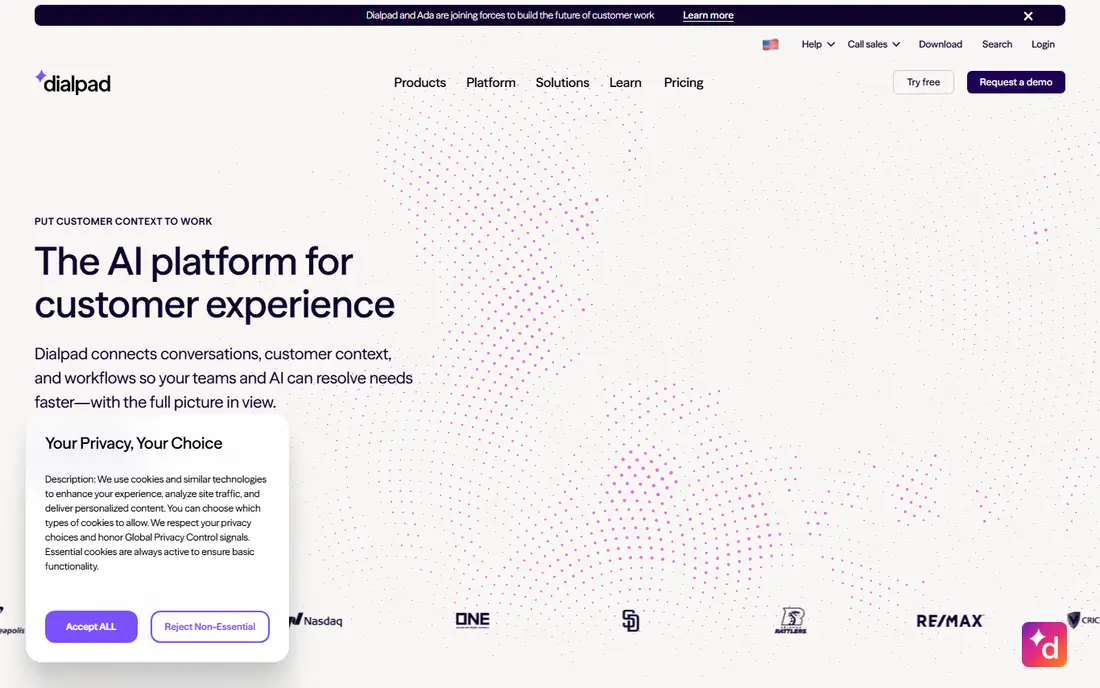
Dialpad is our pick for most small sales and support teams that want useful AI without paying for a separate add-on. Its Connect plans include voicemail transcription, call summaries and team messaging, and the desktop and mobile apps feel modern and quick to set up. If your team reviews calls for coaching, the built-in summaries save real time compared with listening to full recordings.
The catch is in the tiers. Standard covers the basics well, but CRM integrations beyond Google and Microsoft, plus the stronger uptime promise, sit on Pro or Enterprise. Teams that text customers heavily should also watch the SMS cap on Standard and the per-message charge beyond it. Still, for a team of three or more that wants AI from day one, Dialpad is hard to beat on value.
- AI summaries and transcription on base plans
- Calls, video and messaging in one app
- Unlimited calling in the US and Canada
- Three-seat minimum on Pro
- Some advanced AI features need higher tiers
- SMS allowance is capped on Standard

RingCentral suits teams that want one vendor for nearly everything. Core includes unlimited domestic calling, video meetings and team messaging, while Advanced adds automatic call recording and CRM integrations. The platform is a safe choice for mid-market companies that need detailed reporting and granular permissions as they grow.
Smaller teams should read the fine print. Core allows only 25 SMS messages per user per month, and toll-free minutes are capped, so text-heavy teams may pay overages or need a higher tier. Support quality is a common complaint in public reviews, and the admin portal takes time to learn. If you need depth and scale, though, RingCentral remains one of the most complete systems available.
- Calling, video, messaging and fax in one platform
- Very large integration catalog
- Strong admin controls for bigger teams
- SMS allowance is small on Core
- AI features cost extra on lower tiers
- Admin setup can feel complex for new users
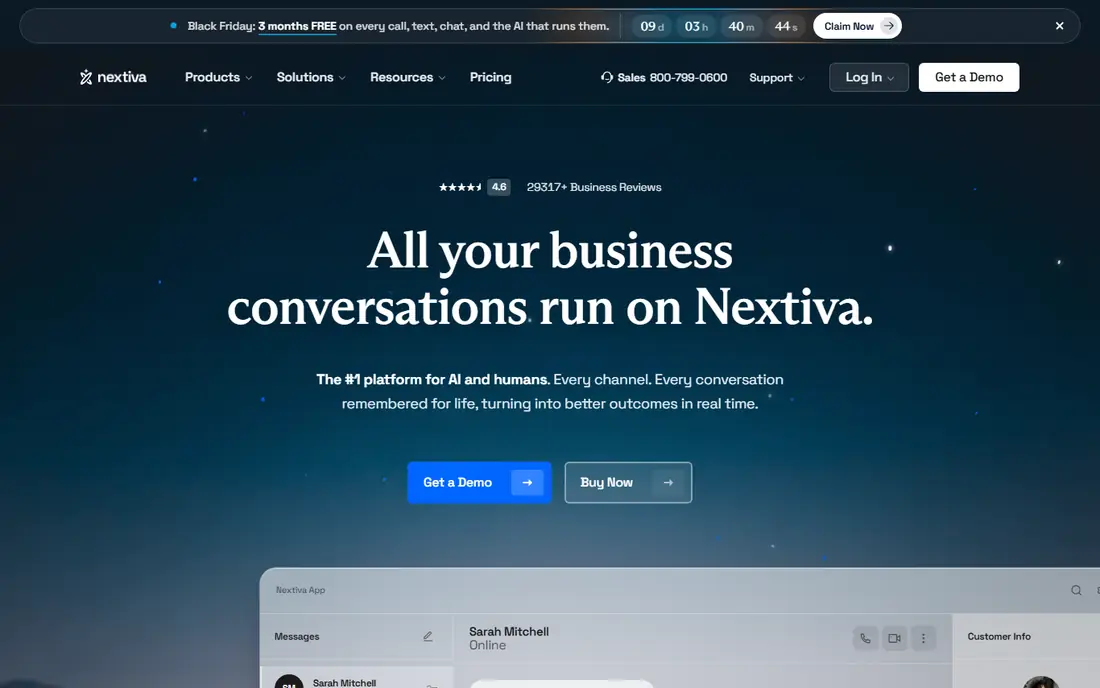
Nextiva works well for businesses that talk to customers across phone, text and chat and want those threads in one place. Core includes inbound and outbound voice, business SMS, video meetings and call routing, which covers most small business needs without extra tools. The NextivaONE app keeps call history, texts and notes in one timeline, which helps small teams stay organized.
Pricing needs care. The $15 Core rate applies on an annual term, and paying month to month raises it to $23 per user. Engage at $25 adds more SMS, a toll-free number and live chat, so teams that rely on texting should budget for that step. There is no free trial listed, so ask for a demo and confirm contract terms before signing.
- Voice, video, SMS and team chat in one app
- Generous SMS allowance on higher tiers
- US-based support on standard plans
- Best annual price needs a 12-month term
- Monthly billing costs much more
- Advanced CRM sync needs higher tiers
CloudTalk is built for sales and support teams that call across borders. You can buy local numbers in a very wide range of countries, build call flows visually, and track calls with live monitoring and reporting. That combination makes it a strong fit for distributed teams that need to look local in each market they serve.
The trade-off is price structure. Starter at $25 covers queues and recording, but the power dialer and AI conversation tools are add-ons or higher-tier features, so the final bill depends on your workflow. Teams that only need domestic calling may find cheaper options here. For international outbound work, the coverage and routing tools justify a closer look.
- Local numbers in 160 plus countries
- Call flow builder on all plans
- Strong CRM integrations from early tiers
- Higher starting price than some rivals
- Power dialer costs extra on lower tiers
- AI features are paid add-ons
JustCall appeals to sales teams that live inside a CRM. Calls, texts and notes sync to tools such as HubSpot and Salesforce, so reps spend less time on manual logging. Team includes unlimited calling within your region under a fair use policy, 500 SMS segments per user, IVR menus and team analytics, which is a solid base for a small outbound team.
Watch the upgrade path. The power dialer, bulk SMS campaigns and intelligent routing sit on Pro at $49 per user per month, and AI review tools cost extra on Team. If your team mainly makes and receives calls with CRM logging, Team is enough. If dialer speed is the point of the purchase, price Pro from the start rather than assuming Team will cover it.
- More than 100 CRM integrations
- Local numbers in 70 plus countries
- AI transcription included on Team
- Two-license minimum
- Power dialer needs Pro
- Some AI review features are a paid add-on
Ooma is the calm option in this list. Essentials gives a small office a virtual receptionist, call routing and unlimited calling in its covered countries, without a contract or a steep learning curve. Businesses moving from a landline often find Ooma the easiest switch, since the hardware and setup are straightforward.
The limits appear as needs grow. Texting and call recording arrive on Pro at $24.95, and CRM integrations need Pro Plus at $29.95, so a team that wants all three pays far more than the headline price. There is also no free trial, so test the mobile app and call quality during any return window. For a simple phone line, Ooma is fine. For a growing sales team, it can get expensive fast.
- Easy setup for small offices
- No contract on Office plans
- Unlimited calling in the US, Canada, Mexico and Puerto Rico
- Call recording needs Pro
- CRM integrations need Pro Plus
- No free trial
Vonage fits companies that want a phone system with room to grow into a contact center. Mobile starts at $19.99 per line for small teams, with calls, SMS, auto attendant and apps included, while Premium adds video for larger groups, team messaging and more integrations. The platform also offers APIs for teams that want to build custom voice workflows.
Pricing is less simple than it looks. Rates change with line count, and some published discounts carry expiry dates or annual contract requirements, so budget on list prices. Advanced adds on-demand recording and call groups, which matters for support teams. Vonage is a solid middle choice, but get a written quote that covers lines, add-ons and contract length before you decide.
- Wide range of integrations
- Desk phone and app options
- Contact center upgrade path
- Price varies by team size
- Premium features sit on higher tiers
- Annual contract terms can be strict
Zoom Phone makes sense if your team already lives in Zoom. The metered plan starts at $10 per user per month, which suits light callers, and the interface needs almost no training for existing Zoom users. Unlimited and Global Select plans raise the price but remove the per-minute worry, and the system covers calling in dozens of countries.
The risk is underestimating usage. A team that talks all day can rack up metered charges quickly, so compare the unlimited plan before choosing metered on price alone. Zoom Phone also lacks some of the sales dialer depth found in CloudTalk or JustCall, and its contact center is a separate product. For general business calling inside a Zoom shop, it is a clean and affordable fit.
- Low metered starting price
- Familiar interface for Zoom users
- Global calling in many countries
- Metered plan charges per outbound minute
- Full unlimited plans cost more
- Contact center features are separate
Quo, formerly OpenPhone, is the simplest pick for a small team that shares a business number. Starter at $15 per user per month on annual billing includes calling and messaging, and the one-seat minimum means a solo founder does not pay for empty seats. Shared inboxes, internal threads and contact management keep a small team organized without enterprise complexity.
It is not a sales dialer. There is no power dialer listed, and phone support requires the Scale plan, so larger support teams should look elsewhere. The AI answering feature is included in a limited form, with credit packs for heavier use. For startups and small service businesses that mainly need a professional shared number, Quo offers strong value.
- Low starting price with a one-seat minimum
- Shared numbers and messaging
- Simple setup for small teams
- No built-in dialer
- Phone support needs the top tier
- AI answering credits are limited on lower tiers
How we picked these
We compared official pricing pages, feature lists and public reviews for established cloud phone systems that work in the United States in October 2026. We favored products with published pricing, CRM integrations, call recording or AI features, and a clear fit for sales or support teams. We left out tools that had no public pricing, no US calling, or a focus far from business phone service, and we did not list the named product itself.
What to check before you switch
Start with your call pattern, not the headline price. Count how many minutes, texts and seats you actually use, then check caps on SMS, toll-free minutes and recording retention, since those are where bills grow. Next, list the tools that must sync with the phone system, such as your CRM, help desk or calendar, and confirm which plan includes each integration rather than assuming it is standard.
Test call quality on your own network and devices during a trial, and check number porting, contract length and cancellation terms in writing. A system that sounds good in a demo can disappoint if porting takes weeks or if month-to-month billing doubles the price. Finally, ask who on your team will administer routing, greetings and permissions, since a simple admin panel saves more time over a year than a small discount.
Frequently asked questions
What are the best alternatives to Aircall?
Dialpad, RingCentral, Nextiva, CloudTalk and JustCall are the closest matches, since each covers business calling, integrations and analytics. Dialpad leads on built-in AI, CloudTalk and JustCall lead on outbound sales tools, and RingCentral leads on breadth for larger teams.
Which Aircall alternative is cheapest?
Dialpad and Quo both start at $15 per user per month on annual billing, and Zoom Phone has a $10 metered plan for light callers. The cheapest headline price is not always the cheapest bill, so check seat minimums, SMS caps and add-ons for your usage.
Do these alternatives integrate with a CRM?
Yes, most do, but the tier matters. JustCall and CloudTalk include CRM sync from early plans, while Dialpad, RingCentral and Ooma reserve some CRM integrations for higher tiers. Confirm your exact CRM and the plan that includes its integration before buying.
Is there a free Aircall alternative?
No full business phone system here is free forever. Dialpad, RingCentral, CloudTalk, JustCall and Quo offer free trials, while Ooma, Nextiva, Vonage and Zoom Phone rely on demos or paid plans. Trials are the best way to test call quality before committing.
Which alternative is best for a small team?
Quo suits very small teams sharing one number, Dialpad suits teams that want AI summaries, and Ooma suits a small office that wants a simple phone line. Pick based on whether shared messaging, AI or simplicity matters most to your team.
Can I keep my existing phone numbers?
Most providers here support number porting from a previous carrier, subject to carrier checks and timing. Ask the new provider to confirm porting for each number before you cancel the old service, so you avoid downtime.
Sources
See where you really rank - block by block
ProMapRanker scans Google Maps across a grid of your service area. Simple monthly plans from $19, white-label on every plan.
Start freeKeep reading
 zscaler alternatives
Best Zscaler Alternatives in 2026
Looking for zscaler alternatives? We compare 9 SASE and zero trust platforms on architecture, data protection, pricing, and fit for your network and team.
Read → zapier alternatives free
Best Zapier Alternatives Free in 2026
Nine automation tools for zapier alternatives free in 2026, all with genuinely free tiers, plus free plan limits, starting prices and upgrade paths explained.
Read → which platform is best for online reputation
Which Platform Is Best for Online Reputation in 2026
Wondering which platform is best for online reputation? We compare 8 review, listing, and response tools for small and multi-location businesses and agencies.
Read →