 ProMapRanker
AI Video Avatar Service With Best Reviews in 2026

Key takeaways
- HeyGen leads for realistic marketing video, with strong avatar quality and translation across many languages.
- Synthesia remains the enterprise standard for training, with governance features that larger teams need.
- Colossyan is the practical choice for learning teams that need quizzes and SCORM export without an enterprise contract.
- D-ID is the cheapest entry point for photo-based avatars, while VEED suits teams that want avatars inside a full editor.
Quick comparison
| Pick | Great for | Pricing starts at | Free tier | |
|---|---|---|---|---|
 HeyGen | Realistic marketing video | $24 per user per month | Yes | Visit |
 Synthesia | Enterprise training | $18 per user per month | Yes | Visit |
 Colossyan | Interactive learning | $59 per user per month | Yes | Visit |
 D-ID | Budget photo avatars | $4.70 per user per month | Free trial | Visit |
 Elai | Slide decks to video | $23 per user per month | Yes | Visit |
 VEED | Avatars inside an editor | See website | Yes | Visit |
 Hedra | Expressive character video | $20 per month | Yes | Visit |
 Vidnoz | Low-cost talking avatars | See website | Yes | Visit |
The best AI video avatar services
AI video avatar services turn a script into a presenter-led video, without a camera, studio, or actor. They suit training, product explainers, onboarding, and short marketing clips. Use them only with consent: never create an avatar of a real person without that person clear permission, and never use avatar video to mislead viewers about who is speaking.
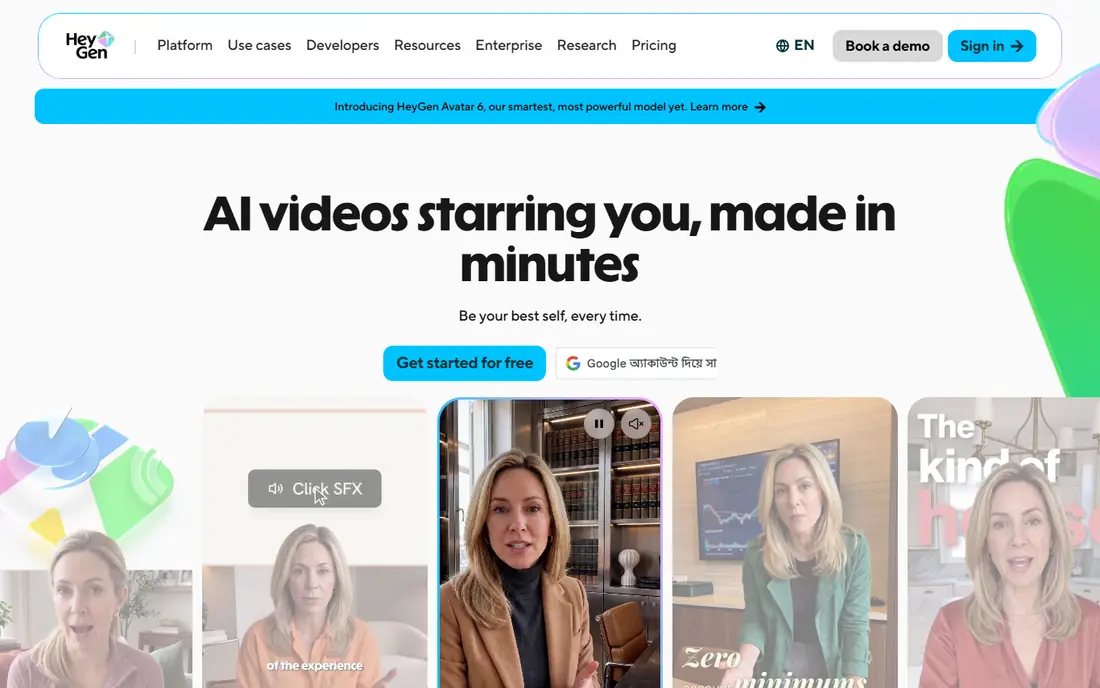
HeyGen is the first tool to try when a video has to look polished on a phone screen. Its newer avatar models add gestures and small facial expressions that older talking-head tools often missed, and the result reads less like a slideshow with a face added on top. Translation helps too, since one script can reach buyers in several languages without re-recording a presenter. For product explainers, onboarding welcomes, and short ads, that combination covers most of the work.
Pricing needs a careful read. Creator costs $29 per month, or $24 per month when billed annually, and includes a set number of credits. Premium rendering consumes credits faster than standard rendering, so a plan that looks generous on paper can shrink when you choose the highest quality. The free plan allows a small number of watermarked videos a month, which is enough to judge realism but not enough for a series. Start free, render a real script, and only then decide whether the credit math fits your monthly output.
- Strong avatar realism and gestures
- Translation into many languages
- Large stock avatar library
- Premium rendering uses credits faster
- Custom avatar setup needs time and verification
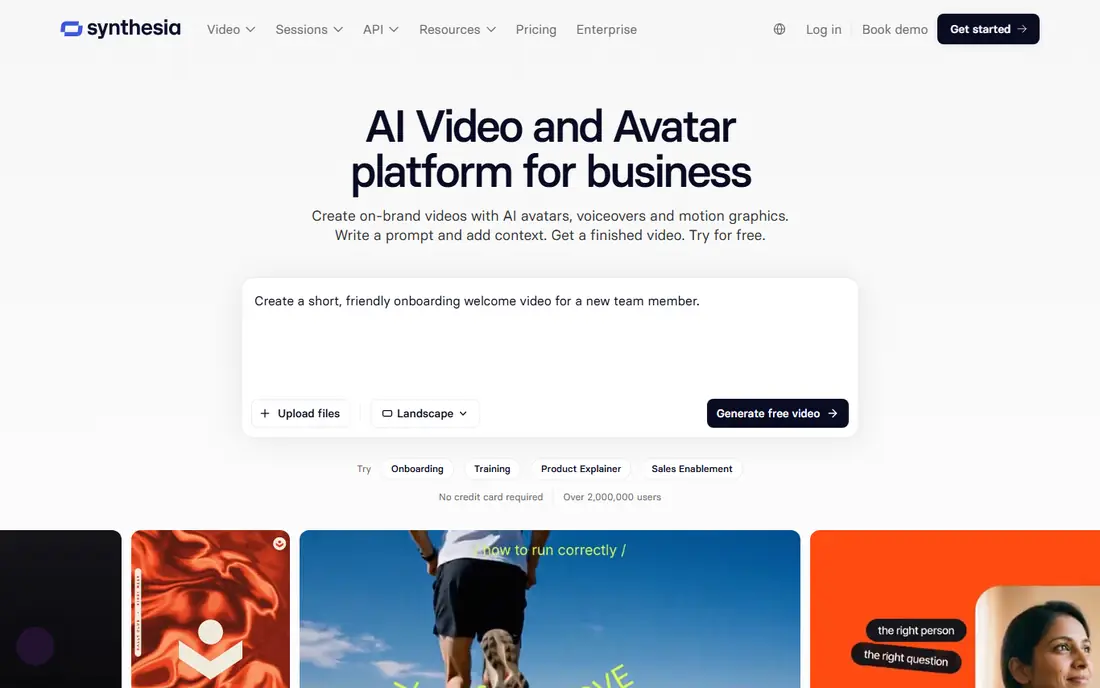
Synthesia is the enterprise standard for training and learning video. Its governance features, including single sign-on on higher tiers, brand controls, and structured team permissions, help larger organizations publish consistent training at scale. The free plan renders a real script with watermarked output, so a learning team can test voice, pacing, and avatar choice before paying. For compliance training, onboarding series, and product education, that control matters.
The trade-off is tier gating. SCORM export, which many learning systems need, sits on higher tiers, and credit caps mean heavy video output needs a larger plan. Entry pricing looks low when billed annually, but the monthly rate is higher, so check both figures. If your team needs governed training video at scale, Synthesia is still the safest enterprise choice.
- Deepest enterprise governance and compliance stack
- Large avatar and language range
- Free plan for testing scripts
- SCORM export sits on higher tiers
- Per-minute credit caps can frustrate heavy users
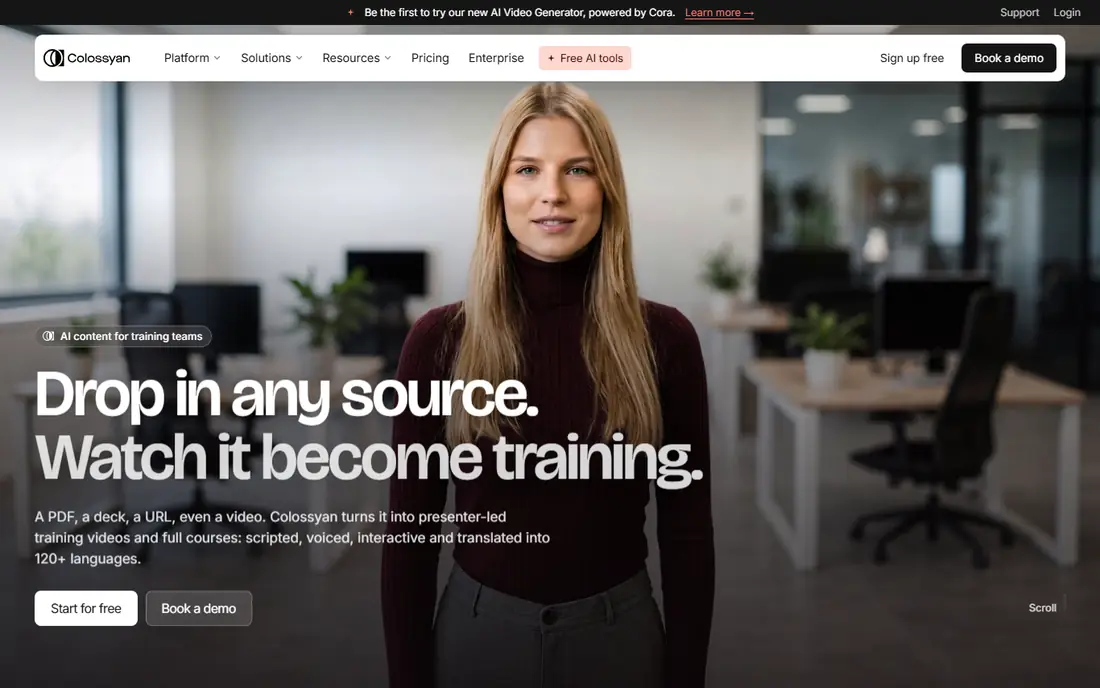
Colossyan is the learning and development pick for teams that want more than a talking head. Interactive quizzes, branching scenarios, and SCORM export help training teams build lessons that check understanding, not only present information. That matters for onboarding, safety training, and product certification, where a viewer must prove they followed the material. The avatar range is solid for training, and the editor is built around lessons rather than ads.
The catch is price and minutes. Professional pricing is higher than the annual entry rates of HeyGen and Synthesia, and monthly minute caps mean a team should map its output before choosing a tier. A free starter option lets you test the editor and avatar style. If interactive learning is your main job, Colossyan offers features that general avatar tools do not match at the same tier.
- Interactive quizzes and branching
- SCORM export without an enterprise contract on suitable plans
- Good avatar range for training
- Higher entry price than HeyGen or Synthesia annual rates
- Minute caps need careful planning
D-ID is the budget route into AI avatar video. It turns a photo into a talking avatar, which suits simple explainers, customer messages, and API-driven clips where a full studio avatar is more than needed. The entry price is far below HeyGen or Synthesia, and API access helps developers build avatar video into an app or workflow. For a small team testing whether avatar video works for its audience, D-ID is a low-risk start.
The limits are realism and rights. Photo avatars do not match the gesture and expression range of premium presenter models, and entry plan terms may limit commercial use, so check the current license before publishing marketing video. A trial lets you judge quality on your own script. If budget matters most and the job is simple presenter clips, D-ID is a strong pick.
- Cheapest entry in this list
- Photo avatars and API access
- Good for simple presenter clips
- Less realistic than premium presenter models
- Entry plan is for personal use in some terms, so check commercial rights
Elai suits teams with a slide deck problem: a training deck that no one reads, a sales deck that needs a spoken version, or a help guide that works better as video. It can ingest PDFs, PowerPoint files, and URLs and turn them into presenter-led video with less manual rebuilding. That saves time for learning teams and small businesses that already have content in deck form. The annual entry price is also affordable compared with larger platforms.
The trade-off is polish. Elai avatars are serviceable for training, but they do not match HeyGen for marketing realism, and the entry minute allowance is modest. A free option with a small allowance lets you test a real deck before paying. If your main job is turning existing decks into watchable training, Elai is a practical choice.
- Converts PDFs, decks, and URLs into video
- Simple editor for training content
- Affordable annual entry price
- Avatar realism is less striking than HeyGen
- Minute allowance is modest on entry plans
VEED is the choice when you want an editor as much as an avatar. Avatars sit inside a full editing workspace, so you can cut clips, add captions, brand the video, and export for social or web without moving files between apps. That workflow suits marketing teams and creators who publish short-form video often and need fast turnaround. The free plan lets you test the editor, though exports carry a watermark.
The limit is avatar depth. VEED avatars are useful, but they are part of a broader editor, not the sole focus as with HeyGen or Synthesia, so realism and avatar range vary by plan. Check which avatar models and minutes your plan includes before committing to a series. If editing speed matters as much as the avatar itself, VEED is a strong all-round pick.
- Full video editor around the avatar
- Captions, cuts, and branding in one place
- Good for short-form and social video
- Avatar quality varies by plan and model
- Pricing and avatar limits need checking before a series
Hedra suits creative and character-led video, where expression matters more than a formal presenter. It can animate a photo or character with lip-sync and movement, which works for social clips, storytelling, and character content that a standard corporate avatar would make dull. The credit model gives flexibility for occasional projects, and a free option lets creators test the style before paying.
The trade-off is formality. Hedra is not built as a governed training platform with SCORM, quizzes, and enterprise permissions, so learning teams should look at Synthesia or Colossyan instead. Character output also needs review, because expressive animation can look playful in a context that needs a serious tone. For creative avatar work, Hedra is a fun and capable tool.
- Expressive lip-sync from a photo or character
- Good for character and creative work
- Credit-based plans for flexible use
- Less suited as a formal training platform
- Character output needs careful review for brand use
Vidnoz is a low-cost option for quick talking-avatar explainers. It offers a wide range of avatars and templates, plus free options that let a small team test the format before paying. For simple product explainers, welcome videos, and short social clips, Vidnoz can produce a usable video fast, without the learning curve of a larger platform. That speed makes it a good test tool for teams that are unsure whether avatar video fits their audience.
The catch is consistency. Avatar quality varies, and free tiers often carry watermarks or limits on commercial use, so check current terms before publishing. Teams that need governed training or premium marketing realism should choose a higher-tier platform. For low-cost, quick avatar video, Vidnoz is a practical starting point.
- Low-cost entry and free options
- Large avatar and template range
- Good for quick explainers
- Quality varies by avatar and plan
- Commercial rights and limits need checking on free tiers
How we picked these
We compared official pricing pages, product documentation, and public avatar comparisons for services that are live in 2026 and that offer stock avatars for legitimate creative work. We favored services with clear consent and verification steps for custom avatars, and we mixed marketing, training, and budget options. We did not claim hands-on testing, and we did not list tools built for undressing or non-consensual imagery. Where pricing varied by billing term or credit model, we used the widely published entry figure and noted credit limits in the text.
What to check before you choose
Start with consent and disclosure. Only create avatars of real people with their clear permission, and tell viewers when a video uses an AI presenter, especially for training, sales, or news-style content. Check each platform consent and verification rules for custom avatars, because those rules protect both you and the person depicted. A platform that verifies identity before cloning a voice or face is a safer choice.
Next, test with a real script. Render the same script on two platforms, then watch on a phone with sound on and sound off, and check lip-sync, pacing, and captions. Map your monthly minutes or credits against the plan, because premium models use credits faster. Finally, check export rights, watermark rules, and whether the free plan allows commercial use, because those terms decide whether a test video can become a published video.
Frequently asked questions
What is the best AI video avatar service?
HeyGen leads for realistic marketing video, Synthesia leads for enterprise training, and Colossyan leads for interactive learning. The best choice depends on whether you need marketing polish, governance, or interactive lessons.
What is the best AI text to image service?
That is a different job from avatar video. Text to image services create still images from a prompt, while avatar services create presenter-led video from a script. If you need still images, compare image generators separately, because pricing and quality measures do not transfer to video avatars.
Can I create an avatar of myself?
Yes, on most platforms, with a verification step that usually requires video or photo consent checks. Never create an avatar of another person without that person clear permission, and check the platform rules before uploading anyone likeness.
Are AI avatar videos good for training?
Yes, for many training jobs. Avatar video updates fast when a process changes, keeps presentation consistent across a team, and avoids studio costs. Interactive tools such as Colossyan add quizzes and SCORM export, which help when completion must be tracked.
How much does AI avatar video cost?
Entry prices in this list run from about $4.70 per month for D-ID to $59 per month for Colossyan, with HeyGen and Synthesia in between on annual billing. Always check credit or minute limits, because premium models can use an allowance faster than the headline price suggests.
Sources
See where you really rank - block by block
ProMapRanker scans Google Maps across a grid of your service area. Simple monthly plans from $19, white-label on every plan.
Start freeKeep reading
 zscaler alternatives
Best Zscaler Alternatives in 2026
Looking for zscaler alternatives? We compare 9 SASE and zero trust platforms on architecture, data protection, pricing, and fit for your network and team.
Read → zapier alternatives free
Best Zapier Alternatives Free in 2026
Nine automation tools for zapier alternatives free in 2026, all with genuinely free tiers, plus free plan limits, starting prices and upgrade paths explained.
Read → which platform is best for online reputation
Which Platform Is Best for Online Reputation in 2026
Wondering which platform is best for online reputation? We compare 8 review, listing, and response tools for small and multi-location businesses and agencies.
Read →