 ProMapRanker
Best AI Tools for Education in 2026


Teachers and learners using Khan Academy · Pricing starts at: Free
Key takeaways
- Khanmigo is free for US teachers, making it the lowest-cost starting point for guided tutoring.
- MagicSchool AI offers the broadest teacher toolkit, while Diffit and Brisk solve narrower jobs better.
- Most individual teacher plans cost under $15 per month, but school and district plans are often quoted.
- AI output should support learning and original student work, not replace it.
Quick comparison
| Pick | Great for | Pricing starts at | Free tier | |
|---|---|---|---|---|
| Khanmigo | Teachers and learners using Khan Academy | Free | Yes | Visit |
 MagicSchool AI | Teachers who want one broad toolkit | $12.99 per month | Yes | Visit |
 Brisk Teaching | Google Workspace classrooms | See website | Yes | Visit |
 Diffit | Differentiated reading and mixed-level classes | $14.99 per month | Yes | Visit |
 Eduaide.ai | Teachers who plan with templates | $5.99 per month | Yes | Visit |
 Curipod | Live interactive lessons | See website | Yes | Visit |
 SchoolAI | Schools that want controlled student AI use | See website | Free trial | Visit |
 Quizlet | Study, flashcards, and practice questions | $7.99 per month | Yes | Visit |
 Gradescope | Grading for larger classes | See website | Free trial | Visit |
The best AI tools for education
We compared official pricing pages, feature lists, and public documentation for each option below, then sorted them by fit for different team sizes and budgets. Use the table above for a fast scan, then read the full write-up for the option that matches your work.
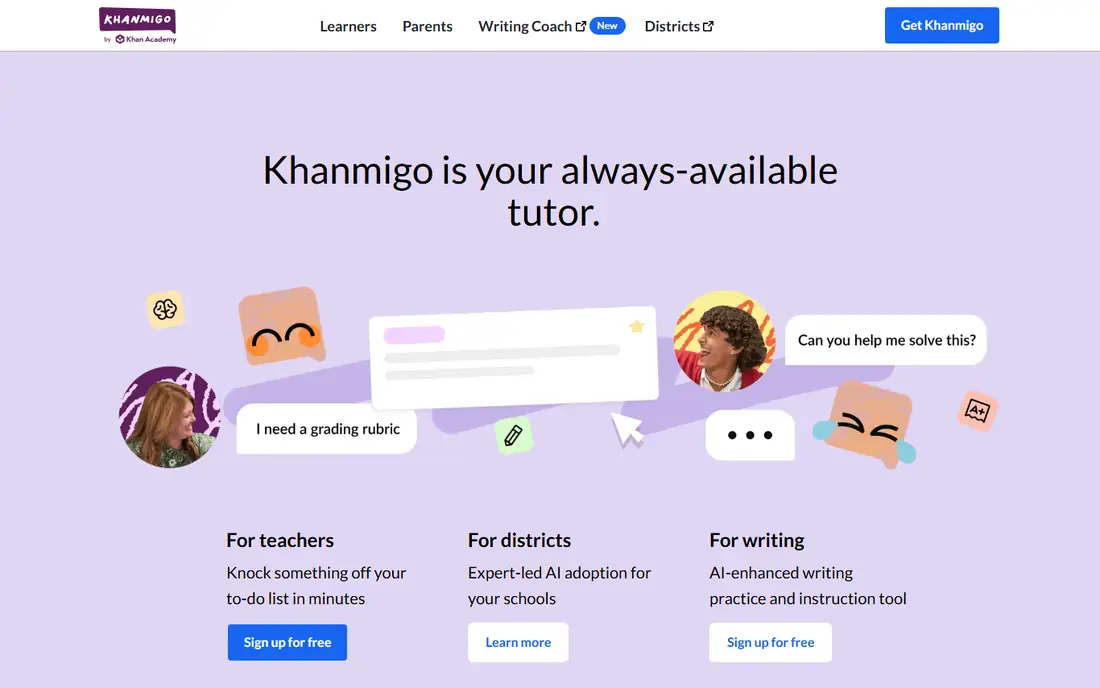
Khanmigo is the tutoring companion built into Khan Academy, and its strength is how it guides rather than simply giving answers. It asks follow-up questions, checks understanding, and stays close to the lesson a student is already working through.
For teachers in the US, Khanmigo is free, which removes the budget barrier that blocks many classroom tools. The limit to check is student access and district setup, plus whether your subject and grade level are well covered in the Khan library. Academic integrity note: students should use it to learn the steps, not to submit its output as their own work.
- Free for US teachers
- Socratic tutoring style
- Tied to Khan Academy lessons
- Student access is often district-priced
- Limited outside the Khan library
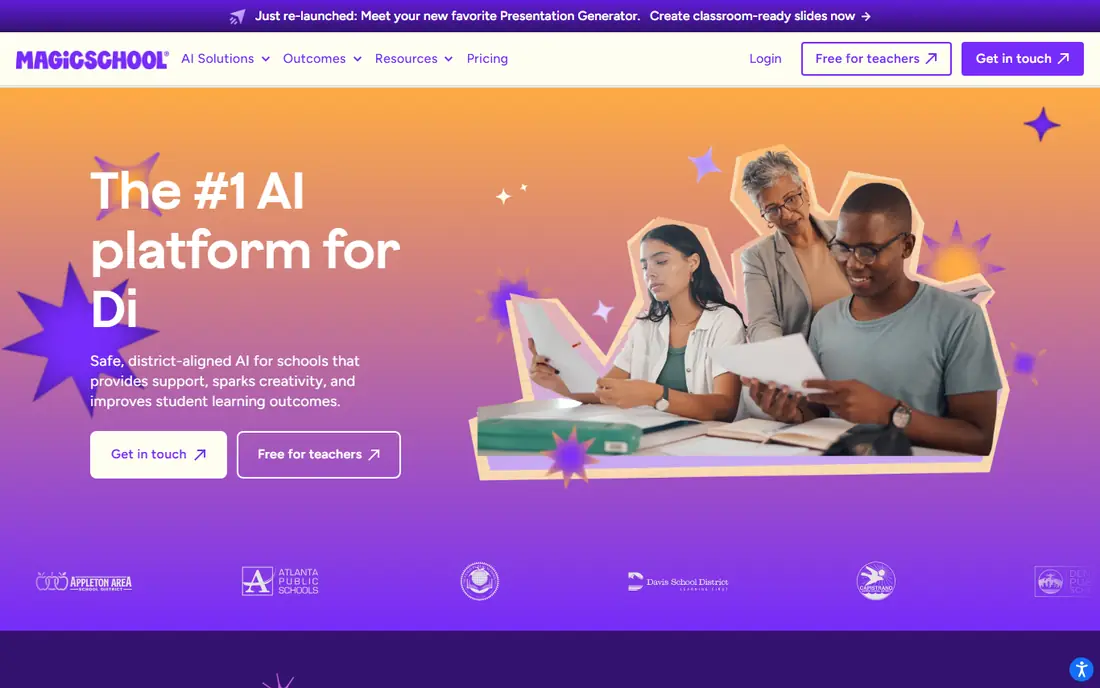
MagicSchool AI packs lesson planning, rubrics, quiz creation, feedback drafts, and differentiation tools into one dashboard. For a teacher who currently juggles several single-purpose tools, that breadth is the main appeal.
The free tier lets a teacher test the core workflow before paying, while Plus has been listed around $12.99 per month or about $8.33 per month when billed annually. Check the current pricing page, because education pricing changes often, and confirm student-data handling with your district before classroom use.
- More than 80 teacher tools
- Free tier for trying the core set
- Student tools included
- Free tier has usage limits
- Plus pricing varies by billing term
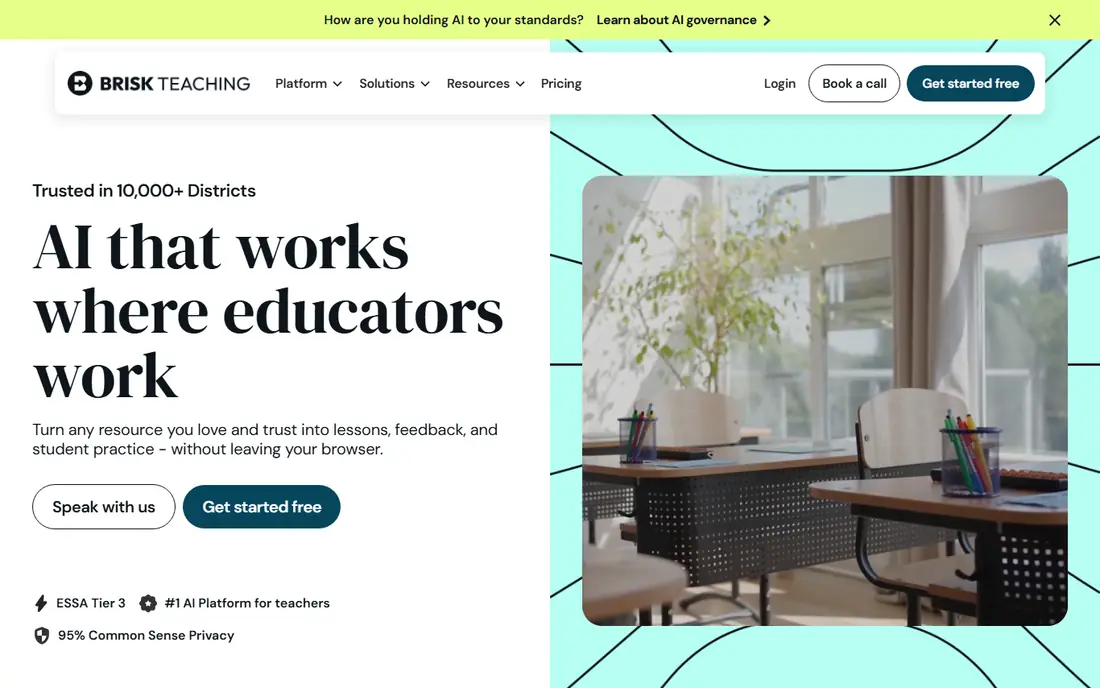
Brisk Teaching works as a Chrome extension inside Google Docs, Slides, and Forms, so teachers do not need to learn a new workspace. Feedback, rubric checks, and lesson adjustments happen in the document a student already submitted.
Individual educator tools are free, with a paid Pro tier for individuals and quoted school and district plans. That model suits Google Workspace schools best. Teachers outside that system should check which features still work well in their setup before building routines around it.
- Works inside Google Docs and Slides
- Feedback tools where teachers already work
- Free educator tools
- Deepest value is for Google schools
- School plans are quoted
Diffit solves one classroom problem well: the same topic, at reading levels that fit different students. A teacher can paste a text or topic, then get a leveled passage with questions, vocabulary, and a summary.
Basic access is free, while the paid teacher plan has been listed at $14.99 per month or $149.99 per year. For English, social studies, and science teachers with wide reading ranges in one class, that single strength can justify the cost. It is not a replacement for a full lesson-planning suite.
- Leveled passages from any text
- Questions and summaries included
- Supports varied reading levels
- Narrower focus than a full toolkit
- Paid plan needed for regular use
Eduaide.ai offers a wide set of generators for lesson plans, worksheets, rubrics, and assessments, with a focus on classroom-ready documents rather than chat alone. Teachers who like templates will find the structure helpful.
The free tier gives a limited number of generations each month, while Pro has been listed around $5.99 per month or $49.99 per year. That low individual price makes it easy to test for a term. Check how well its standards library matches your state or district requirements.
- Large template library
- Feedback assistant
- Low paid price for individuals
- Free tier has monthly generation limits
- School pricing is quoted
Curipod turns a slide deck into a live lesson, with polls, word clouds, and writing tasks that students answer from their devices. Teachers see responses as they arrive, which makes it easier to spot misunderstanding during the lesson rather than after it.
A free tier is available for trying the format, while school and district plans are quoted. The full value depends on reliable student devices and network access, so it suits classrooms that already run one-to-one devices better than shared-device rooms.
- Interactive slides with live student responses
- Real-time feedback on writing
- Polls and word clouds
- School and district pricing is quoted
- Needs student devices for full value
SchoolAI is designed for schools that want students to use AI inside teacher-set boundaries. Teachers can create guided spaces, set the task, and monitor student interaction, rather than sending students to an open chatbot.
Pricing is quoted for schools and districts, so request a quote tied to your student count and required controls. The key test is whether the monitoring and guardrails fit your district policy, and whether teachers can set up a space quickly without IT help for every lesson.
- Teacher-controlled student spaces
- Classroom monitoring tools
- District controls
- Pricing is quoted
- Newer platform than the largest education names
Quizlet remains a familiar study tool for flashcards, practice tests, and spaced review, and its Q-Chat feature adds guided tutoring on top of study sets. Students can study on a phone in short sessions, which fits homework and revision routines.
The free tier covers core study modes, while Quizlet Plus has been listed around $7.99 per month. Teachers should review user-made sets before assigning them, because quality varies. Academic integrity note: use Quizlet for practice and recall, and keep graded work based on original student answers.
- Huge study-set library
- Learn and test modes
- Q-Chat tutoring feature
- AI features sit on paid tiers
- Quality varies across user-made sets
Gradescope helps instructors grade faster and more consistently, especially in larger classes with problem sets, exams, or code. Rubrics, grouping of similar answers, and regrade requests keep grading organized across many submissions.
Pricing is quoted, usually for institutions, so individual teachers should check whether their school already holds a license. For a small class with simple grading, the setup may outweigh the gain. For large courses, the time saved on consistent feedback is the reason to shortlist it.
- Faster grading with rubrics
- Supports varied assignment types
- Useful for STEM courses
- Pricing is quoted
- Setup effort is higher for small classes
How we picked these
We compared official pricing pages, product documentation, and education guidance for AI tools used by teachers and learners. We kept only tools that are available today, that serve a clear classroom or study job, and that state their student-data approach in public documentation. Prices that we could not verify on a vendor page are shown as See website. We did not claim hands-on classroom testing, and we did not copy vendor user counts or award claims into this list. Academic integrity note: schools should set clear rules on when AI help is allowed, require students to show their own reasoning on assessed work, and check AI output for errors before relying on it.
How to choose an AI education tool that fits your classroom
Start with one classroom job, such as planning, feedback, differentiation, or grading, and pick the tool that does that job best. A broad toolkit is useful when teachers need many small jobs done, while a specialist tool often gives better results for one repeated task. Check device access, single sign-on, and whether the tool works inside the system your school already uses, such as Google Workspace or your learning management system.
Check privacy and academic rules first
Before classroom use, confirm the vendor data policy, age rules, and district approval process. Student work should not be used to train models without clear consent and district agreement. Set a simple classroom rule: AI can explain, draft, and give feedback, but assessed answers must be the student's own work, with sources and reasoning shown where required.
Test with a real lesson
Run a trial on a real topic, grade level, and reading range, then check the output for factual errors, reading level, and bias. Ask students whether the tool helped them understand the idea or only finished the task faster. That answer tells you more than a feature list.
Frequently asked questions
What are the best AI tools for education?
Khanmigo, MagicSchool AI, and Brisk Teaching are strong starting points for most teachers, with Diffit best for leveled reading and Gradescope best for large-class grading. The best choice depends on whether you need planning, tutoring, feedback, or grading.
What is the best AI platform for education?
MagicSchool AI is the broadest teacher platform in this list, while Khan Academy with Khanmigo is the strongest free tutoring platform for US teachers. Schools that need controls around student use should also look at SchoolAI.
What is the best AI education software for teachers?
For lesson planning and classroom documents, MagicSchool AI and Eduaide.ai cover the most ground. For feedback inside student documents, Brisk Teaching fits Google Workspace classrooms best.
Are AI education tools free?
Several tools offer free tiers, and Khanmigo is free for US teachers. Paid individual plans in this list are mostly under $15 per month, while school and district plans are often quoted by student or teacher count.
Can students use AI tools for homework?
It depends on school and teacher rules. AI can be useful for explaining ideas and practicing skills, but students should not submit AI output as their own work on assessed tasks. Teachers should state the rule for each assignment in plain terms.
Sources
See where you really rank - block by block
ProMapRanker scans Google Maps across a grid of your service area. Simple monthly plans from $19, white-label on every plan.
Start freeKeep reading
 zscaler alternatives
Best Zscaler Alternatives in 2026
Looking for zscaler alternatives? We compare 9 SASE and zero trust platforms on architecture, data protection, pricing, and fit for your network and team.
Read → zapier alternatives free
Best Zapier Alternatives Free in 2026
Nine automation tools for zapier alternatives free in 2026, all with genuinely free tiers, plus free plan limits, starting prices and upgrade paths explained.
Read → which platform is best for online reputation
Which Platform Is Best for Online Reputation in 2026
Wondering which platform is best for online reputation? We compare 8 review, listing, and response tools for small and multi-location businesses and agencies.
Read →