 ProMapRanker
Best AI Receptionist for Home Services Alternatives in 2026

Key takeaways
- The cheapest entry price is not always the cheapest bill, because most services charge by minutes, calls, or unique callers.
- For a home services firm, direct calendar booking and live transfer matter more than a low headline price.
- Smith.ai is the clearest option if you want a free AI tier to test, while Dialzara and Upfirst suit tight budgets.
- Jobber AI Receptionist only makes sense if you already run Jobber, since it is an add-on to that platform.
- Check how overage charges work before you sign up, because a busy week can push you into a higher tier fast.
Quick comparison
| Pick | Great for | Pricing starts at | Free tier | |
|---|---|---|---|---|
 Dialzara | low-cost minute plans | $29 per month | Free trial | Visit |
 Smith.ai | free AI tier and hybrid cover | Free | Yes | Visit |
 Rosie | budget after-hours cover | $49 per month | Free trial | Visit |
 Goodcall | caller-based pricing | $79 per month | Free trial | Visit |
 My AI Front Desk | all-hours booking | $99 per month | No | Visit |
 Upfirst | lowest entry price | $24.95 per month | Free trial | Visit |
 AIRA | simple per-call pricing | See website | Free trial | Visit |
 Voksha | low-volume shops | $14 per month | No | Visit |
 RingCentral AI Receptionist | firms already on RingCentral | $49 per month | Free trial | Visit |
 Jobber AI Receptionist | existing Jobber users | $29 per month | No | Visit |
The best AI receptionist for home services alternatives
These are the AI receptionist products we would shortlist for a home services business that wants fewer missed calls without hiring a full-time receptionist.
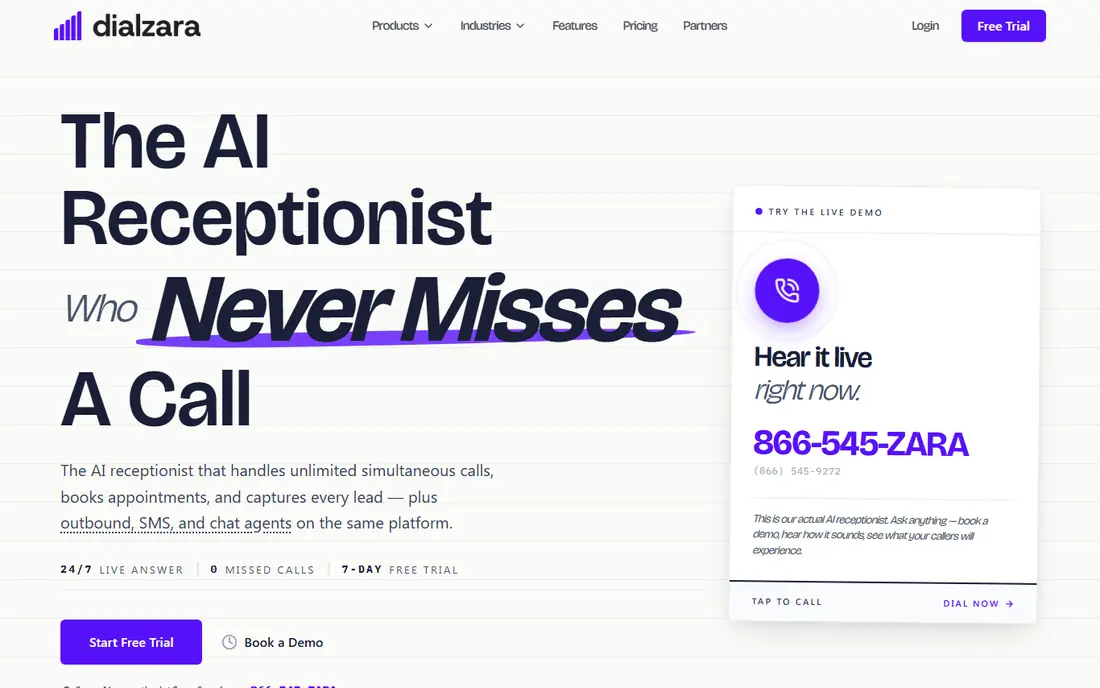
Dialzara is a practical starting point for a small plumbing, HVAC, or electrical firm that mainly needs calls answered and messages taken. Its entry plan covers 60 minutes a month, and higher plans raise that allowance to 1,000 minutes. The service can answer in more than one language, which helps in areas with a mixed customer base, and it connects with a wide range of business apps.
The catch is in the plan ladder. If you want call transfers and booking on the cheapest plan, you will be disappointed, because those features sit on higher tiers. That means you should price the plan that actually does the job you need, not just the entry plan, and keep an eye on minutes during peak seasons when call volume jumps.
- Low entry price
- Multilingual answering
- Thousands of app integrations
- Base plan lacks call transfers and scheduling
- Overage charges add up
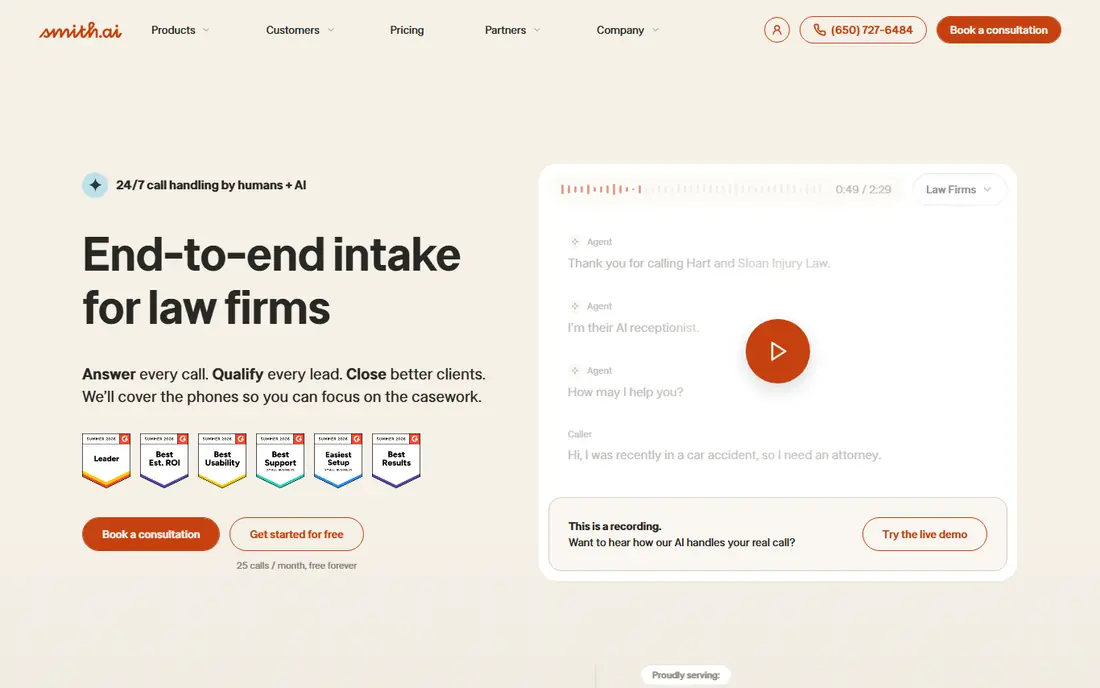
Smith.ai stands out here because it lets a firm try AI answering without paying first. The free AI tier covers 25 calls a month, which is enough to judge voice quality and message accuracy on real calls. The paid Pro AI plan covers 75 calls, and the same company also offers live human receptionists if you later want a person to step in on complex calls.
That flexibility is the main reason to pick Smith.ai, but the price jump from free to Pro is steep, and live plans start much higher. For a home services firm, the sensible test is to run the free tier for a month, check how many calls it handled well, and only then decide if the Pro plan or a live plan is worth the cost.
- Free tier with 25 calls a month
- AI and live receptionists from one firm
- Strong CRM integrations
- Paid AI plan jumps to $150 per month
- Live receptionist plans cost far more
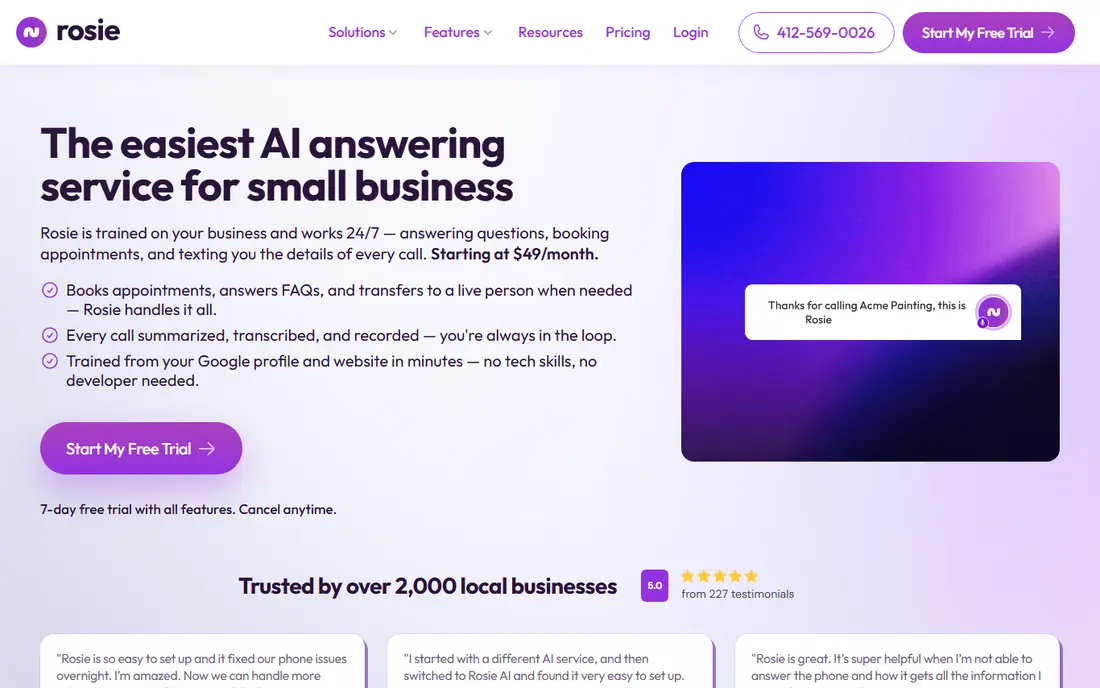
Rosie is aimed at solo operators and small service firms that want a simple answer to one problem: calls going to voicemail after hours. The Professional plan covers 250 minutes, answers in English and Spanish, and sends summaries, transcripts, and recordings. Setup is quick, with call forwarding rather than a new phone system.
The honest limit is booking. The entry plan sends callers a booking link rather than placing the job directly on your calendar, so a firm that lives by its schedule will need the Scale plan at $149 a month. Rosie also records calls, so check your state rules on call recording consent before you turn that feature on.
- Low monthly price
- English and Spanish answering
- Call summaries by text or email
- Direct calendar booking needs the $149 plan
- Overage terms need checking
Goodcall charges by unique caller rather than by minute, which suits a firm whose callers tend to call once and talk for a while. The entry plan covers 100 unique callers, with extra callers charged per caller. That model removes the worry that a long, useful call will eat your whole monthly allowance in one go.
The trade-off is volume. A firm with many repeat callers or a busy advertising push can move through its caller allowance faster than expected, and higher plans cost $129 and $299 a month in the comparisons we checked. Goodcall is a strong fit for local service firms, but it is worth counting your real monthly callers, not just your total calls, before choosing a tier.
- Counts unique callers, not minutes
- Built for local service firms
- Simple flat agent pricing
- Higher tiers climb quickly
- English-only answering on entry plans in some comparisons
My AI Front Desk is a straightforward all-hours AI receptionist that answers calls, books appointments, and follows up by text. Its plan covers 200 minutes, with extra minutes charged as credits, and it connects with common CRMs and calendars. For a home services firm that books most work by phone, that combination covers the core job well.
There is no free tier, so you pay from day one, and the lower monthly figure often quoted comes from annual billing. That makes it a better pick for a firm that already knows its call volume and wants a stable service, rather than a firm that is still testing if AI answering suits its customers.
- Around-the-clock answering
- Appointment scheduling
- SMS follow-ups
- No permanent free plan
- Annual billing lowers the monthly price, not the commitment
Upfirst has the lowest entry price of any product in this list, at $24.95 a month for 30 calls, with larger plans at $59.95, $159.95, and $299 a month. It filters spam calls, answers in more than one language, and offers a 14-day trial. For a one-person trade firm with modest call volume, that is a low-risk way to stop missing calls.
The limit is obvious from the numbers. Thirty calls will not last long for a growing firm, and extra calls are charged per call, so the bill grows with success. Upfirst also lacks SMS reception on some plans, which matters if customers text your business number. Treat it as a starter service and plan the upgrade path in advance.
- Lowest entry price in this list
- Spam filtering
- Multilingual answering
- Entry plan covers only 30 calls
- No SMS reception on some plans
AIRA prices by call rather than by minute, and its starter plan includes its full feature set rather than gating features behind higher tiers. That is a welcome change from services where booking or transfers only appear two tiers up. It also answers in two languages and handles appointment booking, which covers the main needs of a home services firm.
The downside is transparency on price. Published comparisons put AIRA in a similar range to other budget AI receptionists, but exact plan prices were not confirmed from its own site at the time of writing, so we list it as See website. Ask for a written quote based on your monthly call count before you commit, and test how it handles a trade-specific call, such as an emergency leak, before you rely on it.
- All features included on the starter plan
- Per-call pricing is easy to model
- Bilingual answering
- Price varies by volume and plan
- Newer brand with fewer long-term case studies
Voksha is one of the cheapest ways to get AI call answering, with an entry plan at $14 a month covering 15 calls and extra calls charged per call. For a very small firm, or a firm that only needs cover for evenings and weekends, that low entry price is hard to ignore. Its pricing guide also lays out costs at different call volumes, which helps with honest budgeting.
The included allowance is small, so a firm that takes more than a handful of calls a week will pay overage charges on top of the base price. Voksha is also a younger brand than Smith.ai or RingCentral, so there are fewer long-term case studies to check. It fits best as a low-volume starter, not as the main phone system for a busy multi-crew firm.
- Very low entry price
- Per-call overage pricing
- Simple plan structure
- Small included call allowance
- Limited public track record compared with larger firms
RingCentral AI Receptionist is the natural pick if your firm already runs on RingCentral, because the AI answers inside the phone system you already pay for and manage. The plan covers 100 minutes, with extra minutes at $0.50 a minute, and the monthly price drops if you buy it with a RingCentral phone plan. That integration means less call forwarding setup and fewer moving parts.
If you do not use RingCentral, there is little reason to pick this over a standalone service such as Dialzara or Rosie, since you would be paying for a phone system add-on without the system. For existing RingCentral customers, though, it is one of the tidiest options in this list, because calls, messages, and routing stay in one place.
- Sits inside a full phone system
- 100 included minutes
- Clear overage rate
- Little value if you do not use RingCentral
- Higher cost when bought without its phone system
Jobber AI Receptionist is different from the rest of this list because it is an add-on, not a standalone service. It costs $29 a month on top of a Jobber plan, covers 30 conversations, and charges for extra conversations. The advantage is that it speaks the language of home services work: quotes, jobs, schedules, and customer records all live in Jobber already.
That advantage only counts if you already use Jobber. A firm that does not run Jobber would need to buy into a whole business platform just to get AI answering, which makes no sense. For a Jobber firm, though, this is often the simplest choice, because the AI books into the same calendar your crews already use, and no second system needs to be learned.
- Built for home services workflows
- Booking tied to Jobber jobs
- Low add-on price
- Requires a Jobber plan
- Only 30 conversations included
- Extra conversations charged per conversation
How we picked these
We compared official feature pages, pricing pages, and app store listings, plus recent independent pricing comparisons, and kept only products that offer AI call answering for small and mid-sized service firms in 2026. We gave extra weight to booking, call transfer, and message quality, because those are the features that turn an answered call into a booked job. Where a price could not be confirmed from the vendor's own site, we wrote See website rather than guessing.
What to check before you buy
Start with your real call numbers. Count your calls per month, your busiest hours, and how many of those calls need a booking rather than just a message. A service that only takes messages will not help a firm that books most work by phone, and a minute-based plan will punish a firm whose calls run long. Ask each vendor how it handles spam, wrong numbers, and after-hours emergencies, because those calls shape your bill and your reputation.
Test the voice before you commit. Call the demo number yourself, ask a trade-specific question, and listen for natural pauses, correct business details, and a clean handoff to a message or booking. Check recording consent rules in your state, confirm how customer data is stored, and read the overage terms in writing. A trial week with real calls tells you more than any sales page, so use the free tier or trial where one exists and review the transcripts daily during that week.
A note on pricing models
Minute plans suit firms with short calls. Per-call plans suit firms with long calls. Caller-based plans suit firms with many repeat customers. There is no single best model, only the model that matches your call pattern. Work out your cost at your busiest month, not your quietest, and add the cost of the tier that includes booking if booking is part of the job.
Frequently asked questions
What is an AI receptionist for a home services firm?
It is an AI phone service that answers calls, greets callers, answers common questions, takes messages, and in many cases books appointments. It works around the clock, so calls outside business hours are answered instead of going to voicemail. It does not replace a person for complex or sensitive calls, and most firms keep a human fallback for those.
How much does an AI receptionist cost?
Entry prices in this list run from $14 to $99 a month, with free tiers and trials on several services. The real cost depends on the billing model, because minute, call, and caller allowances all work differently. Always model your busiest month, including overage charges, before you compare headline prices.
Can an AI receptionist book jobs directly?
Some can, but not on every plan. Rosie and Dialzara reserve direct booking for higher tiers, while Jobber AI Receptionist books into Jobber by design. If booking is essential for your firm, confirm it is included on the exact plan you intend to buy, and test it with a real booking during the trial.
Is an AI receptionist better than a live answering service?
AI answering is cheaper and always available, and it handles routine calls well. A live service costs more but handles upset customers, complex scheduling, and judgment calls better. Many firms use AI for routine and after-hours calls and keep a live service or an in-house person for the calls that need a human touch.
Do customers mind talking to an AI receptionist?
Some customers do, especially older callers or callers with an emergency. A clear greeting, a quick route to a human when asked, and accurate business details reduce friction. Review call transcripts during the trial and ask how often callers request a person, since that rate tells you how well the service fits your customers.
What should I check about call recording and privacy?
Check your state rules on recording consent, and confirm how the vendor stores transcripts, recordings, and caller details. Ask if customer data is used to train models, how long it is kept, and how you can delete it. A vendor that answers those questions plainly is a safer choice than one that avoids them.
Sources
See where you really rank - block by block
ProMapRanker scans Google Maps across a grid of your service area. Simple monthly plans from $19, white-label on every plan.
Start freeKeep reading
 surfer seo alternatives
Surfer SEO Alternatives in 2026
We compared surfer seo alternatives for content optimisation, briefs, and scoring, covering Frase, Clearscope, NeuronWriter, MarketMuse, and more tools.
Read → best accounting software for accountants
Best Accounting Software for Accountants in 2026
We compare the best accounting software for accountants and CPA firms, from practice management to ledgers and tax prep, for firms of all sizes in 2026.
Read → best web hosting services for small business
Best Web Hosting Services for Small Business in 2026
We compared the best web hosting services for small business on price, speed, support and renewals, from budget shared hosting to managed WordPress in 2026.
Read →