 ProMapRanker
AI Patent Tools With Best Reviews in 2026

Key takeaways
- PatSnap and IPRally suit teams that need AI search across large patent databases, with visual analysis for novelty and freedom-to-operate work.
- Patlytics, DeepIP, and Solve Intelligence suit firms that want AI drafting plus claim work, with attorney review built into the workflow.
- PatentPal, ClaimMaster, and PowerPatent suit smaller firms and solo practitioners that need lower-cost drafting help.
- No AI tool should file an application unreviewed: a registered patent attorney or agent must review, revise, and take responsibility for every filing.
Quick comparison
| Pick | Great for | Pricing starts at | Free tier | |
|---|---|---|---|---|
 PatSnap | AI patent search and intelligence | See website | Free trial | Visit |
 Patlytics | Drafting through portfolio work | See website | No | Visit |
 PatentPal | Affordable AI drafting | See website | Free trial | Visit |
 DeepIP | Word-based AI drafting | See website | Free trial | Visit |
 Solve Intelligence | Full drafting and prosecution | See website | No | Visit |
 IPRally | Graph-based prior art search | See website | Free trial | Visit |
 ClaimMaster | Claim checks and proofreading | See website | Free trial | Visit |
 Rowan Patents | Structured drafting workflow | See website | Free trial | Visit |
 Qatent | Multilingual filing support | See website | Free trial | Visit |
 PowerPatent | Provisional drafting on a budget | See website | Free trial | Visit |
The best ai patent tools
AI patent tools fall into two groups: search tools that find prior art, and drafting tools that help write claims and specifications. The ten options below cover both, plus tools that bridge the two. Check each vendor data handling before you upload an unfiled invention, since that material is highly sensitive.
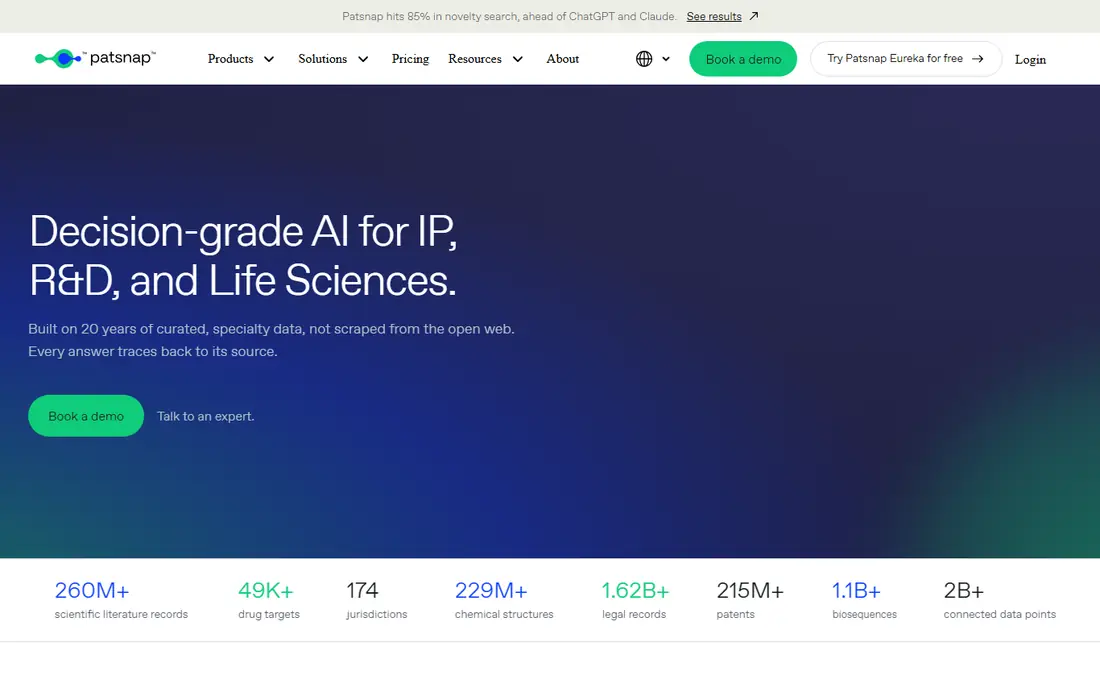
PatSnap is an innovation intelligence platform built around a large patent database, AI search, and visual analysis. Teams use it for novelty checks, freedom-to-operate work, and tracking competitors across regions. Semantic search helps find patents that use different words for a similar idea, which keyword search alone can miss.
The breadth that helps a corporate IP team can overwhelm a solo inventor, and pricing is enterprise oriented with demo and trial options. If you need regular search, portfolio views, and reports for managers or investors, PatSnap is a strong pick. For a one-off novelty check, a smaller search tool or a patent attorney review may be more cost effective.
- Large global patent database
- AI semantic search
- Visual analysis and competitor tracking
- Enterprise pricing and learning curve
- More than a solo inventor needs for a single check
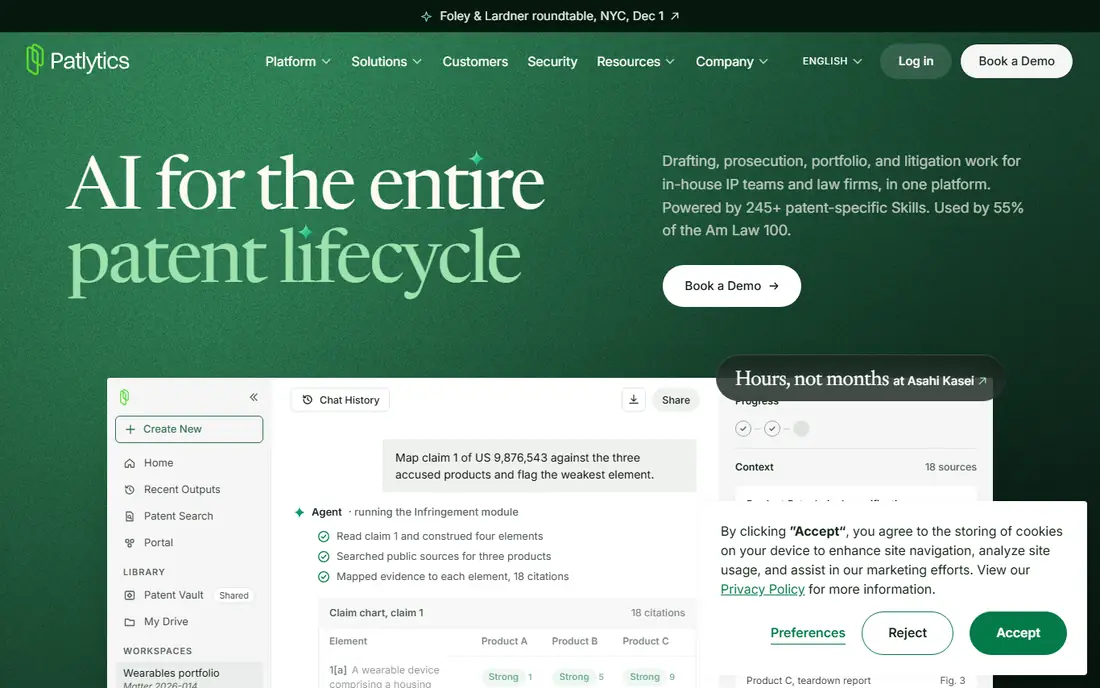
Patlytics is a web platform that covers patent drafting, claim generation with hierarchy checks, claim charting, invalidity analysis, freedom-to-operate work, and portfolio management. That breadth suits firms whose work runs from drafting into enforcement or licensing, since the same matter record can carry through each stage.
The platform is built for teams rather than solo users, and pricing requires a sales conversation. Drafting happens in the browser, so firms that want a native Word workflow should check the current integration before committing. For a firm that wants one AI system across drafting and later analysis, Patlytics is one of the most complete options on this list.
- Drafting, claim charting, invalidity, and FTO in one platform
- Portfolio analytics
- Collaboration tools
- Built for larger teams
- Pricing is quote based and not published
PatentPal is often cited as a budget-friendly AI drafting tool for solo practitioners and small firms. It helps produce first drafts of specifications and claims faster than starting from a blank page, with guided steps that keep the draft structured. That speed matters when a small firm handles many applications with limited staff.
The catch applies to every tool here: AI output must be reviewed, corrected, and checked against prior art before filing. PatentPal covers drafting well, but it is not a full portfolio or litigation platform. For a small firm that needs drafting help at a lower price, it is a practical starting point, provided a qualified attorney stays in control of the final filing.
- Lower-cost drafting help for small firms
- Guided specification and claim drafting
- Faster first drafts
- Output still needs full attorney review
- Fewer enterprise portfolio features
DeepIP helps patent professionals draft inside Microsoft Word, which suits firms that already live in Word and do not want to move drafting to a browser. It supports claim drafting, specification work, and filing across major jurisdictions, with tools that check structure and consistency as the draft grows.
Pricing sits in the mid-tier range for professional tools, and teams should ask for a quote that covers seats and any jurisdiction packs. Onboarding takes time, since the tool works best once it learns a firm house style. For firms that want AI help without leaving Word, DeepIP is a natural fit.
- Works inside Microsoft Word
- Claim and specification drafting help
- Multi-jurisdiction support
- Mid-tier pricing for larger teams
- Setup and style training take time
Solve Intelligence, from Thomson Reuters, offers full application drafting through a Word add-in, with style matching, prior art search, claim analysis, and office action response support. It also covers chemistry and life sciences drafting, including complex structures and experimental data, which many general tools handle poorly.
The platform is enterprise focused, so solo practitioners may find the price and sales process heavy. Security certifications are a plus for firms handling client confidential material, but you should still confirm data retention and training-use terms in writing. For a larger firm that wants drafting through prosecution in one system, Solve Intelligence is a leading choice.
- Full application drafting in Word
- Prior art and office action support
- Strong security certifications
- Enterprise-focused pricing
- Onboarding effort for new teams
IPRally uses graph-based AI to represent how an invention works, not just the words used to describe it. That helps find prior art that describes a similar mechanism with different terms, which is exactly the kind of hidden reference that can matter in a patentability or invalidity search. Image search and publication lookup add to its search depth.
IPRally is built for professional IP teams running patentability, invalidity, and freedom-to-operate searches at scale, so a solo inventor will more often meet it through an attorney. Pricing is quote based. For a firm that needs thorough prior art work, IPRally is one of the strongest search tools on this list.
- Graph AI finds structurally similar patents
- Image search
- Large jurisdiction coverage
- Built for professional search teams
- Price and complexity suit firms more than solo users
ClaimMaster is a Word add-in focused on proofreading, claim checks, and consistency, rather than writing a full application from scratch. It flags antecedent basis problems, dependency errors, numbering issues, and other defects that cost time in prosecution. That narrow focus is its strength: it does one job well and fits inside the Word workflow most attorneys already use.
Teams that want full AI drafting should pair ClaimMaster with a drafting tool such as DeepIP, Solve Intelligence, or PatentPal. Entry pricing is lower than for full platforms, with trial options, so check the current plan for the proofreading tiers you need. For firms that want fewer office actions caused by avoidable errors, ClaimMaster is a sensible, low-friction addition.
- Claim proofreading and error checks
- Word add-in
- Lower entry cost than full drafting platforms
- Narrower than full drafting tools
- Best as a check tool beside a drafting workflow
Rowan Patents helps firms standardize drafting inside an established workflow, with structured claim handling and collaboration tools. That structure helps when several attorneys and paralegals touch the same application, since the draft stays consistent and changes are easier to track. It suits firms that want order and repeatability more than a wide portfolio suite.
Rowan Patents is narrower than Patlytics or Solve Intelligence, since it centers on drafting rather than the full lifecycle from search to litigation. Pricing is quote based for many teams, so ask about seats and onboarding. For a firm standardizing how applications are drafted, Rowan Patents is a focused and well reviewed choice.
- Structured drafting and claim management
- Collaboration for firm teams
- Consistent document output
- Less broad than full lifecycle platforms
- Pricing needs a quote for larger teams
Qatent covers multilingual patent work, which matters for firms filing across several countries and languages. It helps draft and manage applications where translation and jurisdiction differences add cost and error risk. Teams that file in Europe and beyond often need that support more than a US-only tool provides.
Qatent is smaller than PatSnap or Solve Intelligence, so check that it covers the exact jurisdictions and languages you file in, and ask about support hours. For a firm with regular cross-border filings, Qatent fills a gap that larger US-focused tools may leave open. For a US-only practice, a domestic drafting tool may be simpler.
- Multilingual drafting and filing support
- Structured claim and specification tools
- Useful for cross-border work
- Smaller community than larger vendors
- Check jurisdiction coverage for your filings
PowerPatent is aimed at inventors and small firms that need a provisional application at a lower cost, with token-based pricing reported for a full provisional pack. Guided steps help a non-expert produce a structured provisional draft, which can secure a filing date while a full application is prepared.
A provisional is not a granted patent, and the draft still needs attorney review before filing, especially if the invention will later support a nonprovisional application. PowerPatent is not a substitute for a full drafting platform for a firm with a large docket. For a budget-conscious inventor who understands those limits, it is a useful entry point.
- Low-cost token approach for provisionals
- Guided drafting steps
- Good for inventors on a budget
- Provisional focus, not full nonprovisional workflow
- Attorney review still required
How we picked these
We compared official product pages, vendor pricing pages, and independent drafting and search guides, and we favored tools that are still offered in October 2026 and that truly use AI for patent search or drafting. We kept a mix of search tools, drafting platforms, check tools, and budget options. We did not claim hands-on testing that did not happen. We weighed search depth, drafting quality controls, jurisdiction support, security and data handling, and price transparency, and we marked quote-based pricing as See website where no public rate could be verified.
What to check before you upload an invention
An unfiled invention disclosure is among the most sensitive assets a company holds. Before you upload it, read the vendor data retention, training-use, and security terms, and ask for a data processing agreement where client material is involved. Confirm whether your disclosures are used to train models, how long they are kept, and where data is stored. Get informed client consent where needed, and keep the most sensitive material out of a tool until those answers are in writing.
Drafting help vs filing responsibility
AI tools speed up first drafts, claim checks, and prior art searches, but they do not take responsibility for a filing. A registered patent attorney or agent must review claims for clarity and support, check the specification against the drawings, and confirm prior art handling before anything goes to a patent office. Build that review step into your workflow, with time for it, rather than treating AI output as ready to file.
Search tools vs drafting tools
Search and drafting solve different problems. A search tool such as PatSnap or IPRally finds and analyzes existing patents before or during drafting. A drafting tool such as DeepIP, Solve Intelligence, or PatentPal helps write the application itself. Most serious practices need both, and they are often separate purchases. Budget for both, or pick a platform such as Patlytics that covers drafting plus later analysis.
Frequently asked questions
What are the best AI patent tools?
PatSnap and IPRally lead for AI patent search, while Patlytics, DeepIP, and Solve Intelligence lead for AI drafting plus later prosecution work. PatentPal, ClaimMaster, and PowerPatent suit smaller budgets. The best pick depends on whether you need search, drafting, or both, and on the size of your firm.
What are the best AI patent tools with good reviews?
Tools that appear most often in 2026 drafting and search guides include PatSnap, Patlytics, DeepIP, Solve Intelligence, IPRally, and PatentPal, each praised for a different strength. Read reviews with care: a tool praised for drafting speed may still need full attorney review, and a tool praised for search depth may be costly for a solo user. Match the praise to your own workflow.
Can AI draft a full patent application on its own?
No tool on this list is designed to file AI output unreviewed. AI can produce a strong first draft, but a registered patent attorney or agent must review, revise, and take full responsibility for the claims, specification, and drawings before filing. Treat every AI tool here as a drafting aid, not an autopilot.
Is it safe to upload an unfiled invention to an AI patent tool?
It can be safe with the right vendor terms, but it needs care. Check data retention, model training use, security certifications, and data residency before you upload. Get a written agreement where client material is involved, and obtain client consent where required. If a vendor cannot answer those questions clearly, do not upload sensitive material to it.
How much do AI patent tools cost?
Entry points range from low-cost Word add-ins and token packs for provisionals to mid-tier drafting platforms and quote-based enterprise systems. Several vendors on this list do not publish a simple monthly rate, so we list those as See website. Ask for a quote that covers seats, jurisdictions, training, and support, and confirm whether search and drafting are priced together or separately.
Do I need a search tool and a drafting tool?
Most practices benefit from both. Search tools find prior art and test patentability before you invest in drafting, while drafting tools help write and check the application. If your budget covers only one, start with the gap that costs you most: search help if you miss prior art, or drafting help if drafting takes too much attorney time.
Sources
See where you really rank - block by block
ProMapRanker scans Google Maps across a grid of your service area. Simple monthly plans from $19, white-label on every plan.
Start freeKeep reading
 zoro.to alternatives
Best Zoro.to Alternatives in 2026
We compare the best zoro.to alternatives in 2026, listing only legal licensed anime streaming services, from Crunchyroll to free options for fans today.
Read → zip alternatives
Best Zip Alternatives in 2026
We compare the best zip alternatives for buy now, pay later in 2026, covering pay-in-4 plans, fees, spending limits, and credit reporting options today.
Read → yesware alternatives
Best Yesware Alternatives in 2026
Compare the best yesware alternatives for sales email tracking, templates, and sequences, with current pricing and honest tradeoffs for small sales teams.
Read →