 ProMapRanker
Best Adobe Sign Alternatives in 2026

Key takeaways
- DocuSign is the safest pick when clients expect the market standard, while signNow and SignWell offer strong value.
- PandaDoc suits teams that write proposals before they sign, and Dropbox Sign suits simple signing inside Dropbox workflows.
- Zoho Sign is the best value inside the Zoho ecosystem, with a free plan for light use.
- Free plans help occasional senders, but check document, recipient and template limits before relying on them.
Quick comparison
| Pick | Great for | Pricing starts at | Free tier | |
|---|---|---|---|---|
 DocuSign | Market standard signing | $11 per month | Free trial | Visit |
 PandaDoc | Proposals plus signatures | $19 per user per month | Yes | Visit |
 Dropbox Sign | Simple Dropbox signing | $15 per user per month | Yes | Visit |
 signNow | Budget team signing | $8 per user per month | Free trial | Visit |
 Zoho Sign | Zoho ecosystem signing | $10 per user per month | Yes | Visit |
 Signeasy | Mobile-first signing | $10 per user per month | Free trial | Visit |
 SignWell | Simple affordable signing | $10 per user per month | Yes | Visit |
 Foxit eSign | PDF-heavy enterprise signing | See website | Free trial | Visit |
 Jotform Sign | Forms plus signatures | $34 per month | Yes | Visit |
The best adobe sign alternatives
Adobe Sign, now part of Acrobat Sign, is strong for PDF-heavy workflows, but many teams want lower prices, simpler setup, or tools built around proposals and forms. These alternatives cover e-signatures for individuals, small teams and larger companies.

DocuSign is our pick when compatibility matters most. Clients, partners and legal teams already know its signing flow, which reduces questions and delays on important agreements. Templates, reminders, audit trails and integrations cover most business signing needs.
The cost is the catch. Per-user pricing grows with team size, and the entry plan is simpler than higher tiers. If your clients rarely question a signature tool, a cheaper option may serve just as well, but DocuSign remains the low-friction choice for external agreements.
- Widely recognized by clients and partners
- Broad template and workflow options
- Strong integrations
- Per-user pricing adds up for larger teams
- Some advanced features need higher plans

PandaDoc differs from a pure signing tool because you build the document inside it. Sales teams can create a proposal, add pricing tables, collect payment details, and then gather signatures without exporting to another app. The free tier covers a useful number of documents per year for light users.
Teams that only need to sign finished PDFs may find PandaDoc heavier than necessary, and the free plan limits recipients. Choose PandaDoc when proposals come before signatures in your workflow.
- Build proposals and contracts in the same tool
- Generous free tier for light use
- Strong sales integrations
- More tool than needed for signing alone
- Free plan limits recipients per document
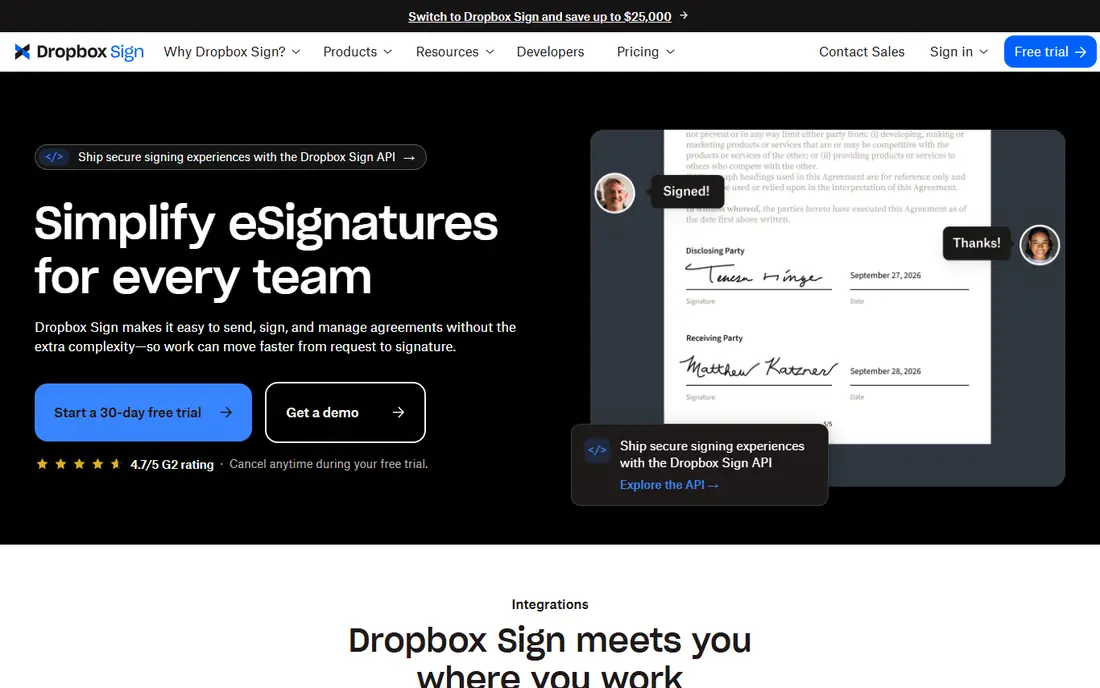
Dropbox Sign, formerly HelloSign, is built for teams that want signing to be simple. Upload a document, add signature fields, send it, and track completion, with an audit trail for each envelope. Dropbox users benefit from tight storage integration, but the tool works well on its own too.
It does not try to be a full proposal builder. If your documents are already finished PDFs and you want a clean sending flow, Dropbox Sign is a strong, low-friction alternative to Adobe Sign.
- Simple signing flow
- Unlimited requests on paid plans in the versions we checked
- Easy Dropbox integration
- Fewer document creation tools than PandaDoc
- Paid plans are per user
signNow is our value pick for teams. The starting price is among the lowest in this list, and plans include features that other tools reserve for higher tiers, such as bulk sending. That combination suits small businesses that send documents regularly and watch every subscription.
The trade-off is a free trial rather than a lasting free plan, and a design that favors function over polish. For a budget team that signs often, signNow is hard to beat on price alone.
- Low starting price
- Unlimited users on plans in the versions we checked
- Bulk sending and templates
- No free plan, only a trial
- Interface is more practical than polished
Zoho Sign is the natural pick for businesses already using Zoho CRM, Books or other Zoho apps. Documents flow from CRM records, signatures return to the same system, and the free plan covers a small monthly volume. Certificate-based signing options also help teams with stricter compliance needs.
Outside Zoho, the advantage narrows, and a standalone tool like Dropbox Sign or SignWell may feel simpler. Inside Zoho, Zoho Sign is the obvious, low-cost choice.
- Free plan for light use
- Strong Zoho CRM and app integrations
- Certificate-based signing options
- Best value inside Zoho
- Standalone users may prefer a simpler tool
Signeasy suits people who sign from a phone or tablet. Field teams, agents and managers can prepare, send and sign documents from mobile apps without returning to a desk, and the setup is quick for a small team.
It is less of a document creation suite than PandaDoc, so teams that build complex proposals should look elsewhere. For mobile-first signing, Signeasy is a clean and practical alternative.
- Strong mobile apps for signing on the go
- Simple setup
- Useful for field teams
- No lasting free plan
- Document management features are lighter than PandaDoc
SignWell is built for freelancers and small teams that want signing without a learning curve. Templates make repeat documents fast, the free plan covers a small monthly volume, and paid plans remove document caps that trip up other tools.
Larger teams with complex approval workflows may need DocuSign or PandaDoc. For straightforward signing at a fair price, SignWell is a strong, no-fuss pick.
- Simple setup for repeat documents
- Free plan for light use
- Unlimited documents on paid plans in the versions we checked
- Fewer advanced workflow features than DocuSign
- Smaller integration list
Foxit eSign comes from a company known for PDF software, which shows in its handling of PDF documents and compliance needs. Larger teams that already use Foxit tools, or that need stronger enterprise controls, may find it a natural fit alongside Adobe-style workflows.
Occasional senders will find simpler and cheaper options in this list, and pricing requires checking the current Foxit page. Choose Foxit eSign when PDF depth and enterprise controls matter more than a low entry price.
- Strong PDF background
- Compliance-focused features
- Fits Foxit PDF workflows
- Pricing is less transparent at a glance
- More suited to larger teams than occasional senders
Jotform Sign is different because it starts with forms. A business can collect application details, intake information or order data in a form, then gather a signature in the same flow. That combination suits clinics, schools, agencies and service businesses that collect data before they sign.
The starting price is higher than signing-only tools, so a team that only signs finished PDFs should choose a cheaper option. When data collection and signing belong together, Jotform Sign saves a separate step.
- Combines form data collection with signatures
- Strong template library
- Useful for intake and applications
- Higher starting price than signing-only tools
- More tool than needed for simple PDF signing
How we picked these
We compared official pricing pages, feature pages and public documentation for e-signature tools, checking audit trails, template limits and mobile signing for each option. We also weighed how each tool handles repeat documents, since templates save far more time than a small price difference.
We compared official pricing pages, feature pages and public documentation for e-signature tools that are live in October 2026. We kept tools that provide legally recognized electronic signatures with audit trails in the United States, and we weighed price, free limits, mobile support, templates, integrations and fit for individuals versus teams.
What to check before you switch
Start with how you actually send documents. A sales team needs proposals, a field team needs mobile signing, and a form-heavy business needs data collection plus a signature. Pick the tool that matches that flow, not just the lowest price.
Check free and trial limits carefully, including documents per month, recipients per document, and template access. Test the signing experience as a client, confirm the audit trail includes who signed and when, and check whether your documents need advanced compliance features before you commit.
Frequently asked questions
What are the best adobe sign alternatives for small businesses?
DocuSign, PandaDoc, signNow, Dropbox Sign and SignWell are all strong small-business picks. Choose DocuSign for client familiarity, PandaDoc for proposals, and signNow or SignWell for value.
Is there a free alternative to Adobe Sign?
Yes. PandaDoc, Dropbox Sign, Zoho Sign, SignWell and Jotform Sign all offer free tiers in the versions we checked, with different monthly document limits. Occasional senders can often stay on a free plan, while regular senders need a paid plan.
Which alternative is cheapest for a team?
signNow at $8 per user per month is among the lowest published starting prices in this list. Zoho Sign, Signeasy and SignWell at $10 per user per month are also low, so compare included features, not price alone.
Do these signatures hold up legally?
In the United States, electronic signatures are generally recognized under federal and state law when the process includes consent and an audit trail. Rules vary by document type and industry, so get legal advice for regulated or high-risk agreements.
Can I import templates from Adobe Sign?
Template import depends on the tool and on document format. Most alternatives support PDF uploads and template creation, but complex Adobe-specific workflows may need rebuilding, so test your most-used template during a trial.
Sources
See where you really rank - block by block
ProMapRanker scans Google Maps across a grid of your service area. Simple monthly plans from $19, white-label on every plan.
Start freeKeep reading
 zscaler alternatives
Best Zscaler Alternatives in 2026
Looking for zscaler alternatives? We compare 9 SASE and zero trust platforms on architecture, data protection, pricing, and fit for your network and team.
Read → zapier alternatives free
Best Zapier Alternatives Free in 2026
Nine automation tools for zapier alternatives free in 2026, all with genuinely free tiers, plus free plan limits, starting prices and upgrade paths explained.
Read → which platform is best for online reputation
Which Platform Is Best for Online Reputation in 2026
Wondering which platform is best for online reputation? We compare 8 review, listing, and response tools for small and multi-location businesses and agencies.
Read →