 ProMapRanker
Best Adobe Firefly Alternatives in 2026

Key takeaways
- Midjourney leads for artistic quality, while Ideogram leads for readable text inside posters, logos, and ads.
- Recraft suits designers who need editable vectors, and Leonardo AI suits creators who want custom models and game assets.
- ChatGPT Images and Google Gemini suit casual creators who already pay for a chat or Google plan.
- Only use legitimate AI image tools, and do not generate images of real people without their clear consent, since that can cause real harm and legal risk.
Quick comparison
| Pick | Great for | Pricing starts at | Free tier | |
|---|---|---|---|---|
 Midjourney | Artistic image quality | $10 per month | No | Visit |
 Ideogram | Readable text in images | Free | Yes | Visit |
 Leonardo AI | Custom models and game art | Free | Yes | Visit |
 Recraft | Editable vectors and brand art | Free | Yes | Visit |
 ChatGPT Images | Quick images inside ChatGPT | Free | Yes | Visit |
 Google Gemini | Images inside Google apps | Free | Yes | Visit |
 Canva Magic Media | Finished social and marketing art | Free | Yes | Visit |
 Stability AI | Open models and local control | See website | Yes | Visit |
 FLUX | Realistic detail via API and apps | See website | Free trial | Visit |
The best adobe firefly alternatives
These are legitimate AI image generation tools that are live in October 2026, with clear vendors, terms, and pricing. A plain warning applies to all of them: do not generate images of real people without their clear consent, and do not use generated imagery to mislead people about who someone is or what they did. That rule protects the people in your images and keeps your work on safe ground.
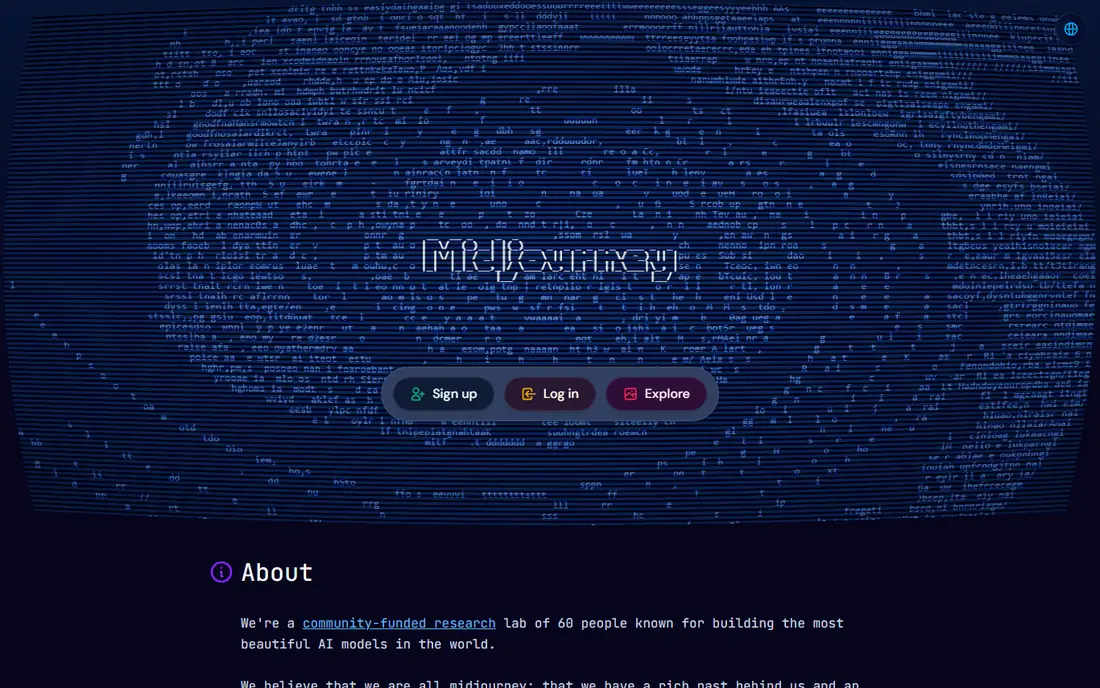
Midjourney remains the benchmark for pure image quality, with lighting, composition, and style that suit concept art, editorial visuals, and social imagery. The web app has made it easier for beginners than the older Discord-only workflow, and style references and moodboards help keep a series of images consistent. For a creator who values look above all else, Midjourney is hard to beat.
There is no free tier, so you pay to test it, and it can be less literal than ChatGPT Images when you need an exact layout or long text. Private generation also sits on higher plans, so check privacy terms if your work is sensitive.
- Strong artistic and cinematic look
- Style controls
- Web app for creation
- No free tier
- Less literal than some tools for exact layouts
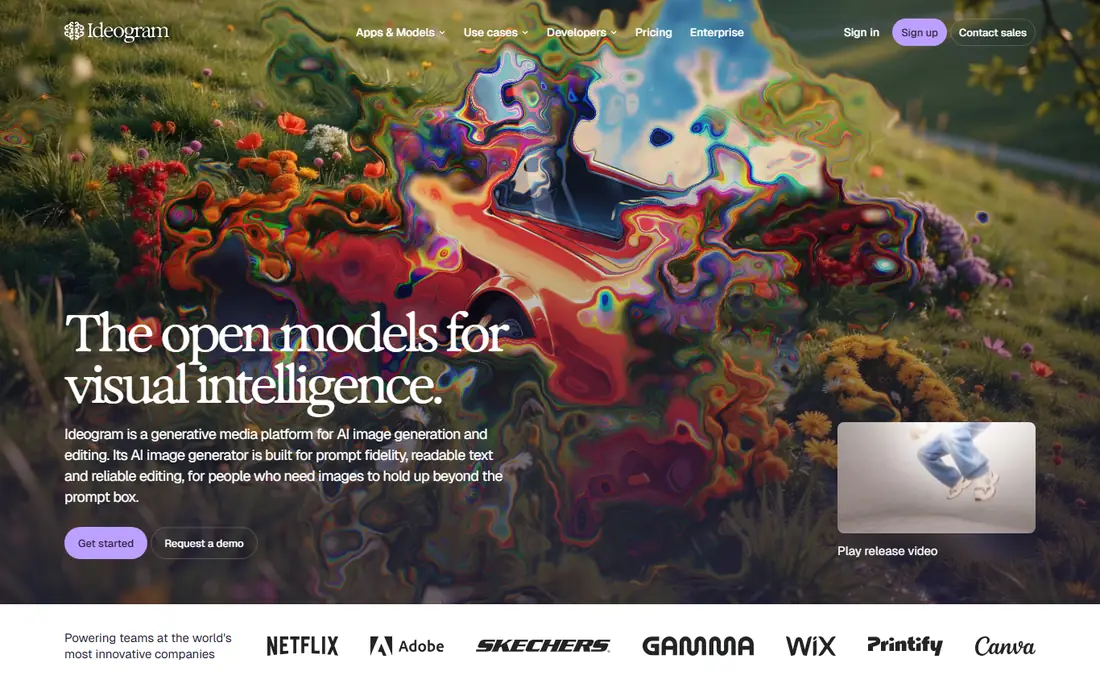
Ideogram is the clearest pick when the image must contain readable words, such as a poster headline, a logo concept, or an ad. It places text more reliably than most image models, which saves the repeated retries that other tools often need for the same job. A free tier lets you test text quality on your own words before paying.
Paid plans start at a higher monthly price than Midjourney or Leonardo AI, and vector output is thinner than Recraft. For text-led design work, though, Ideogram often saves enough time to justify the price.
- Accurate text inside images
- Good for posters and logos
- Free tier for testing
- Paid plans start higher than some rivals
- Fewer vector options
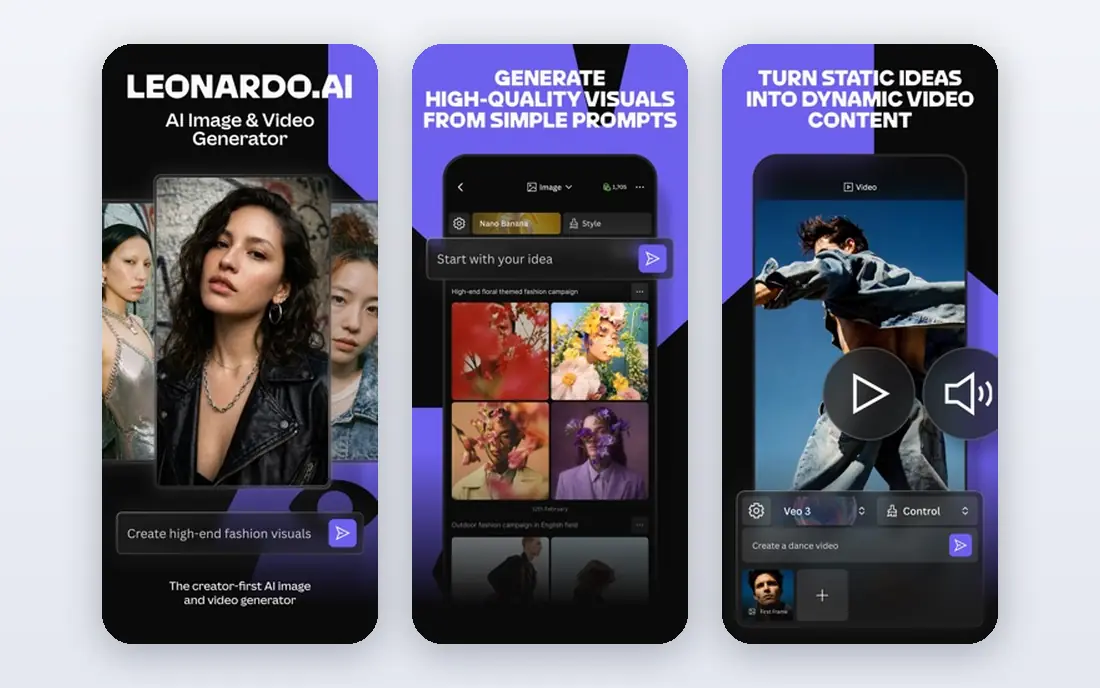
Leonardo AI suits game developers, product creators, and illustrators who want consistent characters and assets across many images. Custom model training helps a team keep a style or character steady, and canvas editing tools let you refine parts of an image without starting over. A free tier with daily tokens makes it easy to test.
Free plan images carry limits on commercial rights and private generation, so read the plan terms before using free outputs in client work. Paid plans open private generation and full commercial rights, which matter for professional use.
- Free daily tokens
- Custom model training
- Canvas editing tools
- Free plan outputs have limits
- Best value needs a paid plan
Recraft stands out for designers who need vectors, not just flat images. Logos, icons, illustrations, and brand graphics can be generated as editable vectors, which makes later edits in a design tool far easier. Style controls help a brand team keep output consistent, and the free tier lets you test vector quality first.
Credit use varies by model and output type, so a heavy month can use credits faster than expected. For photorealistic images, Midjourney or FLUX may suit better, while Recraft wins for clean, editable design work.
- Editable vector generation
- Brand style controls
- Clean illustration output
- Credit use varies by model
- Less suited to photorealistic art
ChatGPT Images suits casual creators and small teams who already use ChatGPT, because image generation sits inside the same chat where you write and plan. You can describe a change, edit part of an image, and iterate in plain language without learning a new tool. That ease makes it a good default for blog images, social posts, and quick mockups.
Free and lower plans have image limits, and style control is thinner than Midjourney for a long, consistent series. For everyday images on a plan you already pay for, ChatGPT Images offers strong value.
- Easy prompt edits in chat
- Good prompt understanding
- Included in ChatGPT plans
- Image limits on free and lower plans
- Less style control than Midjourney
Google Gemini suits Google users who want image generation without a separate subscription, with image tools inside the Gemini app and links to Google Workspace. Text handling is strong for posters and simple graphics, and the free tier covers casual use. Paid Google AI plans raise limits and open up stronger models for heavier work.
Free accounts face compute limits that refresh over time, so a busy creator may hit a cap mid-week. For light to moderate image work inside Google apps, Gemini is a practical, low-friction alternative.
- Free image generation
- Good text handling
- Google app links
- Limits on free accounts
- Best models need a paid plan
Canva Magic Media suits non-designers and small marketing teams who need finished assets, not just raw images. You can generate an image, place it in a template, add text, and export for social, ads, or print in one editor. That full workflow saves time compared with generating in one tool and designing in another.
AI uses are capped by plan, with free users getting a limited monthly allowance and Pro users getting a larger pool. Image quality also trails Midjourney for pure art, so Canva wins on workflow, not on raw image craft.
- Images inside a full design editor
- Templates for social and ads
- Easy sharing
- AI uses are capped by plan
- Image quality trails specialist tools
Stability AI suits developers and technical creators who want open models, local control, and API access. Stable Diffusion models can run on your own machine or through hosted services, which helps teams that need privacy, custom workflows, or high-volume pipelines. That openness is the main reason to choose Stability over a closed app.
Setup takes technical skill, and output quality depends heavily on the model, prompt, and settings you choose. Non-technical creators will likely prefer Midjourney, Ideogram, or Canva, while technical teams will value the control Stability offers.
- Open-source Stable Diffusion models
- Local running options
- API access
- Setup takes technical skill
- Quality depends on model and settings
FLUX, from Black Forest Labs, suits creators and developers who want realistic detail and strong prompt following, through API hosts and apps that license the models. It performs well for product shots, portraits of fictional people, and detailed scenes, and its API model suits teams building image features into their own products.
There is no single simple consumer app in the same way as Midjourney or Canva, so pricing and access vary by host. Check the host app or API terms for your use, including commercial rights and content rules, before building a workflow around FLUX.
- Strong realistic detail
- Flexible licensing through hosts
- API options
- No single simple consumer app
- Pricing varies by host
How we picked these
We compared official feature pages, pricing pages, and public reviews for AI image tools live in October 2026. We kept only legitimate tools with clear vendors and terms, and we excluded any tool that is not a live standalone consumer product. We used See website where pricing varies by host, API use, or plan, rather than a single figure that could mislead.
What to check before you choose
Start with the job, not the model. A poster with text needs Ideogram, a vector logo needs Recraft, a cinematic hero image needs Midjourney, and a finished social post needs Canva. Testing the same prompt across two tools for your real job tells you more than any general ranking.
Check licensing and commercial use
Read the commercial use terms for your plan, not just the marketing page. Free plans often limit commercial rights, private generation, or output ownership, while paid plans usually expand them. If client work is involved, confirm in writing which plan covers that use.
Use consent rules for people in images
Do not generate images of real people without their clear consent, and do not present a generated image as a real photo of a real event. Label AI images where a reader could be misled, keep prompts and outputs for client work, and follow each tool's content rules for people, children, and sensitive topics.
Frequently asked questions
What is the best Adobe Firefly alternative overall?
Midjourney leads for artistic quality, Ideogram leads for text, and Recraft leads for vectors, so the best overall pick depends on the job. For a single all-round tool, ChatGPT Images or Google Gemini suit casual creators, while Midjourney suits creators who value image craft most.
Which AI image tool is best for logos and posters?
Ideogram suits posters and ads with readable text, while Recraft suits logos and icons that need editable vectors. Use Ideogram for the headline and layout test, then Recraft for a vector version you can edit, or combine both in your design workflow.
Is there a free Adobe Firefly alternative?
Yes, Ideogram, Leonardo AI, Recraft, ChatGPT Images, Google Gemini, and Canva all offer free tiers with limits. Free tiers suit testing and light use, but check commercial rights and monthly caps before using free outputs in client or commercial work.
Can I use AI images commercially?
That depends on the tool and plan. Paid plans usually allow commercial use, while free plans often limit it. Read the terms for your exact plan, keep a record of the tool and plan used, and check client contracts for any extra rules about AI-generated work.
Do I need consent to generate an image of a person?
Yes, for a real person, get their clear consent before generating an image of them, and do not use generated imagery to mislead others about that person. For fictional people, still follow the tool's content rules, and label AI images where a viewer could mistake them for real photos.
Sources
- https://aipricecompare.org/best/best-ai-image-generator.html
- https://www.rareconnections.io/adobe-firefly-alternatives
- https://midjourney.com
- https://ideogram.ai
- https://leonardo.ai
- https://recraft.ai
- https://chatgpt.com
- https://gemini.google.com
- https://canva.com
- https://stability.ai
- https://blackforestlabs.ai
See where you really rank - block by block
ProMapRanker scans Google Maps across a grid of your service area. Simple monthly plans from $19, white-label on every plan.
Start freeKeep reading
 zoro.to alternatives
Best Zoro.to Alternatives in 2026
We compare the best zoro.to alternatives in 2026, listing only legal licensed anime streaming services, from Crunchyroll to free options for fans today.
Read → zip alternatives
Best Zip Alternatives in 2026
We compare the best zip alternatives for buy now, pay later in 2026, covering pay-in-4 plans, fees, spending limits, and credit reporting options today.
Read → yesware alternatives
Best Yesware Alternatives in 2026
Compare the best yesware alternatives for sales email tracking, templates, and sequences, with current pricing and honest tradeoffs for small sales teams.
Read →