 ProMapRanker
Best Adobe Connect Alternatives in 2026


Large webinars on a familiar platform · Pricing starts at: $66.67 per month
Key takeaways
- Zoom and Microsoft Teams suit teams that already use those suites for meetings and internal training.
- GoTo Webinar, Livestorm, and Demio are stronger picks for repeat marketing webinars with registration and follow-up.
- BigBlueButton is the standout free, open source option for education, provided you can host it or use a hosted provider.
- Compare audience caps, session length, and recording limits, since those limits decide the real cost more than the headline price.
Quick comparison
| Pick | Great for | Pricing starts at | Free tier | |
|---|---|---|---|---|
| Zoom Webinars | Large webinars on a familiar platform | $66.67 per month | Yes | Visit |
 Microsoft Teams | Training inside Microsoft 365 | $14 per user per month | Yes | Visit |
 Cisco Webex | Enterprise meetings with strict controls | See website | Yes | Visit |
 GoTo Webinar | Repeat training and corporate webinar programs | $59 per month | Free trial | Visit |
 Livestorm | Marketing webinars tied to a CRM | Free | Yes | Visit |
 ClickMeeting | Training, paid webinars, and automated sessions | See website | Free trial | Visit |
 BigBlueButton | Free, open source virtual classrooms | Free | Yes | Visit |
 Demio | Marketing webinars with simple automation | See website | Free trial | Visit |
 ON24 | Enterprise demand generation at scale | See website | No | Visit |
The best Adobe Connect alternatives
Adobe Connect is built for persistent virtual rooms and instructor-led training. These alternatives cover the same ground in different ways, from browser-based webinars to full meeting suites and open source classrooms.
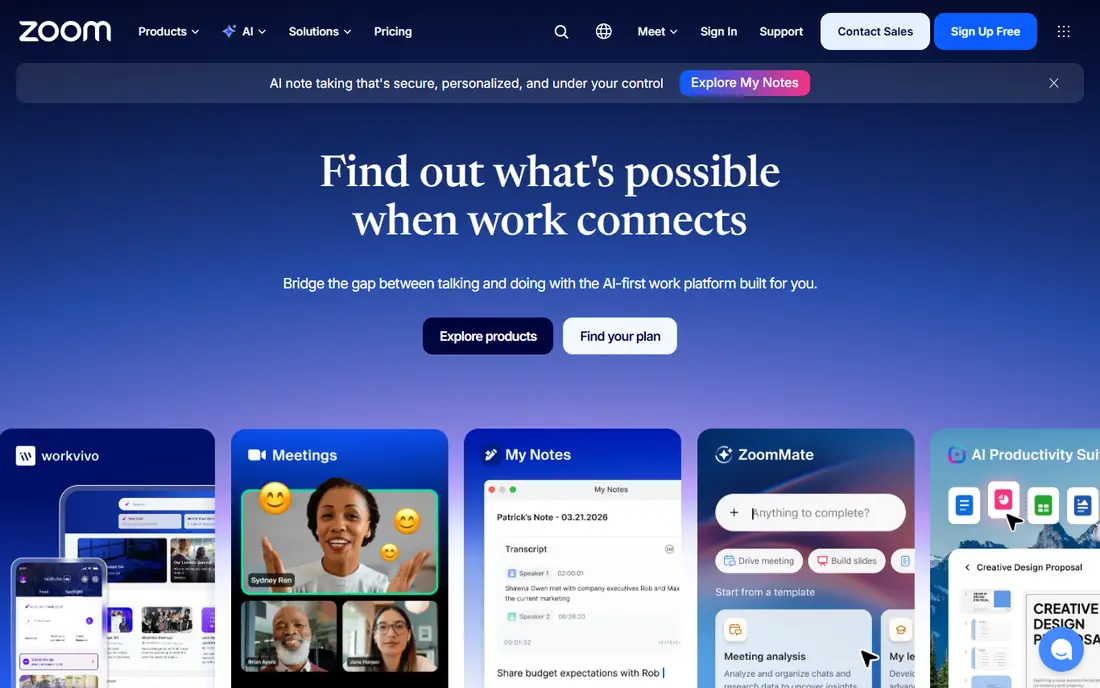
Zoom is the safe default when attendees already know the software. Webinar plans support large audiences, registration, polls, Q and A, and post-event reports, and hosts can run practice sessions before going live. That familiarity reduces support requests and no-show confusion.
The price needs care. The webinar add-on is billed in addition to a Workplace licence, so the total is higher than the webinar figure alone. Teams that only need simple meetings may not need the webinar tier at all.
- Very wide adoption
- Large audience capacity
- Polls, Q and A, and reporting
- Webinar pricing sits on top of a Workplace licence
- Advanced features climb in price quickly
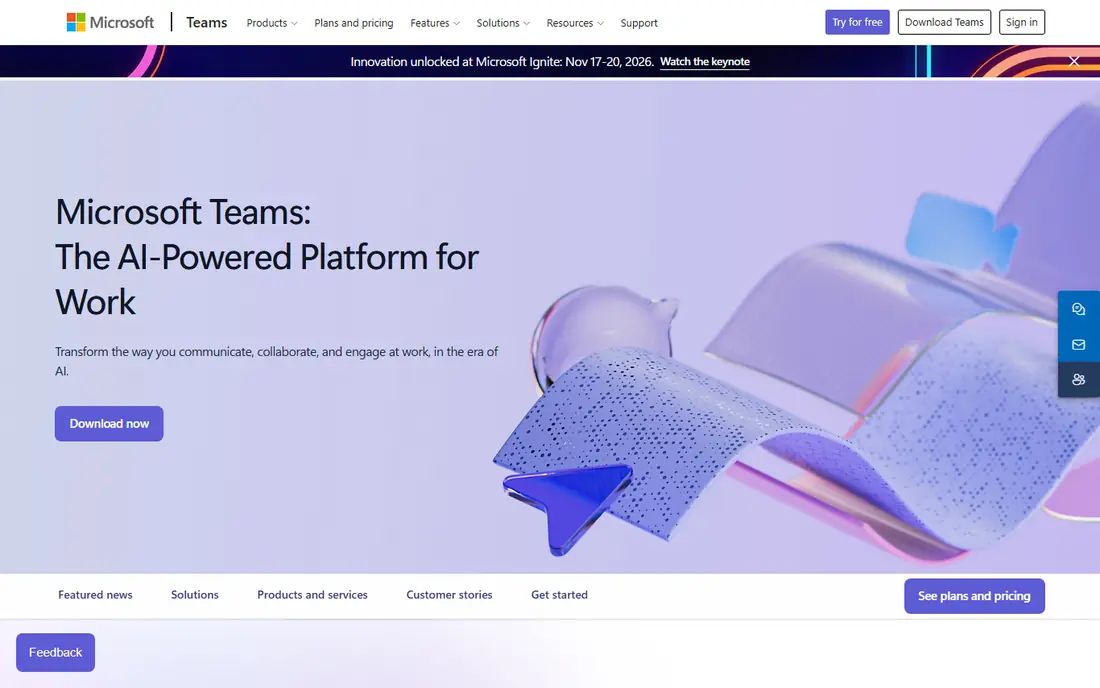
Teams makes sense when your organisation already lives in Microsoft 365. Webinars support up to 1,000 attendees on the relevant plans, with town halls reaching larger view-only audiences. Chat, files, and recordings sit inside the same tenant, which helps compliance and record keeping.
Teams is weaker as a marketing webinar tool. Registration pages, lead capture, and CRM follow-up are less polished than in Livestorm or Demio. For internal training and company-wide sessions, though, it is hard to beat on value.
- Included in Microsoft 365 Business Standard
- Town halls for large audiences
- Strong admin controls
- Webinar features are less marketing-focused than dedicated tools
- Setup can feel heavy for outsiders

Webex has long served regulated and enterprise teams, and its webinar and events products reflect that history. Admin controls, compliance options, and large event capacity suit organisations that cannot compromise on governance. A free plan covers basic meetings for smaller groups.
The drawback is pricing transparency at scale. Entry webinar pricing is published in some comparisons at around $2,700 per licence per year, but larger events are quoted. Small teams may find simpler tools cheaper and easier to run.
- Strong security and admin controls
- Large event capacity
- Reliable audio and video
- Webinar pricing is sales-led at the higher end
- Interface can feel dated next to newer tools
GoTo Webinar is a workhorse for organisations that run the same training on a regular schedule. Hosts get practice mode, polls, handouts, and reports that show who attended and for how long. That reliability matters when a session is compliance training rather than a sales pitch.
Design and marketing features are less modern than newer rivals. Registration pages and email sequences work, but they lack the polish and automation depth of marketing-first tools. If reliability and reporting matter most, GoTo Webinar still earns its place.
- Stable, proven webinar delivery
- Practice mode
- Detailed attendee reports
- Interface looks dated
- Marketing automation is lighter than Livestorm or Demio
Livestorm runs in the browser, so attendees join without a download, and hosts get registration pages, email reminders, polls, and analytics in one place. Native HubSpot, Salesforce, and Pipedrive sync helps marketing teams follow up without manual exports. A free plan lets small teams test the format.
Paid pricing uses credits tied to attendees, which takes a little modelling to compare with flat monthly plans. Session length and attendee caps also vary by plan. Even so, for lead generation webinars, Livestorm is one of the most complete Adobe Connect replacements here.
- Browser-based joining
- Free plan for small sessions
- Native CRM integrations
- Paid pricing is credit-based and can confuse budgeting
- Session limits apply by plan
ClickMeeting suits trainers and small businesses that sell access to live or automated webinars. Hosts can charge for attendance, run automated replays, and use a whiteboard, polls, and screen sharing during sessions. The interface is straightforward, which helps presenters who are not technical.
Pricing depends on audience size, so two teams can pay quite different amounts for the same feature set. Check the current audience tier before budgeting, and confirm whether the integrations you need are native or require a connector.
- Paid webinar support
- Automated and on-demand sessions
- Whiteboard and polls
- Pricing varies by audience size, so quotes need checking
- Smaller integration catalogue than Zoom
BigBlueButton is the closest free equivalent to Adobe Connect for education. It was designed for online learning, with breakout rooms, a multi-user whiteboard, polls, shared notes, and recording. Many learning platforms integrate it directly, so students join from inside a course.
The cost is time and hosting, not a licence. Running it yourself needs server skills and maintenance, while a hosted provider adds a monthly fee. It also lacks the lead capture and CRM marketing features of commercial webinar tools, so it fits classrooms better than sales funnels.
- Free and open source
- Breakout rooms, whiteboard, polls, and shared notes
- Built for teaching
- Self-hosting needs technical skill
- Hosted providers charge separately
- No built-in marketing automation
Demio focuses on the marketing webinar journey: registration, reminders, live delivery, replay, and follow-up. Behavioural features help teams segment attendees by what they did during a session, which makes post-webinar emails more relevant. The browser-based join keeps friction low for attendees.
Pricing requires a closer look, since published entry figures vary and attendee limits shape the real monthly cost. Teams with small, regular webinars will find it easy to use. Teams with very large audiences should compare it directly with Zoom and GoTo Webinar.
- Clean browser-based experience
- Automated webinars
- Behavioural tagging for follow-up
- Pricing is not fully transparent on entry tiers
- Attendee caps rise steeply with price
ON24 is built for enterprise marketing teams that treat webinars as a content engine, not a single event. Sessions feed into on-demand hubs, engagement data flows into marketing automation, and reporting goes deeper than attendance counts. That depth suits large demand generation programs.
The price and complexity rule it out for most small teams. Pricing is quoted, implementation takes planning, and a team running a handful of webinars a year will not use most of what ON24 offers. For large programs, though, its analytics justify a sales conversation.
- Deep engagement analytics
- On-demand content hubs
- Enterprise integrations
- Quote-only pricing
- Overkill and costly for small teams
How we picked these
We compared official pricing pages, audience limits, session features, and the fit for training versus marketing webinars. We favoured tools that are live in October 2026, support registration, polls, recording, and reporting, and cover a spread of budgets from free open source to enterprise. Adobe Connect itself is not listed, since this guide is about alternatives to it.
What to check before you switch
Start with the attendee and session limits on the plan you would actually buy. A low headline price that caps you at 100 attendees or one hour will cost more in upgrades than a higher plan that fits your real audience. Check recording storage, too, since training libraries grow quickly.
Next, test the attendee journey end to end. Register with a test email, join from a browser and a phone, ask a question, and watch the replay. Small frictions in that journey cause more drop-off than any missing advanced feature.
Finally, confirm how data leaves the platform. If webinars feed sales or compliance records, check CRM integrations, export formats, and retention rules before you migrate a training program.
Frequently asked questions
Which Adobe Connect alternative is closest for virtual classrooms?
BigBlueButton is closest on classroom features and price, with breakout rooms and a shared whiteboard. Zoom and Teams are stronger if your learners already use those platforms daily.
Is there a free Adobe Connect alternative?
Yes. BigBlueButton is free and open source, and Livestorm, Zoom, Teams, and Webex offer free plans. Free plans limit attendees, session length, or features, so check the caps for your class size.
Can I run paid webinars on these tools?
ClickMeeting supports paid webinars directly. Other tools handle payment through a registration or e-commerce integration, so confirm that path before you announce ticket prices.
Do attendees need to install software?
Livestorm and Demio are browser-based, and most others offer browser joining. Zoom, Teams, and Webex work best with their apps for hosts, even when attendees can join from a browser.
Which tool is best for marketing webinars?
Livestorm and Demio lead on registration, reminders, and CRM follow-up. GoTo Webinar and Zoom are stronger for large, repeat programs where reliability and reporting matter more than marketing polish.
How do I move recordings and rooms from Adobe Connect?
Export recordings and materials before you cancel, and rebuild persistent rooms as templates or recurring sessions in the new tool. Test one migrated course end to end before moving a full training catalogue.
Sources
See where you really rank - block by block
ProMapRanker scans Google Maps across a grid of your service area. Simple monthly plans from $19, white-label on every plan.
Start freeKeep reading
 zyte alternatives
Best Zyte Alternatives in 2026
These zyte alternatives cover managed scraping APIs, proxy networks and no code tools for lawful collection from your own or consented sources only in 2026.
Read → zerto alternatives
Best Zerto Alternatives in 2026
Compare the best zerto alternatives for disaster recovery and replication, with recovery targets, cloud options and honest trade-offs for teams in 2026.
Read → zerofox alternatives
Best ZeroFox Alternatives in 2026
We compared 9 zerofox alternatives for brand protection, phishing takedowns, dark web monitoring, and social impersonation, with clear coverage notes.
Read →