 ProMapRanker
Best Free Adobe Alternatives in 2026

Key takeaways
- Photopea is the closest free browser match to Photoshop for layered PSD files, with no install needed.
- GIMP and Krita remain the strongest fully open source choices, with GIMP for photo editing and Krita for painting.
- Inkscape covers vector work, Scribus covers page layout, and DaVinci Resolve covers video editing and colour grading for free.
- Affinity is now free for desktop photo, vector and layout work with a free Canva account, with AI features behind a paid plan.
- No single free tool replaces the whole Creative Cloud. Pick one tool per job, and keep Adobe only if a client requires native files.
Quick comparison
| Pick | Great for | Pricing starts at | Free tier | |
|---|---|---|---|---|
 GIMP | Deep open source photo editing | Free | Yes | Visit |
 Photopea | Browser editing of PSD files | Free | Yes | Visit |
 Inkscape | Vector design and logos | Free | Yes | Visit |
 Krita | Digital painting and illustration | Free | Yes | Visit |
 Affinity | Free desktop photo, vector and layout | Free | Yes | Visit |
 Canva | Fast templates and social graphics | Free | Yes | Visit |
 DaVinci Resolve | Video editing and colour grading | Free | Yes | Visit |
 Scribus | Print layout and brochures | Free | Yes | Visit |
 Audacity | Audio recording and editing | Free | Yes | Visit |
 Darktable | RAW photo processing | Free | Yes | Visit |
The best free adobe alternatives
These tools replace Adobe apps one by one, not as a single bundle. That is actually an advantage, since you only install what you use, and you avoid paying a monthly fee for apps you open twice a year.
GIMP, the GNU Image Manipulation Program, is the long running open source answer to Photoshop. It handles layers, masks, blend modes, retouching, colour correction and export for web and print. A large community makes tutorials, brushes and plugins easy to find, which helps new users get past the first week.
The interface is the main hurdle. Menus are dense, and some Photoshop workflows, such as smart objects and adjustment layers, do not transfer cleanly. For everyday retouching, compositing and web graphics, GIMP is more than enough. For studio work that demands native PSD delivery, check file compatibility with your client first.
- Full layered editing, masks and filters
- Huge plugin and script community
- Runs on Windows, Mac and Linux
- Interface feels dated
- PSD compatibility is imperfect for complex files
- No built in cloud libraries
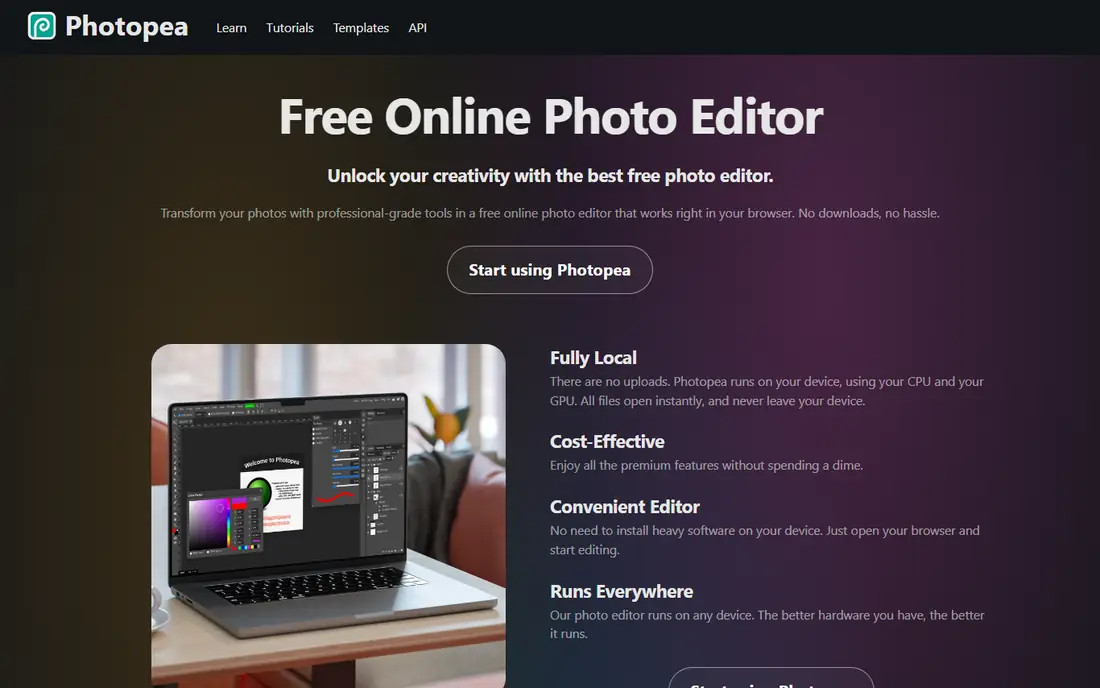
Photopea runs entirely in a browser tab, yet it looks and feels close to Photoshop. It opens layered PSD files, supports masks, smart objects, adjustment layers and RAW files, and it can also open Illustrator and XD files. That makes it ideal for shared computers, Chromebooks and quick edits where installing software is impractical.
The free version is supported by ads, and a paid Premium plan removes ads and adds more history steps. Very large files can slow down in a browser, so desktop GIMP or Affinity may suit heavy compositing better. For most quick Photoshop jobs, Photopea is the fastest free start.
- Opens PSD, AI and XD files in a browser
- No install or account needed
- Familiar Photoshop style layout
- Free version shows ads
- Large files can strain browser memory
- Some newer AI features are missing
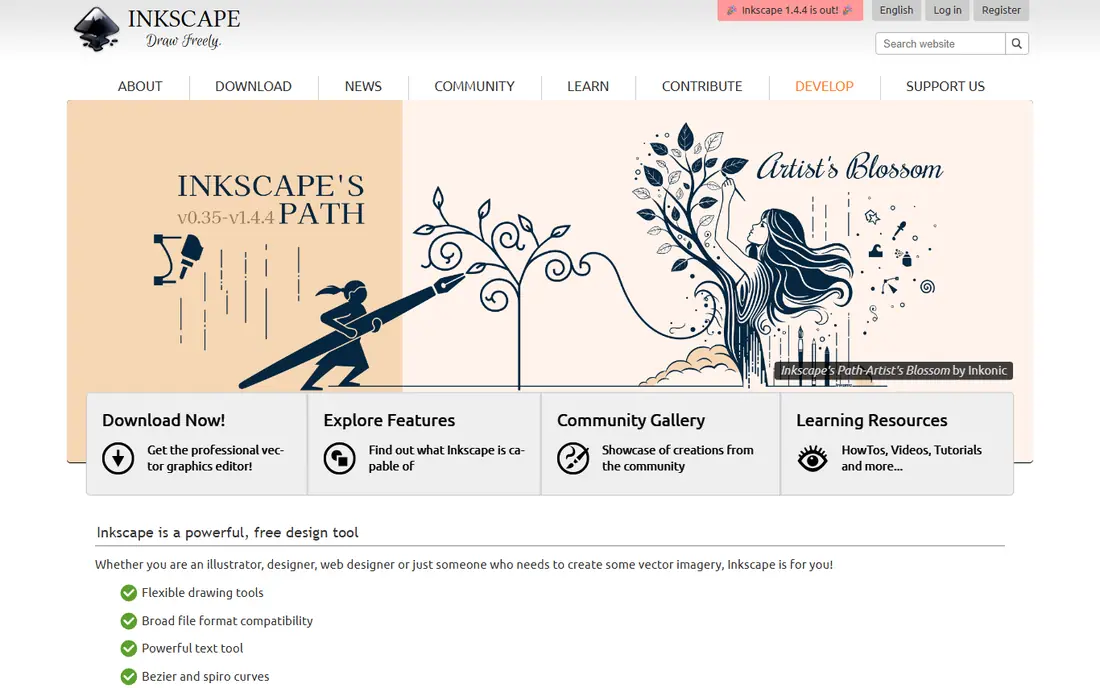
Inkscape is the open source replacement for Illustrator. It edits SVG files natively, with bezier paths, node editing, gradients, clones and text tools that cover logo design, icons, diagrams and illustrations. Extensions add features such as barcode generation, path effects and export options.
Print users should test CMYK export early, since Inkscape works mainly in RGB and print workflows need extra steps. For web, logo and illustration work, that limit rarely matters. The community is large, with tutorials for almost every common task, so a new vector designer can learn quickly.
- Full SVG vector editing
- Node tools, paths and text on paths
- Extensions for many design tasks
- Performance can lag on very complex files
- CMYK print workflow needs care
- Interface takes learning
Krita is built for digital painters, illustrators and comic artists. Its brush engine, colour management and canvas tools feel closer to a painting studio than a photo editor. Brush stabilisers help with smooth lines, and built in animation tools let illustrators make short frame by frame work without another app.
Photo retouching is possible, but GIMP or Photopea handle it better, with stronger filters and selection tools. If your main work is painting, concept art or comics, Krita is the best free pick. Pair it with GIMP for photo tasks, and you cover most Photoshop art jobs for free.
- Excellent brush engine for painting
- Stabilisers for smooth lines
- Animation tools included
- Photo editing is weaker than GIMP
- Interface is geared to artists
- Large canvases need a capable PC
Affinity, now part of Canva, merged the former Photo, Designer and Publisher apps into one free desktop app. You sign in with a free Canva account, and you get photo editing, vector design and page layout in a single polished interface. For users who want one app instead of three separate tools, that is a major change in value.
The catch is modest. AI features such as generative fill sit behind a paid Canva plan, and the free model is newer than GIMP or Inkscape, so long term plans may change. As a traditional editor, Affinity is the closest like for like Photoshop swap that has ever been free, and it deserves a trial before you pay for Adobe.
- One app for photo, vector and layout work
- Polished interface
- PSD and AI file support
- Requires a free Canva account
- AI features sit behind a paid Canva plan
- Newer free model still maturing
Canva is not a Photoshop clone. It is a template driven design tool for social posts, presentations, posters, resumes and simple marketing graphics. The drag and drop editor, template library and brand kit tools let a small business owner make a decent graphic in minutes, without learning layers and masks.
Precision work, such as detailed photo retouching or complex vector art, belongs in GIMP, Photopea or Affinity. Canva shines for speed and consistency, especially for teams that reuse templates. The free plan is generous for basic work, while Pro adds premium assets, background removal and brand controls.
- Thousands of templates for social, presentations and print
- Drag and drop editor
- Team sharing tools
- Less precise than desktop editors
- Many premium templates and assets need a paid plan
- Print control is limited
DaVinci Resolve replaces Premiere Pro, and parts of After Effects and Audition, in a single free download. It includes editing, Fusion effects, Fairlight audio and industry grade colour grading. The free version supports 4K editing and most everyday video work, which makes it a remarkable free offer.
It is not light software. A modest laptop can struggle with 4K timelines, and the interface has many panels to learn. Start with the Cut or Edit page, learn colour basics on the Color page, and only consider the paid Studio version if you need features such as stereoscopic tools or advanced noise reduction. For YouTube, courses and social video, the free version is enough.
- Professional editing, colour, effects and audio in one app
- Free version supports 4K editing
- Strong colour grading tools
- Needs a capable PC and GPU
- Learning curve is steep
- Studio version is a paid upgrade for some features
Scribus is the open source replacement for InDesign. It handles multi page documents, master pages, text styles, image frames and CMYK colour, with PDF export suited to print shops. Brochures, magazines, newsletters and books are all feasible, and the price is free.
The interface is less polished than Affinity or InDesign, and new users may need tutorials to set up bleeds, margins and colour profiles correctly. If you only make simple flyers, Canva or Affinity may be faster. If you need true print layout with CMYK control, Scribus is the free tool that takes that job seriously.
- Professional page layout with CMYK support
- PDF export for print
- Master pages and styles
- Interface feels dated
- Learning curve for print newcomers
- Fewer templates than InDesign
Audacity replaces Audition for recording, editing and cleaning audio. Podcasters, voice artists and video creators use it to record, trim, normalise, remove noise and export in common formats. It supports multi track editing, plugins and batch processing, which covers most spoken word work.
Music producers who need MIDI, virtual instruments and advanced mixing should look at a full workstation instead. Audacity also edits destructively in some workflows, so keep original files backed up. For podcast and voice work, it is simple, free and proven over many years.
- Multi track recording and editing
- Noise reduction and effects
- Runs on Windows, Mac and Linux
- Not a full digital audio workstation for music production
- Interface is functional rather than pretty
- Destructive editing needs care
Darktable is the open source answer to Lightroom. It processes RAW files non destructively, so your original stays untouched while edits live as instructions. Library tools for rating, tagging and searching help photographers manage large shoots, and lens correction and colour modules handle common camera profiles.
It is not a layered editor, so retouching and compositing belong in GIMP or Photopea after RAW processing. Photographers often pair Darktable with a layered editor, using Darktable for exposure and colour, then GIMP for detailed retouching. That two tool workflow covers most Lightroom and Photoshop photo jobs for free.
- Non destructive RAW editing
- Photo library and rating tools
- Strong colour and lens correction modules
- Learning curve for RAW newcomers
- Not a layered PSD editor
- Interface is dense
How we picked these
We compared official feature pages, pricing pages and documentation for tools that are free in October 2026, actively maintained, and able to replace a named Adobe app for a real job. We excluded Adobe apps themselves, since this list is about free alternatives, and we excluded tools that are only free trials or that lock core editing behind a paywall. We weighted file compatibility, platform support and whether the free version is genuinely usable for daily work.
How to replace Adobe without losing your files
Start by mapping your Adobe use. List the apps you actually open each month, and match each one to a free tool here, rather than trying to replace the whole suite at once. Run the free tool alongside Adobe for two weeks, and test your real files, especially PSD, AI and INDD files, before you cancel.
Export in open formats where possible. Use PSD for layered work you must share with Adobe users, SVG for vector work, and PDF for print layout. Keep backups of original projects, since file conversion can lose live text, adjustment layers or effects. If a client requires native Adobe files on demand, keep one Adobe subscription for that client, and use free tools for everything else.
Check licensing for commercial work. Most open source tools here allow commercial use, but always read the licence for your specific use, and keep stock assets and fonts licensed separately. Free does not mean low quality, but it does mean you are responsible for backups, updates and learning, since there is no vendor support line to call.
Frequently asked questions
What is the best free alternative to Photoshop?
Photopea is the best free pick for PSD compatibility in a browser, GIMP is the best pick for deep desktop editing, and Affinity is the best pick for a polished desktop editor. Try Photopea first for a quick job, and GIMP or Affinity for daily work.
Can free Adobe alternatives be used for commercial projects?
Yes, in most cases. Open source tools such as GIMP, Inkscape, Krita and Scribus allow commercial use under their licences, and free plans from Canva, Photopea and DaVinci Resolve allow commercial projects within their terms. Always read the licence for fonts, templates and stock assets separately.
Which free tool replaces Premiere Pro?
DaVinci Resolve is the best free replacement for Premiere Pro, with editing, colour grading, effects and audio in one app. For simpler cuts, Kdenlive and Shotcut are also free options, but Resolve offers the most professional feature set for free.
Is Affinity really free now?
Yes, Affinity desktop is free with a free Canva account, following Canva merging the former Photo, Designer and Publisher apps into one app. AI features sit behind a paid Canva plan, but core photo, vector and layout editing is free.
What free tool replaces InDesign?
Scribus is the best free replacement for InDesign for print layout, with CMYK support and print ready PDF export. Affinity also covers layout work in its free app, and Canva suits simpler flyers and social graphics that do not need print precision.
Sources
See where you really rank - block by block
ProMapRanker scans Google Maps across a grid of your service area. Simple monthly plans from $19, white-label on every plan.
Start freeKeep reading
 zscaler alternatives
Best Zscaler Alternatives in 2026
Looking for zscaler alternatives? We compare 9 SASE and zero trust platforms on architecture, data protection, pricing, and fit for your network and team.
Read → zapier alternatives free
Best Zapier Alternatives Free in 2026
Nine automation tools for zapier alternatives free in 2026, all with genuinely free tiers, plus free plan limits, starting prices and upgrade paths explained.
Read → which platform is best for online reputation
Which Platform Is Best for Online Reputation in 2026
Wondering which platform is best for online reputation? We compare 8 review, listing, and response tools for small and multi-location businesses and agencies.
Read →