 ProMapRanker
Best Accent Voice Alternatives in 2026

Key takeaways
- There is no single dominant product called Accent Voice that this guide replaces, so we cover the tools the term actually covers: real-time accent changing, accent softening, training, and accented speech generation.
- Utell AI and Dubbing AI focus on real-time accent conversion for calls and streams, while Voicemod, Voxal, and Clownfish focus on live voice effects.
- ElevenLabs, Murf AI, Altered Studio, and Resemble AI suit recorded speech, voiceovers, and text-to-speech with accent and voice choices.
- Only use your own voice or a voice you have clear permission to use, and never clone or imitate another person without consent.
- Check platform support, latency, and pricing before buying, since real-time tools and studio tools solve different jobs.
Quick comparison
| Pick | Great for | Pricing starts at | Free tier | |
|---|---|---|---|---|
 Utell AI | Real-time accent softening | See website | Yes | Visit |
 Dubbing AI | Real-time accent translation | Free | Yes | Visit |
 Voicemod | Live voice changer and soundboard | Free | Yes | Visit |
 Voxal Voice Changer | Live voice effects on Windows | Free | Yes | Visit |
 Clownfish Voice Changer | Free system-wide voice effects | Free | Yes | Visit |
 ElevenLabs | Text-to-speech and voice design | See website | Yes | Visit |
 Murf AI | Studio voiceovers with accent choices | See website | Yes | Visit |
 Altered Studio | Voice performance and editing | See website | Yes | Visit |
 Resemble AI | Custom voices for content and apps | See website | Yes | Visit |
The best accent voice alternatives
We compared tools that change a live voice, soften or translate an accent in real time, train an accent, or generate speech in a chosen accent. No single product called Accent Voice is listed here, because our research did not establish one dominant product under that exact name. Use only your own voice or a voice you have clear permission to use, and never clone another person without consent.
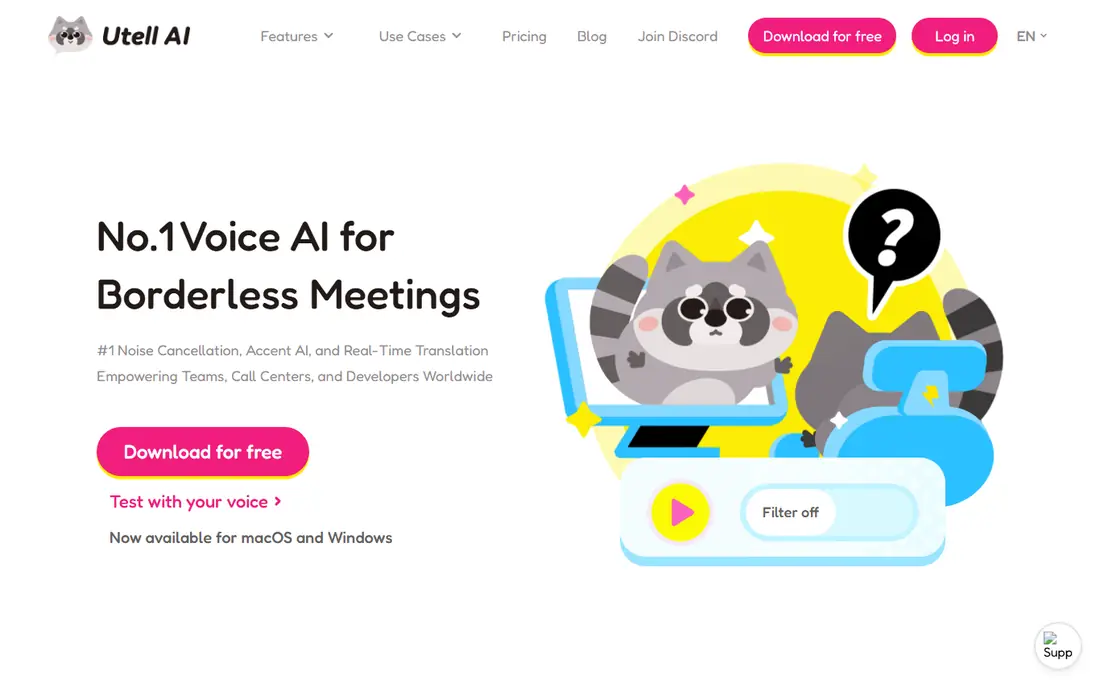
Utell AI is the most direct fit for people who want their spoken accent softened or changed during a live call. It is designed for meetings, call centers, sales calls, and live streams, where clarity matters more than a studio-perfect recording. Noise reduction and voice-quality tools sit beside the accent filter, which helps in noisy home and office settings.
The honest limit is realism. Real-time conversion must work with very low delay, so the output can sound less natural than a recorded, edited voiceover. Test it on your own voice, with your own headset and call software, before using it for customer-facing work.
- Built for real-time accent filtering, softening, and neutralization
- Aims to preserve rhythm and intonation while improving clarity
- Includes noise reduction for calls
- Real-time accent conversion can still sound processed on some voices
- Pricing and plan limits need checking on the vendor site before a team rollout
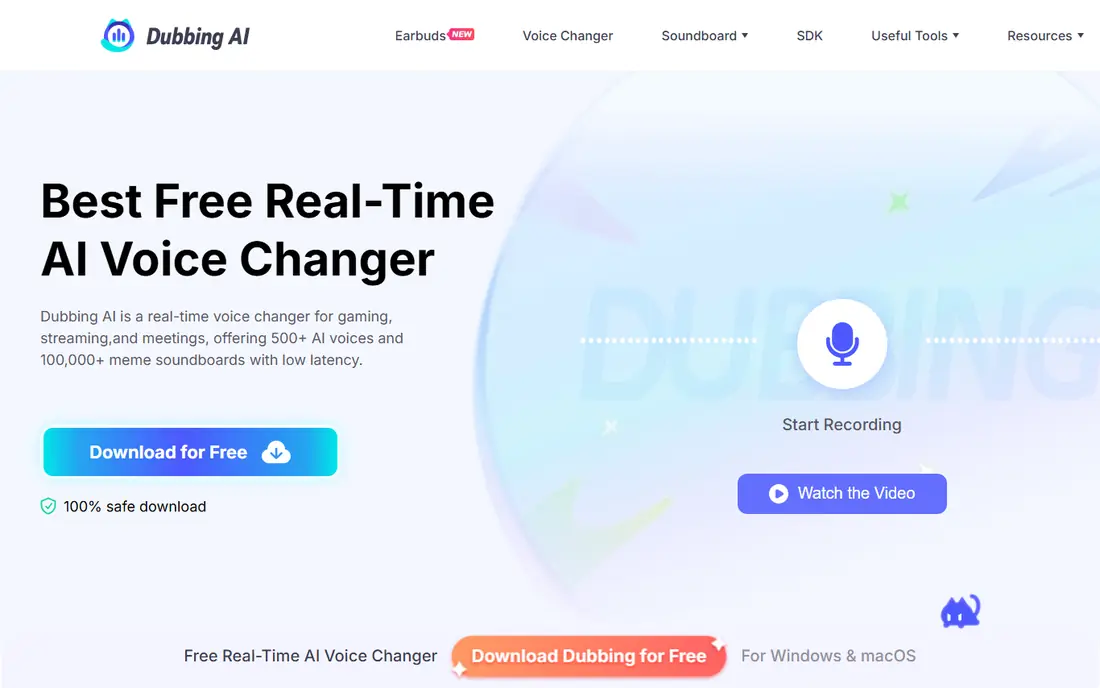
Dubbing AI suits streamers, gamers, and call users who want a different accent or voice in real time. It runs as a virtual audio input, so you can select it as your microphone in common chat and meeting apps. The free tier gives daily rotating voices, which lets you test the tool before paying for full access.
Like other real-time tools, Dubbing AI trades some naturalness for speed. A voice that sounds fun in a game may not suit a formal meeting, and accent translation works best when speech is clear and steady. Use it for live conversation and creative work, and use a studio tool for polished recordings.
- Offers real-time accent translation and a large voice library
- Works as a virtual microphone for Discord, Zoom, and games
- Includes a free tier with rotating voices
- Free tier limits voice choice by day
- Real-time AI voices can sound less natural than a recorded performance
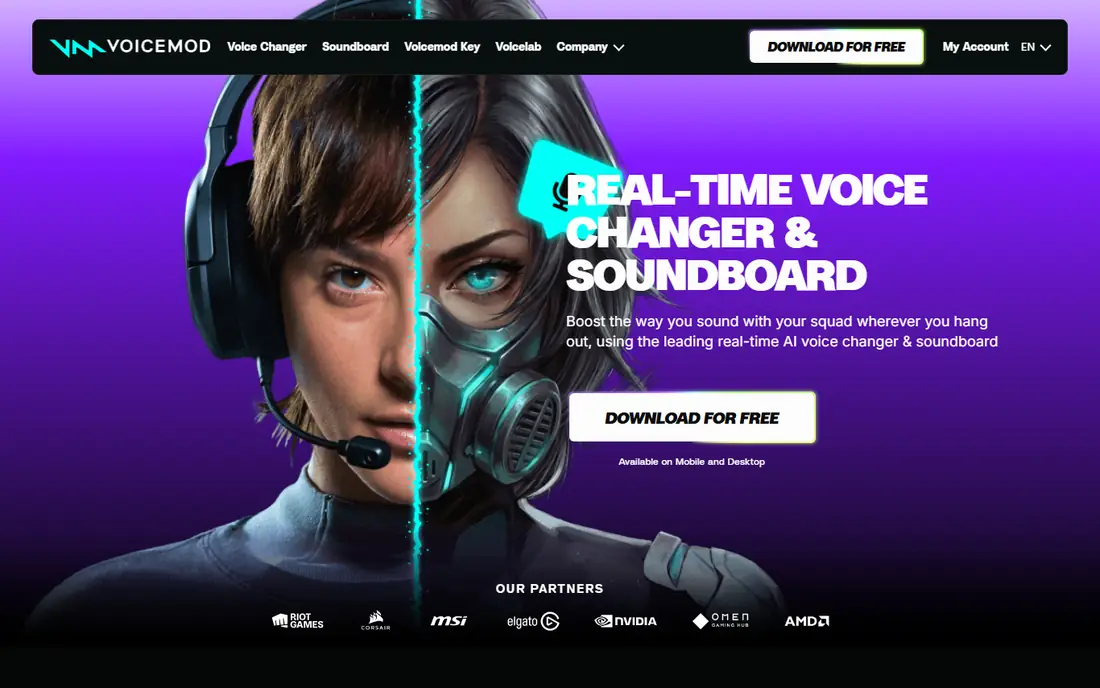
Voicemod is the best-known live voice changer for gamers and streamers, and its soundboard is a major part of the appeal. You can switch voices during a stream, add sound effects, and use a mobile controller for live control. The free tier covers a rotating set of voices, which is enough to judge whether the tool fits your setup.
Voicemod is not an accent-training tool, and it is not built for studio voiceovers. Its strength is live fun and live character voices, not subtle accent softening for a business call. Check the current paid price in the app before buying, since pricing pages and plans change.
- Large library of real-time voices and soundboard effects
- Works with Discord, games, OBS, and browsers
- Free tier lets you test a rotating set of voices
- Full voice library requires a paid plan
- Some effects sound processed rather than natural, especially on lower-quality microphones
Voxal suits people who want a practical, low-cost live voice changer without a large subscription. You can apply robot, echo, pitch, and other effects in real time, or process a recorded file after the fact. Custom effect chains also let you save a sound you like and reuse it across calls and recordings.
The interface is the main weakness. It looks older than Voicemod and Dubbing AI, and new users may need time to find the right settings. Commercial users must also check the licence, since the free version is for non-commercial home use. For home gaming and chat, it remains a solid free option.
- Applies effects in real time to microphone input and to existing files
- Free for non-commercial home use
- Lets users build and save custom effect chains
- Interface feels dated compared with newer rivals
- Windows focus limits Mac users, and commercial use needs a paid licence
Clownfish is the simplest free option in this list, and that simplicity is the point. It installs as a system-wide voice changer, so it can work with many apps that use a microphone, without a separate setup for each one. For casual gaming and chat, the free price and easy start are hard to beat.
The effect library is smaller than Voicemod or Dubbing AI, and there is no studio editing workflow. Clownfish also lacks the accent-specific filtering that Utell AI and Dubbing AI offer. Use it when you want a free, quick voice effect, and use a paid tool when you need accent conversion or a large voice library.
- Free system-wide voice changer for Windows
- Works with common chat, game, and meeting apps
- Simple setup with a small set of effects
- Effect range is smaller than paid rivals
- Windows-only design limits Mac and mobile users
ElevenLabs suits recorded work rather than live calls. You type text, choose a voice and accent style, and generate speech for video, audiobooks, training, and product demos. Voice design tools also let you shape a voice for a character or brand, provided you have the rights to any voice you clone.
Consent is the key rule here. Never clone a real person without clear permission, and check the licence for commercial use before publishing. ElevenLabs also charges by usage on paid plans, so test a short script first and estimate monthly characters before committing to a tier.
- Wide range of natural-sounding text-to-speech voices and accents
- Voice design and cloning tools for licensed voices
- Supports dubbing and studio workflows
- Voice cloning must only use voices you own or have permission for
- Higher-quality and commercial use sits on paid plans
Murf AI is built for people who need a clean voiceover, not a live voice effect. You paste a script, choose a voice with the accent and tone you want, and edit pacing and emphasis until the read sounds right. That workflow suits training videos, product explainers, and marketing clips where a polished take matters.
The limit is that Murf AI does not change your live voice during a call. It also requires a paid plan for full commercial use and larger projects, so check the licence and character limits before a big production. For recorded accented speech, it is one of the most practical studio options.
- Studio workflow for voiceovers with a library of voices and accents
- Lets you adjust pacing, emphasis, and pronunciation
- Suits training, marketing, and explainer videos
- Recorded workflow does not help live calls
- The best voices and commercial licences sit on paid plans
Altered Studio sits between a live changer and a text-to-speech studio. It can reshape a recorded voice, apply effects, and support dubbing work, which makes it useful for creators who already have a recording and want to change how it sounds. The editing tools give more control than a one-click effect.
That control brings a learning curve. New users may need time to get a natural result, and voice cloning must only use voices you own or have permission to use. Check the free tier limits and the commercial licence before using Altered Studio for client work.
- Combines voice changing, cloning for licensed voices, and audio editing
- Suits creators who need to reshape a recorded performance
- Supports dubbing and voiceover work
- Studio workflow needs more learning time than a simple live changer
- Cloning and commercial use need clear rights and a paid plan
Resemble AI suits teams that want a consistent voice across videos, apps, and training content. You can create a custom voice from licensed recordings, then generate new speech in that voice without re-recording every line. That consistency helps brands, educators, and developers who publish often.
Custom voices demand good source recordings and clear consent from the speaker. A poor recording gives a poor voice, and a voice without permission must never be used. For teams with a licensed speaker and a regular publishing schedule, Resemble AI offers a focused, professional workflow.
- Builds custom voices for licensed speakers and brands
- Supports text-to-speech, dubbing, and app integration
- Useful for consistent brand voices across content
- Custom voice setup needs quality recordings and consent
- Pricing and usage limits need checking for larger projects
How we picked these
We compared official product pages, feature pages, and current listings for tools that change, soften, translate, train, or generate accented speech. We left out retired products and tools that only claim accent features without a current product page. Where pricing was not clearly published on the vendor site, we wrote See website. We did not list a product called Accent Voice itself, because our research did not establish one dominant product under that exact name.
What to check before you choose
Start with the job: live or recorded. Live tools need low delay and must work with your chat, meeting, or game software, while studio tools need a good script workflow and a clear commercial licence. Testing a live tool in a real call matters more than a demo video, since microphone quality and network conditions change the result.
Next, check consent and licence terms in plain language. Only use your own voice or a voice you have clear permission to use, and never imitate a real person, a celebrity, or a colleague without consent. For client work, confirm whether the plan covers commercial use, and keep a record of the permission for any cloned or custom voice.
Finally, test accent results on your own speech. Accent softening and translation work better on clear, steady speech than on fast, noisy, or heavily accented input. Record a short sample, listen back on headphones, and ask a colleague whether the result sounds clear and natural enough for the setting where you plan to use it.
Frequently asked questions
Is there a product called Accent Voice?
Our research did not establish one dominant product under the exact name Accent Voice, and the term covers several kinds of tools. This guide therefore covers real-time accent changers, accent softeners, accent trainers, and accented text-to-speech tools. Check the vendor name and product page carefully before buying any tool with a similar name.
Can these tools change my accent in real time?
Yes, tools like Utell AI and Dubbing AI are built for real-time accent conversion, while Voicemod and Voxal focus on live voice effects. Real-time results can sound less natural than recorded voiceovers, so test with your own voice and headset. Studio tools like Murf AI and ElevenLabs suit recorded speech instead.
Can I use these tools to imitate someone else?
Only with that person's clear permission. Use your own voice or a licensed voice, and never clone or imitate a real person, a public figure, or a colleague without consent. Check the tool's terms and the licence for commercial use before publishing any cloned voice.
Do accent tools help with accent training?
Some tools focus on training, with feedback on pronunciation, rhythm, and sounds, while others only change or generate speech. If training is the goal, choose a tool that gives feedback on your own speech rather than a tool that replaces your voice. Practice with real conversation also matters more than effects alone.
Will a voice changer work with Discord, Zoom, and games?
Many live tools work as a virtual microphone, so you can select them as the input in Discord, Zoom, OBS, and many games. Check the supported apps on the vendor page, since support varies by operating system. Test the setup in a private call before a live stream or meeting.
Are free voice changers safe to install?
Free tools from a known vendor can be safe, but download only from the official site and check permissions during install. Avoid cracked versions and unknown downloads, which can carry malware. Keep the software updated, and remove any tool you no longer use.
Sources
See where you really rank - block by block
ProMapRanker scans Google Maps across a grid of your service area. Simple monthly plans from $19, white-label on every plan.
Start freeKeep reading
 zyte alternatives
Best Zyte Alternatives in 2026
These zyte alternatives cover managed scraping APIs, proxy networks and no code tools for lawful collection from your own or consented sources only in 2026.
Read → zerto alternatives
Best Zerto Alternatives in 2026
Compare the best zerto alternatives for disaster recovery and replication, with recovery targets, cloud options and honest trade-offs for teams in 2026.
Read → zerofox alternatives
Best ZeroFox Alternatives in 2026
We compared 9 zerofox alternatives for brand protection, phishing takedowns, dark web monitoring, and social impersonation, with clear coverage notes.
Read →