 ProMapRanker
Best 3CX Alternatives in 2026


Unified calling, messaging and video · Pricing starts at: $20 per user per month
Key takeaways
- Cloud phone systems remove most of the server work, but per-user pricing adds up fast as a team grows.
- RingCentral and Nextiva cover the widest mix of calling, messaging and video in one account.
- Dialpad suits teams that want call transcripts and coaching notes without buying a separate tool.
- FreePBX keeps software costs near zero, but it needs in-house skill to run and protect.
- Check SMS limits, toll-free minutes and taxes before you compare headline prices.
Quick comparison
| Pick | Great for | Pricing starts at | Free tier | |
|---|---|---|---|---|
| RingCentral | Unified calling, messaging and video | $20 per user per month | No | Visit |
 Nextiva | All-in-one phone for growing teams | $15 per user per month | No | Visit |
 Dialpad | AI call summaries and coaching | $15 per user per month | No | Visit |
 Zoom Phone | Teams already using Zoom meetings | $10 per user per month | No | Visit |
 Vonage | Flexible cloud phone with APIs | $13.99 per line per month | No | Visit |
 8x8 | International and multi-site calling | See website | No | Visit |
 Ooma Office | Small offices and desk phones | $19.95 per user per month | No | Visit |
 GoTo Connect | Phone plus meetings in one suite | See website | No | Visit |
 FreePBX | Self-hosted control on a budget | Free | Yes | Visit |
The best 3CX alternatives
These nine options replace a traditional PBX with cloud calling, on-site hardware, or a self-hosted setup, and we compared their published plans, core calling features and limits.
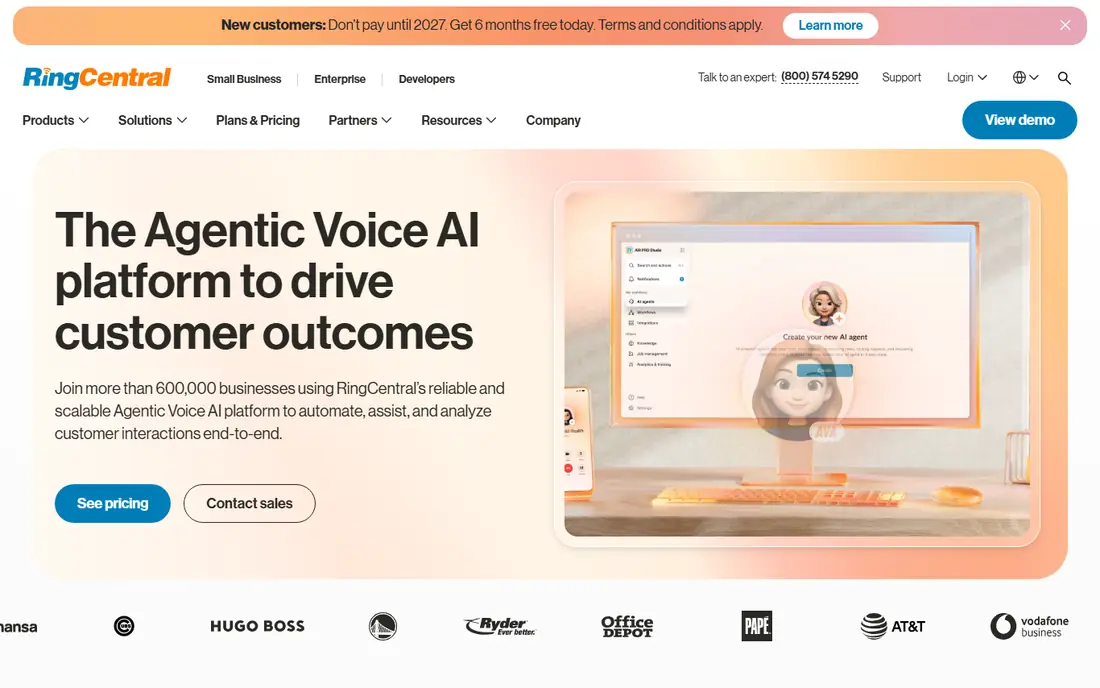
RingCentral is the pick we would shortlist first for a mid-sized business that wants one vendor for calls, team chat and video. Its core plan covers unlimited domestic calling, call queues, voicemail and shared numbers, and higher plans add deeper analytics and CRM links. The breadth matters when a team moves from simple phone lines to routing calls across departments, sites and remote staff.
The catch is price creep. The entry price looks tidy, but AI features, advanced analytics and some integrations sit on higher plans or as add-ons. A small team that only needs reliable calls may pay for breadth it never uses. Still, for a business that plans to grow, RingCentral gives a clear upgrade path without changing vendors.
- Broad app integrations
- Strong call routing and analytics
- Video and messaging in the same app
- Higher tiers and add-ons raise the bill
- Admin setup can feel deep for a very small team
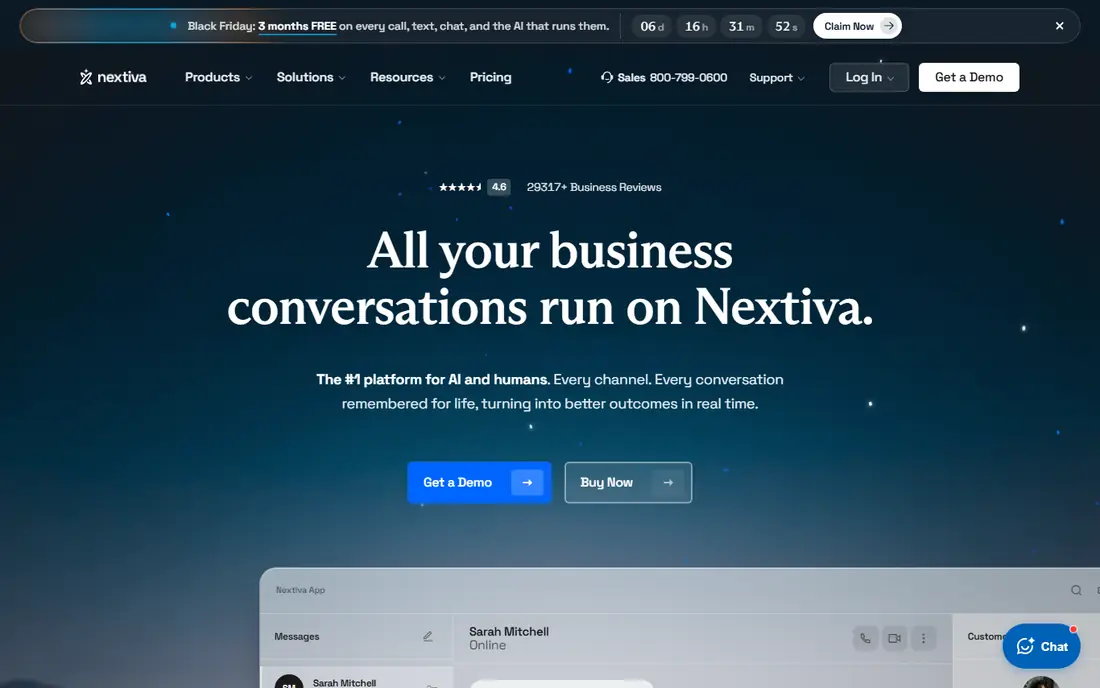
Nextiva appeals to owners who want a phone system that feels complete on day one. The core plan includes unlimited domestic calling, voicemail, auto attendant and team messaging, which covers most small offices without extra purchases. Its interface is also easier to hand to a non-technical office manager than a system built around server settings.
We would watch the tier ladder here. Call recording, advanced analytics and richer contact center tools move up the plans, so a support-heavy team should price the tier it truly needs, not the entry tier. For general office use, though, Nextiva balances price, features and support in a way many small businesses will find comfortable.
- Clear entry price
- Bundled messaging and video
- Useful call recording and analytics options
- Full customer experience tools need higher tiers
- SMS allowances vary by plan
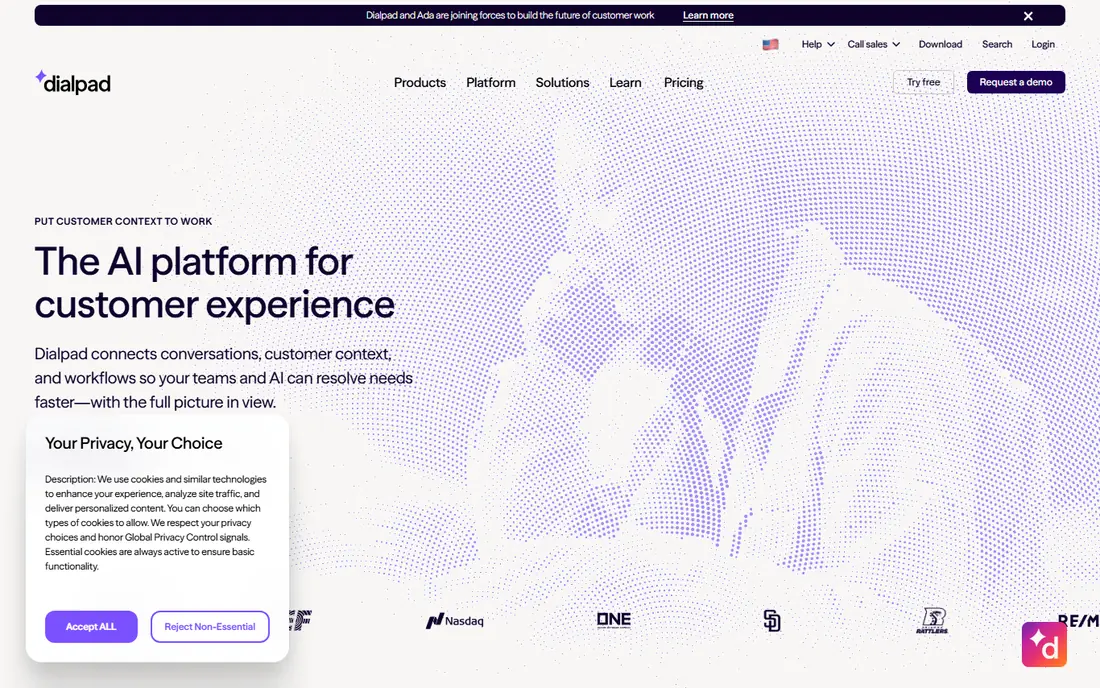
Dialpad stands out because its AI tools are part of the story from the start, not a bolt-on you discover later. Calls can be transcribed, summarised and searched, which helps managers coach new staff and helps support teams check what was promised on a call. For sales teams, live prompts and post-call notes can shorten the ramp time for new hires.
The limit is scope. Dialpad is a strong phone and meeting tool, but a large contact center with complex routing and workforce tools may need a higher plan or a different vendor. Small and mid-sized teams that value clear call records will get the most from it, provided they check SMS limits and international rates for their own call pattern.
- Built-in call transcription and summaries
- Real-time coaching tools
- Simple app for desktop and mobile
- Contact center strength needs higher plans
- Some advanced CRM links sit above the entry plan
Zoom Phone makes sense when meetings already run on Zoom. Staff stay in one app for calls, video and chat, and a voice call can move to video without a new link or a second login. That familiarity cuts training time, and the entry price is lower than most cloud rivals in this list.
It is not the deepest standalone phone system at the entry tier. Teams that need advanced call center reporting, complex queues or heavy SMS use should read the plan details closely. For an office that already pays for Zoom and wants tidy phone service on top, it is a practical and low-friction choice.
- Low entry price
- Easy move from a call to a video meeting
- Familiar app for many staff
- Some phone features depend on the plan and add-ons
- SMS and contact center depth vary
Vonage suits two different buyers, and that is both its strength and its warning. Small teams can start with a simple mobile plan, while developers can use Vonage APIs to build voice, messaging and verification into their own apps. Business plans add team messaging, call groups and integrations with common CRM tools.
Pricing needs a close read. The lowest line price covers a mobile-only setup, and business features, extra numbers and international calls change the total. We would ask for a full quote that includes taxes and any per-minute charges before signing. With that check done, Vonage is a flexible option for teams that want choice rather than a single fixed bundle.
- Low mobile entry option
- API tools for custom builds
- Unlimited domestic calls on business plans
- Per-minute and add-on charges can surprise
- Plan names and limits need careful reading
For a business with staff or customers in several countries, 8x8 deserves a look before the smaller cloud brands. Its platform covers voice, video, chat and contact center tools, and its global calling footprint is a real advantage for multi-site teams. Admin controls for routing and reporting also suit a business with more than one location.
The drawback is transparency. Entry pricing is not as simple to compare as a fixed per-user rate, so a buyer must request a quote and check what is included. A five-person office with only local calls may find 8x8 more platform than it needs. A larger or international team, by contrast, may find the reach worth the extra buying effort.
- Strong global calling reach
- Contact center options
- Video and chat in the same platform
- Pricing is quote-led, so comparison takes more work
- May be more than a tiny office needs
Ooma Office feels built for a physical office that still values desk phones. The entry plan includes a virtual receptionist, call routing and voicemail, and it works well with common desk phone hardware. For a small firm that wants a professional greeting and simple call handling, without a steep learning curve, that mix is appealing.
It is less focused on AI summaries and advanced coaching than Dialpad or RingCentral. Teams that live on call analytics may want a higher tier or a different tool. But if the priority is dependable phones, clear menus and a setup that office staff can manage, Ooma Office is a calm and sensible pick.
- Virtual receptionist on the entry plan
- Hardware-friendly setup
- Straightforward admin
- Fewer advanced AI tools than some rivals
- Higher tiers needed for richer analytics
GoTo Connect brings phone service together with meetings and messaging, which suits a business that wants fewer vendors. Call routing, voicemail, SMS for US and Canadian customers and shared inboxes can sit beside video meetings in one account. That pairing helps when staff split their day between calls and scheduled meetings.
The main friction is pricing. GoTo Connect uses quotes and bundles rather than a single advertised entry rate, so buyers need a direct quote for their user count. It also makes sense to check which meeting and messaging features are included at the quoted tier. For a team that already uses GoTo products, the combined suite can be good value.
- Calling, meetings and messaging in one suite
- Useful for US and Canadian teams
- Admin tools for larger offices
- No simple public entry price
- Some features depend on the chosen bundle
FreePBX is the honest budget option, and also the option that asks the most of its owner. The core software costs nothing, and it gives full control over extensions, ring groups, voicemail and call routing. A business with in-house IT skill can build a phone system that fits its exact needs, and can keep data on its own server.
That freedom comes with responsibility. The team must provide a server, a SIP trunk, phones and ongoing updates, and must secure the system against misuse. There is no vendor help desk in the same sense as a cloud plan. For a skilled team, the saving is real. For a business without IT support, a cloud plan will usually be cheaper in time and risk, even if its monthly fee is higher.
- Core software is free
- Deep control over routing and extensions
- Large community and module options
- You run the server, updates and security
- SIP trunk and hardware costs are separate
How we picked these
We compared official pricing pages, feature lists and plan limits for cloud phone systems, on-site options and self-hosted software, and we kept only systems that are sold and supported in October 2026. We favoured systems that cover core PBX jobs, such as auto attendant, call queues, voicemail, SMS and CRM links, and we noted where a headline price hides add-ons or limits.
We did not claim hands-on testing. Our comparison rests on vendor documentation, pricing pages and public reviews, and we treated per-user prices as starting points before taxes and regulatory fees. Prices change, so we suggest confirming the current plan and total monthly cost before you port numbers.
What to check before you switch phone systems
Start with your call pattern, not the feature list. Count how many staff need a phone, how many calls go abroad, how much SMS you send, and how often callers need a queue rather than a single extension. A plan that looks cheap can turn costly when SMS caps, toll-free minutes or international rates are added, and a plan that looks rich can waste money if your team only answers direct calls.
Next, test number porting, desk phone support and admin access. Ask how long porting takes, which desk phones are supported, and who can change routing when the office manager is away. Check voicemail to email, call recording consent rules in your state, and how recordings are stored. A short trial with a small group will reveal poor call quality, awkward apps and missing integrations faster than any sales demo.
Finally, price the whole first year. Add taxes and regulatory fees, extra numbers, higher tiers for recording or analytics, and any hardware you must buy. Compare that total, not the entry rate, and keep a note of contract length and exit terms. The best system is the one your team will actually answer, route and manage without daily workarounds.
Frequently asked questions
Do I need desk phones with a cloud phone system?
No, most cloud systems work on a computer app and a mobile app, and many staff never use a desk phone. Desk phones still help in reception areas, warehouses and shared offices, so check which models each vendor supports before you order hardware.
Can I keep my existing business numbers?
In most cases yes, through number porting, but timing and paperwork vary by carrier and number type. Ask the new vendor to confirm each number, including toll-free numbers, and do not cancel the old service until porting is complete.
Is a self-hosted PBX cheaper than a cloud system?
The software can be free, but the total cost includes a server, SIP trunk charges, phones, security and staff time for updates. For a skilled IT team, self-hosting can save money. For a small business without IT support, cloud pricing is often lower once time and risk are counted.
What is the difference between a PBX and a cloud phone system?
A PBX is the system that routes calls inside a business, and a cloud phone system runs that routing on the vendor servers instead of hardware in your office. Cloud systems reduce on-site work, while a local or self-hosted PBX gives more direct control over hardware and data.
How many users do I need to buy?
Buy for staff who make or take business calls regularly, and check whether shared numbers, reception cover and part-time staff need full seats. Some vendors allow shared numbers and lighter roles, which can cut seats without cutting cover.
Should I pick the cheapest entry plan?
Only if it covers your queues, SMS use, recording needs and integrations. Entry plans often limit those features, so we suggest listing must-have features first, then finding the lowest tier that includes all of them.
Sources
See where you really rank - block by block
ProMapRanker scans Google Maps across a grid of your service area. Simple monthly plans from $19, white-label on every plan.
Start freeKeep reading
 zyte alternatives
Best Zyte Alternatives in 2026
These zyte alternatives cover managed scraping APIs, proxy networks and no code tools for lawful collection from your own or consented sources only in 2026.
Read → zerto alternatives
Best Zerto Alternatives in 2026
Compare the best zerto alternatives for disaster recovery and replication, with recovery targets, cloud options and honest trade-offs for teams in 2026.
Read → zerofox alternatives
Best ZeroFox Alternatives in 2026
We compared 9 zerofox alternatives for brand protection, phishing takedowns, dark web monitoring, and social impersonation, with clear coverage notes.
Read →