 ProMapRanker
Best 1Password Alternatives in 2026

Key takeaways
- Bitwarden is the best value pick, with unlimited sync on its free plan and Premium at $1.65 per month on annual billing.
- Proton Pass pairs a useful free tier with built-in email aliases, which helps reduce spam and tracking across sign-ups.
- Dashlane no longer offers a free plan, and its personal plan starts at $4.99 per month, so it suits buyers who want its bundled extras.
- Families should compare Bitwarden and NordPass first, since both offer family plans that cover several people at a low monthly cost.
- Moving vaults is easier than it sounds: export from the old manager, import into the new one, then check logins and passkeys before deleting anything.
Quick comparison
| Pick | Great for | Pricing starts at | Free tier | |
|---|---|---|---|---|
 Bitwarden | Best overall value | $1.65 per month | Yes | Visit |
 Proton Pass | Privacy plus email aliases | $2.99 per month | Yes | Visit |
 NordPass | Simple low-cost manager | $1.49 per month | Yes | Visit |
 Dashlane | Bundled VPN and monitoring | $4.99 per month | No | Visit |
 Keeper | Business admin controls | See website | Yes | Visit |
 LastPass | Familiar name with wide support | $3 per month | Yes | Visit |
 Enpass | Offline-first vaults you control | See website | Yes | Visit |
 RoboForm | Strong form filling | $2.49 per month | Yes | Visit |
 Zoho Vault | Free team sharing | Free | Yes | Visit |
The best 1password alternatives
A password manager should store logins, generate strong passwords, support passkeys and sync across your devices without getting in the way. The nine tools below do that in different ways, from open-source vaults to business-grade admin suites. We compared official pricing pages and security documentation, and we did not claim hands-on testing.
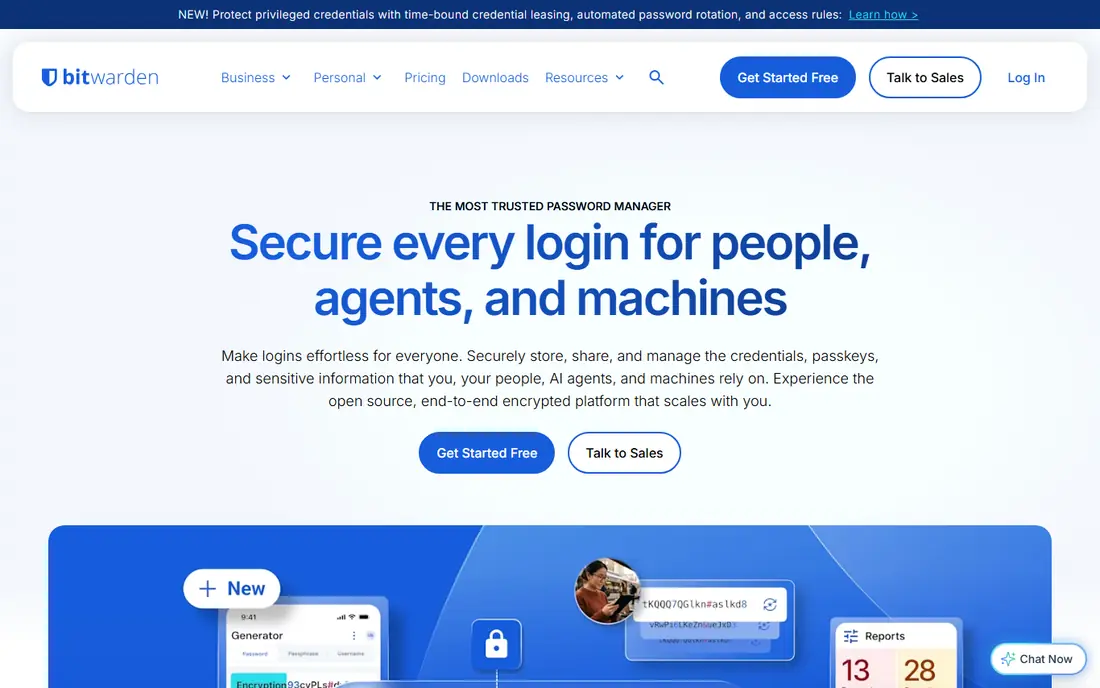
Bitwarden is our pick for most people leaving 1Password. Its free plan covers unlimited passwords, devices and sync, which is rare, and Premium at $1.65 per month on annual billing adds encrypted file storage, emergency access and advanced two-factor options. The code is open source, which allows independent review, and the apps cover desktop, mobile and browsers.
The trade-off is polish. Bitwarden looks and feels more functional than stylish, and some users will miss 1Password's Watchtower-style presentation or Travel Mode. That matters less than the core job, which Bitwarden does well and cheaply. If price matters and you want a manager you can trust and audit, start here.
- Free plan includes unlimited devices and sync
- Open-source code
- Self-hosting option for advanced users
- Interface is plainer than rivals
- Some premium features need the paid plan
- Family setup takes a few steps
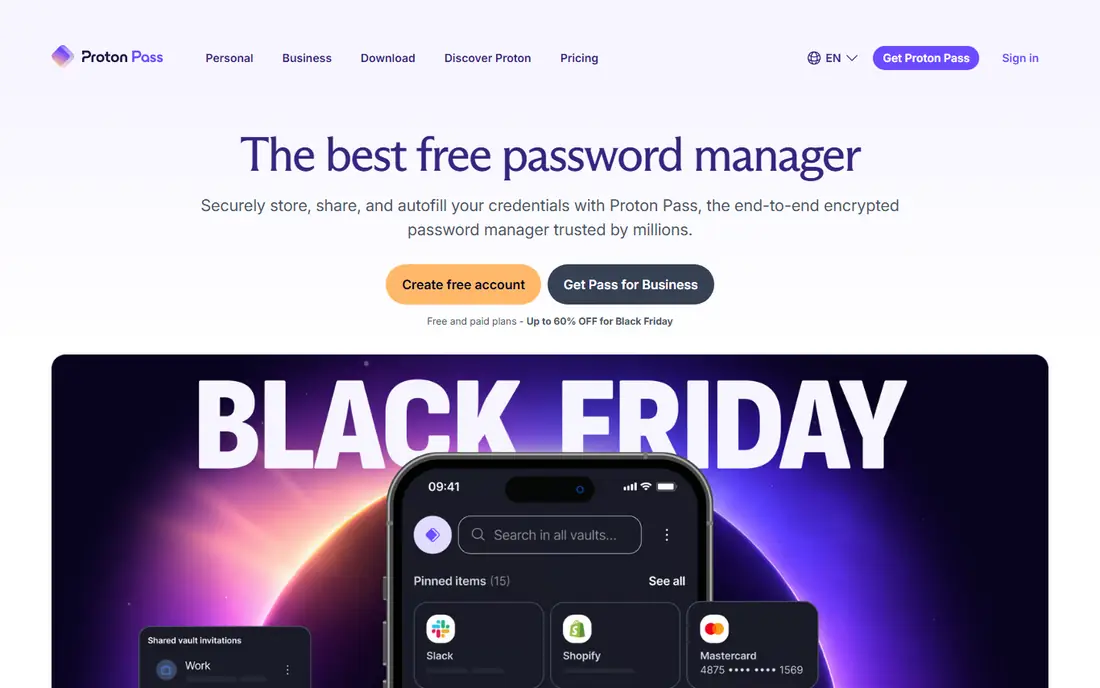
Proton Pass comes from the team behind Proton Mail and Proton VPN, and its privacy pitch is consistent: end-to-end encryption, open-source clients and no ad tracking. The free plan includes unlimited logins, two vaults and a set of email aliases, which let you sign up for services without sharing your real address. Paid Pass Plus at $2.99 per month on annual billing adds unlimited aliases and more vaults.
The catch is maturity. Proton Pass is younger than Bitwarden or 1Password, so its admin and business tooling is still growing, and users deeply tied to another ecosystem may need time to adjust. For individuals and families who already use Proton services, or who want aliases as a core feature, Proton Pass is a strong and principled choice.
- Free tier with unlimited logins
- Hide-my-email aliases built in
- Swiss-based privacy focus
- Smaller ecosystem than older rivals
- Some business features need higher tiers
- Alias limits on free plan
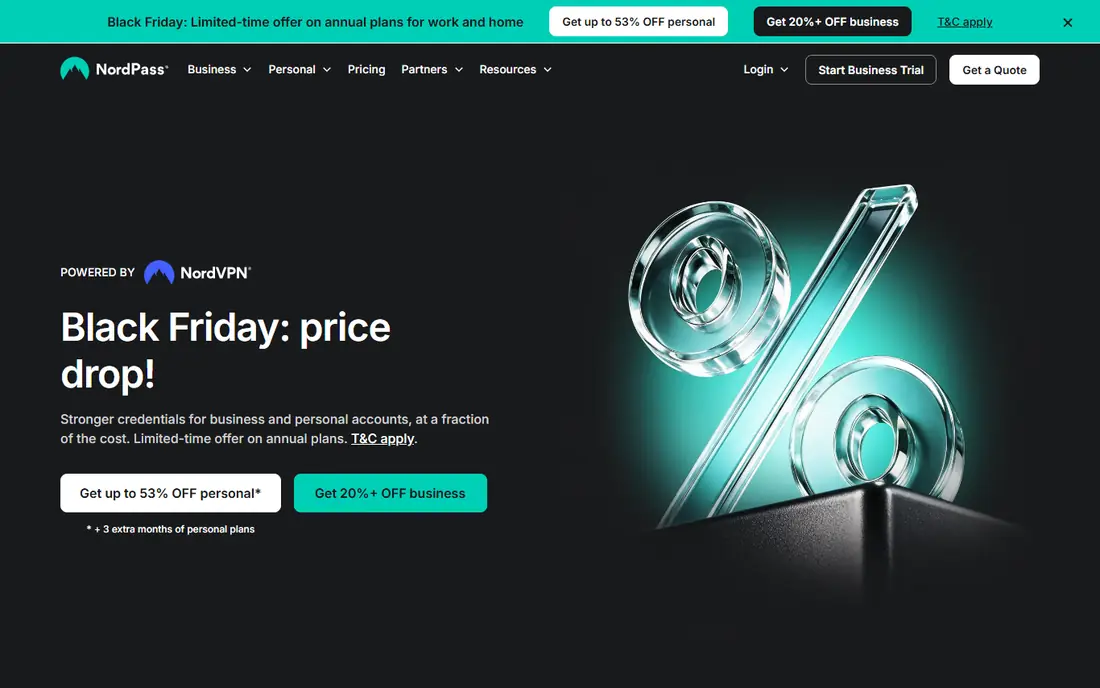
NordPass is the easy option for people who want a password manager without a learning curve. It saves and autofills logins, generates strong passwords, supports passkeys and offers breach scanning, all in apps that feel calm and clear. Promotional pricing has listed Premium from about $1.49 per month on a two-year plan, with a family plan for six users at a low monthly rate.
Free users should note the limit: the free tier allows one active device session, so switching between phone and laptop constantly can frustrate. Paid plans remove that friction and add more sharing. NordPass suits individuals and families who value simplicity and a low price over advanced admin tooling or self-hosting.
- Clean, simple interface
- XChaCha20 encryption
- Family plan for six users
- Free plan limited to one active device session
- Best prices need longer terms
- Fewer business controls than Keeper
Dashlane remains a polished manager with strong autofill, phishing alerts and dark web monitoring, and Premium includes a VPN, which some buyers value as a bundle. Personal pricing is listed at $4.99 per month on annual billing, with a family plan for up to ten users. For a household that wants one subscription for passwords, monitoring and VPN, the bundle can make sense.
The price and the missing free plan are the honest downsides. Dashlane ended its free plan in September 2025, so new users must pay from the start, and the cost sits above Bitwarden and NordPass. Business users should also note the Omnix rebrand and quote-based pricing for some business tiers. Choose Dashlane for polish and extras, not for the lowest price.
- Polished apps
- Dark web monitoring
- VPN included on Premium
- Free plan ended in September 2025
- Higher price than rivals
- Desktop app retired in favor of extension and mobile
Keeper is the business pick in this list. It offers shared folders, detailed audit logs, admin controls and integrations that suit regulated teams, and it holds compliance credentials that matter in healthcare, finance and legal work. Personal plans start at a low monthly rate in recent listings, while business pricing depends on seats and add-ons, so check the vendor page for your team size.
Individual users may find Keeper less charming than Bitwarden or Proton Pass. The free tier is limited, and the product's strengths show most in a managed team setting rather than a single vault. If your priority is admin control, reporting and compliance, Keeper earns its place. If you only need a personal vault, a cheaper option above will serve you better.
- Granular admin and audit controls
- Secure file storage and messaging
- Strong compliance credentials
- Pricing varies by plan and add-ons
- Personal free tier is limited
- Interface can feel business-first
LastPass is one of the oldest names in password management, and its apps cover every major platform with shared folders, secure notes and autofill. Premium is listed at $3 per month on annual billing, with a family plan for six users. For users who already know LastPass, staying with a familiar interface has real value.
Two caveats deserve plain language. The free plan works on only one device type, either computers or mobile, which frustrates people who switch devices often. LastPass also suffered widely reported security incidents in 2022, and while it has made changes since, some security-conscious users prefer a manager without that history. Weigh familiarity against those points before choosing LastPass over Bitwarden.
- Wide platform support
- Shared folders
- Passwordless login options
- Free plan limited to one device type
- Past security incidents still concern some users
- Price above Bitwarden
Enpass appeals to users who want control over where their vault lives. You can store passwords locally on a device or sync through a cloud service you choose, rather than relying only on the vendor's servers. That offline-first design suits privacy-minded users and people in low-connectivity settings, and the free desktop plan covers core use.
The cost is convenience. Setting up sync takes more steps than a cloud-first manager, and sharing with family or a team is less smooth. Pricing also varies by platform and plan, so check the official page for your devices. If vault location matters more to you than one-click sharing, Enpass is a distinctive and credible alternative.
- Vaults can live offline or in your own cloud
- One-time purchase options in the past
- No account required for local vaults
- Sync setup is manual compared with cloud managers
- Interface is functional rather than polished
- Pricing varies by platform
RoboForm has long been known for form filling, and that strength still matters. It fills logins, addresses and payment details reliably across browsers, including older ones, and it covers passwords, secure notes and identities. Premium is listed at $2.49 per month on annual billing, with a free plan for basic use.
The interface is the weak point. RoboForm looks older than Bitwarden, Proton Pass or Dashlane, and its security research profile is smaller. That does not make it unsafe, but buyers who value modern design and public audits may prefer another pick. For users who fill many web forms daily and want a proven, affordable manager, RoboForm remains a solid choice.
- Excellent form filling on web pages
- Wide browser support
- Family plan available
- Interface feels dated next to newer rivals
- Some advanced features need paid plan
- Smaller security research profile
Zoho Vault is the team pick for small businesses on a tight budget. Its free tier covers team password sharing, which is rare, and paid plans add admin controls and integrations with other Zoho apps. For a small team that already uses Zoho Mail, CRM or Books, keeping passwords in the same suite simplifies admin and billing.
Consumer users may find Zoho Vault plainer than Bitwarden or Proton Pass, with fewer extras such as email aliases or a bundled VPN. It also shines most inside the Zoho ecosystem, so standalone users gain less. If you run a small team and want free, simple shared vaults, Zoho Vault is worth a trial before paying for a bigger suite.
- Genuine free tier for teams
- Simple shared passwords for small businesses
- Part of the wider Zoho suite
- Smaller consumer feature set
- Best value inside Zoho ecosystem
- Fewer passkey extras than leaders
How we picked these
We compared official pricing pages, free tiers, passkey support, sharing features and security documentation for managers that work in the United States in October 2026. We favored tools with published pricing, cross-platform apps and a clear privacy model, and we included both consumer and business options. We did not claim hands-on testing, and we noted known limits such as ended free plans and past incidents where they affect a buying decision.
How to switch without losing access
Export your vault from 1Password first, and store that export somewhere safe and temporary, since it contains plain-text secrets. Import it into the new manager, then check a sample of logins on desktop and mobile, including banking and email, before you rely on the new vault. Set up passkeys and two-factor codes separately, since some exports do not carry them over cleanly.
Once the new vault is proven, delete the temporary export, turn on emergency access or a trusted contact if the new manager offers it, and only then cancel the old subscription. Keep a printed recovery kit or a secure offline copy of your master password, because losing it can lock you out of every account at once.
Frequently asked questions
What are the best alternatives to 1Password?
Bitwarden, Proton Pass, NordPass and Dashlane are the closest matches. Bitwarden leads on value, Proton Pass on privacy and aliases, NordPass on simplicity, and Dashlane on polish and bundled extras.
What is the best 1Password alternative for families?
Bitwarden Family at $3.99 per month for six users and NordPass Family are strong starting points, since both cover several people at a low cost. Compare vault sharing, emergency access and device limits before choosing.
Is there a free 1Password alternative?
Yes. Bitwarden, Proton Pass, NordPass, LastPass, Enpass, RoboForm and Zoho Vault all offer free plans, though limits vary. Bitwarden's free plan is the most generous, with unlimited devices and sync.
Can I import my passwords from 1Password?
Yes, in most cases. Export a vault file from 1Password, import it into the new manager, and verify logins, secure notes and passkeys before deleting the old vault. Keep the export file only until the move is verified, then delete it securely.
Do these managers support passkeys?
Yes, all the leading managers here support passkeys to varying degrees, alongside traditional passwords. Check passkey creation, sharing and recovery for your exact devices, since support still differs by platform.
Is Bitwarden really open source?
Yes, Bitwarden publishes its client and server code for review, and it offers a self-hosting option for advanced users. Open source does not guarantee security on its own, but it allows independent audits that closed managers cannot offer in the same way.
Sources
See where you really rank - block by block
ProMapRanker scans Google Maps across a grid of your service area. Simple monthly plans from $19, white-label on every plan.
Start freeKeep reading
 zscaler alternatives
Best Zscaler Alternatives in 2026
Looking for zscaler alternatives? We compare 9 SASE and zero trust platforms on architecture, data protection, pricing, and fit for your network and team.
Read → zapier alternatives free
Best Zapier Alternatives Free in 2026
Nine automation tools for zapier alternatives free in 2026, all with genuinely free tiers, plus free plan limits, starting prices and upgrade paths explained.
Read → which platform is best for online reputation
Which Platform Is Best for Online Reputation in 2026
Wondering which platform is best for online reputation? We compare 8 review, listing, and response tools for small and multi-location businesses and agencies.
Read →