 ProMapRanker
Best 17hats Alternatives in 2026


Creative freelancers booking projects · Pricing starts at: $29 per month
Key takeaways
- HoneyBook and Dubsado are the closest full replacements, covering proposals, contracts, invoices and scheduling in one place.
- Bonsai and Moxie suit solo freelancers who want a lower monthly cost and a simpler setup.
- FreshBooks and Zoho Invoice work best when invoicing and bookkeeping matter more than deep workflow automation.
- Bloom and Plutio are worth a look for creatives and small teams that want project work beside client management.
- Check payment fees and country availability before you switch, since both can change the real cost.
Quick comparison
| Pick | Great for | Pricing starts at | Free tier | |
|---|---|---|---|---|
| HoneyBook | Creative freelancers booking projects | $29 per month | Free trial | Visit |
 Dubsado | Custom workflows and forms | $35 per month | Free trial | Visit |
 Bonsai | Solo freelancers on a budget | $9 per user per month | Free trial | Visit |
 Moxie | Modern solo business management | $20 per month | Free trial | Visit |
 FreshBooks | Invoice-first freelancers | $19 per month | Free trial | Visit |
 Zoho Invoice | Free invoicing for small firms | Free | Yes | Visit |
 Bloom | Photographers and creatives | $7 per month | Free trial | Visit |
 Plutio | Small teams and flat pricing | $19 per month | Free trial | Visit |
The best 17hats alternatives
These eight tools cover the same core job: turning an inquiry into a signed contract, a paid invoice and a finished project. We compared official feature pages, pricing pages, app store listings and public reviews to build this list.
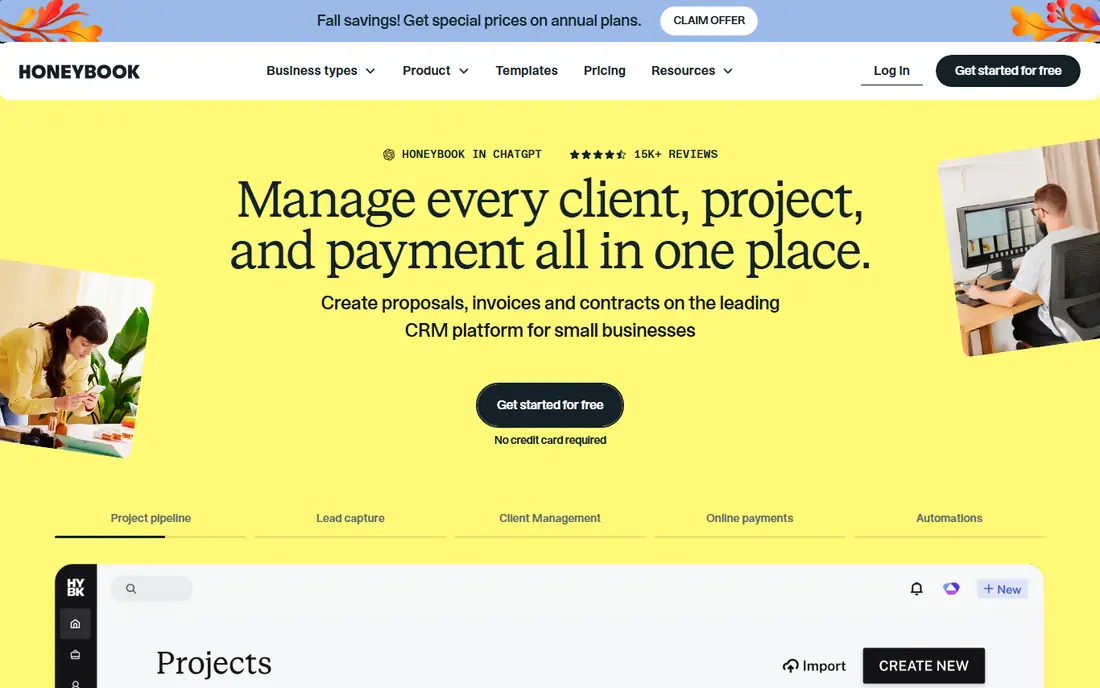
HoneyBook feels made for photographers, planners, designers and other project-based creatives. A client can move from inquiry to proposal to contract to payment without juggling separate tools, and the client-facing pages look clean and professional. That polish matters when your booking process is part of your sales pitch.
The trade-off is scope. HoneyBook is less focused on hourly time tracking and deep project management than some tools here, and its availability limit rules it out for freelancers outside the US and Canada. If you work in those countries and sell packaged projects, it is a strong, low-friction pick.
- Polished client experience
- Proposals, contracts and invoices in one flow
- Scheduling built in
- Available in the US and Canada only
- Payment fees apply on top of the subscription
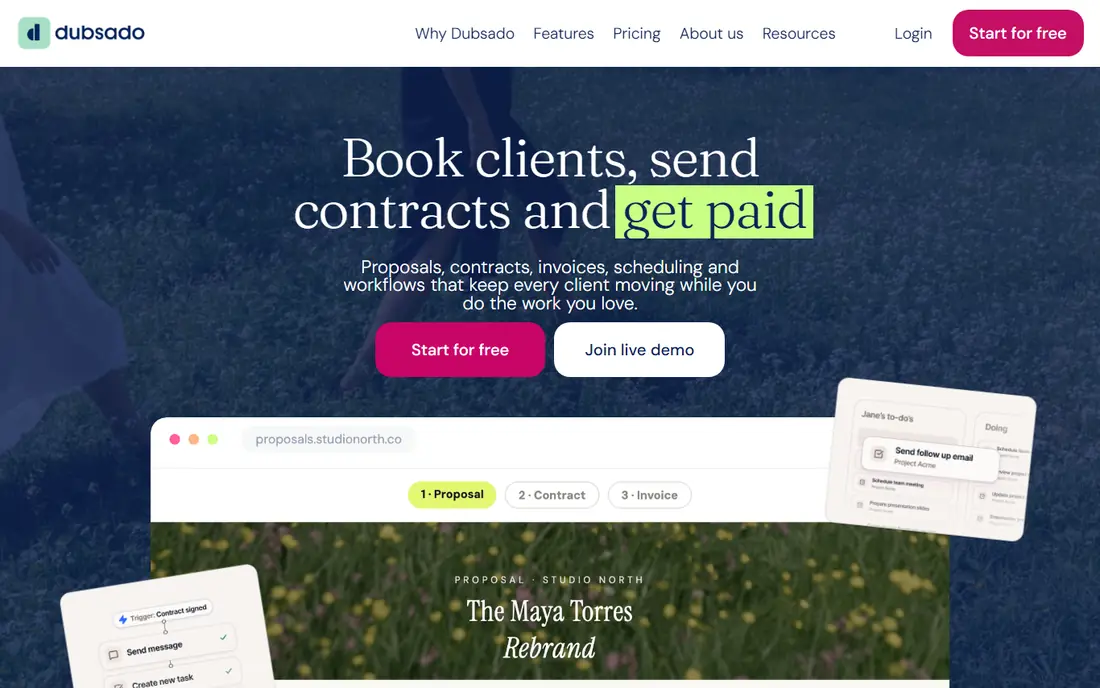
Dubsado rewards people who like to build their own process. You can design intake forms, questionnaires, canned emails and multi-step workflows that match exactly how you run a project. For studios with repeatable but detailed onboarding steps, that control is hard to beat.
That control comes with a slower start. Expect to spend time building templates and testing automations before the system runs itself. If you want something that works well on day one with little setup, HoneyBook may suit you better.
- Deep workflow automation
- Highly custom forms and questionnaires
- Works globally
- Steeper learning curve
- Setup takes real time before it feels smooth
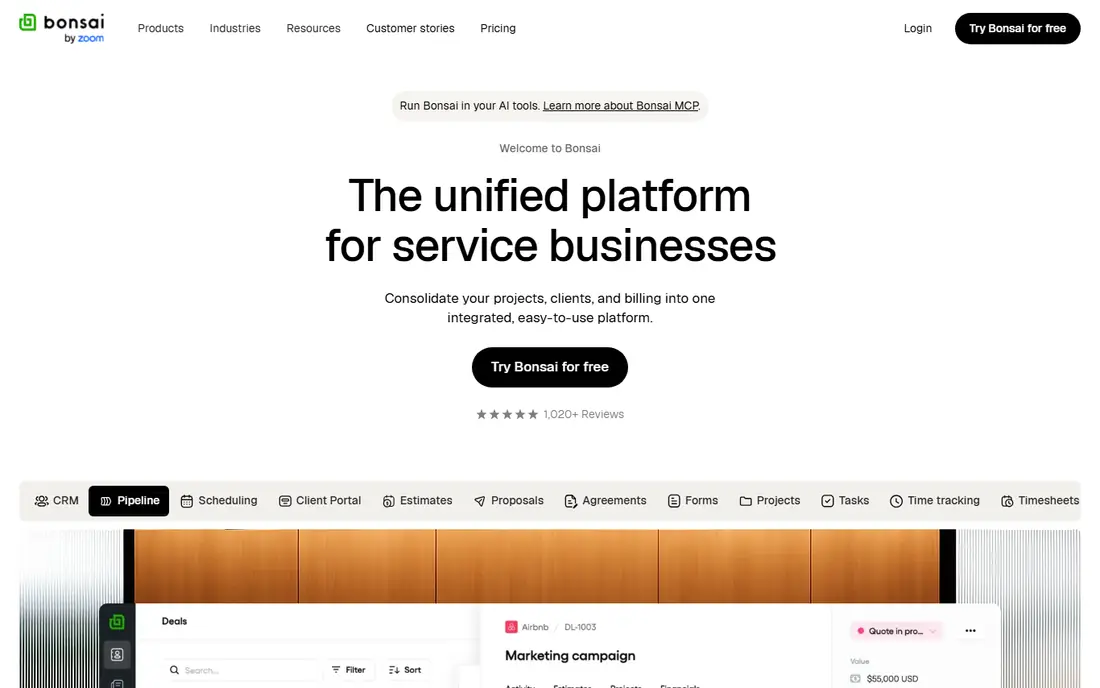
Bonsai starts cheap, but read the plan details before you buy. The lowest tier covers basics, while invoicing, contracts and proposals sit on higher tiers, so most freelancers will pay more than the headline price. Once you are on the right tier, you get a tidy bundle for solo work.
We like Bonsai for freelancers who also want help at tax time, since its freelancer-focused tools go beyond simple invoicing. Teams should watch the per-user pricing, which adds up faster than flat-rate tools as you grow.
- Low entry price
- Contracts, proposals and time tracking available
- Tax tools for freelancers
- Invoicing and contracts need a higher tier than the cheapest plan
- Cost rises per user
Moxie takes a fresh approach to the same problem, with a tidy dashboard that keeps clients, projects, invoices and scheduling in one view. Solo freelancers who found older tools cluttered often settle here quickly. Flat pricing also makes the monthly cost easy to predict.
The catch is maturity. Moxie does not yet match Dubsado for workflow depth or HoneyBook for name recognition among clients. If you value a clean workspace over endless options, that trade is easy to accept.
- Clean, modern interface
- Flat pricing rather than per-user charges
- Covers CRM, projects and invoices
- Smaller ecosystem than older rivals
- Some advanced workflow features are thinner
FreshBooks is the pick when getting paid cleanly matters most. Invoicing, expenses, time tracking and reports are its home ground, and most users can send a first invoice within an hour. It pairs well with a separate scheduling or contract tool if you need those.
It is not a full replacement for a workflow-heavy CRM. Contracts and automated onboarding are more limited, and lower tiers cap the number of billable clients. Choose it when bookkeeping comes first and client workflows come second.
- Strong invoicing and expense tracking
- Easy to learn
- Good reporting for small firms
- Client onboarding and contracts are lighter than full CRMs
- Client limits apply on lower tiers
Zoho Invoice does one job well and charges nothing for it at the entry level. You can send branded invoices, track payments and set up recurring billing without a monthly fee. For a freelancer who only needs to bill reliably, that is hard to argue with.
Be clear about what it is not. It will not run your contracts, onboarding forms or project workflows the way 17hats does. Use it alone for simple billing, or pair it with a CRM if you need the fuller picture.
- Free plan for small businesses
- Professional invoices and payment links
- Part of the wider Zoho suite
- No full client CRM or workflow automation
- Best as an invoicing tool, not a whole business system
Bloom speaks the language of photographers and visual creatives, with booking, galleries and client communication shaped around shoots and sessions. The low entry price makes it easy to try without a big commitment. For a solo creative, it can cover the full journey from inquiry to delivered gallery.
Service firms outside the creative world may find its focus too narrow. If your work is consulting, coaching or trades, a general tool like Dubsado or Moxie will fit better. Within its niche, though, Bloom is a thoughtful and affordable choice.
- Low starting price
- Built for creative workflows
- Galleries and booking tools included
- Less suited to non-creative service firms
- Advanced business features are narrower
Plutio bundles project management with client tools, which suits small teams that manage work after the sale as well as before it. Proposals, tasks, time tracking and invoices live in one workspace, so handoffs between sales and delivery stay in the same place. Flat pricing keeps team costs predictable.
New users should expect a learning period. With so many modules in one tool, the first setup takes patience, and the interface can feel crowded until you hide what you do not use. Teams willing to invest that time get a lot of tool for the price.
- Flat monthly pricing
- Projects, proposals and invoices together
- White-label options on higher tiers
- Interface can feel busy at first
- Some features need time to configure well
How we picked these
We compared official feature pages, pricing pages, app store listings and public reviews for tools that cover the same ground as 17hats: client intake, quotes or proposals, contracts, invoicing, scheduling and project tracking. We kept only tools that are live and sold in October 2026, and we left out tools that only handle one piece, such as invoicing alone, unless that focus is clearly useful for part of the audience. Prices shown are starting prices from vendor pricing pages and review summaries; check the vendor site before you buy, since plans change.
What to check before you switch
Start by listing the features you actually use each week, not the full feature list of your current tool. Many people pay for automation they never built, and a simpler tool can save money without losing anything real. Write down your must-haves, such as contracts, recurring invoices or a client portal, then shortlist only tools that meet all of them.
Compare the full cost, not just the subscription
Payment processing fees, per-user charges and add-ons can matter more than the monthly price. Ask what you pay per payment received, what happens when you add a team member, and which features sit behind a higher tier. A tool that looks cheap can cost more once your volume grows.
Test the client experience
Send yourself a test inquiry, proposal and invoice before you commit. Check how the emails look, how easy payment feels, and how the portal works on a phone. Your clients will judge the tool by that experience, so a short trial here prevents awkward surprises later.
Plan the move
Export contacts and invoices before you cancel anything, and rebuild your most-used templates first. Budget a few hours for setup, and run both tools side by side for one or two real projects. That overlap catches missing steps while your old system is still there to fall back on.
Frequently asked questions
Can I move my clients and invoices from 17hats to one of these tools?
In most cases you can export contacts and invoice records, but templates, workflows and automations usually need rebuilding by hand. Budget time for that rebuild and start with your most-used templates first.
Which 17hats alternative is best for most freelancers?
HoneyBook suits creative project work, Dubsado suits custom workflows, and Bonsai suits solo freelancers watching costs. Pick based on how much setup you want to do and where your clients are located.
Do these tools handle contracts and e-signatures?
HoneyBook, Dubsado, Bonsai, Moxie and Plutio all include contracts in their main plans, though the exact tier matters. FreshBooks and Zoho Invoice are stronger on billing than on contracts, so check the plan details.
Is there a free 17hats alternative?
Zoho Invoice offers a free plan for invoicing, and most others offer a free trial rather than a permanent free tier. A free trial is enough to test the client experience, but not a long-term free plan.
What about payment fees?
Most tools charge a subscription plus payment processing fees, and the rate depends on the payment method and provider. Check the vendor pricing page for card and bank transfer fees before you compare monthly prices.
Sources
See where you really rank - block by block
ProMapRanker scans Google Maps across a grid of your service area. Simple monthly plans from $19, white-label on every plan.
Start freeKeep reading
 zyte alternatives
Best Zyte Alternatives in 2026
These zyte alternatives cover managed scraping APIs, proxy networks and no code tools for lawful collection from your own or consented sources only in 2026.
Read → zerto alternatives
Best Zerto Alternatives in 2026
Compare the best zerto alternatives for disaster recovery and replication, with recovery targets, cloud options and honest trade-offs for teams in 2026.
Read → zerofox alternatives
Best ZeroFox Alternatives in 2026
We compared 9 zerofox alternatives for brand protection, phishing takedowns, dark web monitoring, and social impersonation, with clear coverage notes.
Read →