 ProMapRanker
Best 12ft.io Alternatives in 2026

Key takeaways
- 12ft.io was known as a paywall bypass tool, and this list does not include paywall circumvention tools or sites that strip paid access from publishers.
- The strongest free starting point is a public library card, which can open Libby, hoopla, and PressReader at no direct cost to the reader.
- Instapaper and Readwise Reader are the best picks for saving articles you already have lawful access to and reading them in a clean view.
- Apple News+ is the best paid bundle for readers who want many magazines and newspapers under one subscription.
- If you only hit a paywall now and then, a publisher free tier, a free trial, or a newsletter version of the same story is often enough.
Quick comparison
| Pick | Great for | Pricing starts at | Free tier | |
|---|---|---|---|---|
 Instapaper | Simple saved reading | $5.99 per month | Yes | Visit |
 Readwise Reader | Highlighting and review | $12.99 per month | Free trial (30 days) | Visit |
 Matter | Listening to saved articles | See website | Yes | Visit |
 Libby | Free library ebooks and magazines | Free | Yes | Visit |
 hoopla | Instant library borrowing | Free | Yes | Visit |
 PressReader | Full newspaper and magazine issues | See website | Yes | Visit |
 Apple News+ | Magazine and newspaper bundle | $12.99 per month | Free trial (1 month) | Visit |
 Google News | Free headlines and publisher links | Free | Yes | Visit |
 Feedly | Following many sources in one feed | Free | Yes | Visit |
The best 12ft.io alternatives
These picks help you read more without breaking publisher rules. Some save articles, some give you library access, and some gather free reporting in one place.
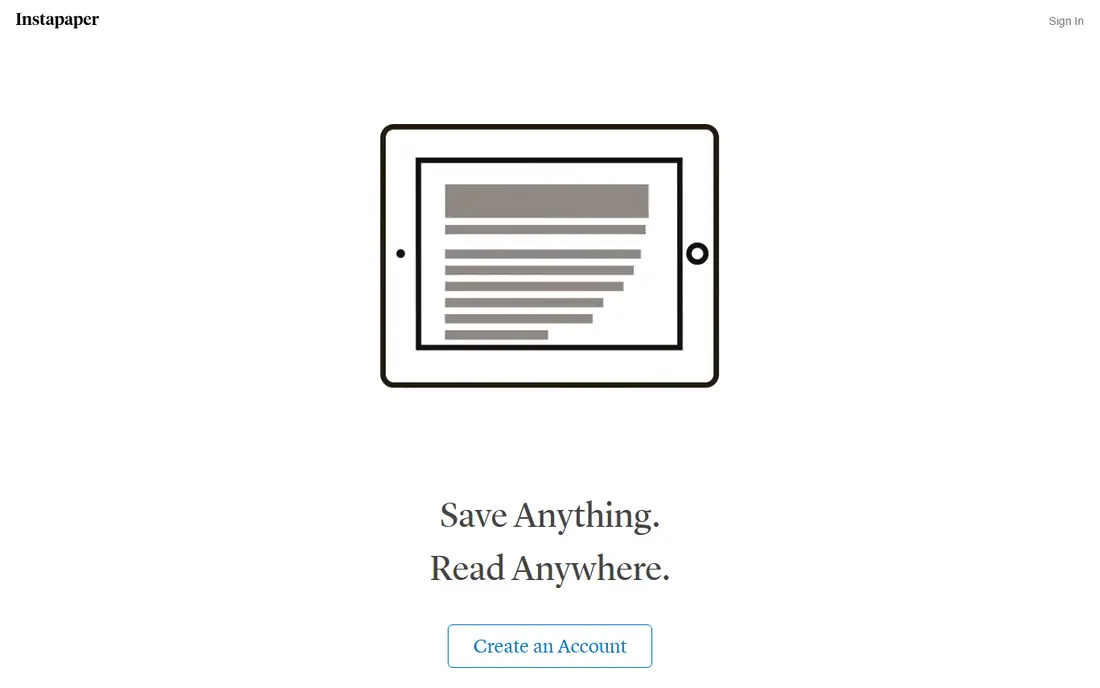
Instapaper is the closest simple replacement for a save-it-for-later habit. You send an article to Instapaper, and it strips away sidebars, pop-ups, and other clutter so the text is easier to read on a phone, tablet, or computer. That clean view is the main reason people stay with it, and the free plan already covers unlimited saves, folders, and sync across devices.
The catch is that Instapaper does not give you access to articles you have not already opened lawfully. A paywalled page that you cannot read in your browser will not become readable just because you save it here. Premium adds full-text search, a permanent archive, and Kindle delivery for $5.99 per month or $59.99 per year, based on current vendor and review listings. For most casual readers, the free plan is enough, and Premium only makes sense if you save a lot and need to search that archive later.
- Clean reading view
- Unlimited saves on the free plan
- Offline reading and folders
- Full-text search and Kindle delivery sit behind Premium
- Organization tools are basic
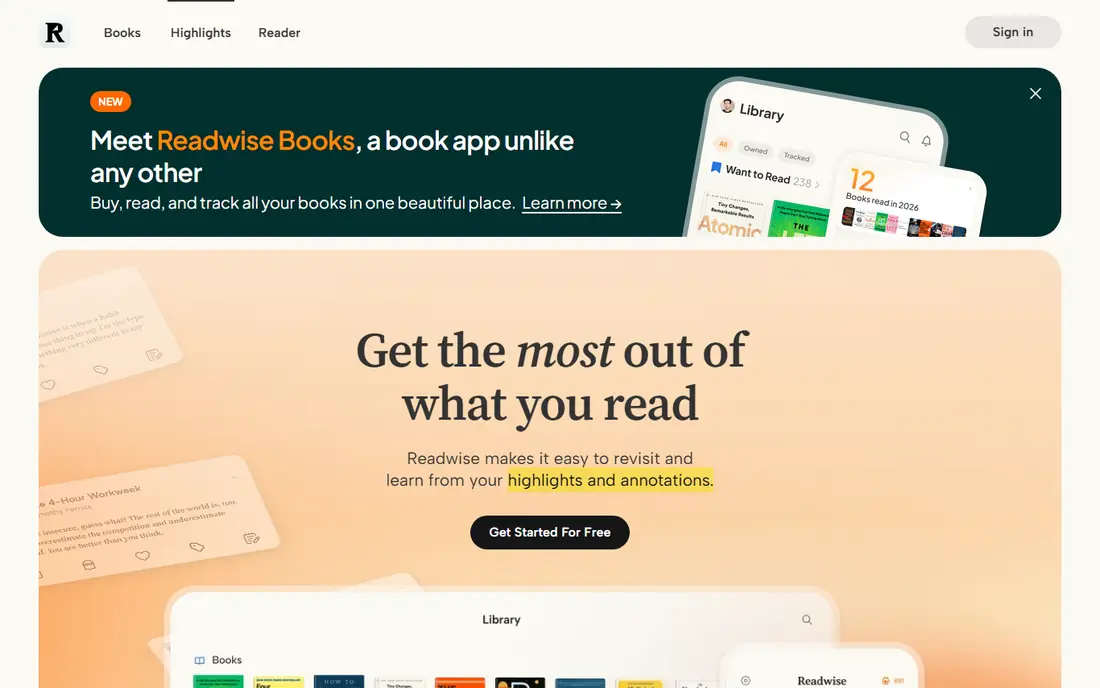
Readwise Reader is built for readers who want to keep what they read, not just finish it once. You can highlight passages, add notes, and review those highlights later, which suits students, writers, and people who research a topic over weeks. It also pulls in newsletters and documents, so one queue can hold much of your reading life.
That power comes with a price and a learning curve. There is a 30-day trial, then the full Readwise plan costs $12.99 per month or $119.88 per year, which works out to $9.99 per month on annual billing. If you only want a clean place to read a few articles each week, Instapaper is cheaper and simpler. Readwise Reader earns its cost when highlighting, search, and review are part of your daily work.
- Strong highlighting and note tools
- Handles articles, newsletters, PDFs, and EPUBs
- Syncs highlights to other tools
- No lasting free plan
- Higher price than a simple reader
- More setup than Instapaper
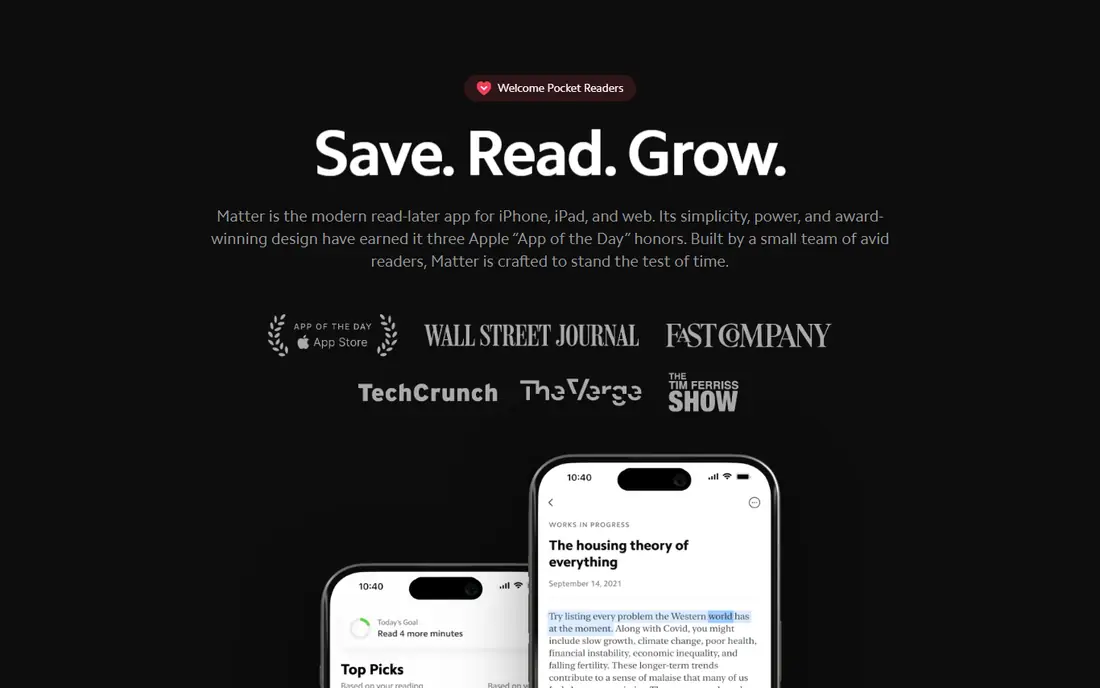
Matter is a good pick for readers who would rather listen than sit and read. Its text-to-speech is a central feature, and it handles newsletters well, which matters because many writers now publish mainly by email. You can save an article, start listening on a walk, and pick up the text version later.
Matter is not a way around a paywall, and it does not promise access to paid stories you have not subscribed to. Its free tier covers basic reading and listening, while Premium is listed around $60 per year in recent comparisons. Check the current price in the app before you pay, since app store prices can differ by region. If you read mostly on Android or on the web, test the free tier first to make sure the experience fits your devices.
- High quality text-to-speech
- Newsletter handling
- Clean iPhone and web reading
- Best experience is on Apple devices
- Paid features vary by platform
- Smaller tool set than Readwise Reader
Libby is the free option we recommend first to almost everyone. It is the library app from OverDrive, and it lets you borrow ebooks, audiobooks, and magazines with a public library card. Many libraries also let you sign up online, so you may not even need to visit a branch to start.
The main limit is availability. A new bestseller may have a wait list, and your library may not carry every magazine you want. That is a fair trade for a service with no subscription cost, and holds, returns, and offline reading are handled well in the app. If your library offers Libby, start here before you pay for any news bundle.
- Free with a library card
- Ebooks, audiobooks, and magazines in one app
- Offline downloads
- Popular titles can have wait lists
- Kindle delivery is for United States libraries
- Catalog depends on your local library
hoopla is another library service, and its main strength is instant borrowing. When a title is in the hoopla catalog, you can usually borrow it right away instead of joining a wait list, which makes it a good partner to Libby rather than a replacement for it. The app covers ebooks and audiobooks as well as comics, music, movies, and TV.
Your library sets how many titles you can borrow each month, so the limit is not the same everywhere. Some libraries allow six borrows a month, others allow more, and a few set a daily cap. Check your library page inside hoopla before you plan a big reading month. For magazine and newspaper reading in particular, Libby and PressReader are often stronger, while hoopla shines for books and audiobooks you want at once.
- No wait lists on most titles
- Books, comics, music, movies, and TV in one app
- Automatic returns
- Monthly borrow limits are set by your library
- Catalog varies by library
- Not every library offers hoopla
PressReader is the best pick in this list for readers who like the full printed issue, page by page, rather than a single article link. It carries thousands of newspapers and magazines, and you can read, listen to, or translate many articles inside the app. That full-issue view is useful when you want the front page, the opinion section, and the features together.
The free route runs through a library. Many public libraries offer PressReader free with a library card, often for 30 days at a time before you sign in again. Without a library, paid options and in-app purchases vary by title, so we list the starting price as See website. If your library offers it, PressReader can replace several single-title subscriptions at once.
- Full replica issues of newspapers and magazines
- Many titles from many countries
- Library sign-in can make it free
- Direct paid access varies by title
- The full catalog is large and can feel busy
- Free access depends on your library
Apple News+ is a paid bundle for readers who already use an iPhone, iPad, or Mac. It gives access to participating newspapers and magazines, plus audio versions of many stories, for $12.99 per month after a one-month free trial for new subscribers. Family Sharing lets you share the subscription with up to five other people, which can make the monthly cost easier to justify for a household.
The bundle does not include every major newspaper, so check whether the titles you read most are in it before you subscribe. If you read two or three magazines each month, the bundle can cost less than separate subscriptions. If you read only one newspaper, a direct subscription to that paper is usually the better deal.
- Hundreds of magazines and newspapers in one place
- Audio stories on many articles
- Family Sharing for up to five others
- Apple devices only
- Not every newspaper is included
- The free Apple News app is thinner than the paid bundle
Google News is not a reader app, and it does not try to be one. It gathers headlines and links from publishers, lets you follow topics and sources, and sends you to the publisher site to read the full story. That makes it a good daily check for what is new, and a good way to find free reporting on a story that is paywalled elsewhere.
The limit is plain: Google News respects publisher paywalls, so a locked article stays locked. Its value is discovery, not access. Use it to find the free version of a story, a wire report, or a local outlet covering the same event, then save the open version in Instapaper or Readwise Reader if you want to read it later.
- Free
- Wide range of publishers
- Topic and source following
- No account needed for basic reading
- Does not open paywalled full text
- Feed quality depends on your settings
- No saved reading queue like Instapaper
Feedly is for readers who follow specific sites rather than browsing a general news feed. You add the blogs, newspapers, and newsletters you trust, and Feedly shows new posts in one place. That control helps you avoid the noise of a social feed and keeps your reading focused on sources you chose.
Feedly Pro costs $72 per year, which works out to $6 per month on annual billing, and adds search, boards, and newsletter intake. The free tier is enough to test whether a feed-based habit suits you. Like Google News, Feedly does not open paywalled text for free, so pair it with library access or a publisher subscription for the titles you read most.
- Free tier for basic feeds
- Follows blogs, news sites, and newsletters
- Boards and search on paid plans
- Paywalled articles still need a subscription
- Best features need Pro
- Feed setup takes time at first
How we picked these
We compared official feature pages, pricing pages, and app store listings, plus public library guides that explain how Libby, hoopla, and PressReader work with a library card. We left out any tool whose main purpose is to bypass a paywall, remove paid access, or mirror paid content without permission. We also left out Pocket, which shut down in 2025, and Omnivore, whose hosted service closed in 2024. Every product here exists and works in October 2026, and each one gives you a lawful route to reading: a reader for content you can already open, a library service, a free news feed, or a paid bundle.
How to read more without paying for every site
Start with the free routes before you buy anything. A library card is the single best step, because it can open Libby, hoopla, and PressReader at once, and many libraries let you apply online. Next, check whether the publisher offers free articles each month, a newsletter version, or a student, educator, or low-income discount. Many newspapers also make wire stories, breaking news, and some opinion pieces free even when analysis sits behind a paywall.
If you read one title often, subscribe to that title directly instead of buying a bundle that only partly covers it. If you read many magazines, Apple News+ or a library service will usually cost less than five separate subscriptions. For saving, pick one reader and stick with it, since a scattered set of bookmarks is the main reason saved articles never get read. Set a weekly reading time, clear old saves you no longer care about, and let the rest go. A smaller queue you actually finish beats a large archive you never open.
Frequently asked questions
What are the best 12ft.io alternatives?
The best lawful options are reader apps such as Instapaper and Readwise Reader, library services such as Libby, hoopla, and PressReader, and news bundles such as Apple News+. Reader apps clean up articles you can already open, while library services and bundles give you access to paid titles through a card or a subscription. The right pick depends on how much you read and whether you prefer books, magazines, or daily news.
Are there free alternatives to 12ft.io?
Yes. Libby and hoopla are free with a participating library card, Google News is free, and Instapaper and Feedly both have free tiers. PressReader is also free through many libraries. These options do not bypass paywalls, but they give you a large amount of lawful reading at no direct cost, and they are the best place to start.
Can a reader app open a paywalled article for free?
No, not lawfully. A reader app can clean up the text of a page you can already open, but it cannot grant access to a subscription article you have not paid for or borrowed through a library. If an article is locked, try the publisher free tier, a library service, or a free report on the same story from another outlet.
What happened to 12ft.io?
12ft.io was known as a tool that tried to bypass paywalls, and it is not a service we recommend or link to here. The products in this article take a different route: they help you save, organize, listen to, or lawfully access reading material. If you used 12ft.io to save articles, Instapaper or Readwise Reader can replace the saving habit without the paywall bypass part.
Is Apple News+ worth it for magazine readers?
It can be, if you read several participating magazines each month and you use Apple devices. At $12.99 per month with Family Sharing, it often costs less than separate magazine subscriptions. Check the title list first, since not every newspaper or magazine is included, and compare it with free library access through PressReader before you pay.
How do I get PressReader free through a library?
Open PressReader, choose sign in, then choose Library or Group, search for your library, and enter your library card number and PIN. Access often lasts 30 days before you need to sign in again. If your library does not offer PressReader, ask a librarian which newspaper and magazine services it does offer, since many libraries carry at least one option in this list.
Sources
See where you really rank - block by block
ProMapRanker scans Google Maps across a grid of your service area. Simple monthly plans from $19, white-label on every plan.
Start freeKeep reading
 zscaler alternatives
Best Zscaler Alternatives in 2026
Looking for zscaler alternatives? We compare 9 SASE and zero trust platforms on architecture, data protection, pricing, and fit for your network and team.
Read → zapier alternatives free
Best Zapier Alternatives Free in 2026
Nine automation tools for zapier alternatives free in 2026, all with genuinely free tiers, plus free plan limits, starting prices and upgrade paths explained.
Read → which platform is best for online reputation
Which Platform Is Best for Online Reputation in 2026
Wondering which platform is best for online reputation? We compare 8 review, listing, and response tools for small and multi-location businesses and agencies.
Read →