 ProMapRanker
Zonka Feedback Alternatives: 8 Survey Tools


Teams that need a general survey tool with strong analysis · Pricing starts at: $39 per month
Key takeaways
- Zonka Feedback covers surveys, NPS, CSAT, and customer experience feedback, so the best replacement depends on whether you need simple surveys or a full CX program.
- SurveySparrow at $19 a month and Typeform at $28 a month are the cheapest survey tools with published prices in this list.
- Google Forms is free and suits simple internal surveys, but it has no NPS workflows, closed loop follow up, or advanced analytics.
- Qualtrics is the enterprise end: its only public price is $420 a month for Strategic Research, and its CX suite is quote only.
- Response caps decide the real price, so count your annual responses before you compare any two headline prices.
Quick comparison
| Pick | Great for | Pricing starts at | Free tier | |
|---|---|---|---|---|
| SurveyMonkey | Teams that need a general survey tool with strong analysis | $39 per month | Yes | Visit |
 Typeform | Conversational surveys and lead forms that people finish | $28 per month | Yes | Visit |
 Qualtrics | Enterprise research teams and large CX programs | $420 per month | Yes | Visit |
 Jotform | Solo operators who need forms, surveys, and payments in one tool | $34 per month | Yes | Visit |
 SurveySparrow | Chat style surveys that people finish on their phones | $19 per month | Yes | Visit |
 Google Forms | Simple internal surveys at no cost | $0 | Yes | Visit |
 Delighted | NPS and CSAT surveys with a light touch | quote only | Yes | Visit |
 AskNicely | Frontline teams that need feedback tied to coaching | quote only | No | Visit |
The best Zonka Feedback alternatives
SurveyMonkey
Great for: Teams that need a general survey tool with strong analysis
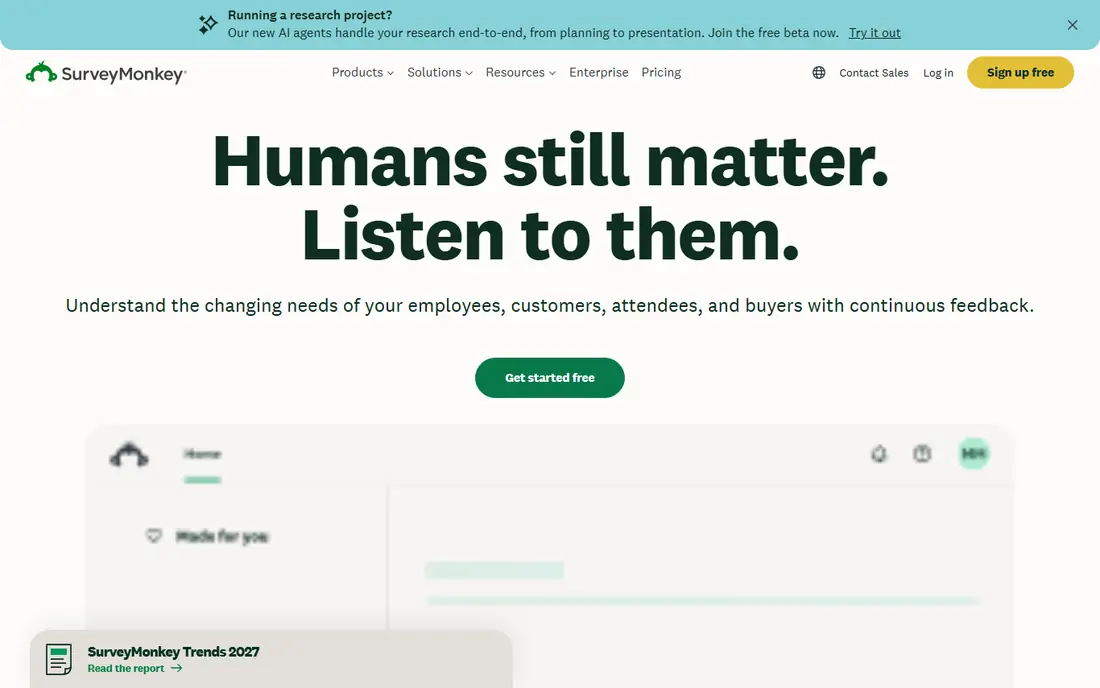
SurveyMonkey is the default general survey tool, and its pricing is fully published. Advantage Annual costs $39 a month billed annually, or $468 a year, with 15,000 responses a year for one user. Standard Monthly costs $149 a month with no commitment. Team Advantage costs $30 per user a month billed annually with a 3 user minimum, so the smallest team pays $1,080 a year for 50,000 shared responses. Team Premier costs $92 per user a month for 100,000 responses. The free Basic plan allows 10 questions per survey and only 10 viewable responses per survey, with no export.
The response cap is the number that matters. Every plan charges $0.15 per response above its limit, so a survey that goes viral costs real money. SurveyMonkey suits a team that runs many surveys across departments and needs skip logic, A/B testing, custom branding, and AI analysis. It is a weaker fit for a CX program that needs closed loop workflows, since those live in the higher tiers and the Enterprise plan, which is priced by quote.
- Free Basic plan
- Advantage Annual at $39 a month
- Team plans with shared response pools
- Response overage costs $0.15 per extra response
- Team plans need at least 3 users
Typeform shows one question at a time, which lifts completion rates on phones and makes it a strong fit for customer feedback surveys. Basic costs $28 a month billed annually, or $39 month to month, for 100 responses a month and one user. Plus costs $56 a month billed annually for 1,000 responses and three users, with Typeform branding removed. Business costs $91 a month billed annually for 10,000 responses and five users, with drop off analysis and conversion tracking. The free plan allows 10 responses a month across all forms.
The response counter is the catch. Everything is priced per response across the whole account, and when the counter is full the form closes until next month. Basic at 100 responses a month is easy to exhaust, so most working teams need Plus at $56 a month. Typeform suits feedback forms, application forms, and lead capture where the experience matters. It is a weaker fit for high volume CX programs, since the response caps force an upgrade fast.
- One question at a time format lifts completion
- Published prices
- Free plan with 10 responses a month
- Response caps are low on entry plans
- Free plan stops at 10 responses a month
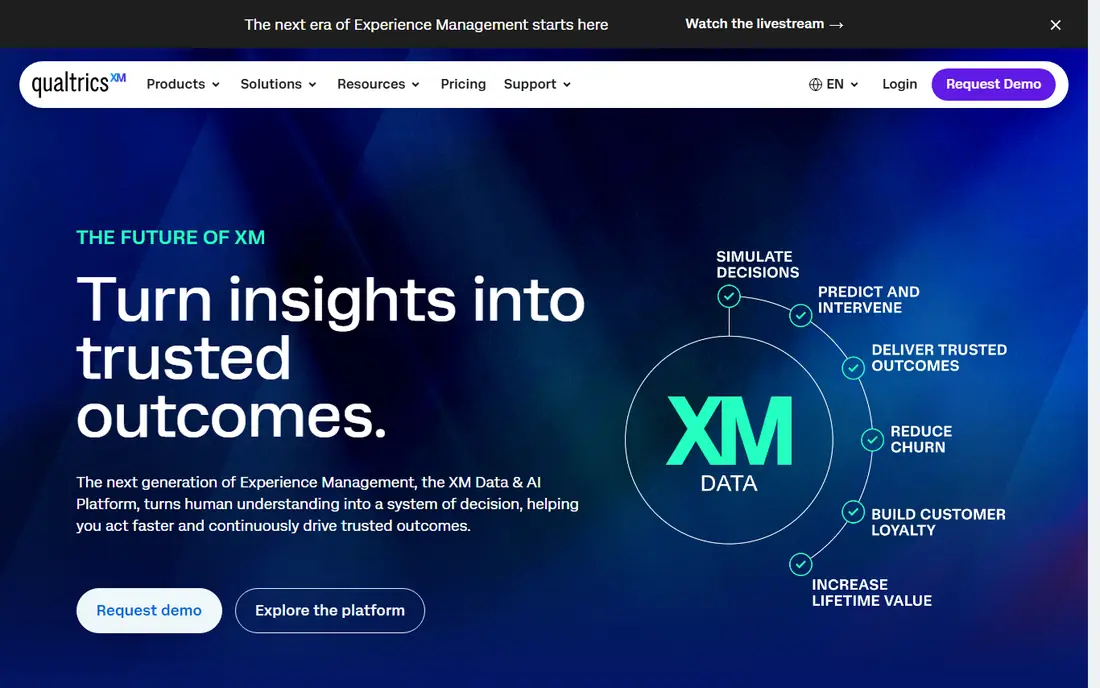
Qualtrics is the enterprise research platform, and its pricing is public for exactly one plan. The free account costs $0 and allows one user, three active surveys, 30 questions per survey, and 500 responses in total for the life of the account, with no email distribution. Strategic Research costs $420 a month billed annually at $5,040 a year, for 1,000 responses shared across unlimited users, with 23 question types, crosstabs, and statistical analysis. Every other Qualtrics product, including the Customer Experience suite, is priced by quote.
The free account is an evaluation sandbox, not a program you can run, since the 500 response cap is a lifetime ceiling. Strategic Research suits a small research team running one defined project. For a CX program with multichannel feedback, closed loop workflows, and interaction based triggers, you go through sales, and verified purchase data puts the median Qualtrics deal at about $30,000 a year. Pick Qualtrics when research depth matters more than price, and budget on a written quote.
- Deep research tools including conjoint and MaxDiff
- Free account for testing
- 30 day trial of Strategic Research
- Only one public price
- CX suite is quote only
- Free account caps at 500 lifetime responses
Jotform
Great for: Solo operators who need forms, surveys, and payments in one tool
Jotform is a general purpose form builder that covers surveys, registration forms, payment forms, and approval workflows. Starter is free, with 5 forms, 100 submissions a month, 10,000 form views a month, and 100 MB of upload space, with Jotform branding on every form. Bronze costs $39 a month, or $34 a month billed annually, for 25 forms and 1,000 submissions a month. Silver costs $49 a month, or $39 a month billed annually, for 50 forms and 2,500 submissions. Gold costs $129 a month, or $99 a month billed annually, for 100 forms and 10,000 submissions.
The single user limit is the main drawback: every plan except Enterprise allows one login, so a team that needs several seats must buy Enterprise by quote. There is also no free trial of the higher plans, so the free plan is the way to test the product. Jotform suits a solo operator or a small business that wants forms, surveys, and payments in one place with published prices. It is a weaker fit for a CX team that needs NPS workflows and closed loop follow up.
- Free Starter plan with 100 submissions a month
- Published prices
- Payments and approvals built in
- Every plan except Enterprise is single user only
- No free trial of the higher plans
SurveySparrow
Great for: Chat style surveys that people finish on their phones
SurveySparrow shows surveys one question at a time in a chat style format, which lifts completion on phones. Basic costs $19 a month billed yearly for 2,500 responses a year and one user. Starter costs $39 a month billed yearly for 15,000 responses a year. Business costs $79 a month billed yearly for 36,000 responses a year and three users, with custom branding, workflows, and webhooks. The free plan caps at 75 responses per quarter and three active surveys, with ten questions per survey. Extra users cost $49 each per month.
The billing model needs care. SurveySparrow offers quarterly or yearly billing only, with no monthly option, and the quarterly price nearly doubles the Basic rate to $39 a month. Response allowances are annual on yearly billing, so Basic at 2,500 responses a year is about 208 a month, which is easy to exhaust. The CX Suite, Brand, Research, and 360 Assessment products are priced separately. SurveySparrow suits a team that wants the conversational format and can commit to a yearly plan.
- Cheapest entry price in this list at $19 a month
- Conversational format
- Free plan for testing
- No monthly billing, only quarterly or yearly
- Response allowances are annual, not monthly
Google Forms is free, with no response cap stated on its public pages, and it is the simplest tool in this list. You build a form in minutes, share it by link or email, and responses land in a Google Sheet for analysis. It covers the basic survey job well: internal feedback, event signups, simple customer surveys, and quizzes. It integrates with the rest of Google Workspace, so a team already using Gmail and Sheets needs no new login.
The limits are real. Google Forms has no NPS or CSAT workflows, no closed loop follow up, no advanced branching logic, and only basic analytics. Design and branding options are limited, and there is no built in way to chase unhappy customers or route responses to a team. Pick Google Forms when the survey is simple and the budget is zero. Pick a tool that charges a monthly fee when you need feedback workflows, reporting, and follow up that Google Forms cannot do.
- Free with no response cap stated
- Simple to build and share
- Responses land in Google Sheets
- No NPS workflows or closed loop follow up
- Limited design and branding
- Basic analytics only
Delighted, now part of Qualtrics, is built for short customer experience surveys: NPS, CSAT, and customer effort score, sent by email, link, or in product. It is designed for teams that want a light survey tool rather than a full research platform, with simple setup, trend reporting, and integrations with tools such as Slack, Salesforce, and Zendesk. A free plan exists for testing the basic survey flow.
Delighted does not publish prices on its current pricing page, so the starting figure comes from a sales conversation or a written quote. That makes it hard to compare directly with the published price tools in this list. The product suits a team that wants NPS tracking without the weight of Qualtrics, and it is a natural step up from Google Forms. Ask for the price at your response volume and user count before you compare it with SurveySparrow or Typeform.
- Built for NPS, CSAT, and CES surveys
- Simple setup
- Free plan for testing
- No published prices on the current pricing page
- Advanced features need higher tiers
AskNicely connects customer feedback to the frontline staff who served the customer, so managers can coach individuals on real feedback. It is built for service, retail, and field teams where the customer experience depends on the person at the counter or on site. It includes NPS and CSAT surveys, real time alerts, leaderboards, and integrations with CRM and helpdesk tools, so feedback flows into the systems managers already use.
AskNicely publishes no prices, and there is no free plan, so every deal is priced by quote after a sales conversation about locations, users, and volume. That puts it in the same buying class as Qualtrics CX: you cannot size the cost from the website. Pick AskNicely when the job is coaching frontline staff on feedback, not when you need a general survey tool. For a general survey at a published price, SurveySparrow or Typeform will be faster to buy and easier to budget.
- Feedback tied to individual staff and coaching
- Strong for service and retail frontlines
- Integrations with CRM tools
- No published prices
- No free plan
- Built for frontline teams, not general surveys
How we chose
We compared vendor pricing pages, plan pages, and documentation for each tool, and we checked the figures against independent pricing trackers that read the same pages in September, October, and November 2026. We converted every plan to a cost per response where the vendor meters by response, because the headline price hides the real cost. We favoured tools that publish a price, tools that cover the survey and feedback work Zonka Feedback does, and tools that serve the same CX and local business buyers. We did not claim hands on testing, and we did not use ratings or review counts from third party sites as a ranking input.
What to check before you buy
Start by counting your responses. A team collecting 500 responses a month needs 6,000 a year, which fits SurveyMonkey Advantage at 15,000 a year but exhausts SurveySparrow Basic at 2,500 a year. Check whether the allowance is monthly or annual, since SurveySparrow counts annually and Typeform counts monthly, and check the overage rate: SurveyMonkey charges $0.15 per extra response. Confirm whether the price is per user, since SurveyMonkey team plans need at least three users and Jotform plans allow only one.
Ask which features sit on which tier. NPS surveys, closed loop workflows, and advanced analytics are often locked to higher plans, and Qualtrics CX is quote only. Confirm the contract length and whether a free trial exists, since Jotform offers no trial of its higher plans. Finally, test the survey on a phone before you commit, since most customers answer on mobile and a form that is hard to finish on a small screen will cost you responses.
| Annual responses | Team size | Best fit | | Under 2,500 | Solo | Google Forms free, or SurveySparrow Basic at $19 a month | | 2,500 to 15,000 | 1 to 3 people | Typeform Plus at $56 a month, or SurveyMonkey Advantage at $39 a month | | 15,000 to 50,000 | 3 to 5 people | SurveyMonkey Team Advantage at $30 per user a month | | 50,000 and up | Research or CX team | Qualtrics Strategic Research at $420 a month, or CX by quote |
Frequently asked questions
Is there a free alternative to Zonka Feedback?
Google Forms is free with no response cap stated, and it suits simple internal and customer surveys. SurveyMonkey, Typeform, Jotform, SurveySparrow, Qualtrics, and Delighted all offer free plans, but each caps responses, questions, or features. Google Forms has no NPS workflows or closed loop follow up, so a team that needs feedback workflows will still need a tool with a monthly fee. For a free start, Google Forms is the honest choice.
Which Zonka Feedback alternative is cheapest?
SurveySparrow Basic at $19 a month billed yearly is the cheapest survey tool with a published price in this list, but it allows only 2,500 responses a year. Typeform Basic at $28 a month billed yearly allows 100 responses a month. Jotform Bronze at $34 a month billed yearly allows 1,000 submissions a month, which is the most generous low cost allowance. The cheapest plan is not always the cheapest per response, so divide the price by your response count before you decide.
Does SurveyMonkey replace Zonka Feedback completely?
SurveyMonkey covers general surveys well, with skip logic, A/B testing, custom branding, and AI analysis on Advantage at $39 a month. It is weaker on CX workflows: closed loop follow up and multichannel feedback live in the higher tiers and the Enterprise plan, which is priced by quote. For simple surveys it replaces Zonka Feedback. For a full CX program with NPS, CSAT, and closed loop workflows, SurveySparrow Business or Qualtrics CX will fit better.
Why does Qualtrics not publish most of its prices?
Qualtrics sells its CX and research suites by quote, because the price depends on response volume, modules, users, and contract length. Its pricing pages list one price: Strategic Research at $420 a month billed annually at $5,040 a year, for 1,000 responses shared across unlimited users. Verified purchase data puts the median Qualtrics deal at about $30,000 a year. Ask for a quote at your real response volume before you compare it with a published price tool.
Should I pick Typeform or SurveySparrow?
Pick Typeform when the form experience matters most: lead capture, application forms, and branded surveys where the one question at a time format lifts completion. Pick SurveySparrow when you run ongoing customer feedback and NPS surveys and want chat style surveys with CX features at a lower entry price. Typeform Plus at $56 a month allows 1,000 responses a month, while SurveySparrow Basic at $19 a month allows 2,500 responses a year, so check your volume first.
Sources
See where you really rank - block by block
ProMapRanker scans Google Maps across a grid of your service area. Simple monthly plans from $19, white-label on every plan.
Start freeKeep reading
 Zuper alternatives
9 Best Zuper Alternatives for Field Service Teams
Compare the best Zuper alternatives for HVAC, plumbing, and electrical teams, with real starting prices, trial details, and honest limits to help you choose.
Read → Yext vs Moz Local
: Which Listings Tool Fits
Yext vs Moz Local compared on listings, price and reviews, with plan costs for one location and the best pick for single shops, small agencies and large brands.
Read → Workiz alternatives
Best Workiz Alternatives for Field Service Teams
Workiz alternatives compared by price, scheduling, dispatch and invoicing. Find the best field service software for your crew, with clear prices and limits.
Read →