 ProMapRanker
Best Xamarin Alternatives in 2026

Key takeaways
- Microsoft ended Xamarin support on 1 May 2024, so new projects should not start on Xamarin.
- .NET MAUI is the official successor and the natural move for C# teams and existing Xamarin apps.
- Flutter suits teams that want one consistent UI across platforms, while React Native suits JavaScript teams.
- Kotlin Multiplatform suits Android-first teams that want shared logic with native user interfaces.
- Ionic, Capacitor, NativeScript, Unity, and Tauri cover web teams, games, and desktop-plus-mobile needs.
Quick comparison
| Pick | Great for | Pricing starts at | Free tier | |
|---|---|---|---|---|
 Flutter | Consistent cross-platform UI | Free | Yes | Visit |
 React Native | JavaScript teams building mobile apps | Free | Yes | Visit |
 .NET MAUI | C# teams and Xamarin migration | Free | Yes | Visit |
 Ionic | Web teams shipping mobile apps | Free | Yes | Visit |
 Kotlin Multiplatform | Shared logic with native UI | Free | Yes | Visit |
 NativeScript | Native UI with JavaScript or TypeScript | Free | Yes | Visit |
 Capacitor | Web apps packaged as native apps | Free | Yes | Visit |
 Unity | Games and 3D mobile apps | Free | Yes | Visit |
 Tauri | Lightweight apps with web UI | Free | Yes | Visit |
The best xamarin alternatives
We compared official documentation, release pages, and public guides to find cross-platform frameworks that are actively maintained in October 2026 and that can ship real Android and iOS apps.
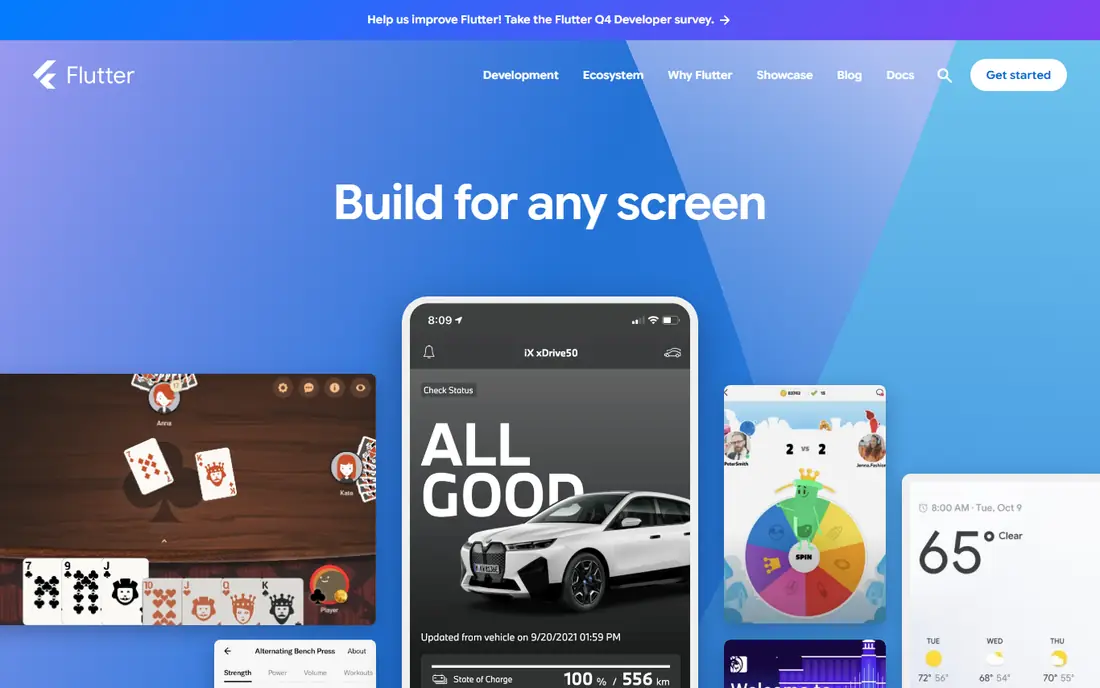
Flutter is the most design-led choice on this list. Because it draws its own interface rather than using platform controls, a Flutter app looks the same on Android and iOS, which helps brands that need a custom design. Google maintains the framework, hot reload speeds up UI work, and the same codebase can also target web and desktop.
The main cost is Dart. Most teams can learn it quickly, but hiring and existing JavaScript or C# skills do not transfer directly. App size is another point to check for markets with low-end devices. For a new consumer app with a strong visual identity, Flutter is our first pick.
- One codebase for mobile, web, and desktop
- Own rendering engine for consistent UI
- Fast hot reload
- Requires learning Dart
- App size can be larger than a native app
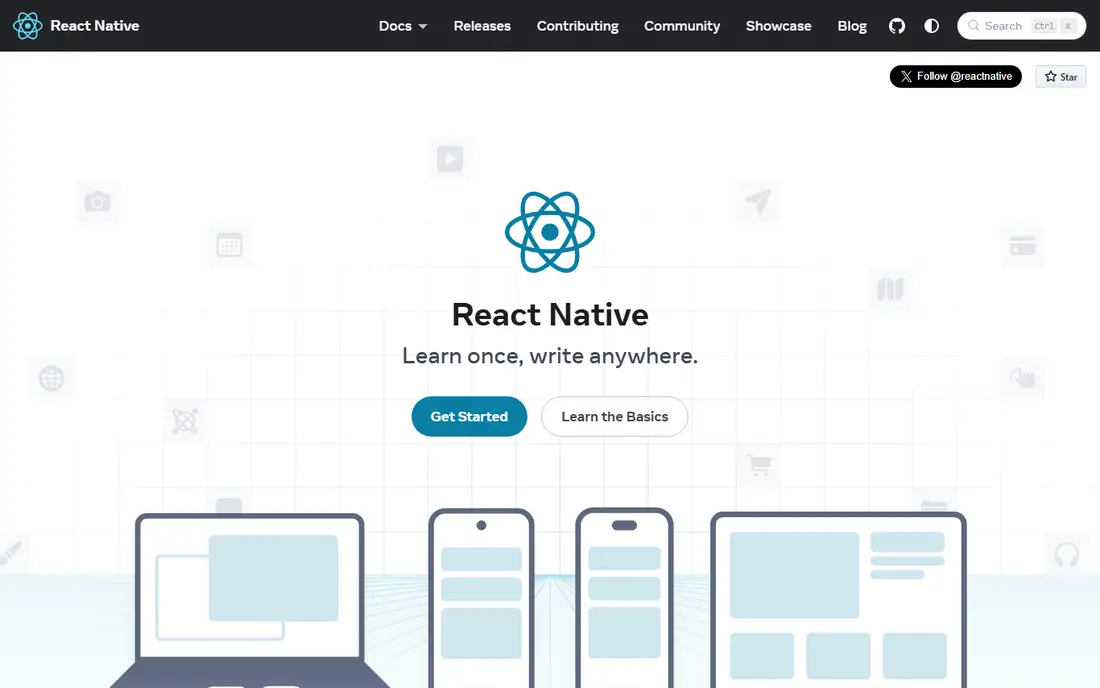
React Native suits teams that already build with React on the web. Developers can reuse JavaScript and TypeScript skills, share logic with a web app, and use native UI components that feel at home on each platform. The New Architecture has improved performance and reduced many of the old bridge complaints, and the community remains the largest in cross-platform development.
It is not magic. Deep native features, performance tuning, and third-party libraries still need platform knowledge, and a large app needs disciplined architecture. For a JavaScript team that wants to ship to both stores quickly, React Native is the most practical choice.
- Huge JavaScript ecosystem
- Native UI components
- Large community and hiring pool
- Native modules still need platform knowledge
- Complex apps need careful architecture

.NET MAUI is the direct answer for a Xamarin team. Microsoft built it as the successor to Xamarin.Forms, so C# skills, .NET libraries, and much of the app structure carry over, and the same project can target Android, iOS, Windows, and macOS. For an existing Xamarin app, migration to MAUI is usually cheaper and less risky than a full rewrite.
Outside the .NET world, MAUI has less momentum than Flutter or React Native, and some developers report platform-specific bugs that need workarounds. That matters less for an enterprise team already invested in Microsoft tools. For a new team with no .NET ties, Flutter or React Native will usually offer a larger ecosystem.
- Official Xamarin successor
- C# and XAML carry over
- Targets Android, iOS, Windows, and macOS
- Smaller community than Flutter or React Native
- Some platform quirks need workarounds
Ionic lets a web team ship a mobile app without learning a new language. Developers build the interface with HTML, CSS, and JavaScript frameworks such as Angular, React, or Vue, then package it for Android and iOS. The component library gives a native-looking interface quickly, which suits business apps, forms, and content-driven products.
Performance is the honest limit. Ionic apps run in a web view, so very heavy animations, background work, or complex native interactions can feel less fluid than a fully native app. For most business apps, that trade is acceptable. For a game or a performance-critical app, Flutter, React Native, or native development will be better.
- Web technologies for mobile UI
- Large component library
- Pairs with Capacitor for native features
- Web-view performance limits for heavy native interactions
- Native plugins add complexity
Kotlin Multiplatform takes a different path from Flutter and React Native. Instead of sharing the whole app, teams share business logic, networking, and data code, while keeping native user interfaces on Android and iOS. That gives full platform feel and performance, with less duplication than two separate codebases.
The trade-off is effort. Sharing UI through Compose Multiplatform is possible, but it adds work, and iOS setup is less smooth than Android development. Kotlin Multiplatform suits Android-first teams that already use Kotlin and want to extend to iOS without giving up native UI quality. For a team starting from scratch, Flutter or React Native may be faster.
- Shares business logic across Android and iOS
- Keeps fully native UI on each platform
- Strong Kotlin tooling
- UI sharing needs Compose Multiplatform and extra work
- IOS tooling is less mature than Android
NativeScript appeals to JavaScript developers who want truly native UI without learning a new framework language. It gives direct access to native APIs, so an app can use platform controls and device features from TypeScript code. Support for Angular and Vue also helps teams that already use those frameworks on the web.
The ecosystem is smaller than React Native, so some plugins are less maintained and hiring is harder. A team should check plugin support for its must-have features before committing. For a JavaScript team that prioritises native UI over ecosystem size, NativeScript remains a solid, free option.
- Direct access to native APIs from JavaScript
- Native UI without a web view
- Works with Angular and Vue
- Smaller community than React Native
- Plugin maintenance varies
Capacitor is the bridge for an existing web app. It packages web code as a native Android or iOS app, adds access to device features through plugins, and lets a web team ship to app stores without rewriting the product. It pairs naturally with Ionic, but it also works with any modern web framework.
Like Ionic, Capacitor inherits web-view limits. An app that needs heavy native performance, complex background work, or deep platform integration will feel the gap. For a content app, a business tool, or a companion to a web product, Capacitor is the fastest route from web to store.
- Turns a web app into a native app
- Access to native features through plugins
- Works with any web framework
- Web-view limits apply
- Native features need plugins and platform testing
Unity is not a general business app framework, but it is the right choice when the product is a game or a 3D experience. It handles graphics, physics, input, and cross-platform deployment in one engine, and it ships to Android, iOS, consoles, and desktop from the same project. The asset store and developer community also speed up game production.
For a forms-based business app, Unity is the wrong tool. It adds size, complexity, and a learning curve that a simpler framework avoids. Choose Unity when graphics, interaction, or 3D content is the core product, not when you need a settings screen and a list view.
- Powerful engine for 2D and 3D games
- Cross-platform deployment
- Large asset and developer ecosystem
- Overkill for standard business apps
- App size and learning curve are larger
Tauri suits teams that want a small, fast app with a web interface. It uses the system web view rather than bundling a full browser, which keeps app size down, and its Rust backend handles native work. That combination appeals to developers who found Electron-style apps too heavy and want a lighter alternative.
Mobile support is the caveat. Tauri started as a desktop tool, and its mobile story is newer than Flutter or React Native, so a team should test its target platforms and plugins early. For a lightweight app that also needs desktop, Tauri is worth evaluating. For a mobile-first consumer app, Flutter or React Native is safer.
- Small app size compared with Electron-style tools
- Web UI with a Rust backend
- Desktop and mobile targets
- Mobile support is newer than desktop
- Rust knowledge helps for deeper native work
How we picked these
We compared official documentation, release pages, and public migration guides for frameworks that are actively maintained in October 2026. We kept frameworks that can ship to Android and iOS, or that cover a clear Xamarin use case such as games or desktop-plus-mobile apps. We did not claim hands-on testing, and all frameworks listed here are free and open source at the core.
How to choose a replacement
Start with your team, not with a feature list. A C# team should trial .NET MAUI first, a JavaScript team should trial React Native, a Kotlin team should trial Kotlin Multiplatform, and a web team should trial Ionic with Capacitor. Build the same small feature in two frameworks, including navigation, a form, an API call, and a native feature such as camera or push, and compare build time and result quality.
Also plan migration as a project, not a weekend task. An existing Xamarin app needs an audit of plugins, custom renderers, and platform code before you pick a target. .NET MAUI usually keeps the most code, while a rewrite in Flutter or React Native gives a cleaner result at a higher upfront cost.
Frequently asked questions
Is Xamarin still supported in 2026?
No, Microsoft ended support for Xamarin SDKs on 1 May 2024. Existing apps may still run, but they no longer receive updates or security fixes, so migration should be planned.
What is the official replacement for Xamarin?
.NET MAUI is the official successor for Xamarin.Forms apps, and .NET for Android and iOS covers the native binding case. It is the natural choice for C# teams and existing Xamarin codebases.
Is Flutter or React Native better than .NET MAUI?
It depends on your team. Flutter suits design-led apps that need one consistent UI, React Native suits JavaScript teams, and .NET MAUI suits C# teams and Xamarin migration. Skill fit usually matters more than small performance differences.
Can I reuse my Xamarin code in Flutter or React Native?
Business logic and API code can often be adapted, but UI code and platform-specific code usually need rewriting. Budget for a partial rewrite rather than a direct port when moving away from .NET.
Which framework is best for a simple business app?
Ionic with Capacitor is often fastest for a simple business app built by a web team, while Flutter and React Native suit teams that want a more native feel. Test a real form and API flow in each before deciding.
Sources
See where you really rank - block by block
ProMapRanker scans Google Maps across a grid of your service area. Simple monthly plans from $19, white-label on every plan.
Start freeKeep reading
 zoho books alternatives
Best Zoho Books Alternatives in 2026
Compare the best zoho books alternatives for small business accounting, from QuickBooks Online and Xero to FreshBooks, Wave, and Sage in 2026, with pricing.
Read → zluri alternatives
Best Zluri Alternatives in 2026
Compare zluri alternatives for 2026, with SaaS management platforms for app discovery, spend tracking, renewals, and automation for IT, finance and procurement.
Read → zerobounce alternatives
Best ZeroBounce Alternatives in 2026
Best zerobounce alternatives for list hygiene: compare 8 email verification tools for bulk cleaning, real-time checks and catch-all handling in 2026 today.
Read →