 ProMapRanker
What Is the Best Free Tool to Rotate a PDF in 2026

Key takeaways
- PDF24 is our top free pick for most jobs, since its online tools are free with no stated daily task limit.
- Sejda is the best free pick for precise, private work, but its free tier stops at 3 tasks per hour.
- Smallpdf and iLovePDF are easy free options for occasional jobs, yet both cap free daily tasks.
- For sensitive files, a desktop or browser-local tool beats an upload-based free site, even when the online tool is faster.
Quick comparison
| Pick | Great for | Pricing starts at | Free tier | |
|---|---|---|---|---|
 PDF24 Tools PDF24 Tools | Free rotation without a daily cap | Free | Yes | Visit |
 Sejda Sejda | Precise free rotation with a desktop option | Free | Yes | Visit |
 Smallpdf Smallpdf | Simple free rotation for occasional jobs | Free | Yes | Visit |
 iLovePDF iLovePDF | Free rotation inside a large PDF toolkit | Free | Yes | Visit |
 PDF2Go PDF2Go | Free rotation on any device | Free | Yes | Visit |
 PDFgear PDFgear | Free desktop and online rotation | Free | Yes | Visit |
 PDF Candy PDF Candy | Free rotation plus other PDF tools | Free | Yes | Visit |
 PDFsam Basic PDFsam Basic | Free offline rotation on your computer | Free | Yes | Visit |
The best free tools to rotate a pdf
This list focuses only on free use: what you can do without paying, where the free cap sits, and when a paid plan or a desktop tool is the better move.
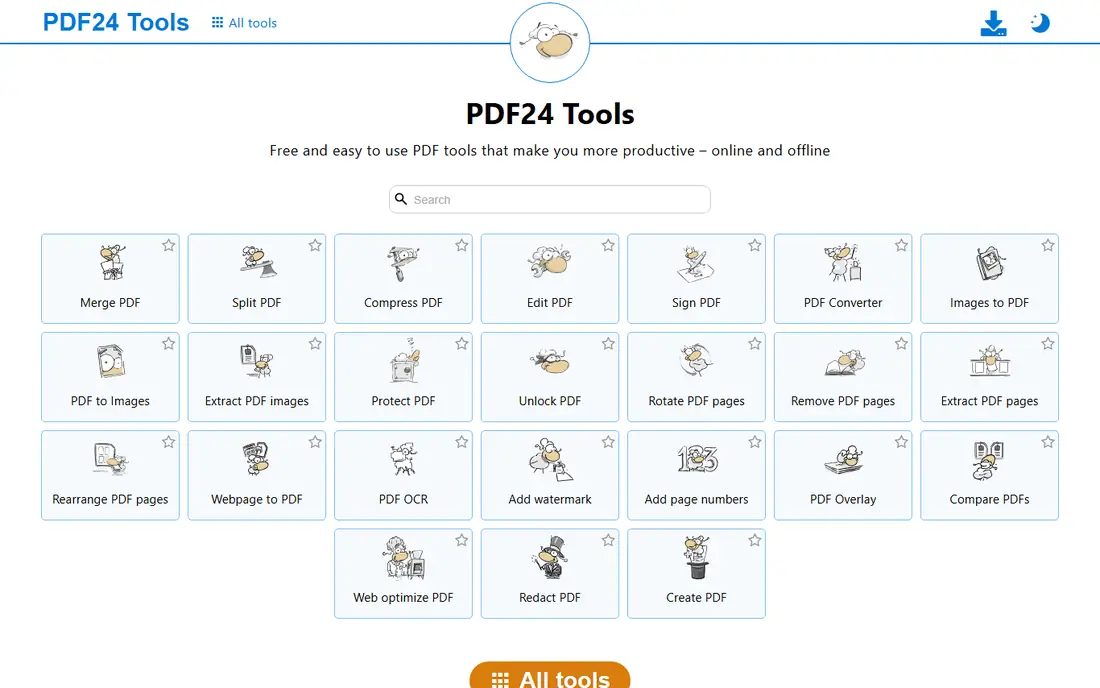
PDF24 answers the question most directly for a free user. You open the rotate tool, upload a PDF, click the pages to turn, and download the fixed file, with no account and no daily task count in the way. That makes it the first tool to try when a scan, a form, or a report comes out sideways and needs a quick fix.
The main limit is privacy, not price. Files are processed on PDF24 servers, so a highly sensitive document is better handled offline. PDF24 Creator offers that offline path on a computer, and PDF24 states that online files are removed after a short time. For ordinary files, the free online tool is the simplest answer on this list.
- Online tools free with no stated daily limit
- Rotates single pages or whole files
- Files removed from servers after a short time
- Online processing means uploads leave your device
- Interface is plain
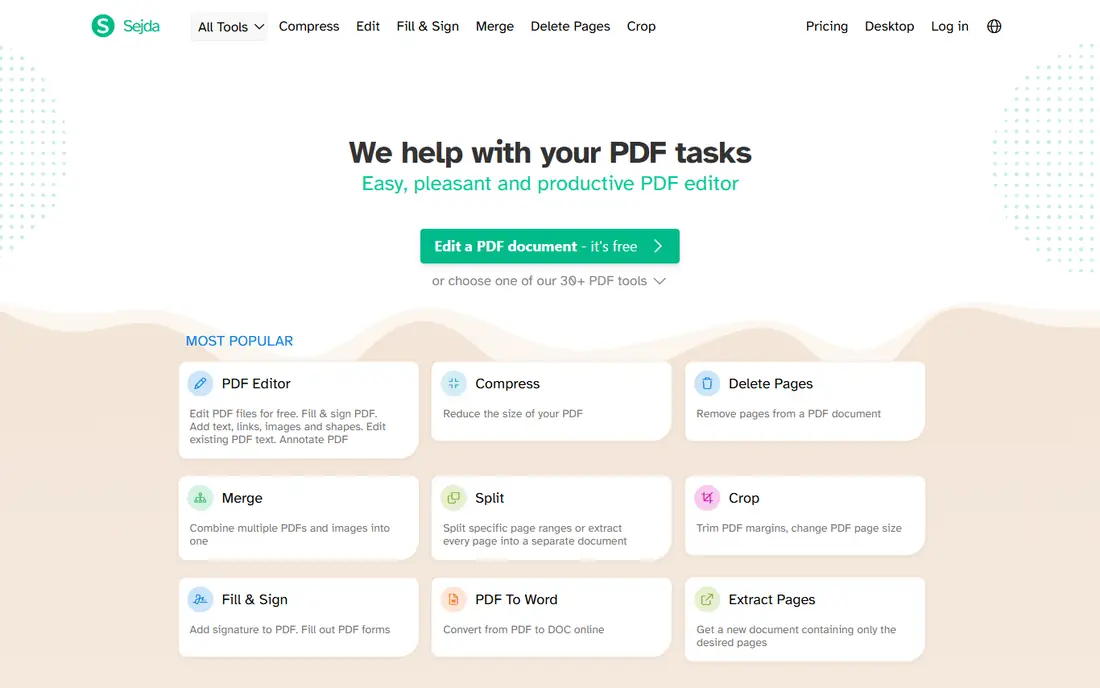
Sejda is the best free choice when you want control and privacy in the same tool. The online rotate tool handles single pages and page ranges, and Sejda Desktop gives the same features offline, so a private file never needs to leave your computer. That combination is rare among free tools, and it matters for contracts, forms, and other personal documents.
The free cap is real. Three tasks per hour can disappear fast if you also merge, split, or compress in the same session, since each job can count as a task. For one rotation, Sejda works well. For a busy afternoon of PDF jobs, start with Sejda Desktop or keep PDF24 as a backup.
- Clear page-level rotation
- Free desktop app keeps files offline
- Online files deleted after processing
- Free online use limited to 3 tasks per hour and files up to 50 MB or 200 pages
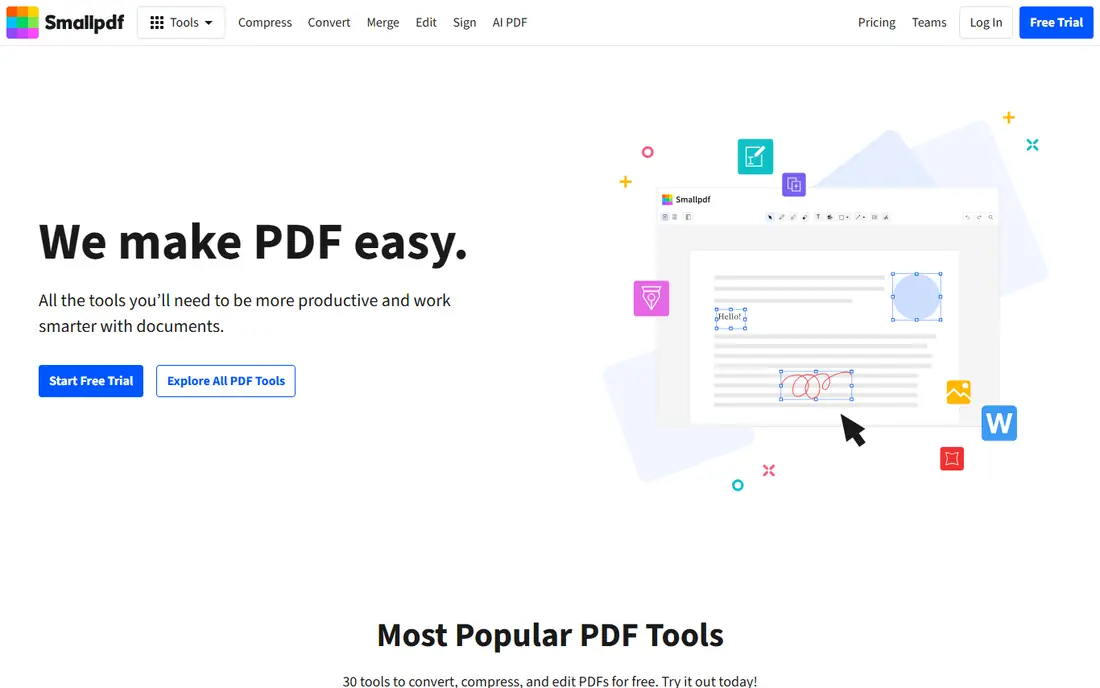
Smallpdf is the easiest free tool for someone who rotates a PDF rarely and wants no learning curve. The page view is clear, the rotate buttons are obvious, and the download step is short. It is a good pick for a student, a job applicant, or anyone fixing a single file on a phone or a shared computer.
Free users get only a small number of tasks per day, so it is not a tool for daily office work. If you hit the cap, you will need to wait or use another free tool on this list. For one or two jobs a week, that limit rarely gets in the way.
- Very clear rotate interface
- Turn one page or all pages
- Cloud storage links
- Free use limited to a small number of tasks per day
- Full access needs a paid plan
iLovePDF is a good free pick when rotation is part of a larger PDF job. You can rotate a file, then merge it, compress it, or convert it without moving to another site. The ability to rotate several PDFs at once also helps when a whole set of scans came out the wrong way.
As with Smallpdf, the free tier caps daily tasks, so heavy users will hit a wall. The paid plan removes that cap and adds desktop use. For occasional free use, iLovePDF is fast and clear, and the wider tool set is a bonus when the next job is not just rotation.
- Rotate whole files or multiple PDFs at once
- Large set of related PDF tools
- Works in any browser
- Free daily task limit
- Some advanced tools need Premium
PDF2Go is a useful free backup when your first choice hits a cap. It runs in any browser, handles single pages and whole files, and needs no install, which helps on a borrowed computer or a phone. The wider PDF tool set also covers conversion and compression after rotation.
The site is busier than PDF24 or Smallpdf, so a new user may take a moment to find the rotate tool. Free limits also apply, so it is best as an occasional tool or a second option, not as the only free tool for a high-volume workflow.
- Browser-based rotation on desktop and mobile
- Single-page or whole-file rotation
- No install needed
- Free tier has limits
- Interface carries more options than a single-purpose tool
PDFgear stands out because its core tools are generally free, without the tight daily caps that some freemium tools impose. That makes it a good choice for people who rotate PDFs often but do not want a subscription. The desktop app is useful for private files, since work stays on your own computer.
It is not a full replacement for a paid editor. Advanced editing, form, and signing features are thinner than in Acrobat or a paid online suite. For rotation and basic page work, though, PDFgear gives free users more room than most tools on this list.
- Core PDF tools generally free
- Desktop app for offline work
- Simple page handling
- Fewer advanced editing features than paid editors
- Online and desktop features differ
PDF Candy is a solid free option when you want rotation plus a few extra tools in one place. The rotate step is short, and the same site can convert, compress, merge, or split a file. The desktop version helps for offline work and for files you would rather not upload.
Free online users face hourly task limits, so a long session can stall. Keep PDF Candy for light jobs or as a second free tool, and use PDF24 or a desktop app when you have many files to fix in one sitting.
- Simple rotate workflow
- Wide free tool set
- Desktop version available
- Free online use has hourly limits
- Heavy use needs a paid plan
PDFsam Basic is the best free pick for people who never want to upload a file. It runs on your computer, so a private PDF stays private, and there is no daily task cap to track. The basic version covers rotation, splitting, merging, and page extraction, which covers most everyday page jobs.
The trade is polish. The interface is plain, and it is a desktop app, so it does not help on a phone or a borrowed computer. For a home or office computer, though, PDFsam Basic is a dependable free tool that keeps working when online free tiers hit their caps.
- Free and open source basic version
- Runs offline on Windows, Mac, and Linux
- Rotate, split, and merge tools
- Interface is more basic than online tools
- Advanced features need the paid Enhanced version
How we picked these
We compared official feature and pricing pages and public help pages for each tool, and we checked that each homepage loads and belongs to the product named. We kept only tools with a real free tier in October 2026 that can rotate PDF pages, and we favored tools with page-level control, a clear download step, and stated file deletion or offline options. Where a free limit was stated on a vendor or help page, we reported it. Where a price could not be verified, we used the free tier as listed and wrote See website in other articles, but this free-focused list uses Free as the starting price for tools with a confirmed free tier.
How to get the most from a free rotator
Start by checking the file before you upload it. Note the page count, file size, and which pages are wrong. That check saves a wasted task on a tool with an hourly cap, since a failed upload can still count. If only one page is wrong, use a tool with page thumbnails and turn that page alone, rather than rotating the whole file and fixing the rest later.
Keep a second free tool ready. Free caps are the main reason a quick job stalls, and switching tools is faster than waiting for an hourly reset. For private files, skip the online queue entirely and use a desktop tool such as PDFsam Basic, Sejda Desktop, or PDFgear desktop. After any online job, download the result, open it, and check every page before you send it on.
Free limits in plain terms
A task usually means one complete job, not one page. A merge followed by a rotation is two tasks, even if it feels like one job. Some tools also cap file size, page count, or files per job. If you rotate PDFs daily, a desktop tool or a paid plan will save more time than juggling free caps, but for occasional jobs, the free tools above are enough.
Frequently asked questions
What is the best free tool to rotate a PDF?
PDF24 is the best free tool for most people, since its online rotate tool is free with no stated daily task limit. Sejda is a close second for precise or private work, thanks to its desktop app, but its free online tier caps at 3 tasks per hour.
Can I rotate a PDF for free without signing up?
Yes, most tools on this list work without an account for a basic rotation job. Sign-up is usually needed only for saved files, cloud links, or paid features, so you can fix a single file and leave without creating an account.
Can I rotate only one page for free?
Yes, PDF24, Sejda, Smallpdf, PDF2Go, and PDF Candy all offer page-level rotation on their free tiers. Open the page view, turn the wrong page, and check the result before you download it.
What free tool is best for large PDFs?
PDF24 is a strong free choice for larger files, since it does not state a daily task limit. For very large or private files, a desktop tool such as PDFsam Basic or Sejda Desktop avoids upload limits and keeps the file on your computer.
Is it safe to use a free PDF rotator online?
It is safe for ordinary files on a known service, but uploads go to a server, so avoid unknown sites for sensitive documents. Use a desktop tool for private files, and check how long a service keeps uploads before you use it.
Sources
See where you really rank - block by block
ProMapRanker scans Google Maps across a grid of your service area. Simple monthly plans from $19, white-label on every plan.
Start freeKeep reading
 zeffy payment processor stripe alternatives
Zeffy and Stripe Alternatives for Nonprofits in 2026
Explore zeffy payment processor stripe alternatives for nonprofits. We compare 8 fundraising platforms on fees, donor tools, and nonprofit focus. Check fees.
Read → workday alternatives
Workday Alternatives in 2026
Workday alternatives compared: we review 8 HR and payroll platforms that replace Workday, with pricing, strengths and honest limits for each team size.
Read → what's the best weather app
What's the Best Weather App in 2026
Wondering what's the best weather app? We compare 10 free and paid apps for forecasts, radar, alerts, and Colorado mountain weather for everyday and storm use.
Read →