 ProMapRanker
What's the Best App to Read PDFs in 2026

Key takeaways
- Adobe Acrobat Reader and Foxit PDF Reader cover most everyday reading needs at no cost, with paid upgrades for editing and signing.
- PDF Expert is the strongest choice for people who live on a Mac or iPad, while SumatraPDF suits Windows users who want speed above all else.
- PDFgear and Xodo keep the basics free, including annotation, which makes them good first stops before paying for a subscription.
- Smallpdf works best for quick browser-based tasks, and UPDF appeals to readers who also want editing tools on every device.
Quick comparison
| Pick | Great for | Pricing starts at | Free tier | |
|---|---|---|---|---|
 Adobe Acrobat Reader Adobe Acrobat Reader | Everyday reading and forms | Free | Yes | Visit |
 Foxit PDF Reader Foxit PDF Reader | Fast desktop reading | Free | Yes | Visit |
 PDF Expert PDF Expert | Mac and iPad reading | $79.99 per year | Yes | Visit |
 Xodo Xodo | Mobile annotation | Free | Yes | Visit |
 UPDF UPDF | Reading plus editing | See website | Yes | Visit |
 PDFgear PDFgear | Free reading and editing | Free | Yes | Visit |
 SumatraPDF SumatraPDF | Lightweight Windows reading | Free | Yes | Visit |
 Smallpdf Smallpdf | Quick browser tasks | Free | Yes | Visit |
The best apps to read PDFs
A good PDF reader should open files quickly, keep text sharp at any zoom level, and make notes easy to find later. The eight apps below cover that ground in different ways, from free desktop viewers to polished mobile readers.
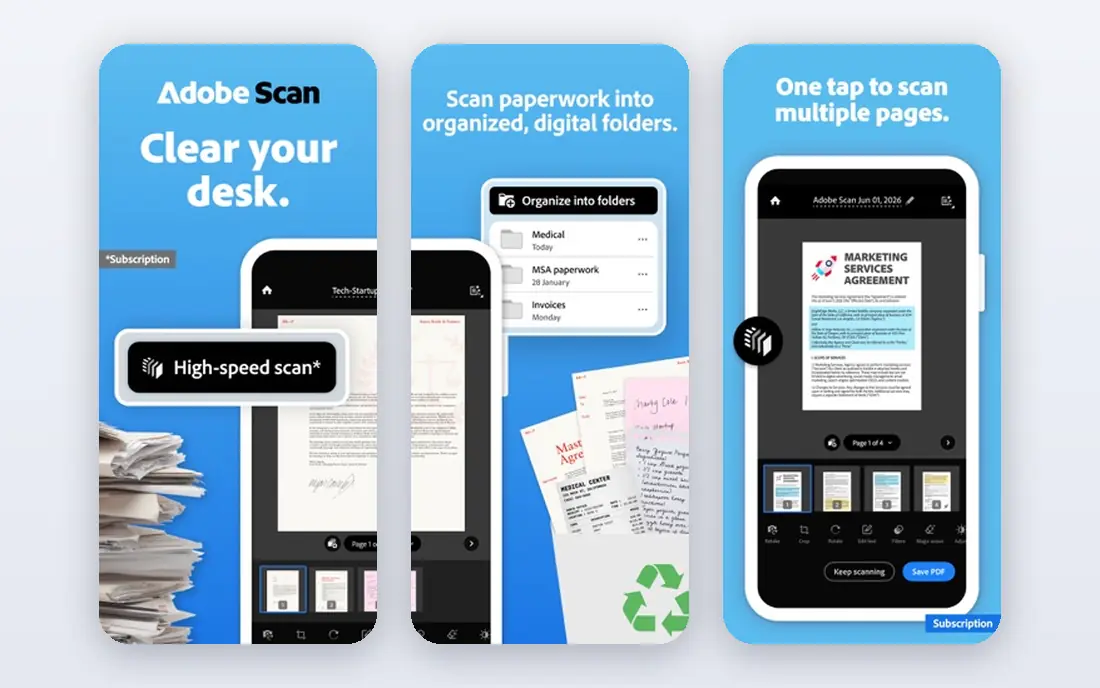
Adobe Acrobat Reader remains the default answer for many people, and the reason is practical rather than exciting. Files made in other tools tend to open here exactly as intended, including forms, embedded fonts and digital signatures. That reliability matters when the document is a contract, a tax form or a school assignment with a strict deadline.
The free version handles reading, highlighting, commenting and form filling without a trial clock. Paid Acrobat plans add full text editing, conversion and advanced signing, but most readers will never need them. The main trade-off is weight, since the app is larger and slower to launch than the lightest viewers on this list. If compatibility matters more than speed, start here and only upgrade when a specific paid feature becomes necessary.
- Wide compatibility with complex PDFs
- Form filling and signing tools
- Cloud sync across devices
- Paid editing features sit behind a subscription
- The app can feel heavy on older machines
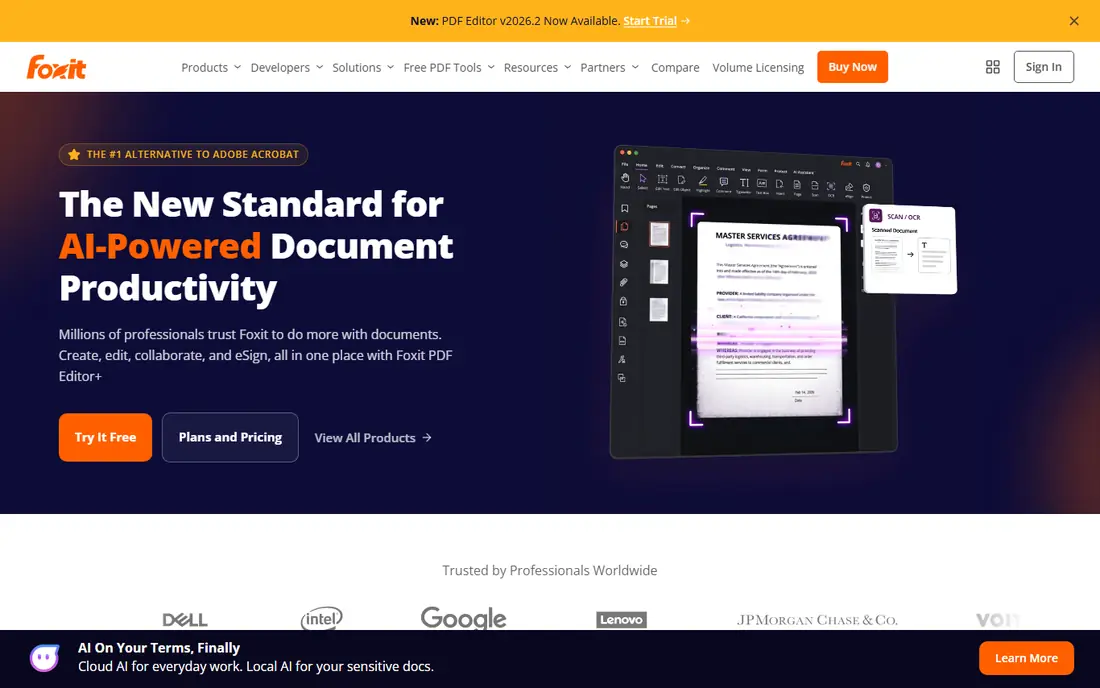
Foxit PDF Reader suits readers who open PDFs all day and dislike waiting for an app to load. The tabbed layout makes it easy to keep several documents open at once, and the ribbon layout will feel familiar to anyone who uses office software. Highlighting, comments and form filling are all included in the free reader.
Foxit also offers cloud connections and business deployment tools, which helps teams that need the same reader on many machines. The catch is familiar in this category, since true text editing, redaction and advanced conversion belong to the paid Foxit PDF Editor. For reading and markup alone, the free reader is a strong, fast alternative to Adobe, and it stays out of the way while you work.
- Quick launch and tabbed reading
- Annotation and form tools
- Connected cloud options
- Full text editing requires a paid editor
- Some free features have moved to paid plans over time
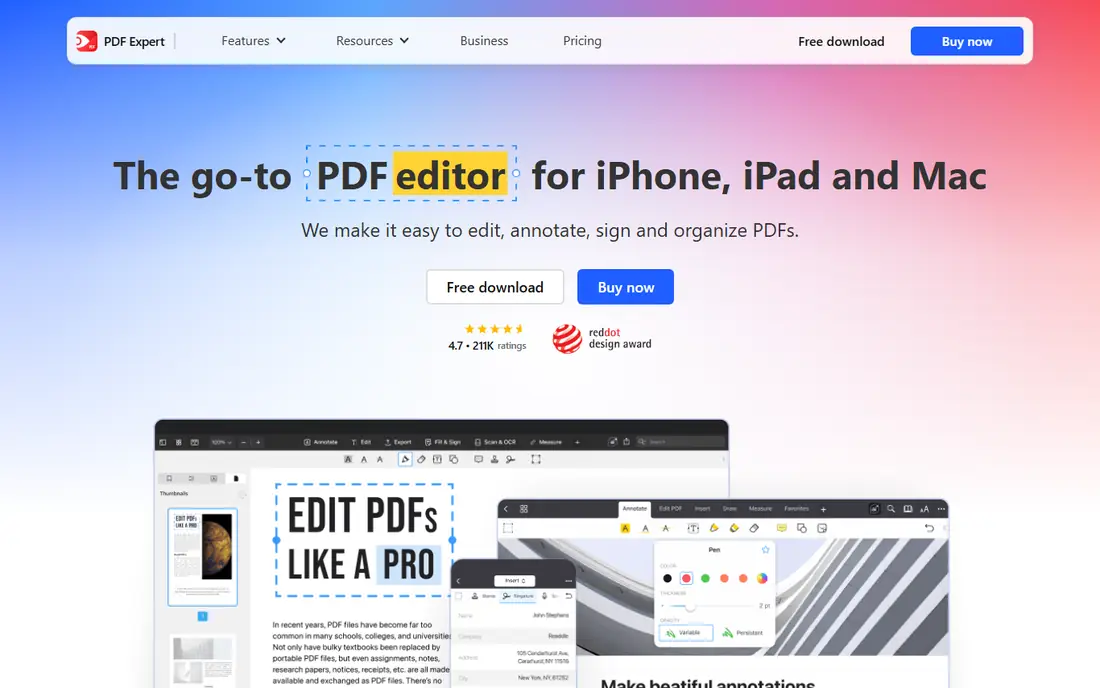
PDF Expert is built for Apple devices, and that focus shows in small details that add up over a long reading session. Pages scroll smoothly, annotations feel natural with a finger or Apple Pencil, and page management tools such as reordering and merging are close at hand. Students and professionals who mark up lecture notes or contracts on an iPad often find it the most pleasant reader available.
The free version covers basic reading, while the paid plan adds editing, OCR and conversion tools. That split means casual readers can try it at no cost, but anyone who wants the full toolset should budget for the yearly price. Windows and Android users should look elsewhere, since this app does not try to serve every platform. Within the Apple world, though, it is our pick for comfort and polish.
- Polished Mac and iPad design
- Strong annotation and page tools
- Good Apple Pencil support
- No Windows or Android version
- Advanced features require a paid plan
Xodo is a good fit for readers who move between a phone, a tablet and a browser during the day. The free app covers opening, annotating and sharing PDFs, and files stay in step across devices when you sign in. That makes it easy to start a document on a commute and finish the notes at a desk.
The interface stays simple, which helps new users, but it also means power features are thinner than in paid desktop editors. OCR and some advanced tools belong to paid Xodo plans, so heavy scanning work may need another app. For everyday reading, highlighting and commenting, the free tier is generous. If your reading happens mostly on mobile, Xodo deserves a place near the top of your shortlist.
- Free reading and annotation on mobile and web
- Sync across devices
- Simple sharing options
- Advanced features such as OCR sit in paid tiers
- The desktop app is less deep than desktop editors
UPDF tries to be the one PDF app for every device you own, and it comes closer than most rivals. The reader itself is clean and fast, with annotation tools that are easy to reach. Beyond reading, paid plans add text and image editing, page organisation, conversion and form tools, so a document rarely needs a second app.
The free version is useful for trying the layout and basic tools, but the full value appears after upgrading. Buyers should read the plan page carefully, since AI features and some extras are sold separately from the main plan. That said, readers who want editing on a phone as well as a computer will appreciate the consistent design. Check the current price on the vendor site before committing, since offers change.
- One app across Windows, Mac, iOS and Android
- Editing, annotation and conversion tools
- Cloud sync
- Some features, including AI tools, cost extra
- Pricing and offers change often, so check before buying
PDFgear stands out because its core tools cost nothing, not just for a trial period. You can read, annotate, edit text, convert files and compress documents without a subscription, which is rare in this category. That makes it an easy recommendation for students, job seekers and anyone who needs a capable PDF tool on a tight budget.
The trade-off is depth rather than daily usability. Large teams that need admin controls, redaction workflows or enterprise support will find Adobe and Foxit stronger. Individual readers, though, are unlikely to miss those extras. PDFgear also runs on Windows, Mac, iOS and Android, so a single free app can cover a whole household. Start here if price is the first filter and paid features are a later concern.
- Free core reading and editing tools
- Annotation, conversion and compression
- Apps for major platforms
- Fewer advanced business features than Adobe or Foxit
- Support and polish vary by platform
SumatraPDF is the app for readers who value speed above everything else. It opens in a blink, even on older Windows machines, and it uses very little memory while running. Beyond PDFs, it also opens ebook and comic formats, which makes it handy for a mixed reading library. The interface is plain, with no clutter around the page itself.
That simplicity is also the limit. Annotation tools are basic, and editing, forms and signing are not the point of this app. Readers who need to mark up documents heavily should pair it with another tool or pick a different app from this list. For pure reading, though, especially on a modest laptop, SumatraPDF is hard to beat. It is free and open source, with no account or subscription to manage.
- Very fast launch and low resource use
- Open source
- Supports several document and ebook formats
- Windows only
- Annotation and editing tools are minimal
Smallpdf is best thought of as a toolbox in the browser rather than a traditional reader. You can open the site, drop in a file, and compress, merge, split or convert it in a couple of minutes. That workflow suits occasional tasks, such as shrinking a PDF before emailing it or turning a scan into a smaller file.
The free tier covers basic jobs, but daily limits apply, and regular users will hit them quickly. Paid plans remove those limits and add desktop and mobile apps. Readers who open PDFs every day will prefer a dedicated app from this list, while occasional users may never need more than the web tools. Keep in mind that web tools need an internet connection, so they are not the right choice for offline reading on a plane.
- No install needed for web tools
- Easy compression, merging and conversion
- Clean interface
- Free use has daily limits
- Full features require a paid plan
- Internet needed for web tools
How we picked these
We compared official feature pages, pricing pages and app store listings for readers that are still available in October 2026. We favoured apps that open PDFs reliably, offer free reading, and state their paid limits plainly. We also mixed large, widely used readers with smaller free options, so the list works for different budgets and devices.
We did not claim hands-on testing that did not happen. Instead, we weighed what each vendor publishes about reading, annotation, forms, signing and platform support, and we noted where a paid plan is required. Prices change, so the vendor site remains the final check before you pay for any upgrade.
What to check before you choose a PDF reader
Start with the device you read on most, since platform support narrows the list fast. Mac and iPad users have a clear leader in PDF Expert, while Windows users can choose between speed with SumatraPDF and depth with Foxit or Adobe. Mobile-first readers should weigh Xodo and UPDF, which keep notes in step across phones and tablets.
Next, decide how much markup you actually do. Highlighting and comments are free in most readers here, so paying only makes sense when you need text editing, OCR, redaction or advanced signing. Finally, check file handling for sensitive documents. A local desktop reader keeps files on your machine, while browser tools upload them for processing, which matters for private contracts and medical forms. A short trial with your largest, messiest PDF will reveal more than any feature list.
Frequently asked questions
What is the best free app to read PDFs?
Adobe Acrobat Reader and Foxit PDF Reader are the safest free starting points for most people, since both handle forms and common PDF features well. PDFgear goes further by including editing tools at no cost, while SumatraPDF is the fastest free choice on Windows. Pick based on your device and whether you need annotation, editing or pure speed.
Can I read PDFs without installing an app?
Yes, most browsers can open PDFs, and Smallpdf offers web tools for quick jobs such as merging and compression. Browser viewing works for simple reading, but dedicated apps give better annotation, offline access and form handling. For regular reading, install one app from this list and keep the browser as a backup.
Which PDF reader is best for iPad?
PDF Expert is our pick for iPad readers, thanks to its Apple Pencil support, smooth page handling and strong annotation tools. Xodo and UPDF are good free or lower-cost alternatives if you also read on Android or Windows. Adobe Acrobat Reader also works well on iPad when compatibility with shared files matters most.
Do I need a paid PDF app?
Most readers do not, since reading, highlighting and form filling are free in several apps here. Paid plans matter when you edit text, run OCR on scans, redact private details or convert files often. Try the free tier first, note which paid feature you actually miss, and only then compare yearly prices.
Is it safe to use a free online PDF tool?
Free web tools are convenient, but they upload your file to a server for processing, so avoid them for sensitive documents such as contracts, medical records or financial forms. Use a local desktop or mobile reader for private files, and check the privacy policy of any web tool before uploading. When in doubt, keep sensitive PDFs offline.
Sources
See where you really rank - block by block
ProMapRanker scans Google Maps across a grid of your service area. Simple monthly plans from $19, white-label on every plan.
Start freeKeep reading
 zeffy payment processor stripe alternatives
Zeffy and Stripe Alternatives for Nonprofits in 2026
Explore zeffy payment processor stripe alternatives for nonprofits. We compare 8 fundraising platforms on fees, donor tools, and nonprofit focus. Check fees.
Read → workday alternatives
Workday Alternatives in 2026
Workday alternatives compared: we review 8 HR and payroll platforms that replace Workday, with pricing, strengths and honest limits for each team size.
Read → what's the best weather app
What's the Best Weather App in 2026
Wondering what's the best weather app? We compare 10 free and paid apps for forecasts, radar, alerts, and Colorado mountain weather for everyday and storm use.
Read →