 ProMapRanker
What's the Best AI App for Creating Images in 2026

Key takeaways
- Midjourney remains the pick for striking, artistic images, while Ideogram leads when readable text inside the image matters.
- Adobe Firefly suits commercial and client work, thanks to its licensing approach and links to Photoshop and Express.
- ChatGPT and Google Gemini are the easiest starts, since image creation sits inside chat apps many people already use.
- Leonardo AI, Canva and Recraft cover game assets, finished social designs and vector-style graphics at lower entry costs.
Quick comparison
| Pick | Great for | Pricing starts at | Free tier | |
|---|---|---|---|---|
 Midjourney Midjourney | Artistic images | $10 per month | No | Visit |
 Adobe Firefly Adobe Firefly | Commercial client work | $9.99 per month | Yes | Visit |
 ChatGPT ChatGPT | Conversational image edits | Free | Yes | Visit |
 Google Gemini Google Gemini | Photo edits and text in images | Free | Yes | Visit |
 Ideogram Ideogram | Posters and text-heavy graphics | $20 per month | Yes | Visit |
 Leonardo AI Leonardo AI | Game and product visuals | $12 per month | Yes | Visit |
 Canva Canva | Finished social designs | Free | Yes | Visit |
 Recraft Recraft | Vector-style brand graphics | Free | Yes | Visit |
The best AI apps for creating images
AI image apps now split into clear jobs: art, readable graphics, photo edits and finished designs. The best app for a poster is rarely the best app for a game asset. The eight apps below cover those jobs, with honest notes on free limits and commercial terms.
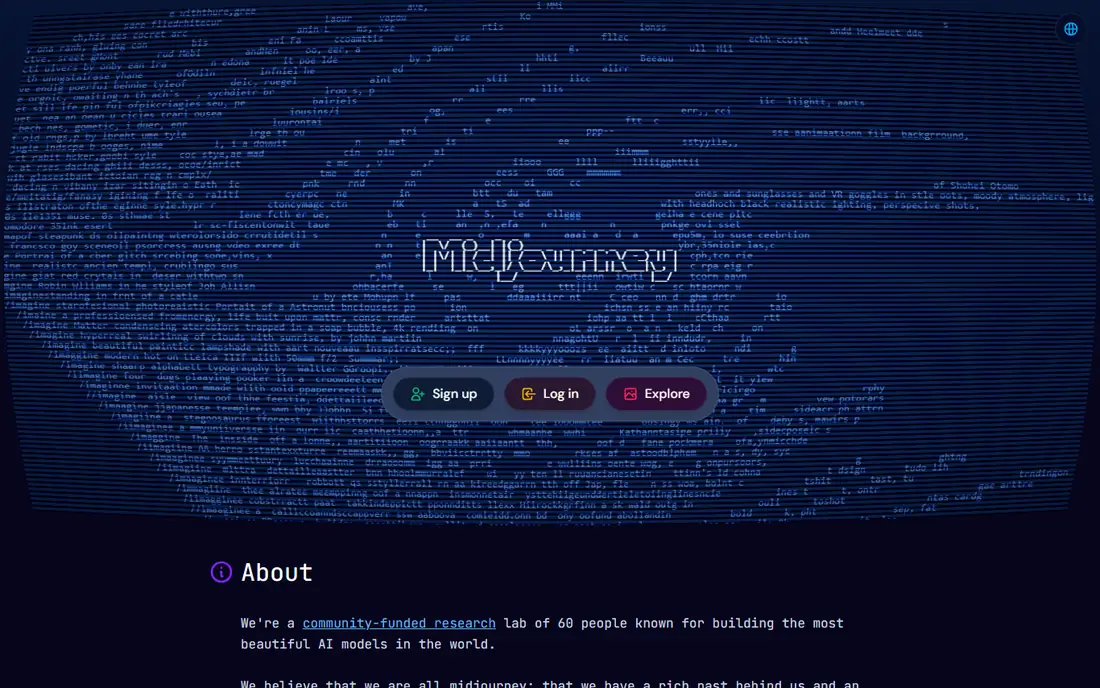
Midjourney still sets the bar for pure visual appeal. Its images tend to look polished and cinematic, with strong control over style, mood and composition. That makes it a natural pick for concept art, mood boards, editorial illustration and campaign hero images where the look itself carries the message.
The main barrier is price, since there is no free tier to try before subscribing. Lower plans meter Fast GPU time, while higher plans add Relax mode and more commercial options, so heavy users should read the plan table before choosing. Companies with large revenue need a higher plan for commercial use, according to Midjourney terms. If the visual result matters most and you create images often, Midjourney is worth the subscription.
- Distinctive artistic style range
- Web and Discord workflows
- Clear paid plan ladder
- No free plan
- Fast GPU time is metered on lower plans
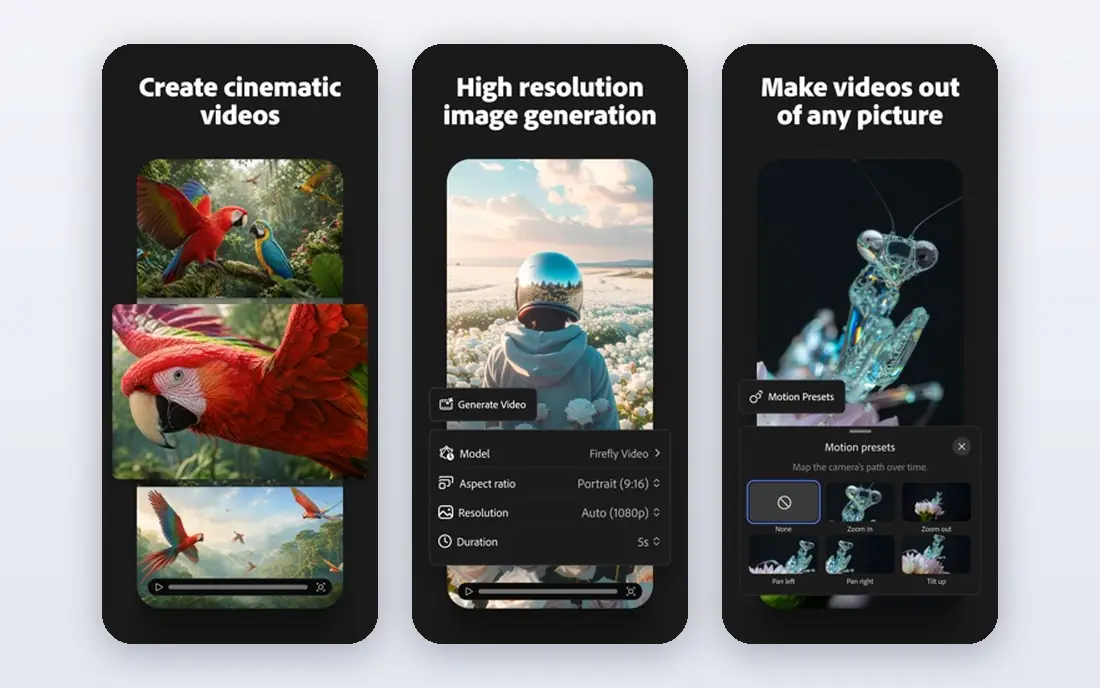
Adobe Firefly is the safer choice for client and commercial work. Adobe positions its models around licensed content and commercial use, which helps teams that must answer questions about rights before publishing. Links to Photoshop and Express also mean generated images can move straight into editing, layout and export without a new workflow.
A free tier lets new users try generation before paying, while paid plans add monthly generative credits and more features. Heavy users should watch credit limits, since a busy month can use them up fast. For designers already in Adobe tools, Firefly fits naturally. For others, the commercial safety and editing links still make it a strong standalone pick.
- Models trained with commercial use in mind
- Links to Photoshop and Express
- Free tier for trying
- Monthly credits can run out on heavy use
- Best value sits inside Adobe plans
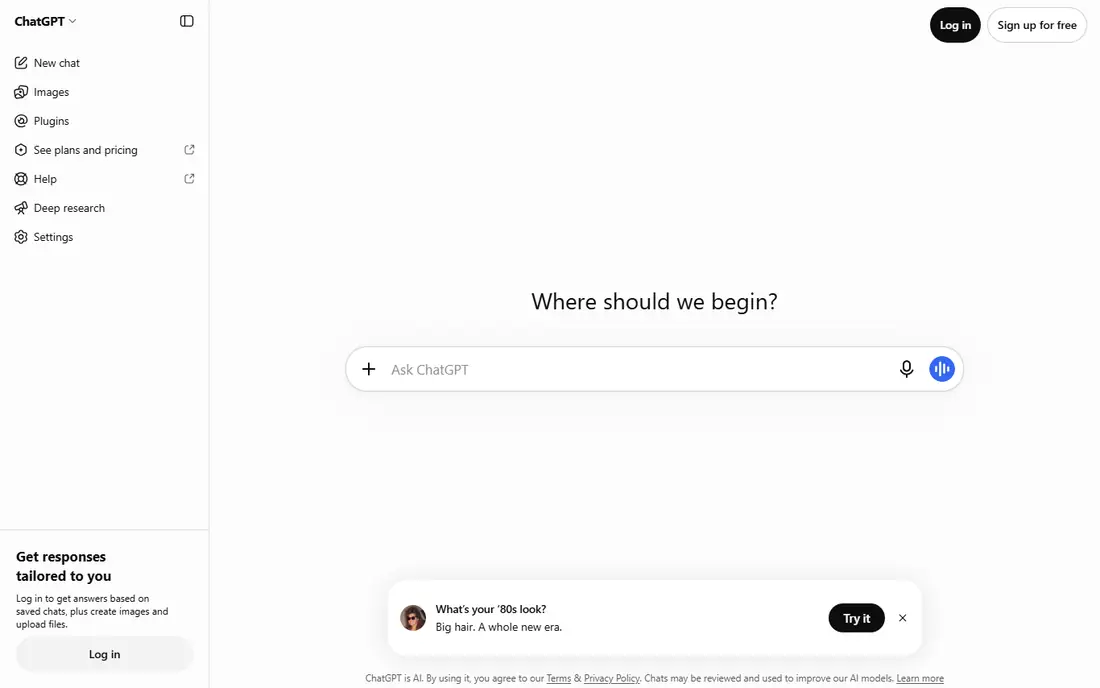
ChatGPT is the easiest way for many people to start creating images, since generation sits inside a chat they may already use. You describe an image, ask for changes in plain language, and iterate until it looks right. That conversational loop suits social posts, blog art, mockups and quick ideas, and it handles readable text in images better than older generators did.
Free users get limited image creation, while paid plans raise limits and speed. The trade-off is control: specialist tools offer deeper style, model and parameter options for professional art. ChatGPT also does not replace a design app for finished layouts. If you want images without learning a new tool, and you already use ChatGPT, this is the most convenient pick in the list.
- Easy plain-language edits in chat
- Readable text in many images
- Free tier for occasional use
- Image limits vary with demand and plan
- Less fine control than specialist art tools
Google Gemini, including its Nano Banana image model, is a strong choice for editing photos and keeping people and objects consistent across edits. You can ask for changes to an existing photo, restyle a scene, or create a new image with text that reads clearly. That mix of editing and creation suits social content, product mockups and personal projects.
The free tier covers casual use, while paid Google plans raise allowances and add wider features. Allowances can vary with demand, so a heavy project should be planned around the paid tier. Gemini is less of a specialist art studio than Midjourney, but for everyday image work inside the Google world, it is fast, capable and easy to reach.
- Strong photo editing and consistency
- Good text rendering in images
- Free tier for Google users
- Daily allowances vary
- Paid plans are tied to wider Google subscriptions
Ideogram solves the problem that frustrated early image tools: text inside the picture. Posters, logos, book covers and social graphics need words that spell correctly and sit well in the design, and Ideogram handles that task more reliably than most rivals. Its free tier gives weekly slow credits, which is enough to test the style and text quality.
Paid plans add priority credits and private generations, with monthly pricing that sits above some competitors. Free users should note that generations may be public, so private client work belongs on a paid plan. If your images need headlines, labels or poster copy, Ideogram is the best AI app for creating images in this list, even at its higher price.
- Accurate readable text in images
- Good for logos, posters and memes
- Free tier for trying
- Paid plans cost more than some rivals
- Free images are public by default on the free tier
Leonardo AI appeals to creators who want volume and control without a large monthly bill. The free tier offers daily tokens, which suits regular small projects, while paid plans raise token amounts and add private generations and faster modes. Model choice and fine-tuning options help game artists, product designers and content creators shape a consistent look.
The token system is the learning curve. Different models and settings use tokens at different rates, so new users should start small and watch the balance. Once that clicks, Leonardo becomes a productive daily tool for characters, environments, textures and product visuals. It is also one of the most generous free tiers in this list for creators who generate images often.
- Daily free tokens
- Wide model choice and fine-tuning options
- Good for game assets and product shots
- Token system takes time to learn
- Free generations may be public
Canva is the pick when the image is only part of a finished design. You can generate a background or illustration, drop it into a template, add text and brand colours, and export for social, print or presentations without leaving the app. That end-to-end workflow matters for small teams and solo creators who need posts, ads and slides fast.
The free plan includes a limited number of AI uses per month, while paid plans raise allowances and add brand and team tools. Canva is not the best tool for pure art or deep model control, and its generator should not be judged only on single images. Judged as a design system, though, it turns AI images into usable finished work faster than any specialist generator here.
- Image generation inside a full design editor
- Templates, brand kits and export tools
- Free tier for trying
- AI uses are limited on the free plan
- Heavy AI work may need a paid plan or AI credits
Recraft fills a niche that raster-only generators miss: graphics you can edit after generation. Icons, logos, illustrations and brand assets often need clean shapes and scalable files, and Recraft offers vector-style output alongside raster images. That makes it useful for designers who need to adjust colours, shapes and layout after the first generation.
The free tier is good for testing, but users should read commercial terms before using free output in client work, since terms can differ by plan. Photorealistic images are not its main strength, so product photos and cinematic art belong elsewhere. For brand graphics, icons and illustrations that must stay editable, Recraft is a smart, focused choice.
- Editable vector and raster output
- Good for icons, logos and illustrations
- Free tier for trying
- Free tier has no commercial use on some terms
- Raster art rivals may look more photographic
How we picked these
We compared official pricing pages, feature pages and October 2026 roundups that checked vendor prices directly. We kept only apps that are available now and that create images from text prompts or edits, rather than stock photo libraries or pure design tools without generation. We also mixed art specialists, chat-based tools and design platforms, since readers create images for different jobs.
We did not claim hands-on testing that did not happen. Prices and free limits change often, so we wrote See website where a price could not be confirmed, and readers should check the vendor plan page before buying. Commercial use terms also vary by plan, so check them before publishing client or paid work.
How to choose an AI image app
Start with the output you need. Art and illustration point to Midjourney and Leonardo AI, readable posters point to Ideogram, photo edits point to Gemini and ChatGPT, and finished social designs point to Canva. Vector-style brand work points to Recraft, while commercial client work points to Firefly for its licensing approach.
Next, check free limits against your real volume. A free tier that covers a few images a week suits occasional posts, but a daily creator needs a paid plan with clear credits or tokens. Finally, read commercial terms before using images in ads, products or client work. Some free tiers limit commercial use, and some plans require higher tiers for larger companies. A short test with your own prompts, in your own style, will show more than sample galleries.
Frequently asked questions
What is the best AI app for creating images for beginners?
ChatGPT and Google Gemini are the easiest starts, since image creation sits inside chat apps with plain-language editing. Canva is also friendly for beginners who need finished designs rather than single images. Midjourney and Leonardo AI reward a little more learning, but they offer deeper style control for regular creators.
What is the best AI software for creating images with text?
Ideogram is our pick when text inside the image must read correctly, such as posters, logos and social graphics. ChatGPT and Gemini also handle short text well in many cases. For long paragraphs or precise typography, use a design app after generation to set the final text by hand.
Is there a free AI image app worth using?
Yes, Leonardo AI, Ideogram, Canva, Recraft, ChatGPT and Gemini all offer free tiers, though limits and public visibility vary. Leonardo AI is generous for daily small use, while Ideogram free credits suit occasional posters. Check whether free output allows commercial use before publishing it for business.
Can I use AI images for commercial work?
Often yes, but terms vary by app and plan, so read the vendor licence before commercial use. Adobe Firefly is positioned for commercial work, while some free tiers limit commercial use or require a paid plan. Larger companies may need higher plans on some platforms, and you should keep a record of the plan and terms you relied on.
Which AI image app is best for social media?
Canva is the best choice for social media when you need templates, text and export in one place. ChatGPT and Gemini are good for quick single images, while Ideogram suits text-heavy posts. For a consistent artistic feed, Midjourney or Leonardo AI can supply the core visuals, which you then finish in Canva.
Sources
See where you really rank - block by block
ProMapRanker scans Google Maps across a grid of your service area. Simple monthly plans from $19, white-label on every plan.
Start freeKeep reading
 zeffy payment processor stripe alternatives
Zeffy and Stripe Alternatives for Nonprofits in 2026
Explore zeffy payment processor stripe alternatives for nonprofits. We compare 8 fundraising platforms on fees, donor tools, and nonprofit focus. Check fees.
Read → workday alternatives
Workday Alternatives in 2026
Workday alternatives compared: we review 8 HR and payroll platforms that replace Workday, with pricing, strengths and honest limits for each team size.
Read → what's the best weather app
What's the Best Weather App in 2026
Wondering what's the best weather app? We compare 10 free and paid apps for forecasts, radar, alerts, and Colorado mountain weather for everyday and storm use.
Read →