 ProMapRanker
Best WeMod Alternatives in 2026

Key takeaways
- Nexus Mods plus Vortex is the easiest start for most PC players, with a huge library and guided installs.
- Mod Organizer 2 suits large Bethesda style mod lists, thanks to profiles and a virtual file system.
- Steam Workshop is the lowest friction option for games that support it, with no separate manager to learn.
- Use these tools only for single player games or modding that a game permits, and never to cheat in multiplayer games.
Quick comparison
| Pick | Great for | Pricing starts at | Free tier | |
|---|---|---|---|---|
 Nexus Mods | Largest mod library | Free | Yes | Visit |
 Vortex | Guided mod installs | Free | Yes | Visit |
 Mod Organizer 2 | Large complex mod lists | Free | Yes | Visit |
 Steam Workshop | In client mod installs | Free | Yes | Visit |
 CurseForge | Minecraft and modpacks | Free | Yes | Visit |
 ModDB | Classic and indie mods | Free | Yes | Visit |
 Thunderstore | Thunderstore game mods | Free | Yes | Visit |
 r2modman | Thunderstore mod profiles | Free | Yes | Visit |
 Cheat Engine | Single player value editing | Free | Yes | Visit |
The best wemod alternatives
We compared official sites, documentation, and public guides for tools that install, manage, or create mods for PC games. WeMod itself is excluded, since this list covers alternatives. A plain note before the list: use these tools only in single player games or where a game and its publisher permit modding. Do not use mods or trainers to gain an advantage in multiplayer games, since that can lead to bans and ruins matches for other players.

Nexus Mods is the first place most PC players should look. Its library covers many popular games, from RPGs to strategy and simulation titles, and collections let authors bundle mods that work together. That saves new modders from hunting down compatible files one by one across forums.
The free tier works, but downloads are slower than premium, and browsing includes ads. For a player who mods occasionally, free is fine. For a player who downloads large collections often, the premium tier is a convenience, not a requirement to use mods.
- Huge library across many games
- Collections bundle compatible mods
- Active mod authors
- Free downloads are speed limited
- Premium is needed for the fastest downloads and ad free browsing
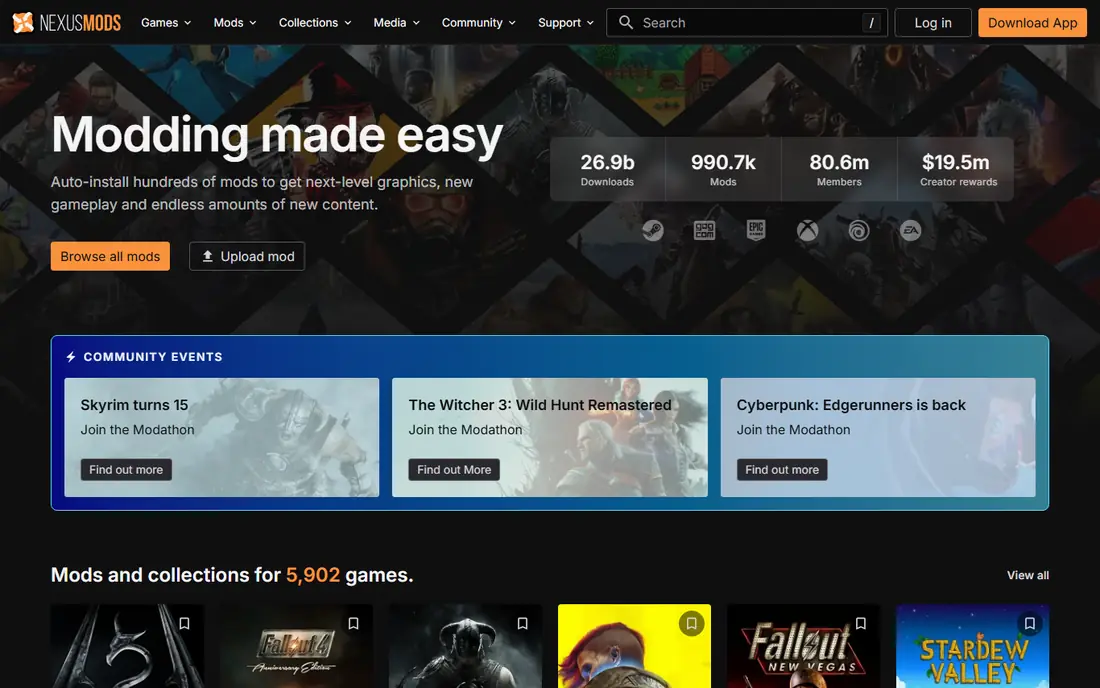
Vortex is the mod manager made by Nexus Mods, and it is the natural partner to the library above. It installs mods, sorts load order, flags conflicts, and keeps mods separate from clean game files where possible. For a player who wants mods working without learning a complex tool, Vortex is the smoothest path.
The limit is control. Very large mod lists with deep conflicts are easier to manage in Mod Organizer 2, and Vortex is mainly a Windows tool. For most players and most games, though, Vortex strikes the best balance between ease and power.
- Guided installs and load order help
- Built for Nexus Mods
- Handles many games
- Less control than Mod Organizer 2 for very large lists
- Windows focused

Mod Organizer 2 is the power user pick for large mod lists. Its virtual file system leaves original game files untouched, and profiles let a player keep separate mod setups for different playthroughs without reinstalling everything. Conflict tools show which mods overwrite each other, which matters when a list grows past a hundred mods.
The trade off is learning time. The interface assumes some modding knowledge, and setup takes longer than Vortex for a first mod. For a player building a large, stable list for a game like Skyrim or Fallout, that extra control is worth the learning curve.
- Profiles for different mod setups
- Virtual file system keeps game files clean
- Strong conflict tools
- Steeper learning curve
- Mainly suited to Bethesda style games and similar titles
Steam Workshop is the simplest mod option of all, when a game supports it. Subscribe to an item inside Steam, and the mod downloads and updates through the client, with no manager to configure. That low friction makes it ideal for casual players who want a handful of mods for a supported game.
The limit is scope. Only games with Workshop support appear there, and load order control is thinner than Vortex or Mod Organizer 2. For supported games, start with Workshop. For games without it, use Nexus Mods or CurseForge instead.
- No separate manager to install
- Mods update with the game client
- Trusted source for supported games
- Only works for games that support Workshop
- Less load order control than dedicated managers
CurseForge is the standard home for Minecraft mods and modpacks. A modpack bundles dozens of mods that work together, and the CurseForge app installs the pack in one step, which saves hours of manual version matching. Authors earn through the platform, which helps keep popular packs updated.
The library is less broad than Nexus Mods outside its supported games, so players who mod many different titles will still need Nexus Mods or Steam Workshop. For Minecraft players, though, CurseForge is the clear first choice.
- Huge Minecraft mod and modpack library
- One click modpack installs
- Authors are paid through the platform
- Library is strongest for Minecraft and a few supported games
- Desktop app adds another install
ModDB suits players who love classic games, total conversions, and indie projects that do not appear on newer platforms. Its library goes back many years, and it hosts large conversion mods that change a game into something new. Community pages, news, and files help players follow a project over time.
The downside is manual work. ModDB is mainly a download library, not a manager, so installs often need manual file handling and load order care. For a classic game with a strong ModDB scene, that extra work is worth it. For a quick install, use a manager based platform first.
- Long running library for classic and indie games
- Total conversions and indie projects
- Community news and files
- Older interface
- Installs are more manual than Vortex or CurseForge
Thunderstore is a community mod platform built around specific games, including Valheim, Risk of Rain 2, and similar titles. Each game gets its own library, modpacks, and profiles, which makes it easier to find mods that actually work for that game version. Community lists help new players start with a stable set.
The limit is breadth by game. A title with a small Thunderstore community will have fewer mods than a title with a large one, and players who mod many games will need other platforms too. For a supported game, Thunderstore is a focused and reliable library.
- Focused libraries for supported games
- Modpacks and profiles
- Community run servers and lists
- Each game has its own Thunderstore community, so breadth varies by title
r2modman is a simple mod manager for Thunderstore games, and it is the easiest way to manage profiles for titles like Valheim and Risk of Rain 2. Players can download, enable, disable, update, and uninstall mods with a few clicks, and profiles let them switch between mod setups quickly. Config editing inside the manager helps fine tune a setup without hunting through files.
Safety matters here. Download r2modman only from Thunderstore or GitHub, since third party redistribution sites have claimed to offer it. Within its supported games, r2modman is a clean and beginner friendly manager.
- Simple profiles for Thunderstore games
- Clean interface
- Keeps game files safe through profiles
- Limited to Thunderstore supported games
- Download only from Thunderstore or GitHub to stay safe
Cheat Engine is the closest tool here to a trainer style experience, and it comes with a clear boundary. It scans and edits values in a running single player game, such as health, money, or experience, and advanced users can write scripts and tables for repeat use. As open source software, it is free and widely documented.
The limits are serious and worth stating plainly. Cheat Engine has a learning curve, antivirus software may flag memory tools, and using it in multiplayer games can lead to bans. Use it only in offline single player games where you accept the risk to saves and achievements, and never in a competitive or shared game.
- Free and open source
- Powerful memory scanning for single player games
- Scripting for advanced users
- Steep learning curve
- Antivirus tools may flag it
- Must never be used in multiplayer games
How we picked these
We compared official sites, documentation, and public guides, and we kept only tools that are live in October 2026 and that support single player or permitted modding. WeMod itself is excluded. We left out paid trainer sites that promise multiplayer advantages and tools that distribute pirated game files, since those do not fit legitimate modding.
What to check before you mod
Start with permission and backups. Check whether a game and its publisher allow mods, back up saves and clean game files, and use profiles where a manager offers them. A profile lets you return to a clean game without reinstalling everything if a mod breaks a save.
Next, match game versions. Mods built for an older patch can crash a newer game, and modpacks need matching versions across all included mods. Update the game first, then pick mods that list support for that version, and test with a small list before adding dozens of mods.
Finally, download only from official sources. Nexus Mods, Steam Workshop, CurseForge, Thunderstore, and the tool official sites are the safe routes. Avoid repackaged downloads from unknown sites, since they can carry malware, and never use a mod or trainer in multiplayer, even if a site claims it is undetectable.
Frequently asked questions
Is WeMod still available?
Yes, WeMod remains a live trainer platform, but many players look for alternatives that focus on mod libraries and managers rather than trainers. The tools above cover modding through libraries, managers, and single player editing.
Which wemod alternative is best for beginners?
Nexus Mods with Vortex is the easiest start for most PC players, thanks to guided installs and a large library. Steam Workshop is even simpler for games that support it, since no separate manager is needed.
Can I use these tools in multiplayer games?
No, not for an advantage. Use mods only in single player games or where a game explicitly permits modding, such as a private server with mods allowed. Mods and trainers used in competitive multiplayer can lead to bans and spoil games for others.
Are mods free?
Most mods and managers here are free, with optional premium tiers for faster downloads or extra features. Some modpacks and libraries are free to use, while a few tools offer paid tiers for convenience, not for access to the mods themselves.
Will mods break my game or saves?
They can, especially after a game update or with conflicting mods. Back up saves, use profiles, test a small mod list first, and keep a clean copy of game files where possible. If a save breaks, remove recent mods and restore the backup rather than adding more mods to fix it.
Sources
See where you really rank - block by block
ProMapRanker scans Google Maps across a grid of your service area. Simple monthly plans from $19, white-label on every plan.
Start freeKeep reading
 zoho books alternatives
Best Zoho Books Alternatives in 2026
Compare the best zoho books alternatives for small business accounting, from QuickBooks Online and Xero to FreshBooks, Wave, and Sage in 2026, with pricing.
Read → zluri alternatives
Best Zluri Alternatives in 2026
Compare zluri alternatives for 2026, with SaaS management platforms for app discovery, spend tracking, renewals, and automation for IT, finance and procurement.
Read → zerobounce alternatives
Best ZeroBounce Alternatives in 2026
Best zerobounce alternatives for list hygiene: compare 8 email verification tools for bulk cleaning, real-time checks and catch-all handling in 2026 today.
Read →