 ProMapRanker
Best Userflow Alternatives in 2026

Key takeaways
- Appcues has the most polished no-code builder, but it starts at $249 per month and has no free plan.
- Pendo is the pick if onboarding analytics matter as much as the tours themselves, with a free plan up to 500 monthly active users.
- Product Fruits and UserGuiding give smaller teams the core tour, checklist and survey features at lower starting prices.
- Open-source style options are missing here on purpose, because most teams leaving Userflow want a managed builder, not a coding project.
- Price climbs with monthly active users on almost every tool here, so check your user count before comparing headline prices.
Quick comparison
| Pick | Great for | Pricing starts at | Free tier | |
|---|---|---|---|---|
 Appcues | Polished no-code tours | $249 per month | No | Visit |
 Userpilot | Onboarding plus analytics | $299 per month | Free trial | Visit |
 Pendo | Analytics-led onboarding | See website | Yes | Visit |
 UserGuiding | Budget-friendly tours | $174 per month | Free trial | Visit |
 Chameleon | Highly styled in-app experiences | $279 per month | Free trial | Visit |
 WalkMe | Enterprise digital adoption | See website | No | Visit |
 Product Fruits | Best value all-round onboarding | $111 per month | Free trial | Visit |
 Supademo | Interactive demos and tours | See website | Yes | Visit |
 Whatfix | Guidance across many apps | See website | Free trial | Visit |
The best userflow alternatives
Userflow is a no-code tool for product tours, checklists, surveys and resource centers inside web apps. The tools below cover the same job, with different strengths in builder quality, analytics, mobile support and price. We compared official feature pages, pricing pages, app listings and public reviews for each one.
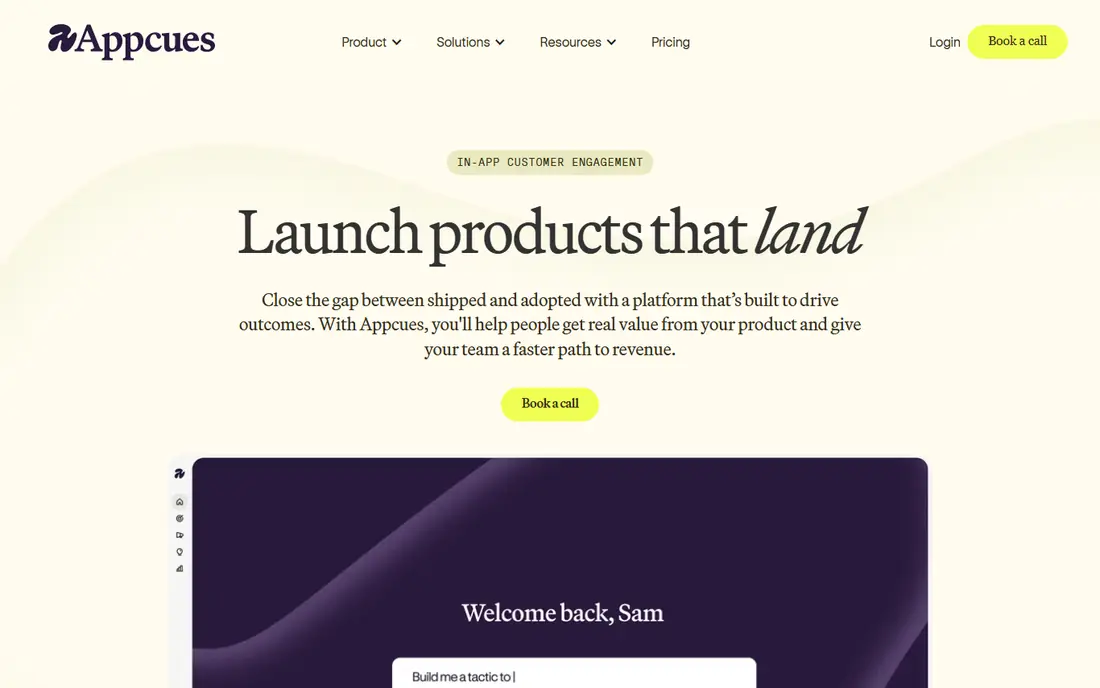
Appcues built its name on the no-code product tour, and the builder still feels like the reference point other tools are measured against. Product managers can design walkthroughs, tooltips, modals and checklists visually, target them by segment, and publish without waiting on engineering. That speed matters when onboarding flows change every few weeks.
The catch is price and measurement. Essentials starts at $249 per month billed annually for 2,500 monthly active users, and the next tier jumps sharply. Teams that need deep funnel analysis will likely pair Appcues with a separate analytics tool. If your main need is building great tours quickly, and your budget covers it, Appcues is a strong first look.
- Refined visual flow builder
- Unlimited flows within a user tier
- Strong support reputation
- No free plan or free trial in most cases
- Analytics are thinner than Pendo
- Mobile support is weaker than web
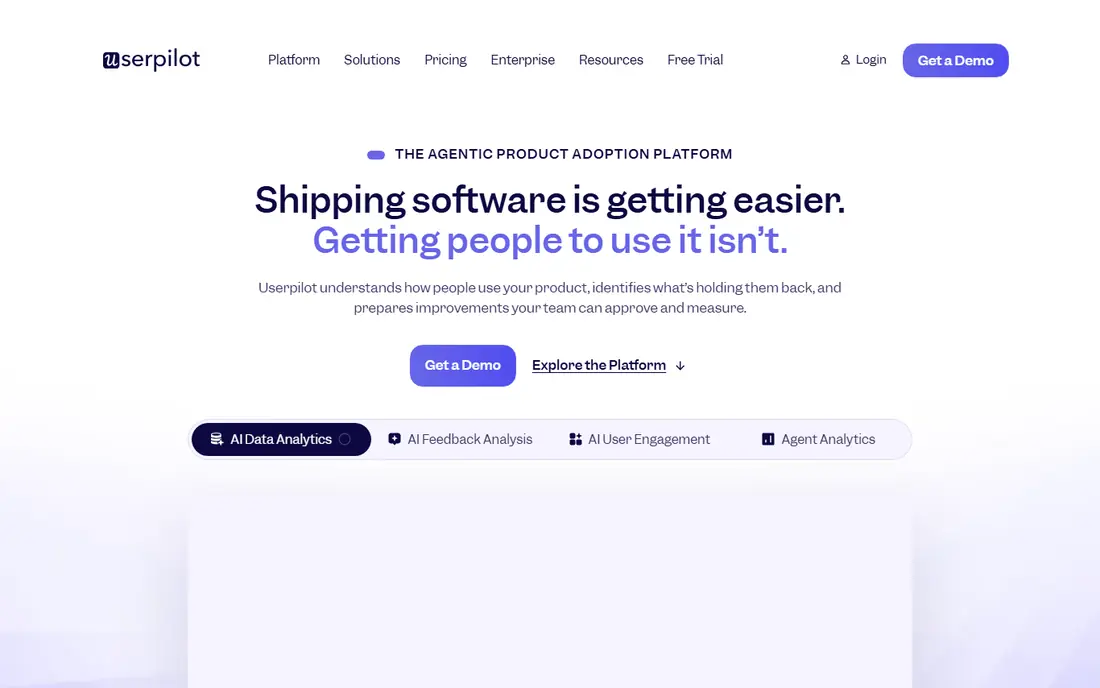
Userpilot suits teams that want onboarding and measurement in the same product rather than stitching two tools together. You can build flows, run in-app surveys, segment users by behavior, and watch where activation drops off, all without leaving the dashboard. That combination helps product teams argue for onboarding changes with numbers, not hunches.
The trade-off is cost and complexity. Starter starts at $299 per month billed annually, so it is not a casual purchase for an early-stage product. Smaller teams may find Product Fruits or UserGuiding cover the basics for less. For mid-market SaaS teams that live by activation metrics, Userpilot earns its price.
- Tours, surveys and analytics in one place
- Strong segmentation
- Good activation tracking
- Starting price is high for small teams
- Setup takes care to get right
- Some advanced features sit on higher tiers

Pendo starts from a different place than most tools on this list. It is a product analytics platform first, with guides, walkthroughs and feedback tools built on top of that data. That makes it a good fit when the real question is not just how to show a tour, but which users need one, where they drop off, and whether guidance changed retention.
The free plan, covering up to 500 monthly active users, makes Pendo easy to try for a small product. Paid plans are quote-based, and larger teams should expect enterprise-style pricing and a sales conversation. If you only need simple tours, Pendo is more tool than you need. If analytics drive your roadmap, it is hard to beat.
- Deep product analytics alongside guides
- Free plan up to 500 monthly active users
- Strong enterprise controls
- Paid pricing is quote-based
- Can feel heavy for a small team
- Full value needs analytics buy-in
UserGuiding is the practical choice for startups that need solid onboarding basics without a large monthly bill. Tours, onboarding checklists, hotspots and surveys are all in the box, and setup is fast enough that a small team can publish a first flow in a day. The interface stays approachable even for people who have never built an in-app flow before.
Growth is where the math changes. Pricing is tied to monthly active users, so a successful product can outgrow the entry tier sooner than expected. Custom styling also has limits compared with design-led tools. Still, for teams watching every dollar, UserGuiding gives the best balance of price and completeness at the low end.
- Lower starting price than most rivals
- Quick setup
- Covers tours, checklists and surveys
- Per-user tiers step up quickly as you grow
- Analytics are basic
- Customization is more limited than Chameleon
Chameleon is for teams that care deeply about how a tour looks inside their product, not just what it says. Fonts, colors, placement and interaction details can be tuned closely, so guidance feels like part of the app rather than a layer pasted on top. Segmentation is strong too, which helps when different user types need very different first-run experiences.
That control has a price. The Startup plan starts at $279 per month and is limited, while the fuller Pro tier costs considerably more. Teams without design time may not use what they pay for. If brand fit and polished in-app design are central to your onboarding, Chameleon is worth the premium.
- Fine-grained design control
- Strong segmentation
- Good for complex product-led growth flows
- Startup plan is limited
- Full power costs much more
- Needs design time to shine
WalkMe plays in a different league from the rest of this list. It is a digital adoption platform aimed at large organizations that need to guide employees or customers across many applications, not just one web app. That breadth, plus governance and analytics for big rollouts, is why enterprises choose it when simpler tour tools fall short.
Small and mid-market teams should look elsewhere. Pricing is quote-only and implementation is a project, not an afternoon task. But if you run a large company with complex software, multiple systems and strict controls, WalkMe is the enterprise-grade alternative to Userflow.
- Built for large, complex software estates
- Strong guidance across many apps
- Deep enterprise controls
- Quote-only pricing
- Heavyweight for small teams
- Implementation takes planning and time
Product Fruits stands out on value. For $111 per month billed annually, one snippet covers tours, checklists, hints, announcements, surveys, an in-app help center and a knowledge base. That breadth at that price is rare, and the pricing page makes it easy to see what each tier includes instead of hiding behind a sales call.
The honest limit is analytics depth. Product Fruits tracks how users engage with onboarding, but it is not a full product analytics suite, so data-hungry teams may still need a separate tool. For most small and mid-size SaaS teams, though, it covers the whole onboarding job at a price rivals struggle to match. Our pick for most teams on a budget is Product Fruits.
- Tours, checklists, help center and surveys in one snippet
- Transparent pricing
- AI-assisted flow creation
- Analytics cover onboarding engagement, not full product analytics
- Smaller vendor than Appcues or Pendo
Supademo approaches onboarding from the demo side. Instead of only building tours inside your live app, you can create interactive, clickable demos that show value before signup and guide new users after it. Those demos embed on websites, in help docs and in sales messages, so one asset does several jobs.
That demo-first angle is both the strength and the limit. Supademo is less of an analytics platform than Pendo or Userpilot, and pricing requires checking the current plans page. Teams that struggle to explain their product, or that want tours users can revisit outside the app, will get a lot from it. Teams needing deep segmentation may prefer a more traditional tour tool.
- Interactive demos double as onboarding tours
- Easy sharing and embedding
- Good for customer education
- Pricing is not published on a simple tier page
- Less of a full analytics platform
- Demo-first focus may not suit every flow
Whatfix is a digital adoption platform that guides users inside the software they already use, whether that is a SaaS app or an internal enterprise system. Flows, tooltips and self-help widgets sit inside the workflow, which helps with employee onboarding and training as much as customer onboarding. Analytics show which guidance gets used and where users still get stuck.
It is not a light purchase. Pricing is quote-based and the product fits enterprises better than tiny startups. If your onboarding problem spans several applications, or your audience is employees learning complex tools, Whatfix is a serious Userflow alternative. If you only need tours in one app, a smaller tool will be faster and cheaper.
- Works across web apps and enterprise software
- Strong for employee training
- Analytics on guidance use
- Quote-based pricing
- Aimed more at enterprises than small SaaS teams
- Setup needs planning
How we picked these
We compared official feature pages, pricing pages, app store listings and public reviews for tools that do the same core job as Userflow: no-code tours, checklists, surveys and in-app guidance. We left out tools that only do email onboarding or only do analytics, and we left out Userflow itself, since this list is alternatives only. Prices shown are starting prices from vendor and comparison sources checked in October 2026, and quote-only tools are marked as See website.
What to check before you buy
Start with your monthly active user count, because almost every tool here prices by it. A tool that looks cheap at 2,000 users can cost far more at 20,000, so model the price at next year's user count, not today's. Ask vendors to confirm what counts as an active user and whether dismissed or inactive users still count.
Next, test the builder with a real flow, not a demo video. Build one tour, one checklist and one survey, then check how they look on mobile and how hard they are to update when your interface changes. Finally, confirm analytics and integrations before signing. If you need funnel data, a tour builder alone will disappoint, and if you already use a CRM or analytics tool, check that the onboarding tool connects to it cleanly.
Frequently asked questions
What is Userflow used for?
Userflow is a no-code platform for building product tours, onboarding checklists, in-app surveys and resource centers inside web apps. Product teams use it to guide new users to their first success without engineering help for every change.
Which Userflow alternative is cheapest?
Product Fruits, at $111 per month billed annually, is the cheapest full-featured paid option on this list. Pendo also has a free plan up to 500 monthly active users, which can be cheapest for very small products. Supademo has a free tier for demos.
Do I need analytics with my onboarding tool?
Not always, but it helps a lot. A tour builder alone shows what you published, while analytics show whether users finished the tour and activated. If activation is your main goal, pick Userpilot or Pendo. If you just need clean tours, Appcues or Product Fruits may be enough.
Can these tools work on mobile apps?
Support varies a lot, and web apps are covered far better than native mobile apps on most of these tools. Appcues in particular is weaker on mobile than on web. Check mobile SDK support and test on a real device before committing.
Is there a free alternative to Userflow?
Pendo has a free plan up to 500 monthly active users, and Supademo has a free tier. Open-source tour libraries exist too, but they need developer time and are not managed products like the tools here. For a no-code managed tool, a free trial is more common than a lasting free plan.
How long does it take to switch from Userflow?
For a simple set of tours, most teams can rebuild in a few days, since the concepts transfer directly. Larger setups with many segments, surveys and integrations take longer, so export your flow list first and rebuild the highest-traffic flows before cancelling.
Sources
See where you really rank - block by block
ProMapRanker scans Google Maps across a grid of your service area. Simple monthly plans from $19, white-label on every plan.
Start freeKeep reading
 zoho books alternatives
Best Zoho Books Alternatives in 2026
Compare the best zoho books alternatives for small business accounting, from QuickBooks Online and Xero to FreshBooks, Wave, and Sage in 2026, with pricing.
Read → zluri alternatives
Best Zluri Alternatives in 2026
Compare zluri alternatives for 2026, with SaaS management platforms for app discovery, spend tracking, renewals, and automation for IT, finance and procurement.
Read → zerobounce alternatives
Best ZeroBounce Alternatives in 2026
Best zerobounce alternatives for list hygiene: compare 8 email verification tools for bulk cleaning, real-time checks and catch-all handling in 2026 today.
Read →