 ProMapRanker
Best Web Scraping Software for Data Analysis (2026)

Non-technical teams monitoring pages and extracting data without code · Pricing starts at: $19 a month (Personal)
Direct answer
Start with Browse AI if you need non-technical teams monitoring pages and extracting data without code. Listed starting prices: Browse AI from $19 a month (Personal), Dexi.io from $99 a month (Professional) and Import.io from $199 per month (Standard, billed annually). Dexi.io is better for teams building their own extraction robots with data pipelines, and Grepsr is better for business teams that want scraping completely done for them. The other 4 tools in the list cover narrower or pricier cases.
Short on time? The summary and table above give the quick view of 7 tools for web scraping software for data analysis, and the profiles that follow give the detail behind each entry.
Key takeaways
- Browse AI takes the first slot, best suited to non-technical teams monitoring pages and extracting data without code.
- The cheapest monthly starting price in the list is $19 per month, offered by Browse AI.
- A free plan is available from 4 of the 7 tools: Browse AI, Dexi.io, Grepsr, Diffbot.
- Diffbot is the one to check for AI teams that require structured facts plus a web knowledge graph.
- Grepsr comes with a trade-off: no self-service tool, so you cannot run your own scrapers.
Quick comparison
| Pick | Great for | Pricing starts at | Free tier | |
|---|---|---|---|---|
| Browse AI | Non-technical teams monitoring pages and extracting data without code | $19 a month (Personal) | Yes | Visit |
 Dexi.io | Teams building their own extraction robots with data pipelines | $99 a month (Professional) | Yes | Visit |
 Grepsr | Business teams that want scraping completely done for them | See website | Yes | Visit |
 Import.io | Retail and commerce teams running price and availability intelligence | $199 per month (Standard, billed annually) | Free trial (30 days) | Visit |
 Zyte | Developers who want to pay only for successful extractions | $0 pay-as-you-go (free $5 credit trial) | Free trial | Visit |
 Oxylabs | Teams running high-volume extraction on serious infrastructure | $30 per month (Web API) | Free trial | Visit |
 Diffbot | AI teams that require structured facts plus a web knowledge graph | $299 a month (Startup) | Yes | Visit |
Every option for web scraping software for data analysis explained
Browse AI
Great for: Non-technical teams monitoring pages and extracting data without code
Think of Browse AI for non-technical teams monitoring pages and extracting data without code. The free plan provides 50 credits per month, enough to test.
What works well: Google Sheets, webhooks.
Price to start with Browse AI: $19 per month. Browse AI offers a free plan. Drawbacks to consider: Complicated multi-page workflows run slower than API tools.
- 7,000 plus integrations through Zapier
- Train a robot in minutes by pointing at a page
- Credit-based pricing burns quick on premium sites like Amazon and LinkedIn, which cost 2 to 10 credits per run
Dexi.io is designed for teams building their own extraction robots with data pipelines. Enterprise pricing is quote-based.
Honest limits: Interface has grown complicated as the product pivoted toward digital commerce intelligence.
In practice, the self-service side lets you build extraction robots visually, schedule them, and pipe cleaned data into your BI tools. Dexi.io pricing: $99 per month. Dexi.io includes a free tier.
- Audit trails on every extraction run
- Data pipes clean and transform data before export
- Pricing climbs quickly with volume
Pick Grepsr if this describes you: business teams that want scraping completely done for them. Grepsr is a service, not software, and that is the point.
Downsides: Project-based pricing means no published rates to compare.
A dedicated account manager takes care of change requests, and site changes are caught before your pipeline breaks. No starting price is listed for Grepsr here; confirm pricing on the vendor site. A free plan is available with Grepsr.
- Completely managed service with a 99.5 percent accuracy SLA
- Every dataset passes human QA before delivery
- No self-service tool, so you cannot run your own scrapers
Import.io
Great for: Retail and commerce teams running price and availability intelligence
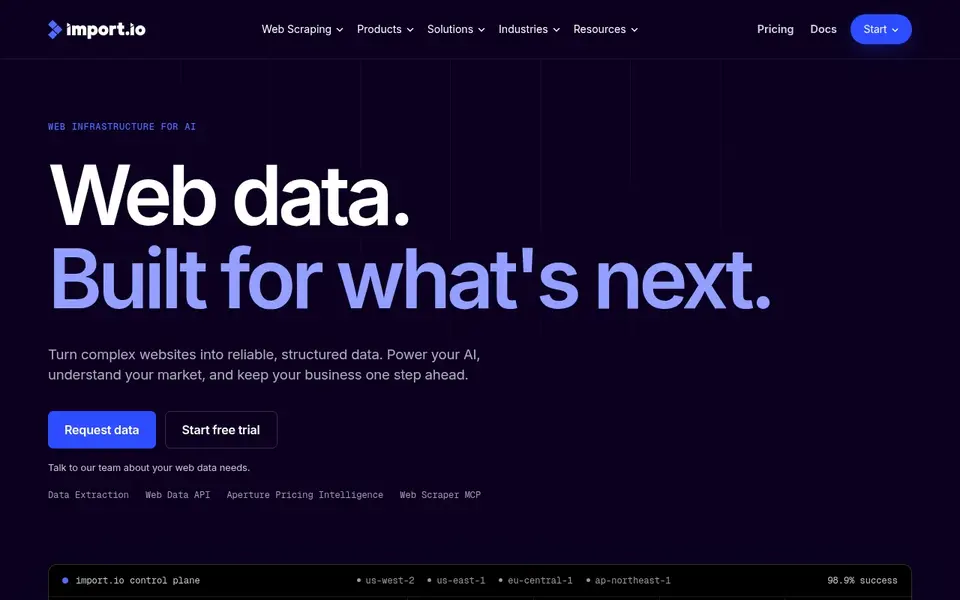
Import.io is aimed squarely at retail and commerce teams running price and availability intelligence. The 30-day trial with 5,000 successful queries is one of the most ample in the category.
Watch-outs: Single-account limitation on lower levels.
From a buyer's view, overage rates drop as you move up. Starting cost for Import.io: $199 per month. As for free access: Free trial (30 days).
- Point-and-click extractors need no code
- Verification and provenance tracking built into the product
- $199 a month is steep for small teams
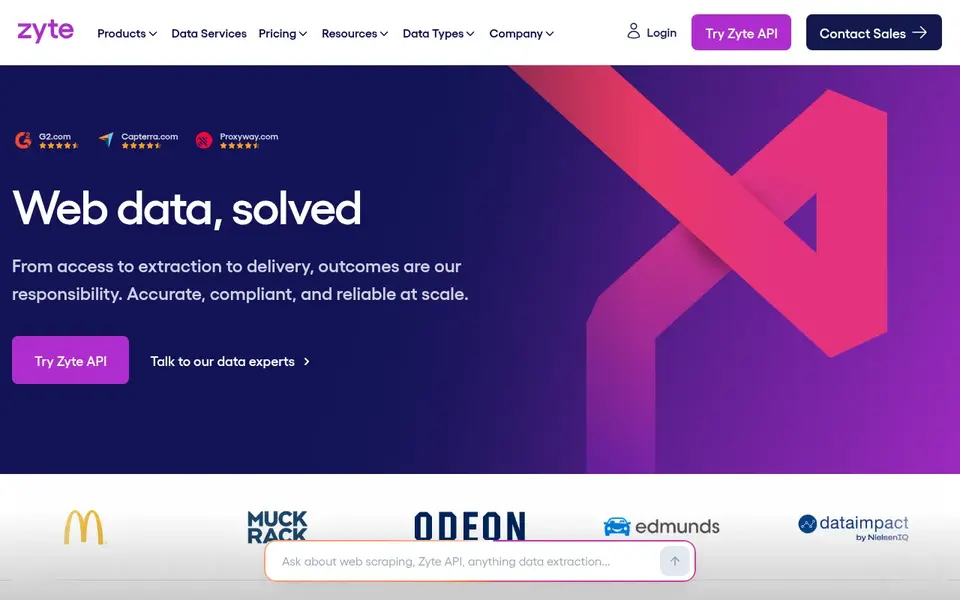
In short, Zyte is for developers who want to pay only for successful extractions. Zyte, formerly ScrapingHub, built its reputation on one idea: you should not pay for requests that fail.
As for the details, the $100, $200, and $500 monthly commitment plans cut rates by up to half compared with pure pay-as-you-go. Worth adding: sites are sorted into five difficulty levels, and the per-request price follows the level. Price to start with Zyte: $0 pay-as-you-go. Free access: Free trial.
Drawbacks to consider: Pricing levels based on site difficulty make budgeting unpredictable.
- Billed on success
- One API manages simple and hard sites with automatic escalation
- Browser-rendered requests cost far more than straightforward HTTP ones
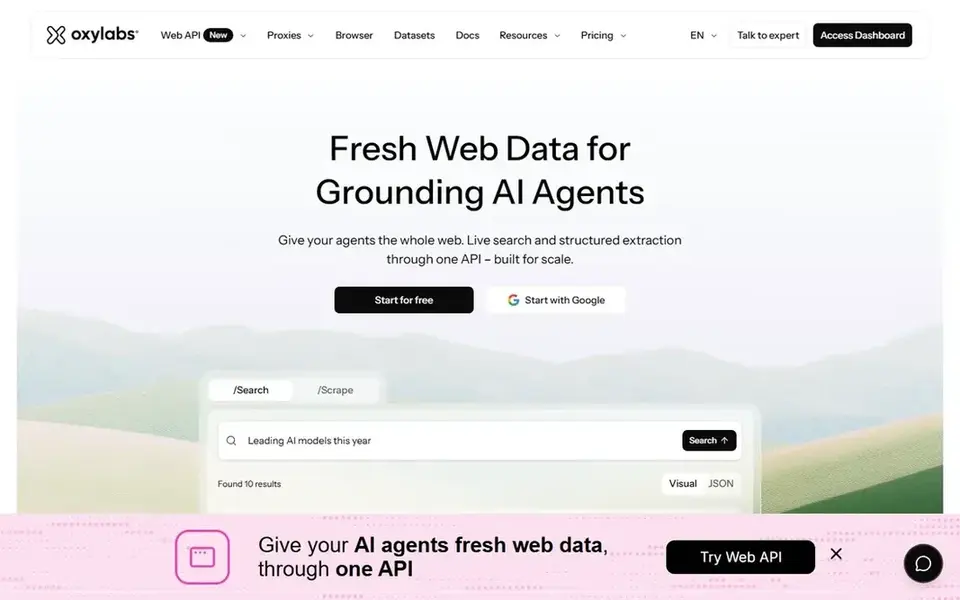
Oxylabs targets teams running high-volume extraction on serious infrastructure. Oxylabs sells infrastructure first and scraping second. On top of that sits a Web Scraper API and a Web Unblocker that takes care of headers, fingerprints, and JavaScript rendering for you.
The main drawbacks: Enterprise pricing beyond self-service needs sales calls.
This is a tool for teams that scrape daily and cannot afford failed requests. If you scrape a handful of hundred pages per month, you will overpay. Price to start with Oxylabs: $30 per month. Free access: Free trial.
- One of the largest proxy pools in the industry with 175M plus residential IPs
- Web Unblocker deals with anti-bot sites automatically
- Pay-per-GB billing makes costs hard to predict for heavy pages
Diffbot
Great for: AI teams that require structured facts plus a web knowledge graph
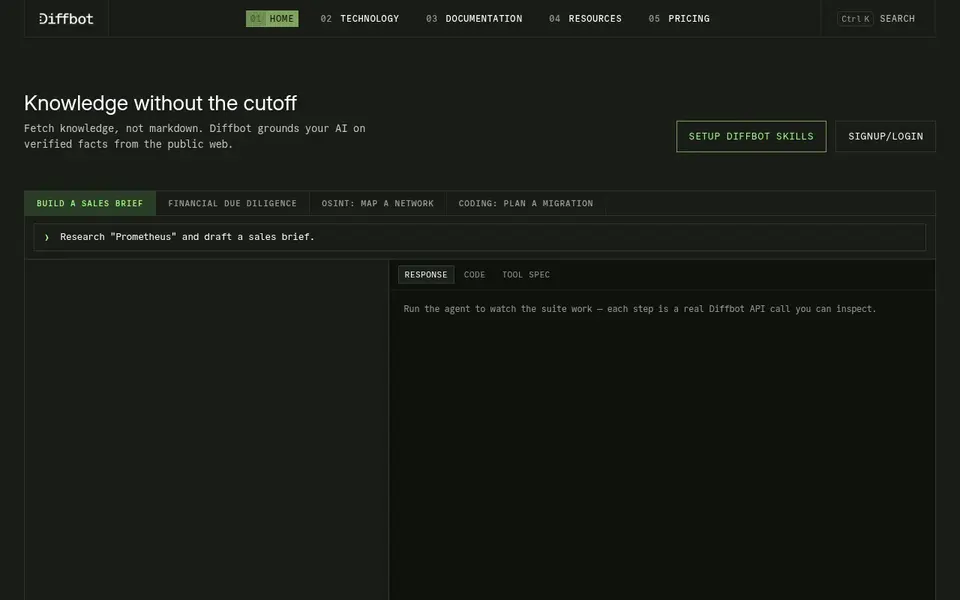
Where Diffbot fits: AI teams that require structured facts plus a web knowledge graph. Startup at $299 a month provides 250,000 credits.
Diffbot cost at the entry level: $299 per month. Diffbot offers a free plan.
Honest limits: Knowledge graph queries burn credits 25 to 100 at a time, so costs spike fast.
- Free plan with no card required
- Knowledge graph handles hundreds of millions of organizations
- Query language for the graph has a ramp-up time
How we built this list
ProMapRanker looked at what each vendor publishes: pricing, plan limits, feature coverage for web scraping software for data analysis and stated drawbacks. No hands-on testing is claimed. Prices and plan limits come from vendor pages and can change, so confirm them on the vendor site before you buy. The sequence is a judgement call: typical use case first, then pricing transparency, then free access. Use the profiles to check fit.
Things to verify first
- Get a written quote from Grepsr; the list shows no starting price for them.
- Read the fine print on the free plans from Browse AI, Dexi.io, Grepsr and Diffbot; seat, project and feature caps differ.
- Run a trial of Import.io, Zyte and Oxylabs with real work before paying for a year; your own workflow is the best test.
- Read the limits listed for Browse AI first: credit-based pricing burns quick on premium sites like Amazon and LinkedIn, which cost 2 to 10 credits per run.
- Find out what support Import.io includes on your plan, and whether onboarding help costs extra.
- Ask Oxylabs about contract length, onboarding fees and user minimums before you sign.
Frequently asked questions
Is Browse AI the right pick for everyone comparing web scraping software for data analysis?
No single tool suits every team. Browse AI comes first because it fits non-technical teams monitoring pages and extracting data without code, while Dexi.io suits teams building their own extraction robots with data pipelines and Grepsr suits business teams that want scraping fully done for them. Match the tool to your own size, budget and workflow before deciding.
Do these tools publish their prices?
Not all of them. Grepsr publishes no starting price, so expect a quote request for it. The rest, Browse AI included, show a starting price, though seats and billing terms still change the final cost.
How are the tools for web scraping software for data analysis ordered?
Browse AI sits first and Diffbot last because the order follows typical fit for web scraping software for data analysis, then price clarity and free access. It is a judgement call, so read each profile for fit and limits.
What is the cheapest option for web scraping software for data analysis in this list?
On published monthly entry prices, Browse AI is the lowest here at $19 per month. Entry price is only part of the cost, because seats, add-ons and billing terms can change the total.
Sources
See where you really rank - block by block
ProMapRanker scans Google Maps across a grid of your service area. Simple monthly plans from $19, white-label on every plan.
Start freeBrowse all guides
← Best Property Management API First Platforms (2026)
 best no code test automation tools
7 Best No Code Test Automation Tools for 2026
Comparing the best no code test automation tools? 7 contenders, each with entry cost, free tier and best-fit buyer. Short, factual notes on every option.
Read → best frontend cloud platform for developers
6 Best Frontend Cloud Platform for Developers in 2026
Weighing the best frontend cloud platform for developers? We lined up 6 products by cost, free access and fit. Includes honest limits for each tool. Facts only.
Read → best fleet emissions reporting software
2026 Guide to the Best Fleet Emissions Reporting Software
Weighing the best fleet emissions reporting software? We lined up 6 products by cost, free access and fit. Pros and cons for every tool. Numbers first.
Read → meta tags analyzer tool
Meta Tags Analyzer Tool: A Complete Guide
Everything you need to know about meta tags analyzer tool: what it is, why it matters for local SEO, and exactly how to act on it.
Read → best blockchain companies
Best Blockchain Companies in 2026
Compare the best blockchain companies for developers, institutions and enterprises, with services, strengths and limits explained in plain terms here.
Read → qr code for google reviews
QR Code for Google Reviews: Set Up and Display It Right
How to create a QR code for Google reviews and where to display it to capture more feedback.
Read →More in Developer Tools · All guides A to Z by date · Latest guides