 ProMapRanker
Top AI Financial Software in 2026

Key takeaways
- Julius is the most accessible starting point for finance teams that want to ask questions of their data in plain language without building a new system.
- Datarails, Anaplan, Planful, and Cube suit teams that live in spreadsheets and need governed planning, consolidation, and scenario modeling.
- AlphaSense is the research pick, because it searches filings, transcripts, and market sources with citations rather than giving a bare answer.
- Ramp stands out for spend control, because its core spend management tools start free and its AI coding works across cards, bills, and expenses.
- Every tool in this list needs human review, because AI output can be wrong, and financial decisions should never rest on an unchecked model result.
Quick comparison
| Pick | Great for | Pricing starts at | Free tier | |
|---|---|---|---|---|
 Julius Julius | Plain-language financial analysis | See website | Free trial | Visit |
 Datarails Datarails | Excel-based FP&A | See website | No | Visit |
 Anaplan Anaplan | Enterprise planning and modeling | See website | No | Visit |
 Planful Planful | Structured planning and close | See website | No | Visit |
 Workiva Workiva | Reporting and compliance | See website | No | Visit |
 AlphaSense AlphaSense | Investment and market research | See website | Free trial | Visit |
 Ramp Ramp | AI spend management | Free | Yes | Visit |
 Cube Cube | Governed FP&A in spreadsheets | See website | No | Visit |
 Pigment Pigment | Connected business planning | See website | No | Visit |
The best AI financial software
This is not financial advice, and trading or investment decisions carry risk. We compared these tools on the finance work they actually do, meaning planning, consolidation, reporting, research, and spend control, rather than on general chatbot ability. Prices for enterprise tools are often quote-based, so we say so plainly where that is the case.

Julius is the easiest entry point in this list for a finance professional who wants answers without learning a new platform. You can upload data or connect sources, ask a question in plain language, and get analysis, charts, and tables back. That workflow suits ad hoc questions that would otherwise take a long spreadsheet session, such as comparing segment trends or summarizing a set of results.
The limit is scope. Julius analyzes data, but it does not replace your accounting system, your planning tool, or your controls. Treat its output as a draft to verify, especially when numbers will go into a board pack or an investor update. Used that way, it saves time on analysis while leaving the final judgment with the finance team.
- Ask questions of spreadsheets and data in plain language
- Scheduled reports
- Live data for many public companies
- Not a full accounting system
- Results need checking against source data
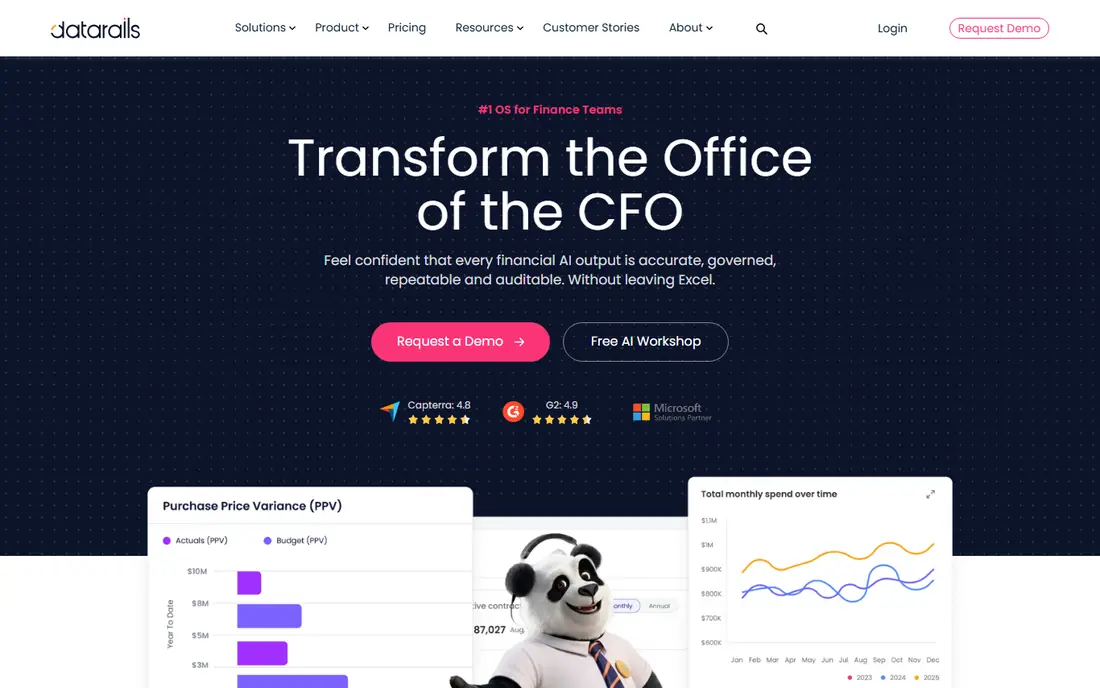
Datarails is built for finance teams that already work in Excel and do not want to abandon it. It adds a governed layer on top of spreadsheets, with automated consolidation, version control, and dashboards that stay linked to the underlying data. That matters because many planning errors come from copying numbers between files, not from the analysis itself.
The AI features help with conversational analysis over consolidated data, so managers can ask for a variance explanation without waiting for a new report build. Pricing is quote-based, which means small teams should ask for a clear quote early and compare it with simpler tools. For mid-size FP&A teams with heavy Excel use, Datarails is a strong fit.
- Keeps Excel as the working interface
- Automated consolidation
- Scenario modeling and variance analysis
- Quote-based pricing
- Implementation takes planning for larger teams
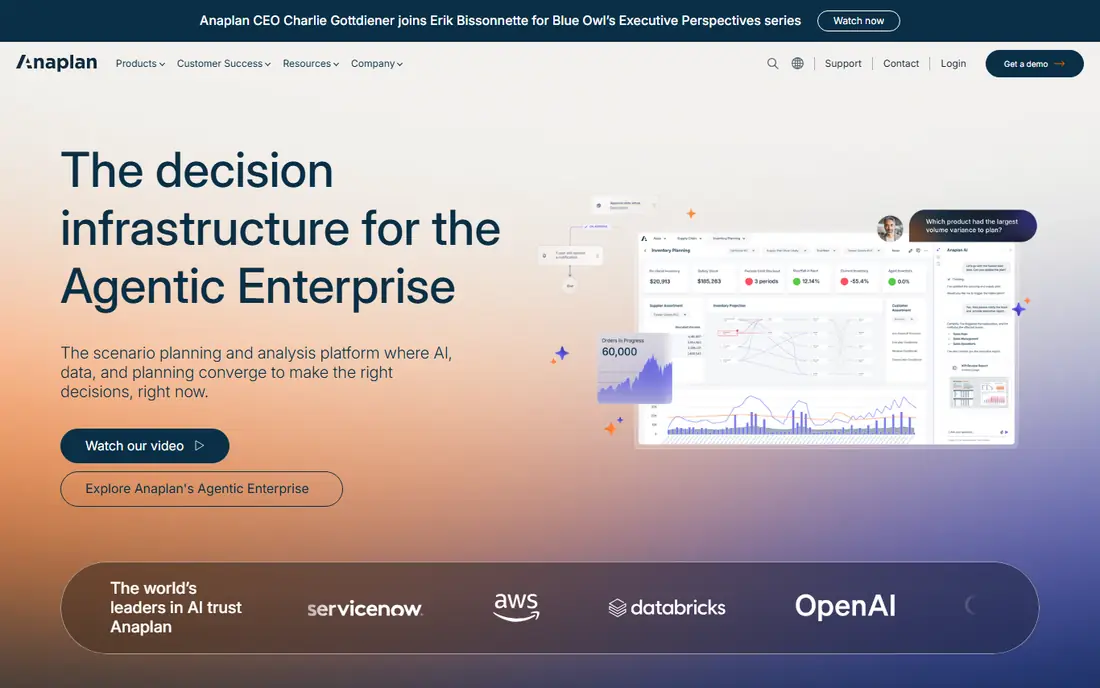
Anaplan is the enterprise pick for organizations that plan across many departments, not just finance. Its connected planning model lets sales, workforce, and finance plans feed into one another, so a change in headcount assumptions flows through to cost and revenue plans. That connection is hard to replicate in a set of linked spreadsheets, and it is where Anaplan earns its price for large companies.
The cost and effort are real. Anaplan is quote-based, implementation needs skilled model builders, and small teams will find it heavy. If your planning is mainly a single finance model in Excel, a smaller tool in this list will serve you better. If your company plans at scale across functions, Anaplan is the benchmark to compare against.
- Connected planning across finance and operations
- Multi-dimensional modeling
- Strong scenario analysis
- Enterprise pricing and implementation effort
- More than small teams need
Planful suits finance teams that want structure around the planning cycle and the close. It covers budgeting, forecasting, consolidation, and close management in one platform, with approvals and workflow controls that keep the process on track. That structure helps teams that struggle with late submissions and inconsistent versions, because the system enforces the timetable and the template.
The trade-off is flexibility. Planful is more structured than a pure modeling platform, so teams that build unusual models may feel constrained. Pricing is quote-based, so get a written quote that covers users and modules. For mid-size companies that want a disciplined planning and close process, Planful is a practical choice.
- Budgeting and forecasting with workflow controls
- Financial close management
- Reporting automation
- Quote-based pricing
- Less flexible for free-form modeling than Anaplan
Workiva is the reporting and compliance pick. It connects data to reports, presentations, and filings, so a number that changes in one place updates everywhere it appears. That linkage reduces the risk of inconsistent figures across a report pack, and the audit trail shows who changed what and when. For listed companies and firms with heavy regulatory reporting, those controls matter more than any single AI feature.
Workiva is not an accounting system and not a planning tool in the Anaplan sense, so it fits best alongside your existing finance stack rather than replacing it. Pricing is quote-based and aimed at reporting teams. If your pain is producing accurate, consistent reports under deadline, Workiva deserves a demo.
- Connected reporting across documents
- Audit trails
- Support for regulatory filings
- Quote-based pricing
- Built for reporting teams, not day-to-day bookkeeping
AlphaSense is the research tool in this list, and it is built for a different job from the planning tools above. It searches earnings calls, filings, broker research, and news, and returns answers linked to source documents. That citation link is the key feature, because finance research is only useful if you can check where a claim came from before you act on it.
Pricing is quote-based and aimed at investment, strategy, and corporate teams, so it will be expensive for a solo user. A free trial is available, which is worth using to test coverage of the companies and sectors you follow. If your work is market research and company analysis, AlphaSense is the strongest pick here. If your work is budgeting, look at Datarails or Planful instead.
- Searches filings, transcripts, and research with citations
- Company and industry coverage
- Internal document search
- Quote-based pricing
- Research-focused, not a planning or accounting tool
Ramp is the spend control pick, and its pricing model is unusual in this list. Core spend management, corporate cards, expense tracking, and bill pay start free, with paid tiers adding advanced controls. Its AI reviews transactions, auto-codes them against your chart of accounts, and flags duplicate subscriptions and anomalies, which cuts the manual work that usually piles up at month end.
The catch is that the free model works best when your team actually uses Ramp cards, because the company earns from card use. Teams that mainly process invoices without cards should compare Ramp with a dedicated AP tool before committing. For card-led teams that want AI coding and real-time spend visibility without a seat fee, Ramp is hard to beat.
- Core spend management and cards start free
- AI auto-coding of transactions
- Bill pay and expense tools in one place
- Revenue model relies on card use
- Advanced tiers add per-user pricing
Cube is built for FP&A teams that want the familiarity of spreadsheets with the control of a planning system. It connects spreadsheet models to governed, single-source data, so teams stop working from conflicting copies of the same numbers. Forecasting, variance analysis, and scenario work sit on top of that governed layer, which makes the output easier to trust.
Pricing is sales-assisted, so small teams should confirm the total cost before a trial turns into a purchase. Cube also rewards a clean data setup: if your source data is messy, the first weeks will go to cleanup rather than analysis. For FP&A teams that live in spreadsheets but need control, Cube is a strong contender alongside Datarails.
- Keeps spreadsheet workflows with governed data
- Forecasting and variance analysis
- Planning controls
- Sales-assisted pricing
- Needs a clean data setup to work well
Pigment is the connected planning pick for organizations that want finance, sales, and workforce planning in one model without the heaviness of a legacy enterprise platform. Its visual modeling interface makes it easier for non-technical planners to understand how drivers connect, and scenario modeling lets teams test changes quickly. That combination suits companies that plan collaboratively across departments.
Pricing is quote-based, and larger models still need careful design, so Pigment is not a quick purchase for a small team. If your planning already spans revenue, headcount, and finance, and you want one connected model, Pigment is worth comparing with Anaplan. If your planning is finance-only, a smaller FP&A tool will be simpler and cheaper.
- Planning that connects finance, revenue, and workforce
- Scenario modeling
- Visual modeling interface
- Quote-based enterprise pricing
- Implementation effort for large models
How we picked these
We compared official product pages, pricing pages, and feature documentation for each tool, along with public finance tool comparisons checked in October 2026. We favored tools with a clear finance use case, meaning planning, consolidation, reporting, research, or spend control, rather than general AI chatbots with no finance structure. We noted where pricing is quote-based, because that changes how a buyer should evaluate cost.
We did not claim hands-on testing with live company data, and we did not treat AI output as verified fact. Finance tools earn trust through controls, audit trails, and source citations, so we weighted those features alongside automation claims. Any tool that promises fully autonomous finance work without review should be treated with caution.
How to choose the right tool
Start with the job, not the AI label. If your pain is planning, shortlist Datarails, Cube, Planful, Anaplan, or Pigment based on company size and complexity. If your pain is reporting and compliance, start with Workiva. If your pain is research, start with AlphaSense. If your pain is spend control, start with Ramp. Julius fits across these jobs as an analysis layer, but it does not replace a system of record.
Next, test with your own data and your own questions, and check the output against source documents before you trust it. Ask about data controls, access permissions, and where your data is stored, especially for listed companies and regulated firms. Finally, get total pricing in writing, including users, modules, and implementation, because quote-based tools can differ widely in total cost.
Frequently asked questions
What are the best AI tools for finance?
The best tools depend on the job. Julius suits plain-language analysis, Datarails and Cube suit Excel-based FP&A, Anaplan and Pigment suit connected enterprise planning, Workiva suits reporting, AlphaSense suits research, and Ramp suits spend control. Pick by the workflow you want to improve, not by the broadest feature list.
What are the best financial AI tools for small businesses?
Small teams should start with tools that have a free tier or clear published pricing, such as Ramp for spend control and Julius for analysis. Enterprise planning tools are usually too heavy and too expensive for a small team, so avoid quote-based platforms unless you have a specific planning problem they solve.
Can AI financial software replace an accountant?
No. AI tools can automate data entry, coding, analysis, and draft reporting, but they cannot replace professional judgment, tax advice, or audit responsibility. Use them to reduce manual work and surface issues faster, and keep a qualified professional in charge of final decisions and filings.
How much does AI financial software cost?
Costs range from free for Ramp core tools to quote-based enterprise pricing for Anaplan, Workiva, Datarails, Planful, Cube, and Pigment. Always ask for a written quote that covers users, modules, implementation, and renewal terms, because the headline price rarely tells the full story.
Is my financial data safe with AI tools?
That depends on the vendor controls, including encryption, access permissions, audit logs, and data retention terms. Ask vendors directly how your data is used, whether it trains shared models, and how you can delete it. For sensitive or regulated data, prefer vendors with published security certifications and clear data processing terms.
What is the best tool for financial services teams specifically?
Teams in financial services often need research and reporting strength, so AlphaSense for research and Workiva for reporting are strong starting points, alongside a planning tool such as Anaplan or Pigment for enterprise planning. The right mix depends on whether your team does analysis, reporting, or planning most often.
Sources
See where you really rank - block by block
ProMapRanker scans Google Maps across a grid of your service area. Simple monthly plans from $19, white-label on every plan.
Start freeKeep reading
 zeffy payment processor stripe alternatives
Zeffy and Stripe Alternatives for Nonprofits in 2026
Explore zeffy payment processor stripe alternatives for nonprofits. We compare 8 fundraising platforms on fees, donor tools, and nonprofit focus. Check fees.
Read → workday alternatives
Workday Alternatives in 2026
Workday alternatives compared: we review 8 HR and payroll platforms that replace Workday, with pricing, strengths and honest limits for each team size.
Read → what's the best weather app
What's the Best Weather App in 2026
Wondering what's the best weather app? We compare 10 free and paid apps for forecasts, radar, alerts, and Colorado mountain weather for everyday and storm use.
Read →