 ProMapRanker
Best Thunkable Alternatives in 2026

Key takeaways
- Thunkable suits simple mobile apps, but builders such as Bubble, FlutterFlow, and Adalo cover wider ground, from complex web apps to native mobile apps.
- If you want to keep your code, FlutterFlow and Draftbit stand out, while Glide and Softr are faster when your data already lives in a spreadsheet or Airtable base.
- Free plans are useful for learning and prototyping, but publishing to app stores and removing branding usually requires a paid plan.
- Price alone does not decide the winner, because database limits, per-user pricing, and publishing fees change the real monthly cost.
Quick comparison
| Pick | Great for | Pricing starts at | Free tier | |
|---|---|---|---|---|
 Bubble | Complex web apps and startups | See website | Yes | Visit |
 FlutterFlow | Native mobile apps with code export | $39 per month | Yes | Visit |
 Adalo | Simple native mobile apps | See website | Yes | Visit |
 Glide | Apps from spreadsheets and databases | See website | Yes | Visit |
 Softr | Client portals and internal web apps | See website | Yes | Visit |
 AppSheet | Google Workspace teams and field apps | $5 per user per month | Free trial | Visit |
 Draftbit | React Native apps with code access | See website | Yes | Visit |
 GoodBarber | Content and shopping apps | See website | Free trial | Visit |
 Appy Pie | Template-led small business apps | $16 per app per month | Free trial | Visit |
 BuildFire | Business apps with managed publishing help | See website | Free trial | Visit |
The best thunkable alternatives
We compared official feature pages, pricing pages, app store listings, and public reviews to find builders that cover the same ground as Thunkable without copying it. The list below mixes web-first tools, native mobile builders, and spreadsheet-to-app options, so the right pick depends on what you plan to ship.
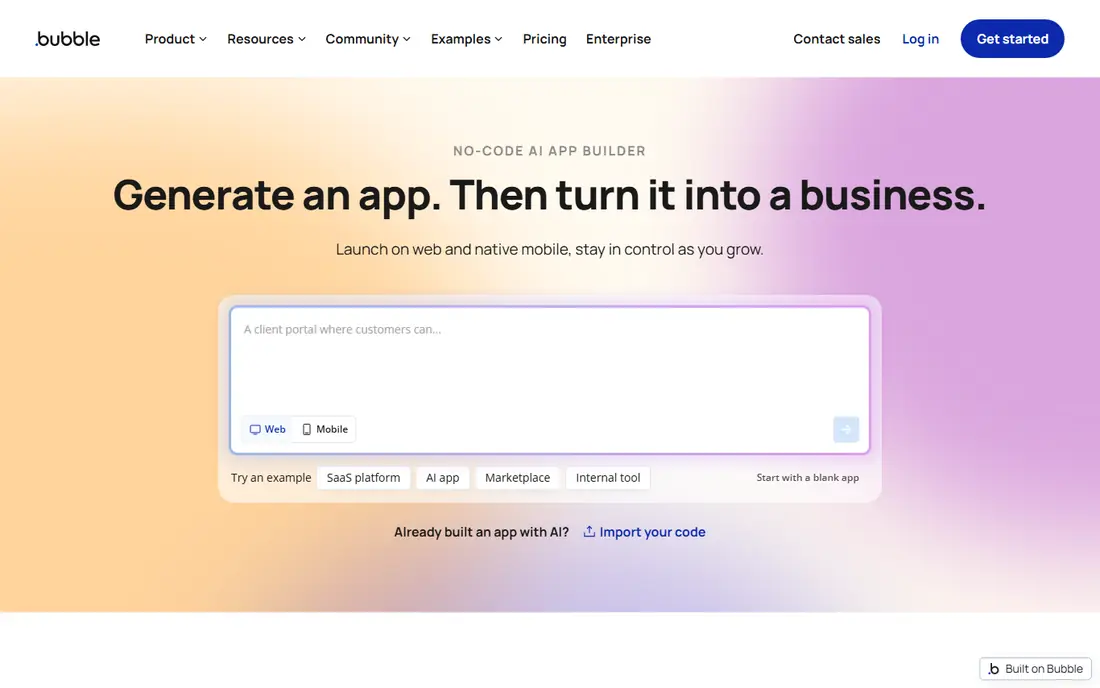
Bubble is the pick when your idea is really a web app with accounts, payments, and layered workflows. Its visual editor lets you build database structures, page logic, and user permissions without writing code, and the plugin library adds payments, maps, and other common features. That depth makes it a strong choice for a minimum viable product that may grow into a full product.
The trade-off is that Bubble is not a native mobile builder in the same way Thunkable is. You can wrap a Bubble app for mobile stores, but the result may not feel as native as an app built in FlutterFlow or Adalo. Budget time to learn the workflow editor, and watch usage-based pricing as traffic grows.
- Visual workflows handle complex logic
- Large plugin library
- Built-in database and hosting
- Mobile apps need a wrapper approach
- Learning curve is steeper than Thunkable
- Pricing can rise with usage
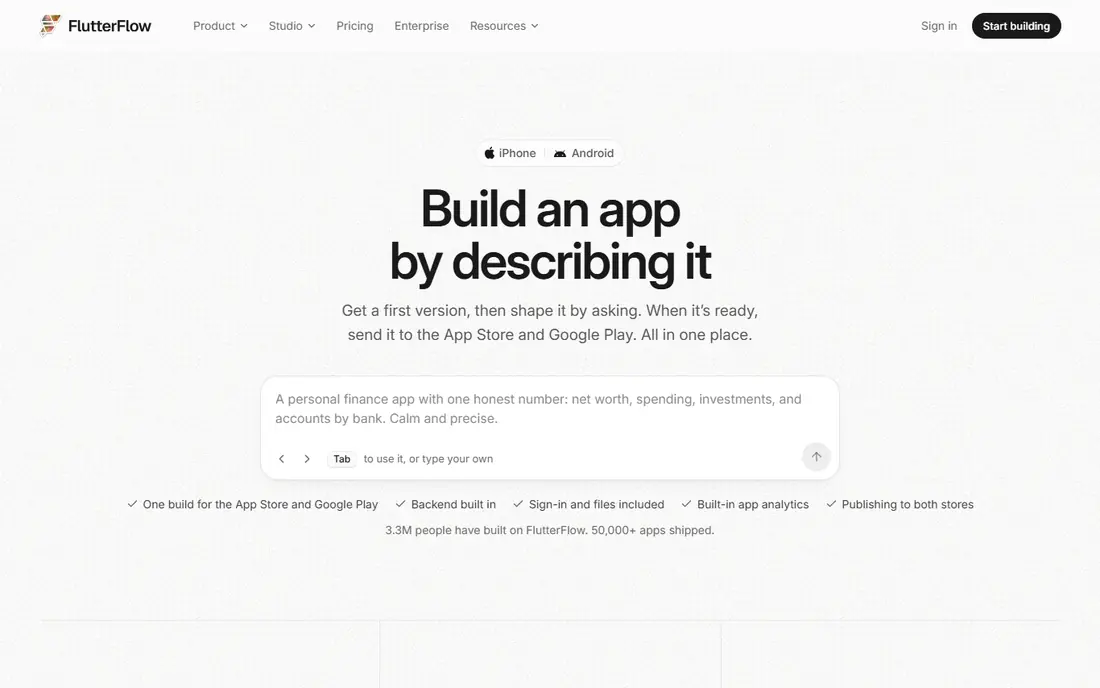
FlutterFlow appeals to teams that want a visual builder but do not want to be locked into one platform forever. You build screens visually, connect Firebase for data and authentication, and export Flutter code on paid plans when you need outside help or a custom change. That combination suits apps that start simple and later need developer input.
Beginners may find the interface busier than Thunkable at first, especially when setting up data models and state. The free plan is good for learning, but publishing and code download sit behind paid plans. If code ownership matters to you, this is one of the strongest options here.
- Exports Flutter code on paid plans
- Firebase integration
- Native iOS and Android output
- Steeper learning curve for beginners
- Some advanced features need paid plans
- Design freedom can slow first builds

Adalo feels closest to Thunkable for a newcomer who wants a phone app without code. Screens, components, and actions are assembled visually, and the built-in database keeps small projects moving without a separate backend. For a simple booking app, directory, or internal tool, that speed is the main attraction.
Larger apps with heavy data or complex logic can hit limits sooner than they would in Bubble or FlutterFlow. Publishing to the Apple App Store and Google Play also requires a paid plan, so check the current plan limits before you build around a feature that sits on a higher tier.
- Friendly drag-and-drop editor
- Native app publishing
- Built-in database for small apps
- Scaling limits on larger apps
- Fewer deep customization options
- Paid plans needed for publishing
Glide is the fastest route when your content already exists in a spreadsheet. Connect a sheet, pick a template, and you have a working app with lists, forms, and user access in a short time. Small businesses use it for inventory trackers, directories, staff tools, and customer portals.
What you gain in speed, you lose in pixel-level control. Glide apps are best viewed as polished data apps rather than fully custom native apps, and very large datasets need careful planning. If your data is tidy and your screens follow standard patterns, few tools get you live faster.
- Turns Google Sheets, Excel, and Airtable data into apps fast
- Clean templates
- Good for internal tools
- Less control over fully custom mobile design
- Performance can strain with very large datasets
- Native app feel is limited
Softr turns Airtable or Google Sheets into a client portal, internal dashboard, or membership site without code. You can control who sees each page, add forms, and present records in lists, calendars, and kanban views. That makes it a good fit for agencies, schools, and small teams that need a presentable front end for data they already manage.
It is not the best choice if you need a native app in the app stores, since Softr is web-first. Complex workflows may also need an automation tool alongside it. For portals and internal tools, though, its balance of templates and permissions is hard to beat.
- Builds portals from Airtable or Google Sheets
- User permissions and membership features
- Many templates
- Web-first rather than native mobile
- Deeper logic needs workarounds
- Pricing rises with app users
AppSheet, from Google, builds apps from spreadsheets and databases with a focus on practical business use. Field teams use it for inspections, inventory, surveys, and approvals, and its automation features can send alerts or update records based on form entries. The Google Workspace connection is a clear plus for teams already using Gmail, Drive, and Sheets.
Design polish is not its main strength, and the editor can feel dense when you first open it. If your team lives in Google Workspace and needs a working field app more than a showpiece design, AppSheet offers strong value at its entry price.
- Strong Google Workspace integration
- Offline-capable field apps
- Automation and data capture features
- Design flexibility is limited
- Interface can feel complex for beginners
- Google-centered workflow
Draftbit gives mobile builders a visual way to create React Native apps while keeping a path to the underlying code. You assemble screens from components, connect APIs and backends, and publish native apps for iOS and Android. Teams that want more control than a template builder offers, without starting from a blank code editor, will like this middle ground.
The community and template library are smaller than the biggest names on this list, so you may build more screens from scratch. Pricing and code export details vary by plan, so confirm the tier you need before committing a project to it. For code-aware teams, it is a credible Thunkable alternative.
- Visual React Native builder
- Code export options
- Component library for mobile screens
- Smaller community than Bubble or FlutterFlow
- Some features need paid plans
- Best for teams comfortable with mobile concepts
GoodBarber focuses on apps where content or products are the star. News, blogs, podcasts, restaurants, and small shops can use its templates to get a native app and a web version with push notifications and in-app purchases. The editor is guided, which helps non-technical owners ship something polished without hiring a developer.
It is less flexible for apps built around unusual workflows or heavy custom logic. Monthly pricing also sits above the cheapest template builders, so it fits best when the app itself is part of the business, such as a shop or a membership publication, rather than a one-off experiment.
- Strong templates for content and ecommerce
- Native apps and web apps
- Push notifications
- Less suited to complex custom logic
- Monthly cost is higher than simple builders
- Customization has limits
Appy Pie is built for small business owners who want an app quickly and do not want to learn a complex platform. Pick an industry template, swap in your branding and content, and publish for iOS and Android. Restaurants, clinics, gyms, and local shops are typical users, and the per-app pricing model is easy to understand.
The catch is that the price is per app, so running several apps costs more than a platform with unlimited apps on one plan. Design and logic options are also simpler than Bubble or FlutterFlow. If you need one straightforward business app, Appy Pie is a practical, low-friction choice.
- Wide template library by industry
- Per-app pricing
- No-code editor for beginners
- Per-app pricing adds up with several apps
- Design depth is limited
- Advanced features may need higher tiers
BuildFire targets businesses that want a native app plus help getting it published and maintained. Its plugin system covers loyalty programs, food ordering, bookings, and messaging, and white-label options suit agencies that build for clients. The platform handles much of the app store process, which removes a common stumbling block for first-time publishers.
That support comes at a higher price than the hobbyist builders on this list, so it makes sense when the app supports real revenue or operations. Teams that want total design freedom or code export may prefer FlutterFlow or Draftbit instead. For a business app with a clear commercial purpose, BuildFire is worth a quote.
- Plugin marketplace for common business features
- White-label options
- Publishing support
- Higher entry cost than hobby builders
- Less design freedom than a code-first tool
- Ongoing subscription required
How we picked these
We compared official feature pages, pricing pages, app store listings, and public reviews, and we kept only builders that are live and still accepting new projects in October 2026. We favored tools that cover Thunkable's core job, which is building a working mobile or web app without code, and we included both native mobile builders and web-first options because readers search for this topic with different end goals. Where a price could not be verified on the vendor site at the time of writing, we wrote See website rather than guessing.
What to check before you commit
Start with the end result, not the editor. Decide whether you need a native app in the Apple App Store and Google Play, a web app, or both, because that single choice rules out several tools at once. Then list the features you cannot drop, such as payments, user accounts, offline use, or push notifications, and test each one on a free plan or trial before you pay.
Next, look past the headline price. Check how many app users, database rows, and published apps each plan allows, and whether publishing, branding removal, or code export sits on a higher tier. A cheap plan that blocks publishing is not cheap if you have to upgrade on day one. Finally, build one real screen with your own data, not just the demo template, because that test reveals limits in design, logic, and speed that a feature list hides.
Frequently asked questions
Is Thunkable still a good choice, or should I switch?
Thunkable still works well for simple cross-platform apps and learning projects. Switch when you need deeper web app logic, code export, a spreadsheet-driven portal, or a level of scale that Thunkable handles less comfortably.
Which Thunkable alternative is best for beginners?
Adalo and Glide are among the easiest starting points, with Adalo leaning toward native mobile apps and Glide leaning toward data-driven apps. Softr is also friendly if your goal is a web portal rather than a store app.
Can I publish to the Apple App Store and Google Play with these tools?
FlutterFlow, Adalo, Draftbit, GoodBarber, Appy Pie, and BuildFire support native publishing, usually on paid plans. Bubble and Softr are web-first, so check their current mobile publishing options before you assume store distribution.
Do any of these alternatives let me export my code?
FlutterFlow and Draftbit are the strongest picks for code access, with export options tied to paid plans. Most other builders on this list keep your project inside their platform, so treat export as a deciding factor if you may hire developers later.
What is the cheapest way to test an idea?
Start with a free plan from Glide, Bubble, Adalo, or FlutterFlow and build a small version with real data. Move to a paid plan only when you need publishing, more users, or features that the free tier blocks.
How long does it take to build a simple app with these tools?
A simple directory, booking, or internal tool can take days rather than months when the data and screens are straightforward. Complex apps with payments, roles, and custom logic take longer on every platform, including Thunkable.
Sources
See where you really rank - block by block
ProMapRanker scans Google Maps across a grid of your service area. Simple monthly plans from $19, white-label on every plan.
Start freeKeep reading
 zoho books alternatives
Best Zoho Books Alternatives in 2026
Compare the best zoho books alternatives for small business accounting, from QuickBooks Online and Xero to FreshBooks, Wave, and Sage in 2026, with pricing.
Read → zluri alternatives
Best Zluri Alternatives in 2026
Compare zluri alternatives for 2026, with SaaS management platforms for app discovery, spend tracking, renewals, and automation for IT, finance and procurement.
Read → zerobounce alternatives
Best ZeroBounce Alternatives in 2026
Best zerobounce alternatives for list hygiene: compare 8 email verification tools for bulk cleaning, real-time checks and catch-all handling in 2026 today.
Read →