 ProMapRanker
Best Slack Alternatives in 2026

Microsoft 365 companies · Pricing starts at: $4 per user per month
Key takeaways
- Microsoft Teams is the easiest switch for companies already paying for Microsoft 365, since chat, meetings, and files sit together.
- For open source slack alternatives, Mattermost, Rocket.Chat, and Zulip give you self hosting and data control that hosted apps cannot match.
- Discord and Pumble are the cheapest ways to keep a community or small team talking with unlimited message history on free plans.
- The best alternatives to slack are not all cheaper, so check message history, guest access, and admin controls before you move a team.
Quick comparison
| Pick | Great for | Pricing starts at | Free tier | |
|---|---|---|---|---|
| Microsoft Teams | Microsoft 365 companies | $4 per user per month | Yes | Visit |
 Discord Discord | Communities and voice chat | Free | Yes | Visit |
 Google Chat Google Chat | Google Workspace teams | $7 per user per month | Yes | Visit |
 Mattermost Mattermost | Self hosted team chat | See website | Yes | Visit |
 Rocket.Chat Rocket.Chat | Self hosted open source chat | See website | Yes | Visit |
 Zulip Zulip | Topic based async chat | $6.67 per user per month | Yes | Visit |
 Twist Twist | Async first remote teams | $6 per user per month | Yes | Visit |
 Pumble Pumble | Low cost unlimited history | $2.49 per user per month | Yes | Visit |
 Chanty Chanty | Small teams with tasks | $3 per user per month | Yes | Visit |
The best slack alternatives
Slack works well, but its free history limits and per user price push many teams to look elsewhere. We compared official pricing, free plans, self hosting options, and core chat features to build a list that covers offices, communities, and technical teams.
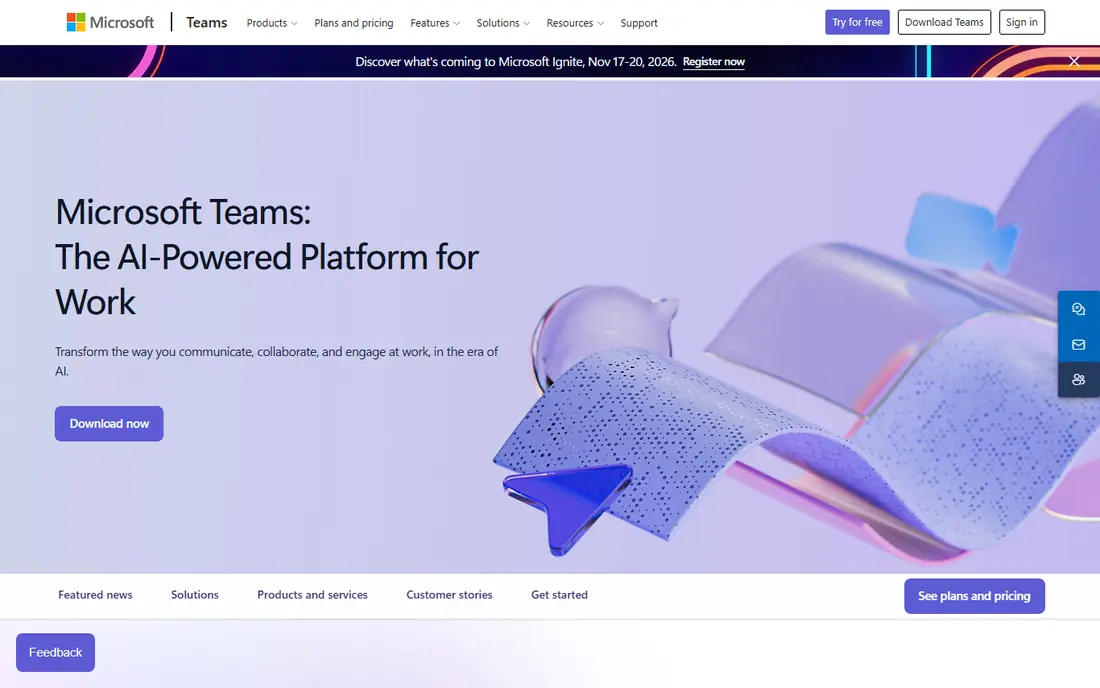
Microsoft Teams is the most natural of the top slack alternatives for any company already using Word, Excel, and Outlook. Channels, direct messages, and video meetings live in one place, and files open from OneDrive or SharePoint without extra logins. That closeness cuts app switching for office teams. The downside is weight. Teams carries calendars, apps, and meeting tools that a small chat group may never use. If your company already pays for Microsoft 365, Teams is close to free in practice. If not, compare the Essentials price against simpler chat apps before you commit.
- Meetings, chat, and files in one app
- Strong admin and compliance controls
- Deep Office integration
- Interface can feel heavy for simple chat
- Best value needs a Microsoft 365 plan

Discord started for gamers, but it now hosts study groups, creator communities, and small teams that live on voice. Text channels, voice rooms, and video calls work from one free account, and message history does not expire after 90 days on the free tier. That alone beats many paid chat tools. Business teams should note the limits. Admin controls, compliance tools, and guest management are lighter than in Slack or Teams. For a community or a casual team that values voice and low cost, Discord is one of the best free slack alternatives available today.
- Free with unlimited message history
- Excellent voice channels and screen sharing
- Huge bot and integration ecosystem
- Weaker business admin controls
- Channel layout can feel noisy for large work teams
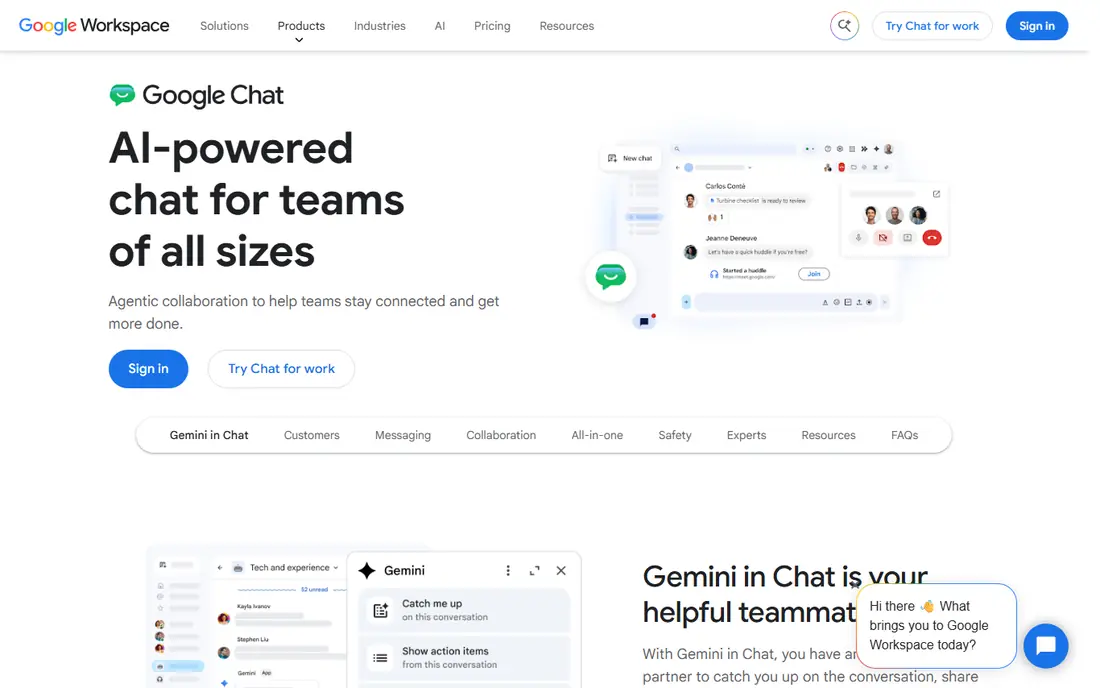
Google Chat is the quiet pick among alternatives to slack for Workspace companies. Spaces group conversations by project, direct messages stay simple, and Google Meet handles video without a separate app. Search across Chat, Gmail, and Drive helps when a decision lives in an old thread. A personal Google account gives you Chat for free, but business use sits inside a Workspace plan starting at Business Starter. Teams that need hundreds of niche integrations may miss Slack, but teams already living in Gmail and Docs will find Chat familiar and fast.
- Included with Google Workspace
- Simple spaces for projects
- Strong search across Gmail and Drive
- No standalone business free plan
- Fewer third party apps than Slack
Mattermost is built for organizations that want to own their chat data. The open source Team Edition runs on your own servers, and paid editions add compliance, advanced permissions, and enterprise support. Developers get boards, playbooks, and integrations with common DevOps tools. Self hosting is both the strength and the cost. You gain control, but you also own updates, backups, and uptime. For regulated teams and technical companies, that trade is worth it. For a five person team with no IT support, a hosted app will be simpler.
- Open source Team Edition for self hosting
- Strong security and compliance options
- Familiar channel layout
- Paid plans are quote based for many teams
- Setup needs technical skill for self hosting
Rocket.Chat is one of the most flexible open source slack alternatives, with chat, video, and customer messaging in one platform. Teams can host it themselves, control data location, and extend it through an open app framework. The Starter tier helps small self hosted teams get going without a bill. As with Mattermost, the real cost is operational. Someone must run the server, apply updates, and watch security patches. If your team has that skill, Rocket.Chat offers a level of control that hosted tools cannot match. If not, start with a hosted trial before you self host.
- Free community edition for self hosting
- Starter plan covers up to 50 users
- Voice, video, and omnichannel options
- Commercial pricing is not published for larger plans
- Setup and maintenance need technical time
Zulip takes a different approach to chat, and it works best for teams drowning in noisy channels. Every message sits inside a topic, so a busy channel stays readable for days, not minutes. That structure suits engineering teams, open source projects, and distributed groups working across time zones. Cloud Standard costs $6.67 per user per month on annual billing, while self hosting is free and open source. The free cloud tier caps searchable history at 10,000 messages, so large teams should plan for paid or self hosted use. Once a team learns topics, going back to flat channels feels messy.
- Topics keep long conversations readable
- Free self hosted version with unlimited history
- Strong search and threading
- Topic model takes time to learn
- Smaller integration catalog than Slack
Twist is built for teams that want fewer interruptions. Conversations are threads with clear subjects, so people can catch up on their own schedule instead of watching a channel scroll past. That calm design helps remote teams spread across time zones. The free plan keeps only one month of history, which limits its use as a long term archive. Paid Unlimited costs $6 per user per month and removes that cap. If your team values deep work over instant replies, Twist is one of the best alternatives to slack for async work.
- Threaded conversations reduce always on pressure
- Clean interface
- Good fit for remote teams in many time zones
- Free plan limits history to one month
- No real time voice focus like Discord or Teams
Pumble wins on price and on history. The free plan covers unlimited users and unlimited message history, which removes the most common reason teams leave Slack. Channels, direct messages, threads, and video calls cover the daily basics without a steep learning curve. Paid Pro starts at $2.49 per user per month on annual billing and adds more storage and admin controls. The integration list is smaller than Slack, and project tasks need the sister app Plaky. For small teams that mainly need chat with a searchable past, Pumble is hard to beat on value.
- Free plan includes unlimited users and message history
- Low paid price
- Familiar Slack style channels
- Smaller integration catalog
- Task features live in a sister app rather than inside chat
Chanty suits small teams that want chat and simple task tracking in one place. Messages, voice notes, and a Kanban board sit together, so a decision in chat can become a task without opening another app. Setup takes minutes, which matters for teams without IT support. The free plan works for very small groups, while Business costs $3 per user per month on annual billing and adds unlimited history and more storage. Larger companies will want stronger admin controls, but for a team of ten or twenty, Chanty keeps work visible and affordable.
- Built in Kanban tasks and teambook
- Unlimited message history on paid plans
- Simple setup for small teams
- Free plan caps team size
- Fewer enterprise admin tools than Teams or Mattermost
How we picked these
We compared official pricing pages, free plan limits, self hosting options, and core features for apps that truly replace Slack for team messaging. Each product above exists and works today, and its website is its official homepage. Where a vendor does not publish a price, we wrote See website rather than copying a third party estimate.
How to choose a Slack alternative
Start with where your files and meetings already live. A Microsoft shop should lean toward Teams, a Google shop toward Google Chat, and a privacy focused team toward Mattermost or Rocket.Chat. Price per user matters, but message history, guest access, and search often matter more after a year of use.
Test the move before you commit
Run the new app beside Slack for two weeks with one team. Import or copy a few real channels, test search for an old decision, and check how guests and contractors join. A chat tool that feels fine in a demo can still fail on search, notifications, or mobile use.
Check the costs you cannot see
Self hosted tools look free until you count server time, updates, and backups. Hosted tools look cheap until you add guests, storage, or compliance features. Add those costs to the per user price before you compare totals.
Frequently asked questions
What are the best free slack alternatives?
Discord and Pumble lead on free value, since both offer unlimited message history without payment. Google Chat is free with a personal account, and Mattermost, Rocket.Chat, and Zulip offer free self hosted versions. The right free pick depends on if you need community voice chat, business admin tools, or data control.
What are the best slack alternatives open source?
Mattermost, Rocket.Chat, and Zulip are the strongest open source slack alternatives. All three can be self hosted, which gives your team control over data and hosting. Zulip stands out for topic based async discussion, while Mattermost and Rocket.Chat feel closer to classic Slack channels.
What is the best alternative to Slack for small teams?
Pumble and Chanty suit small teams best, thanks to low prices and simple setup. Pumble starts at $2.49 per user per month on annual billing, while Chanty starts at $3 per user per month. Both keep chat simple, and Chanty adds task boards for teams that want light project tracking.
Can I use Discord as a Slack alternative for work?
Yes, for small and informal teams, especially those that use voice often. Discord offers free chat, voice channels, and unlimited history, but it lacks the admin, compliance, and guest controls that larger companies need. For a community or a startup team, it works well, but regulated companies should choose Teams or Mattermost.
Do Slack alternatives support integrations?
Yes, but the range varies a lot. Teams and Google Chat integrate best with their own office suites, while Slack style apps such as Pumble and Chanty cover common tools. Self hosted apps rely on their own app frameworks and webhooks, so check for your must have tools, such as GitHub, Jira, or Google Drive, before you move.
Sources
See where you really rank - block by block
ProMapRanker scans Google Maps across a grid of your service area. Simple monthly plans from $19, white-label on every plan.
Start freeKeep reading
 zeffy payment processor stripe alternatives
Zeffy and Stripe Alternatives for Nonprofits in 2026
Explore zeffy payment processor stripe alternatives for nonprofits. We compare 8 fundraising platforms on fees, donor tools, and nonprofit focus. Check fees.
Read → workday alternatives
Workday Alternatives in 2026
Workday alternatives compared: we review 8 HR and payroll platforms that replace Workday, with pricing, strengths and honest limits for each team size.
Read → what's the best weather app
What's the Best Weather App in 2026
Wondering what's the best weather app? We compare 10 free and paid apps for forecasts, radar, alerts, and Colorado mountain weather for everyday and storm use.
Read →