 ProMapRanker
Best Resend Alternatives in 2026


Critical transactional delivery · Pricing starts at: $15 per month
Key takeaways
- Postmark leads for critical transactional mail where delivery and separate message streams matter most.
- Amazon SES is the cheapest at high volume, but it needs more setup and monitoring than a managed API.
- SendGrid and Mailgun suit teams that want transactional and marketing mail from one large vendor.
- Free tiers differ sharply, so check daily caps and account approval rules before building on a free plan.
Quick comparison
| Pick | Great for | Pricing starts at | Free tier | |
|---|---|---|---|---|
| Postmark | Critical transactional delivery | $15 per month | Yes | Visit |
 Mailgun | Developer APIs and inbound mail | $15 per month | Yes | Visit |
 SendGrid | Large-scale sending from one vendor | $19.95 per month | Free trial | Visit |
 Amazon SES | High-volume AWS sending | $0.16 per 1,000 emails | No | Visit |
 Brevo | Transactional plus marketing mail | $9 per month | Yes | Visit |
 MailerSend | Small teams and multi-channel mail | $7 per month | Yes | Visit |
 Mailtrap | Testing plus production sending | $15 per month | Yes | Visit |
 Plunk | Self-hosted and simple sending | See website | Yes | Visit |
The best Resend alternatives
Resend won developers over with a clean API and simple setup, so the best replacement depends on whether you need lower cost, stronger deliverability, marketing mail in the same account, or a sandbox for testing. We compared official feature pages, pricing pages, and public reviews for the tools below.
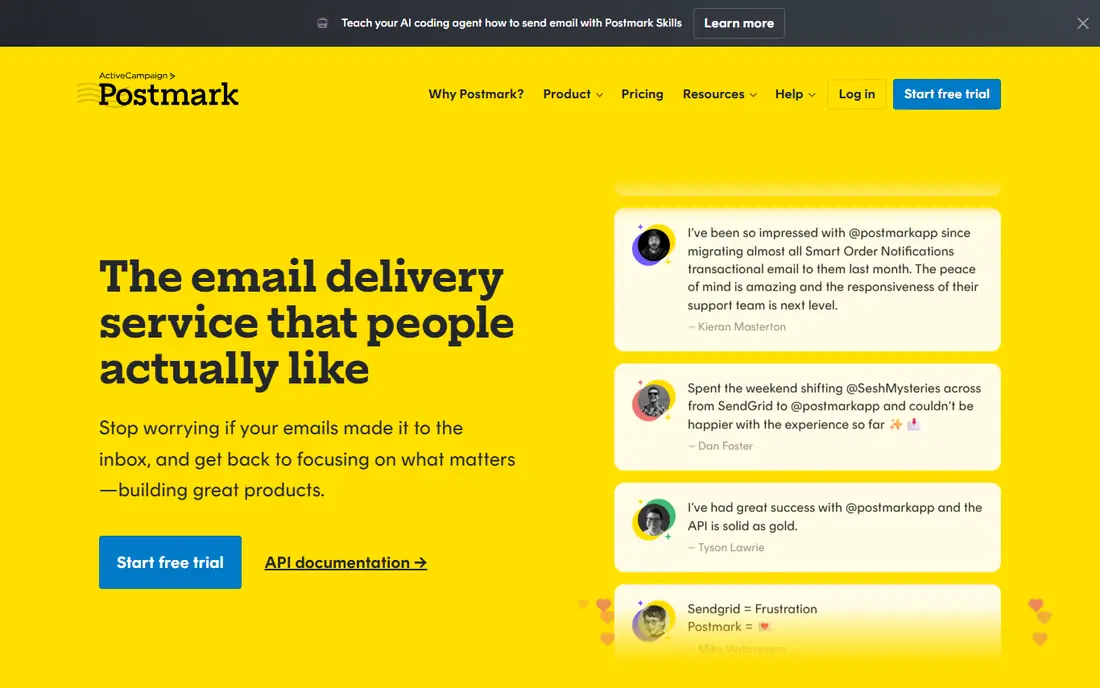
Postmark treats transactional mail as its core job, not an add-on to marketing campaigns. Transactional and broadcast messages travel on separate streams, which helps protect password resets and receipts from the reputation effects of a bulk send. Detailed logs, bounce handling, and webhook events make it easier to trace a single missing message.
The free tier is small, at 100 emails per month, so it suits testing rather than production. Paid plans start at 15 dollars for 10,000 emails, with overage charges above that. Teams where a missed receipt costs a sale will find that trade fair.
- Separate streams for transactional and broadcast mail
- Fast delivery focus
- Detailed message tracking and bounce handling
- Free tier is only 100 emails per month
- Marketing features are narrower than all-in-one vendors

Mailgun has served developers for years, and its API, SMTP support, and inbound routing cover both sending and receiving mail in one account. Inbound routes can parse replies and forward them to an app, which suits support workflows and automated replies. Logs and analytics help teams spot delivery problems early.
The free tier allows 100 emails per day, which is enough for a small app but not for a launch spike. Paid plans start at 15 dollars for 10,000 emails. Teams that need inbound processing and flexible routing will get more from Mailgun than from a sending-only API.
- Mature API and SMTP support
- Inbound routing and parsing
- Detailed logs and validation tools
- Free tier is capped at 100 emails per day
- Validation is a paid add-on on some plans
SendGrid, now part of Twilio, remains the enterprise default for many teams. It handles transactional mail and marketing campaigns from one account, and it fits naturally for companies already using Twilio for messaging or verification. Dedicated IPs and subuser controls on higher plans help larger teams separate products or clients.
There is no permanent free plan, only a trial at 100 emails per day for 60 days, so small projects must move to a paid plan sooner. The dashboard also feels busier than newer tools. For a team that wants one vendor at scale, SendGrid still makes sense.
- Large scale and long track record
- Transactional and marketing mail in one platform
- Fits Twilio accounts
- No permanent free plan, only a 60-day trial
- Dashboard and setup feel heavier than newer APIs
Amazon SES is the cheapest raw option on this list for high volume, at 16 cents per 1,000 emails on its Essentials plan. Teams already running on AWS can send from the same account and region as their app, with costs that stay low even at millions of emails. That price is hard to beat for newsletters and notifications at scale.
Setup is the cost instead. New accounts start in a sandbox that only sends to verified addresses until AWS approves higher limits, and teams must handle bounce and complaint monitoring themselves. There is no free tier for new accounts beyond AWS credits. SES suits engineering teams with the time to manage deliverability.
- Very low per-email cost at volume
- Strong fit for AWS workloads
- Dedicated IP options on higher use
- New accounts start in a sandbox with sending limits
- Setup, reputation monitoring, and templates need more work
Brevo, formerly Sendinblue, suits small businesses that want one account for both product mail and marketing campaigns. The free plan allows 300 emails per day, which is generous for a small app, and paid plans start at 9 dollars for 5,000 emails. Automation, forms, and a basic CRM sit alongside sending, so a team can run onboarding and newsletters without a second tool.
Specialised deliverability is the trade-off. Brevo does not match Postmark for pure transactional focus, and some features need higher tiers. For a small team that values one combined tool over a best-in-class transactional API, Brevo is a practical pick.
- Free plan allows 300 emails per day
- Marketing campaigns, automation, and CRM in the same account
- Volume-based pricing
- Transactional deliverability tools are less specialised than Postmark
- Branding removal costs extra on lower plans
MailerSend offers a clean, low-cost route for small teams that need transactional mail and, later, other channels. The free plan covers 500 emails per month, and the Hobby plan costs 7 dollars per month for 5,000 emails. Templates, bulk sending, and multiple team members are included on paid plans, which helps a small product team share one account.
History and volume limits are the catch. Lower plans keep only a short activity history, and larger senders will need the Starter or Professional tier. For a side project or early product, MailerSend is an affordable Resend replacement with room to grow.
- Low entry price
- Email plus SMS and WhatsApp on higher plans
- Simple templates and team seats
- Free plan is only 500 emails per month
- Activity history is short on lower plans
Mailtrap started as a testing sandbox that captures test mail before it reaches real inboxes, and it now adds production sending to the same account. The free plan allows 4,000 emails per month for sending, with a daily cap, which is generous for development and small apps. Teams that already test with Mailtrap can move to production without learning a second tool.
Production sending is newer here than at Postmark or Mailgun, so large senders should test deliverability and support response before a full migration. Pricing also climbs faster at higher volumes. For teams that value testing safety alongside sending, Mailtrap is a useful combined choice.
- Separate sandbox for safe email testing
- Generous free sending tier
- Production sending in the same account
- Sending features are newer than its testing tools
- Pricing rises quickly at higher volumes
Plunk appeals to teams that want a simpler, more open email platform. The source is available for self-hosting, and the hosted service uses pay-as-you-go pricing rather than large tier jumps. That shape suits indie developers and small teams that dislike paying for a tier far above their actual volume.
The trade-off is scale and support depth. Plunk is a smaller vendor than SendGrid or Mailgun, so teams sending millions of emails should test deliverability and response times carefully. For a small app that values openness and simple pricing, it is a credible alternative.
- Open-source option for self-hosting
- Simple pay-as-you-go pricing
- Transactional and marketing mail in one place
- Smaller vendor than the leaders
- Deliverability support is less established at very large scale
How we picked these
We compared official pricing pages, API documentation, and public reviews, and we kept only services that are live and handle transactional mail through an API or SMTP. We included deliverability-first tools, large general vendors, a low-cost cloud option, and a self-hosted option, so readers can match the tool to volume and team skill. Where a price depends on volume sliders or custom quotes, we wrote See website.
What to check before you switch
Start with your sending pattern, not the headline price. Count password resets, receipts, and notifications separately from newsletters, since some vendors bill those streams differently. A vendor that looks cheap for newsletters can cost more for transactional mail, and the reverse is also true.
Protect your sender reputation
Set up domain authentication, including SPF, DKIM, and DMARC records, before sending to real users. Warm up a new domain or IP gradually, and monitor bounces and complaints from the first week. A clean domain matters more than any single vendor feature for inbox placement.
Test deliverability with real inboxes
Send test messages to major mailbox providers and check spam placement, rendering, and link handling. Check how long logs are kept, since a short retention window makes it harder to investigate a missing receipt a month later. Keep a second provider in mind for redundancy if email is critical to your product.
Frequently asked questions
Which Resend alternative has the best free plan?
Mailtrap offers 4,000 emails per month on its free sending tier, while Brevo allows 300 emails per day. Postmark and MailerSend free tiers are much smaller, so check daily caps as well as monthly totals.
Which alternative is cheapest at high volume?
Amazon SES is cheapest at high volume on a per-email basis, but it needs more setup and monitoring. Among managed APIs, SendGrid and Mailgun offer lower entry prices for 50,000 emails than Postmark.
Can I use one tool for transactional and marketing mail?
Yes. SendGrid, Brevo, MailerSend, and Plunk all cover both, while Postmark keeps transactional and broadcast mail on separate streams. Choose a combined tool only if you are comfortable managing both reputations in one account.
How hard is it to migrate from Resend?
Most tools here accept the same basic fields, such as from address, recipient, subject, and HTML body, so code changes are usually small. Templates, webhooks, and inbound handling need more work, so migrate one message type at a time.
Do I need a dedicated IP?
Most small and mid-size senders do not. Shared IPs from a reputable vendor work well at modest volume, while dedicated IPs help large senders control their own reputation. Dedicated IPs also need warm-up, so they are not an instant fix for delivery problems.
Sources
See where you really rank - block by block
ProMapRanker scans Google Maps across a grid of your service area. Simple monthly plans from $19, white-label on every plan.
Start freeKeep reading
 zoho books alternatives
Best Zoho Books Alternatives in 2026
Compare the best zoho books alternatives for small business accounting, from QuickBooks Online and Xero to FreshBooks, Wave, and Sage in 2026, with pricing.
Read → zluri alternatives
Best Zluri Alternatives in 2026
Compare zluri alternatives for 2026, with SaaS management platforms for app discovery, spend tracking, renewals, and automation for IT, finance and procurement.
Read → zerobounce alternatives
Best ZeroBounce Alternatives in 2026
Best zerobounce alternatives for list hygiene: compare 8 email verification tools for bulk cleaning, real-time checks and catch-all handling in 2026 today.
Read →