 ProMapRanker
Replit Alternatives in 2026: 9 Tools Compared


VS Code in the browser on GitHub repos · Pricing starts at: $0.18 per hour
Key takeaways
- GitHub Codespaces is the closest direct replacement for browser-based coding, with VS Code in the cloud tied to GitHub repos.
- Cursor suits developers who want AI help inside a desktop editor, while Lovable, Bolt.new and v0 suit prompt-to-app building.
- CodeSandbox, StackBlitz and Firebase Studio suit browser-first teams that need previews, sharing and deployment.
- Gitpod suits teams that want automated, disposable dev environments for many repos.
- Glitch ended project hosting in July 2025, so it is not a current alternative despite older lists still naming it.
Quick comparison
| Pick | Great for | Pricing starts at | Free tier | |
|---|---|---|---|---|
| GitHub Codespaces | VS Code in the browser on GitHub repos | $0.18 per hour | Yes | Visit |
 Cursor Cursor | AI coding in a desktop editor | $20 per month | Yes | Visit |
 Lovable Lovable | Prompt-to-app building for founders | $25 per month | Yes | Visit |
 Bolt.new Bolt.new | Full-stack prototypes from a prompt | $25 per month | Yes | Visit |
 v0 v0 | React interfaces that deploy to Vercel | $30 per user per month | Yes | Visit |
 CodeSandbox CodeSandbox | Cloud sandboxes for frontend teams | $12 per user per month | Yes | Visit |
 StackBlitz StackBlitz | Instant browser Node.js development | See website | Yes | Visit |
 Firebase Studio Firebase Studio | Google-backed full-stack apps | Free | Yes | Visit |
 Gitpod Gitpod | Automated cloud dev environments | $9 per month | Yes | Visit |
The best replit alternatives
We compared official pricing pages, documentation and public reviews for tools that work in October 2026. Replit covers coding, AI building and hosting in one place, so no single alternative matches every part of it. Use this list to pick by job: write code in a browser, build an app from a prompt, or run a team dev environment.
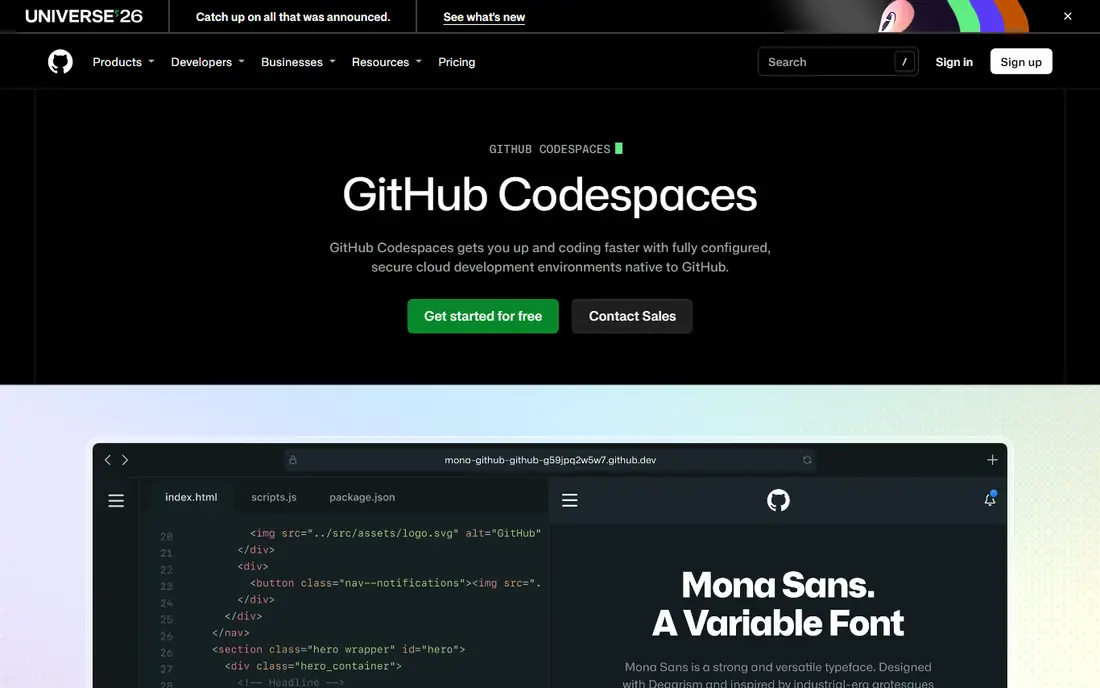
Codespaces is the most direct Replit replacement for developers who liked opening a browser and coding. You get a full VS Code environment on a cloud machine, with terminal, extensions and port forwarding, tied to a real GitHub repository. Dev containers define the setup in code, so every teammate starts from the same environment.
The trade is that Codespaces is a workspace, not hosting. You still deploy the finished app elsewhere, and AI help comes from separate tools such as Copilot. For teams already on GitHub, that separation is a strength, since code, reviews and deployment stay in one system.
- Full VS Code in the browser
- 120 free core hours a month on personal accounts
- Dev containers keep environments consistent
- No built-in AI agent included
- Deployment is separate
- Works best with GitHub-hosted repos
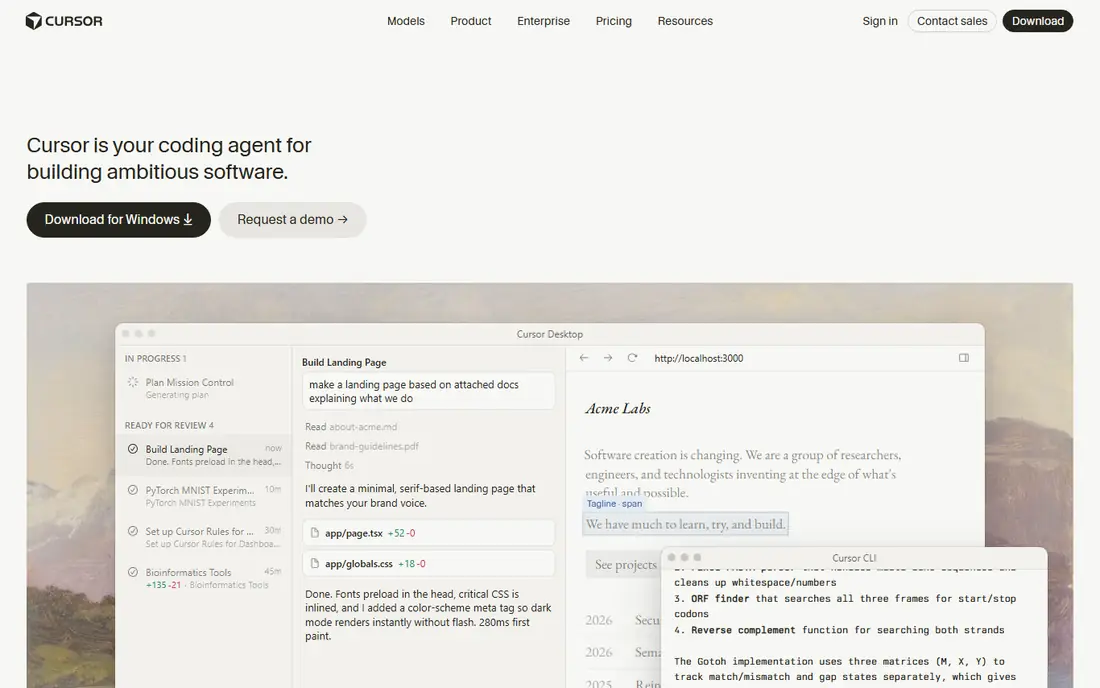
Cursor suits developers who want AI help inside the editor they already use. The agent can read a codebase, edit several files and run checks, which helps with refactoring and feature work on existing projects. The interface will feel familiar to VS Code users, so setup time is low.
Cursor is not a browser workspace or a hosting platform. You still need a deployment target and a place to run the app for users. For developers moving from Replit mainly for the AI agent, Cursor is a strong pick. For beginners who want everything in a browser, Codespaces or an AI app builder fits better.
- AI agent mode for multi-file edits
- Familiar VS Code-style editor
- Strong for existing codebases
- Desktop app, not a browser workspace
- No built-in hosting
- Paid plan needed for heavier AI use
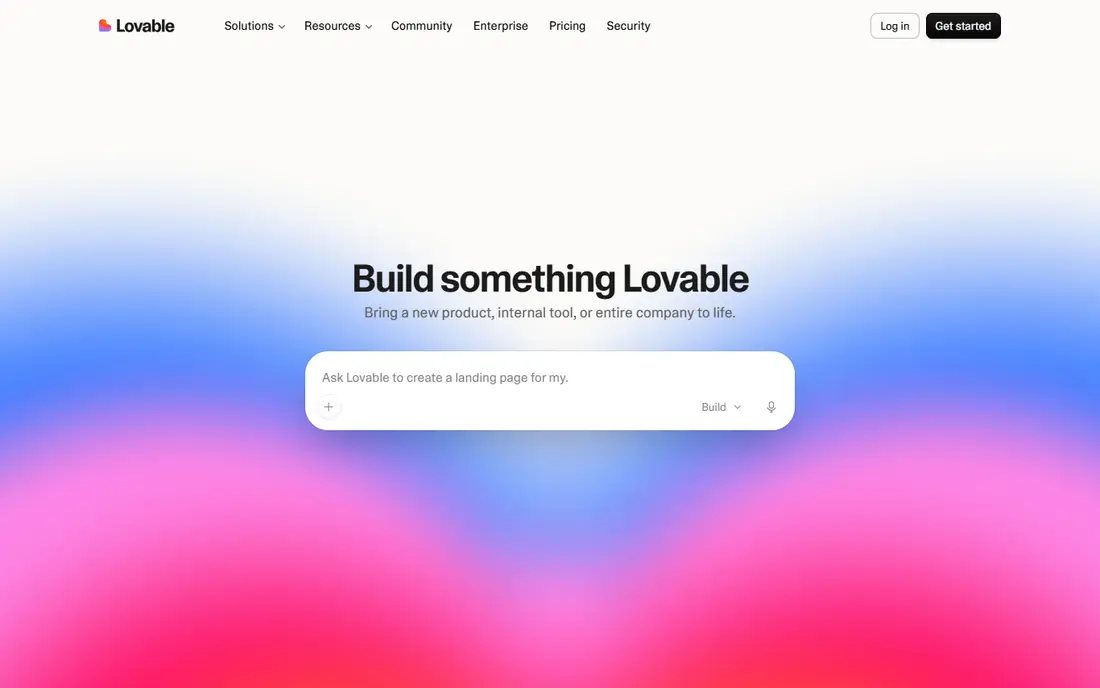
Lovable turns a written idea into a working web app with React, TypeScript and Supabase for backend services. You describe the app, review the result, and refine it by chat, then export or sync the code to GitHub. That workflow suits solo founders and small teams who need a working prototype fast.
The limits matter for larger apps. Credit use grows with iterations, and highly custom logic or design may still need developer help. Lovable is best for a minimum viable product, a client demo or an internal tool, rather than a complex production system built entirely by prompt.
- Builds full-stack React apps from chat prompts
- Code syncs to GitHub
- Includes database and authentication options
- Complex backend logic may need a developer
- Monthly credits limit heavy use
- Design control is less direct than hand coding
Bolt.new, built on StackBlitz technology, lets you prompt a full-stack app into existence in the browser and preview it at once. Deployment to Bolt Cloud or Netlify is straightforward, which makes it useful for demos, hackathons and early product tests. The browser-native runtime keeps startup fast.
As with other prompt builders, output quality depends on clear prompts and review. Credits limit how much you can iterate each month, and team co-editing is not the core strength. For a fast prototype you can show and test, Bolt.new is one of the best alternatives to Replit.
- Fast prompt-to-prototype workflow in the browser
- One-click deploy options
- Full-stack app generation
- No real-time co-editing in the core flow
- Credit limits affect heavy projects
- Generated code needs review
v0 by Vercel focuses on the front end. You prompt an interface, refine it by chat, and deploy it to Vercel with little setup. The generated React code is editable, so developers can take over where the AI stops. That makes v0 useful for landing pages, dashboards and product interfaces.
Teams that need a full backend, database and complex business logic will need to pair v0 with other services. The starting price is also higher than some prompt builders. If your stack already runs on Vercel and Next.js, v0 fits naturally. If not, Lovable or Bolt.new may cover more of the app.
- Strong React interface generation
- Clean Vercel deployment path
- Code you can edit and reuse
- Frontend focused, not a full backend platform
- Higher starting price
- Best value inside a Vercel workflow
CodeSandbox suits frontend teams that collaborate in the browser. Sandboxes start fast, teammates can edit together in real time, and preview URLs make review simple. GitHub integration helps with pull request previews and shared templates for common frameworks.
The free tier limits VM hours and team size, and larger team plans are priced per workspace rather than per user in some tiers. Backend-heavy apps may need a separate host. For JavaScript and frontend work with live collaboration, CodeSandbox is a polished Replit alternative.
- Fast cloud sandboxes
- Real-time multiplayer editing
- Preview URLs and GitHub integration
- Team pricing can rise steeply
- Backend hosting is not the core strength
- Free tier has VM hour limits
StackBlitz uses WebContainers to run Node.js in the browser without a remote server for many projects. That gives near-instant startup and offline-friendly behaviour for supported frameworks. It is a strong choice for teaching, demos, bug reproductions and frontend development.
Some backend workloads and system-level tools still need a cloud machine, which is where Codespaces or Gitpod fit better. Pricing also varies, so check the current plan for your team size. For fast, shareable frontend work, StackBlitz is hard to beat on speed.
- WebContainers run Node.js directly in the browser
- Instant startup
- Strong for demos and framework tutorials
- Browser-based runtime has limits for some backends
- Pricing varies by plan
- Team features need paid tiers
Firebase Studio, formerly Project IDX, gives developers a cloud workspace with AI assistance and a path to Firebase hosting. You can build web and mobile apps, test with emulators, and deploy through Firebase services. The free entry point with a Google account makes it easy to try.
The main trade is ecosystem lock-in. Firebase services work well together, but moving away later takes effort. Pricing and limits have also evolved as the product matured, so check current terms before building a production app. For Google-centred teams, Firebase Studio is a strong free Replit alternative.
- Gemini AI assistance
- Firebase hosting and backend services
- Built-in mobile emulators for testing
- Tied closely to Google Cloud and Firebase
- Newer product with evolving pricing
- Learning curve for Firebase services
Gitpod automates the boring part of team development. Each branch or pull request can spin up a ready environment with dependencies installed, so new teammates and reviewers start coding at once. It supports VS Code, JetBrains and other editors, and it integrates with common CI systems.
Gitpod needs configuration to shine, since environment definitions live in your repo. It also does not host your finished app for users. For teams that struggled with local setup differences on Replit or elsewhere, Gitpod offers a disciplined, repeatable alternative.
- Automated, disposable environments per branch
- Multi-IDE support
- Works with many Git hosts and CI tools
- Setup needs configuration files
- Not a hosting platform
- Free hours are limited
How we picked these
We compared official pricing pages, documentation and public reviews for tools that exist and work in October 2026. We excluded Glitch because it ended project hosting in July 2025, even though older guides still list it. We favoured tools that cover at least one core Replit job well, including browser coding, AI app generation, team environments and deployment. Prices reflect vendor pricing summaries at the time of writing, and we wrote See website where pricing varies by plan. We did not claim hands-on testing.
What to check before you switch
Decide which Replit job you actually miss. Browser coders should test Codespaces, CodeSandbox or StackBlitz with a real repo. Prompt builders should test Lovable, Bolt.new or v0 with a small app and count credits used. Team leads should test Gitpod or Codespaces for environment setup time across several repos.
Check export and hosting early. Make sure code lives in GitHub or another repo you control, and confirm where the finished app will run. Credit-based pricing can surprise heavy users, so track usage during the trial. The best replit alternatives free tier is useful for testing, but production work usually needs a paid plan.
Frequently asked questions
What are the best free replit alternatives?
GitHub Codespaces offers a free monthly allowance on personal accounts, while CodeSandbox, StackBlitz, Firebase Studio and Gitpod all offer free tiers. Lovable, Bolt.new, v0 and Cursor also offer free entry points with limits. Free tiers suit learning and small prototypes, but paid plans suit regular production work.
What is the best alternative to Replit for beginners?
Lovable and Bolt.new suit beginners who want an app from a prompt without setting up tools. Firebase Studio and Codespaces suit beginners who want to learn real code in a browser workspace. Prompt builders are faster at first, while code workspaces teach skills that transfer to any job.
Can I still use Glitch as a Replit alternative?
No, Glitch ended project hosting in July 2025, so old projects and hosting no longer work there. Older lists may still name Glitch, but it should not be part of a current shortlist. Codespaces, CodeSandbox and StackBlitz cover the browser coding job that Glitch once served.
Is GitHub Codespaces better than Replit?
Codespaces is better for professional development on GitHub repos, with full VS Code and consistent dev containers. Replit was simpler for all-in-one coding plus hosting plus AI in one place. Developers who value repo control and team standards often prefer Codespaces, while prompt builders may prefer Lovable or Bolt.new.
Do Replit alternatives include hosting?
Some do, including Lovable, Bolt.new, v0 through Vercel, and Firebase Studio through Firebase. Codespaces, Cursor, StackBlitz and Gitpod are workspaces or editors, not hosts, so you deploy elsewhere. Check hosting before you build, since moving a finished app later adds work.
Which Replit alternative is best for teams?
GitHub Codespaces suits GitHub-centred teams, CodeSandbox suits frontend teams that co-edit live, and Gitpod suits teams that want automated environments per branch. Cursor suits teams that want AI help in a desktop editor. Test environment startup time and review workflow with your real repos before choosing.
Sources
See where you really rank - block by block
ProMapRanker scans Google Maps across a grid of your service area. Simple monthly plans from $19, white-label on every plan.
Start freeKeep reading
 zeffy payment processor stripe alternatives
Zeffy and Stripe Alternatives for Nonprofits in 2026
Explore zeffy payment processor stripe alternatives for nonprofits. We compare 8 fundraising platforms on fees, donor tools, and nonprofit focus. Check fees.
Read → workday alternatives
Workday Alternatives in 2026
Workday alternatives compared: we review 8 HR and payroll platforms that replace Workday, with pricing, strengths and honest limits for each team size.
Read → what's the best weather app
What's the Best Weather App in 2026
Wondering what's the best weather app? We compare 10 free and paid apps for forecasts, radar, alerts, and Colorado mountain weather for everyday and storm use.
Read →