 ProMapRanker
Pinterest Alternatives in 2026

Key takeaways
- No single platform replaces every part of Pinterest, so pick one for discovery and one for organizing if you need both jobs.
- Cosmos, Are.na and Mix suit discovery and saving, with different balances of curation, research depth and serendipity.
- Behance and Dribbble suit professional design work, portfolios and client discovery, rather than general lifestyle saving.
- Designspiration, Pearltrees, Milanote and Raindrop.io suit mood boards, visual organization and private bookmarking.
- Most alternatives are free to start, with paid tiers for extra storage, collaboration or advanced features.
Quick comparison
| Pick | Great for | Pricing starts at | Free tier | |
|---|---|---|---|---|
 Cosmos Cosmos | Curated visual inspiration without ads | Free | Yes | Visit |
 Are.na Are.na | Deep research and idea collections | Free | Yes | Visit |
 Behance Behance | Professional design portfolios | Free | Yes | Visit |
 Dribbble Dribbble | Design community, trends and client work | Free | Yes | Visit |
 Designspiration Designspiration | Design discovery by color and style | Free | Yes | Visit |
 Pearltrees Pearltrees | Visual bookmarking and organization | Free | Yes | Visit |
 Milanote Milanote | Client and project mood boards | Free | Yes | Visit |
 Raindrop.io Raindrop.io | Private visual bookmarks and search | Free | Yes | Visit |
The best Pinterest alternatives
We compared official feature pages and public comparisons for platforms that are still available in October 2026. Pinterest does several jobs at once, including discovery, saving, shopping, search traffic and public boards, and no alternative does all of them equally well. The picks below are grouped by the job they do best, so you can choose based on what you actually miss from Pinterest.
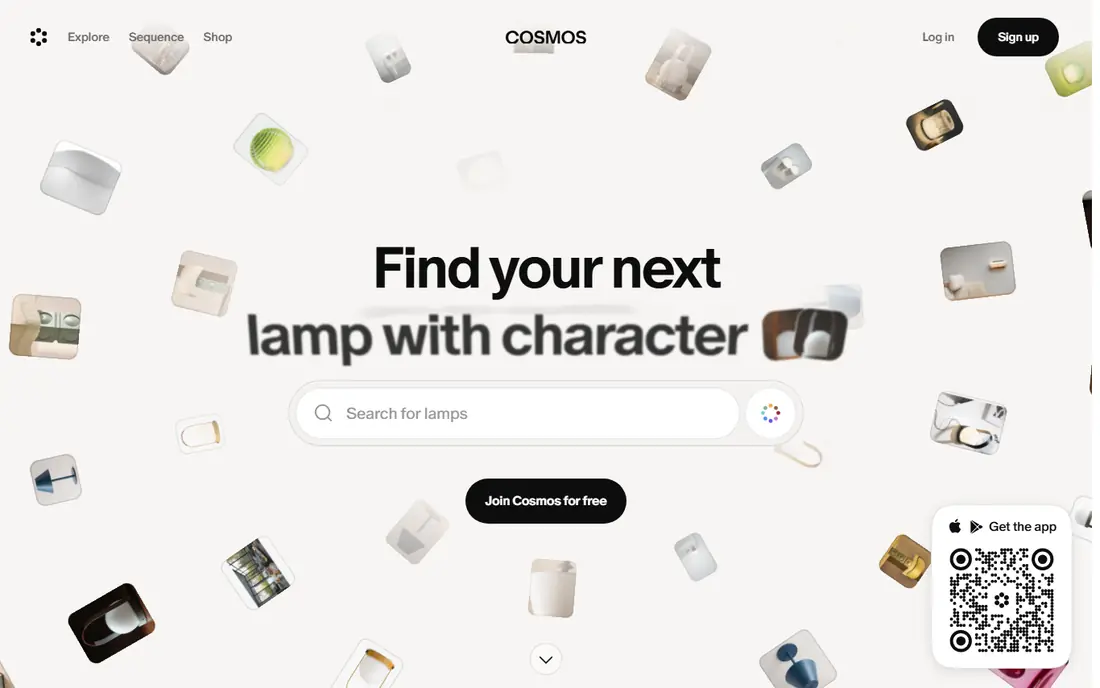
Cosmos is the closest feel to Pinterest for many users who want inspiration without ads, likes and algorithmic noise. The interface is clean, collections are easy to browse, and the focus stays on images and ideas rather than engagement metrics. Comparisons note that you can import existing Pinterest boards, which lowers the switching cost if you have years of saved pins. For a designer or creative who browses for ideas daily, that calm experience is a real advantage.
The trade off is reach. Cosmos has a smaller community than Pinterest, and it will not replace Pinterest as a traffic source for a blog or shop. Shopping features are also thinner. If your main need is personal inspiration and clean saving, Cosmos is a strong first try. If you need traffic or sales, keep Pinterest alongside it.
- Clean, ad free browsing
- Curated inspiration
- Pinterest board import noted in comparisons
- Smaller community than Pinterest
- Less shopping and search traffic
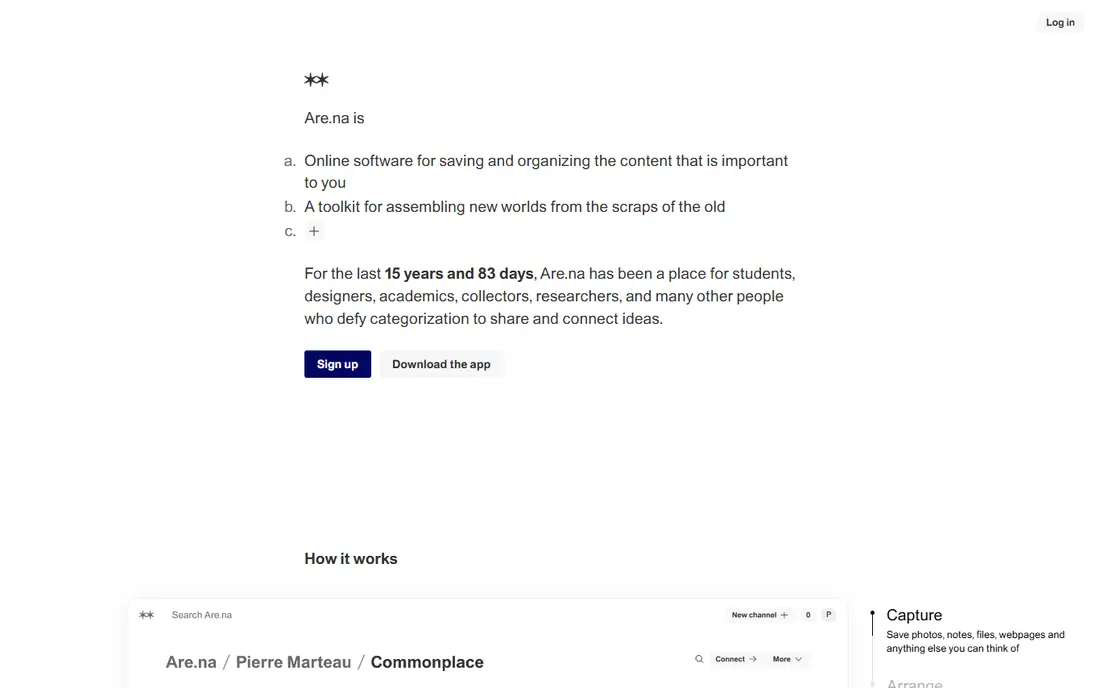
Are.na is a minimalist platform for creative research, where you save blocks of images, links, text and files into channels that connect ideas across topics. That structure suits students, researchers, designers and writers who want to trace how an idea developed, rather than just collect pretty images. There is no algorithm pushing content at you, and collaboration lets a team build a shared research collection.
The catch is looks. Are.na is deliberately plain, and it will not feel as visual or as fun to browse as Pinterest. The free tier also limits the number of blocks, with a paid tier for heavier use. If you need a serious research tool and you value focus over flash, Are.na is excellent. If you want casual browsing, Cosmos or Designspiration will feel more inviting.
- Minimal, ad free platform
- Block based collections for images, links and text
- Good for collaboration and research
- Interface is plain and less visual than Pinterest
- Paid tier needed for larger use
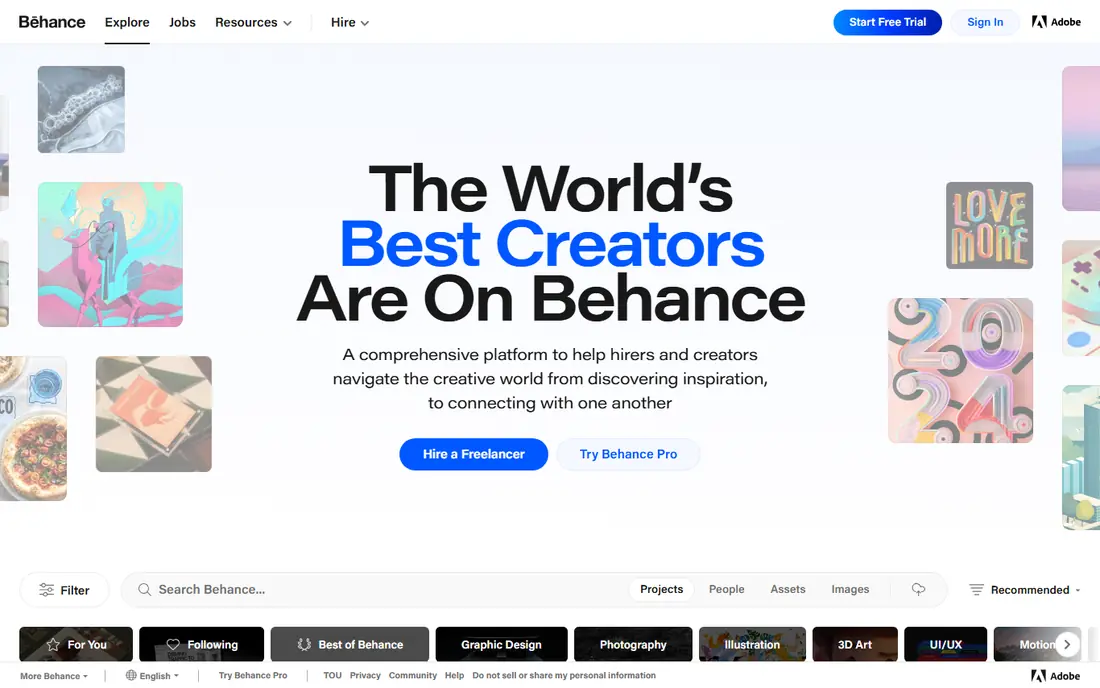
Behance, part of Adobe, is the place to discover and share full creative projects, not just single images. Designers, illustrators and photographers post case studies with process, context and finished work, which makes it useful for finding collaborators, clients and inspiration at a professional level. The community feedback and discovery features help emerging creatives build a visible portfolio.
The limit is scope. Behance is a portfolio platform, not a general pin board, so it is less useful for saving recipes, home ideas or fashion inspiration. Casual users may find the professional focus intimidating. If you are a creative professional who wants to be found and to study finished work in depth, Behance is essential. If you want a general inspiration board, pair it with Cosmos or Are.na.
- Full project case studies
- Large creative community
- Adobe ecosystem links
- Focused on professional work, not casual saving
- Less useful for lifestyle or home ideas
Dribbble is a community where designers share shots of their work, follow trends and connect with clients. The short visual format makes it easy to browse UI, branding, illustration and motion work quickly, and the job board helps freelancers find work. For a designer who wants to stay current and be seen by potential clients, Dribbble offers a focused audience that Pinterest cannot match.
The trade off is breadth. Dribbble is for design work, not for general lifestyle saving, recipes or home projects, and non designers may find it less welcoming. Paid memberships add extra features and hiring tools. If your goal is professional design discovery and client work, Dribbble is a strong pick. If you want a general board, look elsewhere.
- Design shots and trends
- Community engagement
- Job board for designers
- Design focused, not general
- Some features and hiring tools are paid
Designspiration is a curated design inspiration site with a minimalist interface and a useful twist: you can search by color, which helps when a project has a palette in mind. Saves and collections let you build a personal library of design ideas, and the tag system makes it easy to narrow from a broad style to a specific look. For a designer building a mood board around a color story, that search alone can save hours.
The limit is topic range. Designspiration covers design, not food, travel, home or fashion in the way Pinterest does, and its community is smaller. It also lacks the shopping and social features of larger platforms. If design inspiration is your main Pinterest use, Designspiration is a clean and focused replacement. If you need broader topics, combine it with a general tool.
- Minimalist interface
- Tag and color based discovery
- Personal collections
- Design only, not general topics
- Smaller community than Pinterest
Pearltrees organizes interests visually as trees, where each pearl can hold a link, image, note or file, and branches group related pearls together. That structure suits meticulous organizers, researchers and teams who want to see how topics connect, rather than a flat grid of images. Collaboration lets a group build a shared collection, which is useful for projects and classes.
The catch is the learning curve. Trees feel different from Pinterest boards, and new users may need time to find a structure that works for them. Premium plans add storage and features beyond the free tier. If you love organizing and you save more than images, Pearltrees is a powerful alternative. If you want a simple grid, Cosmos will feel more familiar.
- Visual trees for organizing links, images and notes
- Collaboration features
- Works beyond images
- Structure takes learning
- Interface feels different from Pinterest boards
Milanote is a visual board tool built for creative projects, where you can place images, notes, links, videos and tasks on a freeform board. That flexibility suits mood boards for clients, brand projects, interior plans and campaign planning, since a board can show both inspiration and next steps in one place. Collaboration features let a team comment and build a board together, which is harder in a simple pin app.
The limit is the free tier, which caps the number of notes, so larger projects need a paid plan. Milanote is also a project tool first, not a social discovery feed, so it will not surface new ideas the way Pinterest does. If you need mood boards you can present to a client or a team, Milanote is one of the best tools here. Pair it with a discovery tool for fresh inspiration.
- Visual boards for images, notes, links and tasks
- Good for team collaboration
- Free tier for small boards
- Free tier limits notes
- Paid plan needed for larger projects
Raindrop.io is a bookmark manager that treats saved pages, images and articles as visual collections you can actually find again. Tags, folders and full text search make it easy to retrieve a saved link months later, which is where many pin boards fail. Collections can be private or shared, and browser extensions make saving a one click job. For a researcher, writer or curator who saves for later use rather than for likes, Raindrop.io is practical and dependable.
The trade off is discovery. Raindrop.io is mainly a tool for saving and finding your own bookmarks, not a social feed for browsing strangers ideas. Paid plans add features such as permanent copies and advanced search. If your Pinterest habit is really private bookmarking, Raindrop.io may be the best replacement of all. If you want discovery, pair it with Cosmos, Mix or Designspiration.
- Visual bookmarks with tags and full text search
- Collections for private or shared use
- Browser and mobile apps
- Less social discovery than Pinterest
- Advanced features need a paid plan
How we picked these
We compared official feature pages and public comparisons for platforms that are still available in October 2026 and that cover a real Pinterest job, such as discovery, saving, mood boards, portfolios or bookmarking. We favored free to start platforms with a clear use case, and we noted where a platform is narrower than Pinterest rather than pretending it replaces everything. We did not claim hands on testing, and we based the trade offs on published features and pricing.
How to choose a Pinterest alternative
Start with the job you miss most. If you miss browsing for ideas, start with Cosmos, Designspiration or Mix. If you miss saving for a project, start with Are.na, Pearltrees, Milanote or Raindrop.io. If you miss professional discovery, start with Behance or Dribbble. Trying to replace all of Pinterest with one app usually leads to disappointment, since each alternative does one job well.
Next, test import and saving. Check whether you can import Pinterest boards or save from your browser in one click, since a tool you cannot feed easily will go unused. Test the mobile app too, since much inspiration browsing happens on a phone. If the app feels slow or the save step takes several taps, you will drift back to screenshots and camera rolls.
Finally, accept a two tool setup if needed. One tool for discovery and one for organizing is a common and effective pattern, such as Cosmos for browsing plus Are.na or Raindrop.io for saving. That split mirrors how many creatives already work, and it avoids forcing one platform to do everything poorly.
Frequently asked questions
What is the best alternative to Pinterest?
Cosmos is the best general alternative for curated visual inspiration, while Are.na is best for research collections and Behance is best for professional portfolios. No single app replaces every Pinterest feature, so pick based on whether you need discovery, saving, portfolios or mood boards most.
Are there free Pinterest alternatives?
Yes. All eight platforms here offer a free plan or free tier, with paid plans for extra storage, collaboration or advanced features. Are.na, Milanote and Raindrop.io limit free use in some way, so check the free tier against how much you save each month.
What is the best Pinterest alternative for mood boards?
Milanote is best for client and project mood boards, thanks to freeform boards with images, notes and tasks. Cosmos and Designspiration also work for personal mood boards, while Are.na suits research heavy boards. Choose Milanote when you need to present a board to a client or a team.
Can I import my Pinterest boards to an alternative?
Some alternatives note Pinterest board import, including Cosmos in recent comparisons, but import support varies and can change. Check the current import page for the tool you choose before you switch, and export a backup of your Pinterest data first so you do not lose saved ideas.
Is there a Pinterest alternative without ads?
Yes. Cosmos and Are.na are noted as ad free or minimalist platforms in comparisons, and Designspiration offers a clean, ad free browsing experience. Check the current terms for each platform, since free tiers and ad policies can change over time.
What is the best alternative for designers?
Behance and Dribbble are best for professional design discovery, portfolios and client work. Designspiration is best for color based design discovery, and Milanote is best for project mood boards. Many designers use Behance or Dribbble for discovery plus Milanote or Are.na for organizing.
Sources
See where you really rank - block by block
ProMapRanker scans Google Maps across a grid of your service area. Simple monthly plans from $19, white-label on every plan.
Start freeKeep reading
 zeffy payment processor stripe alternatives
Zeffy and Stripe Alternatives for Nonprofits in 2026
Explore zeffy payment processor stripe alternatives for nonprofits. We compare 8 fundraising platforms on fees, donor tools, and nonprofit focus. Check fees.
Read → workday alternatives
Workday Alternatives in 2026
Workday alternatives compared: we review 8 HR and payroll platforms that replace Workday, with pricing, strengths and honest limits for each team size.
Read → what's the best weather app
What's the Best Weather App in 2026
Wondering what's the best weather app? We compare 10 free and paid apps for forecasts, radar, alerts, and Colorado mountain weather for everyday and storm use.
Read →