 ProMapRanker
Best Open WebUI Alternatives in 2026

Key takeaways
- LibreChat and AnythingLLM suit teams that need multi-user, multi-model chat with document support.
- Jan, LM Studio, and GPT4All suit individuals who want local models on a desktop without a server.
- Msty and TypingMind suit people who want a polished desktop client for local and cloud models together.
- Dify suits builders who want workflows and agents, not just a simple chat window.
- Free software still has real costs in hardware, hosting, and model API use, so budget for those before you choose.
Quick comparison
| Pick | Great for | Pricing starts at | Free tier | |
|---|---|---|---|---|
 LibreChat | Multi-user multi-model chat | Free | Yes | Visit |
 AnythingLLM | Document chat and team workspaces | Free | Yes | Visit |
 Jan | Desktop local model chat | Free | Yes | Visit |
 LM Studio | Browsing and running local models | Free | Yes | Visit |
 Msty | Local and cloud model comparison | Free | Yes | Visit |
 GPT4All | Simple local chat with documents | Free | Yes | Visit |
 Dify | Workflow and agent building | Free | Yes | Visit |
 TypingMind | Polished multi-model chat client | $39 one-time | Free trial | Visit |
The best open webui alternatives
Open WebUI, in this article, means the self-hosted AI chat interface that connects to local and cloud models. The tools below offer a similar job: a chat front end for models you choose, with options for local use, document chat, or team access. We compared official product pages, documentation, and recent comparisons, and we kept only tools that are actively maintained in October 2026. We do not list Open WebUI itself in this comparison.
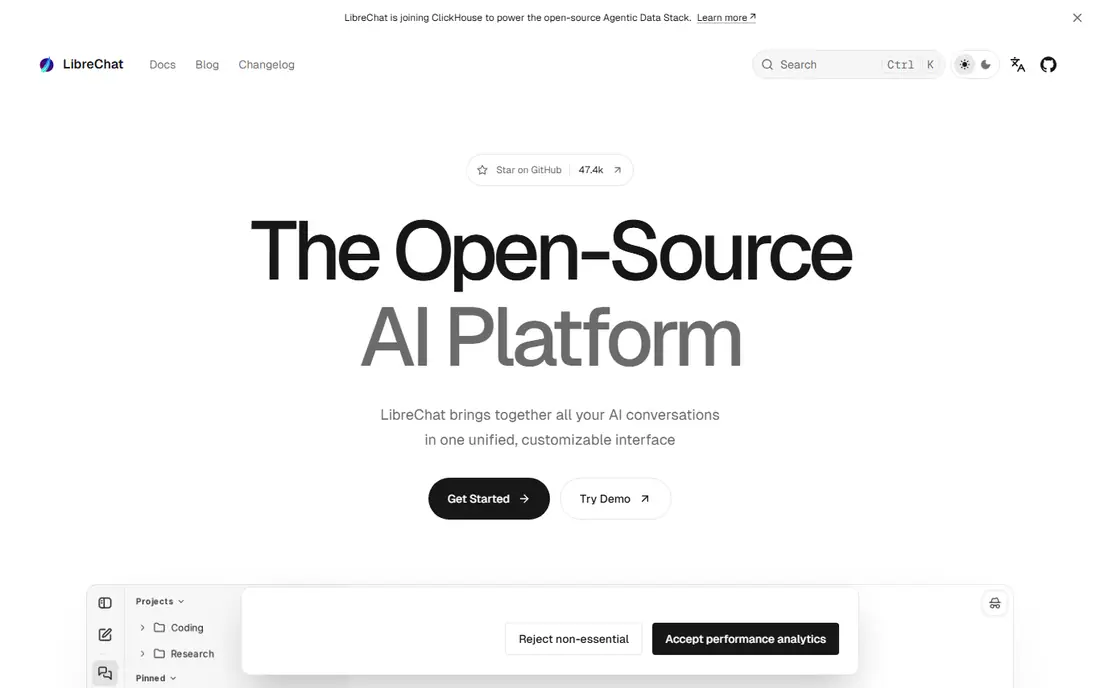
LibreChat is the closest team alternative for many users. It brings chats for Anthropic, OpenAI, Google, and other providers into one interface, and it also connects to local endpoints such as Ollama and LM Studio. Multi-user support, roles, and auth options make it suitable for a small team sharing one instance. Agents, file handling, code execution, and model context protocol support add depth beyond a basic chat window.
The catch is that free software is not free to run. A team still needs a server, a database, updates, and backups, and those costs grow with users and usage. Setup also needs someone comfortable with Docker and config files. For a team that wants a flexible, multi-model chat hub and can run a server, LibreChat is a strong first choice.
- MIT licensed
- Multi-user roles and auth
- Supports many providers and local endpoints
- Server setup needs care
- Hosting and database costs still apply

AnythingLLM is built around chatting with documents. Users create workspaces, add files, and ask questions that use those files as context. That design suits support teams, research groups, and firms that want a private knowledge assistant rather than a general chat window. The desktop app works for one person, while a self-hosted install supports teams with separate workspaces and access controls.
The limits are cost and config. Running the open-source software yourself avoids a hosted subscription, but hardware, hosting, and any paid model API use still cost money. Hosted plans were listed at $50 per month for Basic and $99 per month for Pro in recent comparisons. Privacy also depends on choices: a local model keeps data local, while a cloud model sends prompts to that provider. Check model, embedder, and storage settings before adding sensitive files.
- Strong document chat and workspaces
- Desktop and self-hosted options
- Local and cloud models
- Hosted plans cost extra
- Privacy depends on model and embedder settings

Jan is a clean desktop app for local model chat. Users download models, chat in a familiar interface, and keep conversations on their own machine. That local focus appeals to people who want privacy and offline use, and who do not need a team server. Jan also connects to cloud providers for users who want to mix local and cloud models in one place.
The trade-off is scope. Jan is mainly a single-user desktop tool, not a multi-user server with roles and admin controls. Document handling and agent features are also lighter than LibreChat or AnythingLLM. For an individual who wants a simple, private, local chat app, Jan is easy to recommend. For a team, start with LibreChat or AnythingLLM instead.
- Apache 2.0 licensed
- Simple desktop app
- Local models from Hugging Face
- No multi-user server mode
- Document chat is more limited than AnythingLLM
LM Studio is a popular desktop tool for discovering, downloading, and running local models. Its model browser makes it easy to find a model that fits a given machine, and its local server offers an OpenAI-compatible endpoint that other apps can use. That combination makes LM Studio useful both as a chat app and as a local model back end for tools such as LibreChat or TypingMind.
The limits are licensing and focus. LM Studio is not open source, and it is mainly a desktop product rather than a multi-user server. Users who want a fully open-source stack should pair Jan or Ollama with LibreChat instead. For individuals who want the easiest path to running a local model and chatting with it, LM Studio is hard to beat.
- Easy model browsing and download
- Local API server
- Chat and model comparison
- Not open source
- Desktop focus rather than a team server
Msty is a desktop app that helps users compare models and chat with documents. Users can run local engines, connect cloud providers, and place model answers side by side to see which response fits a task. That comparison view is useful for writers, developers, and researchers who want to check a model answer against another model before trusting it. Document chat adds a way to ask questions about local files.
The catch is pricing and scope. A free tier covers basic use, while the Aurum plan was listed at $149 per year or $349 for a lifetime licence in recent comparisons. Msty is also a desktop client, not a team server, so it suits individuals more than shared deployments. For a single user who wants model comparison in one window, Msty is a strong pick.
- Compare models side by side
- Document chat
- Supports local engines and cloud APIs
- Paid tier needed for full features
- Some features vary by platform
GPT4All aims for the simplest local chat experience. Users install the desktop app, download a model from the built-in library, and chat offline. LocalDocs lets users point the app at a folder of files and ask questions with cited excerpts. That simplicity helps people who are new to local models and do not want to manage a server or a complex config file.
The limits are team use and pricing clarity. GPT4All has added paid individual and business plans in recent listings, so users should check the current site to see what is free and what is paid for their use. It is also mainly a desktop tool, not a multi-user platform. For a first local model experience, GPT4All is a friendly start. For team workspaces, AnythingLLM or LibreChat fit better.
- Simple installer for Windows, Mac, and Linux
- LocalDocs for file chat
- Local API server
- Newer paid plans can confuse pricing
- Advanced team features are limited
Dify is for builders who want more than a chat window. Its visual builder lets teams create AI apps, workflows, and agents that combine models, tools, and document retrieval. That design suits product teams, support teams, and internal tool builders who want to ship a repeatable assistant, not just chat ad hoc. Dify supports many models and can be self-hosted or used as a cloud service.
The trade-off is complexity. Dify takes more planning than Jan or LM Studio, including workflow design, tool access, and testing. A user who only wants to chat with a local model will find Dify heavier than needed. A team that wants to build and maintain AI workflows, on the other hand, will find Dify more useful than a plain chat front end.
- Visual workflow builder
- Agent and app building
- Multi-model support
- More complex than a simple chat UI
- Setup needs planning for production use
TypingMind is a polished chat client for people who use several model providers. It offers folders, chat search, tags, a prompt library, and agents, all in a clean interface. Data is stored locally by default, and cloud sync is optional. The one-time licence, starting at $39 in recent listings, appeals to users who dislike another monthly subscription.
The catch is that TypingMind is mainly a front end, not a model host. Users need their own API keys for OpenAI, Anthropic, Google, or other providers, and API use still costs money based on usage. Local models need a compatible back end such as Ollama or LM Studio. For users who already pay for API access and want a better client, TypingMind is a strong value pick.
- One-time licence with no monthly fee
- Folders, search, and prompt library
- Local data storage by default
- Needs your own API keys for cloud models
- Local model use needs a compatible back end
How we picked these
We compared official product pages, documentation, and recent comparisons for AI chat UIs that are actively maintained in October 2026. We favored tools with a real chat interface, support for local models or multiple providers, and a current download or hosted option. Where pricing varied across sources, we used the most consistent figure and wrote See website where we could not confirm it. We did not claim hands-on testing, and we treated hosted prices as separate from the cost of running self-hosted software.
How to choose a local or self-hosted chat UI
Start with who will use it. A single user on one machine should start with Jan, LM Studio, or GPT4All, since those tools are fast to install and easy to remove. A small team that needs shared access, roles, and multi-model chat should start with LibreChat. A team that needs document workspaces should start with AnythingLLM. A builder who needs workflows should start with Dify. Matching the tool to the user count saves a lot of setup pain later.
Next, check hardware and model choice before you commit. Local models need disk space, memory, and, for larger models, a capable GPU. Start with a small model that runs well on your machine, test chat speed and answer quality, and only then try a larger model. Also decide early whether prompts may leave your machine: local models keep prompts local, while cloud models send prompts to the provider. That choice affects privacy more than any interface feature.
Frequently asked questions
Do I need a powerful computer for local AI chat?
It depends on the model. Small models run on many modern laptops, while larger models need more memory and a capable GPU. Start with a small model, test speed, and upgrade only if answers are too slow or too limited for your tasks.
Is self-hosted chat private?
Local models and local storage help privacy, but privacy still depends on settings. Cloud models, web search tools, and third-party integrations can send data outside your machine. Check model, embedder, and integration settings before adding sensitive files.
Can these tools replace a paid chat subscription?
For some users, yes. A local model can handle drafting, summarising, and coding help without a monthly fee, apart from hardware costs. For users who need the newest large models, a cloud API or subscription may still be better, since local models vary in quality.
Which tool is best for chatting with my own documents?
AnythingLLM is the strongest document-first pick here, with workspaces and retrieval built in. LibreChat also supports file handling and retrieval, while GPT4All offers a simpler LocalDocs option for individuals.
Do I need coding skills to use these tools?
No, for desktop tools such as Jan, LM Studio, and GPT4All. Server tools such as LibreChat and AnythingLLM need more setup comfort, including Docker and config files, but official guides cover the main steps.
What costs should I budget beyond the app itself?
Budget for hardware, hosting, storage, backups, and model API use where relevant. Free software can still cost money to run well, especially for a team with many users or large document collections.
Sources
See where you really rank - block by block
ProMapRanker scans Google Maps across a grid of your service area. Simple monthly plans from $19, white-label on every plan.
Start freeKeep reading
 zoho books alternatives
Best Zoho Books Alternatives in 2026
Compare the best zoho books alternatives for small business accounting, from QuickBooks Online and Xero to FreshBooks, Wave, and Sage in 2026, with pricing.
Read → zluri alternatives
Best Zluri Alternatives in 2026
Compare zluri alternatives for 2026, with SaaS management platforms for app discovery, spend tracking, renewals, and automation for IT, finance and procurement.
Read → zerobounce alternatives
Best ZeroBounce Alternatives in 2026
Best zerobounce alternatives for list hygiene: compare 8 email verification tools for bulk cleaning, real-time checks and catch-all handling in 2026 today.
Read →