 ProMapRanker
Best Octoparse Alternatives in 2026

Key takeaways
- ParseHub is the closest visual replacement for complex pages, while Browse AI suits price and list monitoring without code.
- Apify and Firecrawl suit developers and AI pipelines, with ready-made scrapers and clean structured output.
- Credit and usage pricing means the headline monthly fee is rarely the full cost, so model page volume before you buy.
- Scraping must respect site terms, robots rules, and rate limits, and public data still carries legal risk for commercial use.
Quick comparison
| Pick | Great for | Pricing starts at | Free tier | |
|---|---|---|---|---|
 ParseHub | Visual scraping of complex pages | $189 per month | Yes | Visit |
 Apify | Ready-made scrapers at scale | $19 per month | Yes | Visit |
 Browse AI | No-code monitoring and extraction | $19 per month | Yes | Visit |
 Firecrawl | AI-ready page content | $16 per month | Yes | Visit |
 ScrapingBee | Scraping API for developers | $49 per month | Free trial | Visit |
 Bright Data | Large-scale collection infrastructure | See website | Free trial | Visit |
 Diffbot | AI structured data from pages | See website | Free trial | Visit |
 WebHarvy | Desktop visual scraping | See website | Free trial | Visit |
 Axiom.ai | Browser automation and scraping | See website | Yes | Visit |
The best octoparse alternatives
We compared official feature pages, pricing pages, documentation, and public reviews for scraping tools that extract structured data from websites, monitor pages, or feed data pipelines. The list mixes visual no-code tools and developer APIs, because the right pick depends on technical skill, target sites, and volume. Scraping public data still carries legal and terms-of-service risk, so get advice for commercial use and respect robots rules and rate limits.
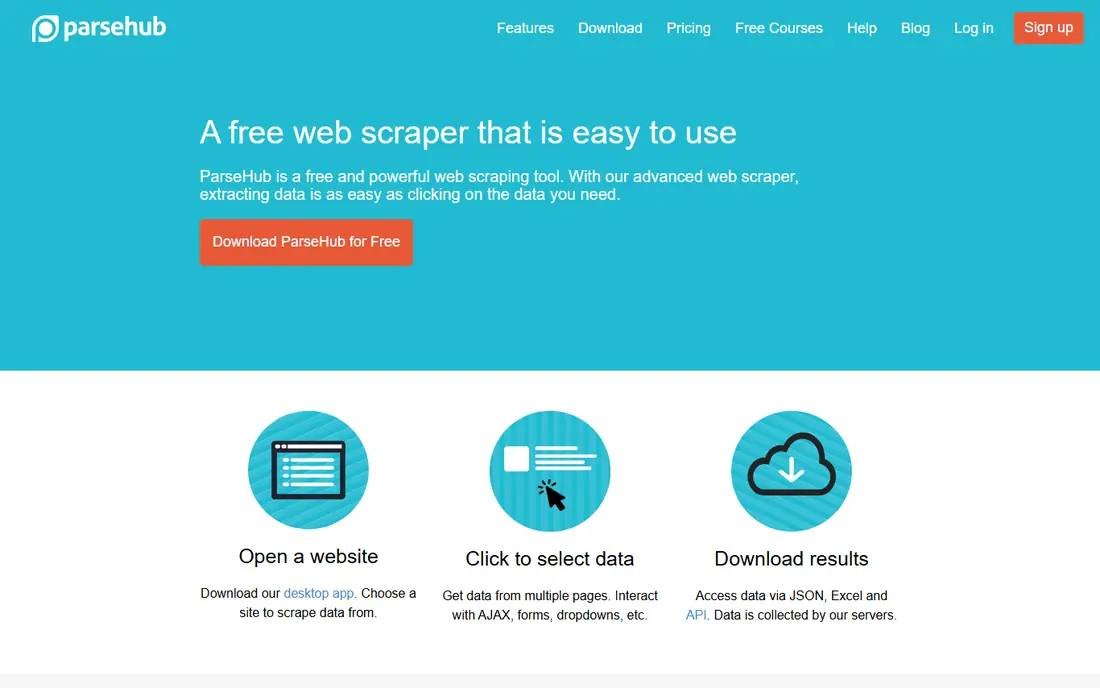
ParseHub is the most direct visual alternative for people who do not write code but need more than a simple table grab. You click elements on a live page, teach the tool how to follow pagination and handle forms, and export structured results. That visual approach helps researchers and analysts who work with sites that change layout or hide data behind interactions.
The price is the main barrier. The free plan covers small tests, but the paid Standard plan is a serious monthly commitment, so ParseHub fits teams with regular, valuable extraction jobs rather than occasional one-off scrapes. If volume is low, Browse AI or a browser extension may cost far less.
- Visual point-and-click builder for complex pages
- Handles logins, dropdowns, and pagination
- Exports to CSV, Excel, JSON, and API
- Paid plans are expensive for small teams
- Scheduling and IP rotation sit on paid tiers
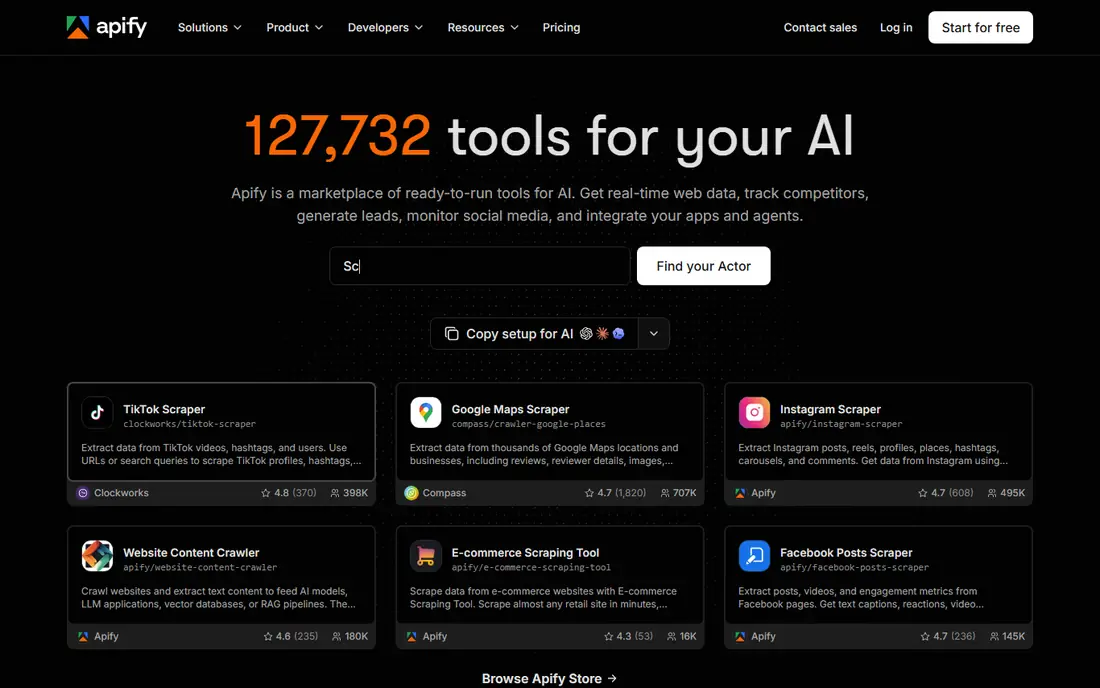
Apify works well when someone has already built the scraper you need. The marketplace covers social platforms, ecommerce, maps, and search results, and you can run those Actors on a schedule and pull results through an API. Developers can also build custom Actors in JavaScript or Python and share them with a team.
The marketplace model needs checking. Actor quality, maintenance, and pricing differ, so test an Actor on a small run before scheduling it at scale. Also model usage costs carefully, since a cheap plan plus heavy compute can still produce a large bill.
- Large marketplace of ready-made scrapers called Actors
- Scheduling, datasets, and APIs built in
- Pay-as-you-go usage on top of plans
- Actor quality varies by author
- Total cost depends on usage and compute, not just the plan fee
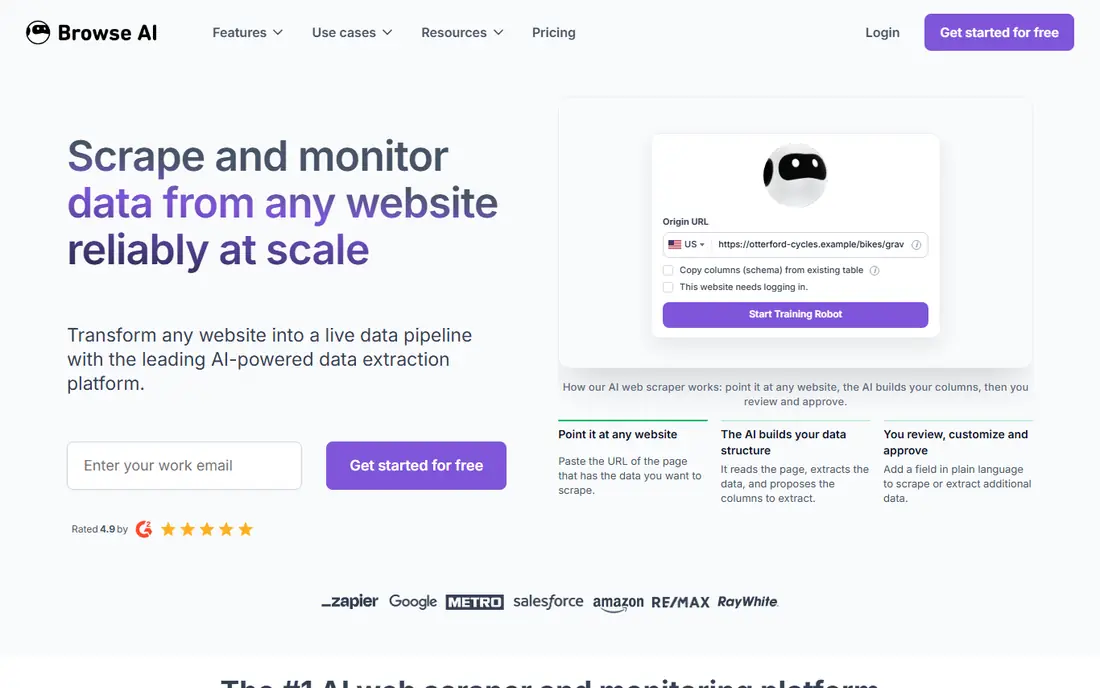
Browse AI suits the monitoring job: watch a competitor price page, a job board, or a product list, and get alerted when rows change. You train a robot by selecting data on a page, and the tool aims to keep extracting even after minor redesigns. That resilience saves the weekly repair work that breaks many simple scrapers.
Credit pricing is the catch. Costs depend on pages, rows, and monitoring frequency, so a long list checked hourly can burn credits fast. Start with the free plan on two sites, measure real credit use for a week, and only then choose a paid tier.
- Trains on a page and adapts to layout changes
- Monitors prices and lists over time
- Integrations with Sheets and automation tools
- Credits and site caps need careful modeling
- Heavy pages consume credits faster
Firecrawl is built for the current wave of AI work: turning web pages into clean text that a model can use. Instead of wrestling with HTML, developers get Markdown or structured JSON, plus crawling across a site when a single page is not enough. That output format is a practical advantage for search, research, and retrieval tools.
Non-technical users will find Firecrawl less friendly than a visual builder, since the main interface is an API. For developers building AI pipelines, though, the simplicity and output quality make it a strong, low-cost starting point.
- Converts pages to clean Markdown or JSON for AI apps
- Handles crawling and JavaScript rendering
- Simple API for developers
- API-first design suits developers more than non-technical users
- Agent features were still maturing in published reviews
ScrapingBee is infrastructure, not a point-and-click tool. Developers send a URL to an API and get rendered HTML or extracted data back, with proxy rotation and headless browsing handled behind the scenes. That removes a large part of the maintenance work in a custom scraper.
The limit is scope. You still need to write extraction logic and manage your own pipeline, and costs scale with credits and rendering options. For teams that already code, ScrapingBee is a clean building block. For analysts without code, a visual tool will be faster.
- Handles proxies, JavaScript rendering, and anti-bot measures through an API
- Simple credit model for developers
- Good for custom scrapers
- No visual builder
- Trial credits do not recur as a free tier
Bright Data is the heavyweight option for large collection programs. Its proxy network, unblocking tools, and scraper APIs help teams gather data from sites that block simple requests, and prebuilt datasets can shortcut common jobs. For market research and pricing intelligence at scale, that infrastructure matters.
Smaller teams should be cautious. The product range is wide, pricing varies by product and usage, and a small project can feel lost in an enterprise platform. Use Bright Data when volume, protection level, or compliance needs justify a dedicated infrastructure vendor.
- Very large proxy network and scraper APIs
- Datasets for common targets
- Built for protected sites at scale
- Multiple products and pricing surfaces can confuse buyers
- Enterprise scale brings enterprise cost
Diffbot takes a different approach from URL-by-URL scraping. Its AI models identify articles, products, organizations, and other entities on a page and return them in structured form, which helps teams that need consistent data across many unlike sites. That makes it useful for news monitoring, company research, and product catalog work.
The price reflects that AI layer, so Diffbot is not the cheapest way to grab a single table. It earns its place when structure and entity quality matter more than raw page count, and when manual parsing would cost more in developer time.
- AI extraction turns varied pages into structured entities
- Knowledge graph features for company and product data
- API-first design
- Pricing is higher than simple scraping APIs
- Best value comes from entity-focused use cases
WebHarvy appeals to solo researchers and analysts who prefer a desktop app to a cloud subscription. You open a page inside the tool, click the data you want, and export it to a spreadsheet or database. That local workflow is simple to understand and easy to test on a single site.
Teams that need cloud scheduling, shared datasets, and API delivery will find WebHarvy limited. It is best for personal or small-team extraction jobs where a desktop run on demand is enough, and where cloud collaboration is not required.
- Visual desktop scraping with point-and-click selection
- One-time style licensing in past pricing models
- Exports to common formats
- Desktop-only workflow suits individuals more than cloud teams
- Scheduling and cloud scale are limited
Axiom.ai is useful when scraping is only one step in a longer browser job. A workflow can log in, navigate pages, extract data, and push results to Sheets or another app, all without code. That makes it a good fit for operations teams that repeat the same web tasks daily.
Pure scraping at high volume is not its strongest job, since browser automation is slower and more fragile than a direct API. Use Axiom when the task mixes scraping with clicks, forms, and app updates, and use a dedicated scraper when raw volume is the priority.
- No-code browser automation in Chrome
- Combines scraping with form filling and workflow steps
- Free plan for testing
- Browser-based runs can be slower than API scraping
- Complex workflows need careful setup
How we picked these
We compared official feature pages, pricing pages, and documentation, plus public reviews and published comparisons from 2026. We kept only tools that are live in October 2026 and that truly extract or monitor web data, and we left the named product itself out of the list. Where pricing was usage-based or unverified, we wrote See website rather than presenting a partial figure as a full price.
What to check before you scrape
Start with permission and purpose. Check the target site terms, robots rules, and any login requirements, and keep request rates low enough not to harm the site. For commercial use, get legal advice before building a product on scraped data, since public visibility alone does not grant a right to reuse it.
Next, test on a hard page, not an easy one. Check JavaScript rendering, pagination, logins, and anti-bot behavior during a trial, and measure real credit or compute use over a week. Finally, confirm export formats, scheduling, and API delivery, since data that cannot flow into your sheet, database, or pipeline will need manual handling every run.
Frequently asked questions
What is the best no-code Octoparse replacement?
ParseHub is the closest visual replacement for complex pages, while Browse AI is better for monitoring prices and lists over time. Choose ParseHub for deep extraction jobs and Browse AI for repeat checks with alerts.
Which tool is best for developers?
Apify suits teams that want ready-made scrapers and a platform, Firecrawl suits AI pipelines that need clean Markdown or JSON, and ScrapingBee suits custom scrapers that need proxy and rendering infrastructure.
Is web scraping legal?
Rules vary by site, country, and use, and site terms may restrict scraping even for public pages. Respect robots rules and rate limits, avoid personal data and login-protected content without permission, and get legal advice for commercial projects.
How much does web scraping cost in practice?
Plan fees range from free to $189 per month in this list, but credit, compute, and proxy usage often add cost. Model page volume, retry rate, and monitoring frequency during a trial before committing to a tier.
Can these tools handle JavaScript-heavy sites?
Yes, most tools in this list handle JavaScript rendering, though methods and costs differ. Test your hardest target pages during a trial, since rendering and anti-bot handling matter more than template counts.
What format will I get my data in?
Common exports include CSV, Excel, JSON, and API delivery, with Sheets integrations on several tools. Confirm your required format and delivery schedule before you buy, especially for automated pipelines.
Sources
- https://www.parsehub.com
- https://apify.com
- https://www.browse.ai
- https://www.firecrawl.dev
- https://www.scrapingbee.com
- https://brightdata.com
- https://www.diffbot.com
- https://www.webharvy.com
- https://axiom.ai
- https://rankite.com/blog/best-web-data-extraction-tools
- https://blog.laratranslate.com/best-no-code-web-scraping-tools/
See where you really rank - block by block
ProMapRanker scans Google Maps across a grid of your service area. Simple monthly plans from $19, white-label on every plan.
Start freeKeep reading
 zoho books alternatives
Best Zoho Books Alternatives in 2026
Compare the best zoho books alternatives for small business accounting, from QuickBooks Online and Xero to FreshBooks, Wave, and Sage in 2026, with pricing.
Read → zluri alternatives
Best Zluri Alternatives in 2026
Compare zluri alternatives for 2026, with SaaS management platforms for app discovery, spend tracking, renewals, and automation for IT, finance and procurement.
Read → zerobounce alternatives
Best ZeroBounce Alternatives in 2026
Best zerobounce alternatives for list hygiene: compare 8 email verification tools for bulk cleaning, real-time checks and catch-all handling in 2026 today.
Read →