 ProMapRanker
Best No Code Low Code Automation Make.com Alternatives in 2026

Key takeaways
- Make.com charges per module action, called a credit, so multi-step workflows cost differently here than on tools that charge per workflow run or per task.
- Zapier has the widest app catalogue and the gentlest learning curve, while n8n suits technical teams that want control and self-hosting.
- No-code and low-code are not the same promise: some tools here need no code at all, while others expect code steps for advanced logic.
- Before choosing, price your busiest workflow, not the headline plan, since billing units make the cheapest tool on paper expensive at volume.
Quick comparison
| Pick | Great for | Pricing starts at | Free tier | |
|---|---|---|---|---|
 Zapier | Widest app coverage, easiest start | $19.99 per month | Yes | Visit |
 n8n | Self-hosted technical automation | 20 euros per month | Yes | Visit |
 Latenode | Runtime-priced code and AI workflows | Free | Yes | Visit |
 Activepieces | Open-source no-code builder | $20 per month | Yes | Visit |
 Workato | Enterprise automation and governance | See website | Free trial | Visit |
 Tray.ai | Enterprise integrations at scale | See website | Free trial | Visit |
 Microsoft Power Automate | Automation inside Microsoft 365 | $15 per user per month | Yes | Visit |
 Integrately | One-click ready automations | $19.99 per month | Yes | Visit |
 IFTTT | Simple personal automations | See website | Yes | Visit |
The best no code low code automation make.com alternatives
Make.com, formerly Integromat, lets users build visual scenarios with branches, routers, filters and data tools, paying per module action. People leave it for three main reasons: cost at volume, a learning curve for complex flows, or a need for wider app coverage or self-hosting. The tools below cover that same visual automation ground with different trade-offs. We compared official feature pages, pricing pages, documentation and public reviews to build this list.
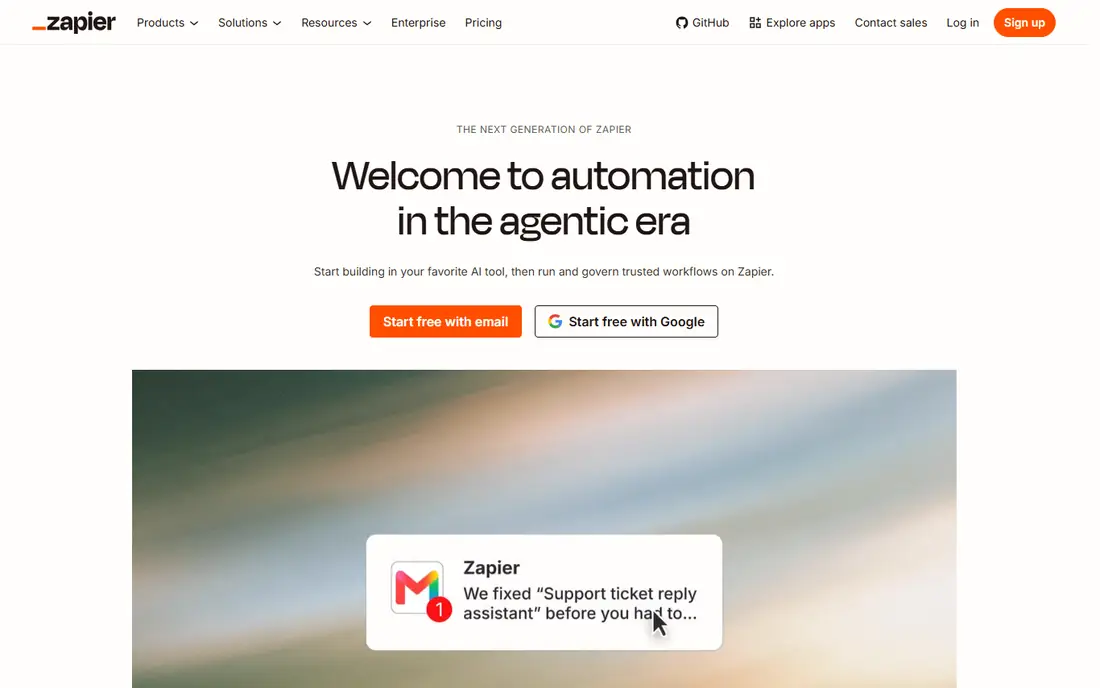
Zapier remains the easiest automation tool to start with. Its catalogue covers thousands of apps, its builder guides beginners step by step, and most common workflows take minutes to set up. The free plan covers 100 tasks a month with two-step workflows, which is enough to prove a simple idea.
The cost catch is the billing unit. Every successful action step counts as a task, so a five-step workflow running hundreds of times a month uses thousands of tasks quickly. Zapier fits teams with simple workflows and moderate volume. If your flows are long and busy, price them against n8n or Make before committing.
- Largest app catalogue
- Gentlest builder for beginners
- Reliable execution and support
- Per-task pricing punishes long multi-step workflows
- Branching is less flexible than Make
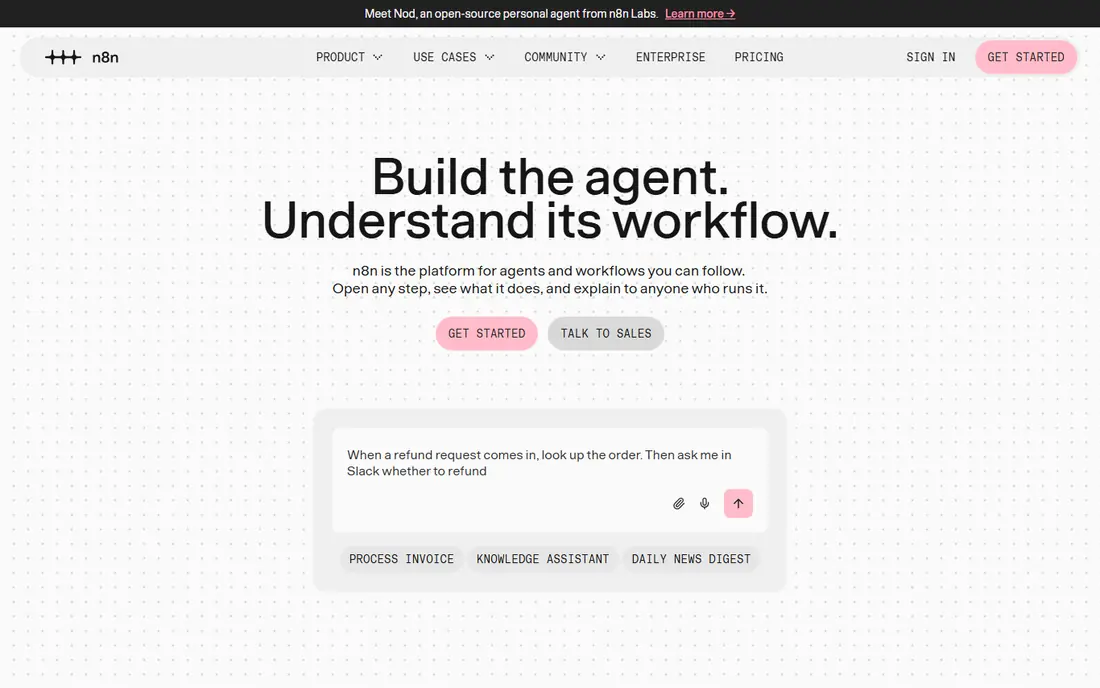
n8n is the favourite replacement for technical teams. Its cloud Starter plan costs around 20 euros a month billed annually for 2,500 executions, and an execution is one full workflow run however many steps it contains. That unit makes long workflows far cheaper than per-task pricing. The self-hosted community edition removes vendor fees entirely, though you run the server yourself.
Self-hosting adds maintenance, updates and security work, so it only saves money if someone on the team can own it. n8n also leans more technical than Zapier, with code nodes and API work expected for advanced flows. It fits teams that want data ownership, branching logic and predictable costs at volume.
- Self-hosted community edition is free
- Charges per workflow execution, not per step
- Code steps included
- Needs technical skill to host and maintain
- Smaller app catalogue than Zapier
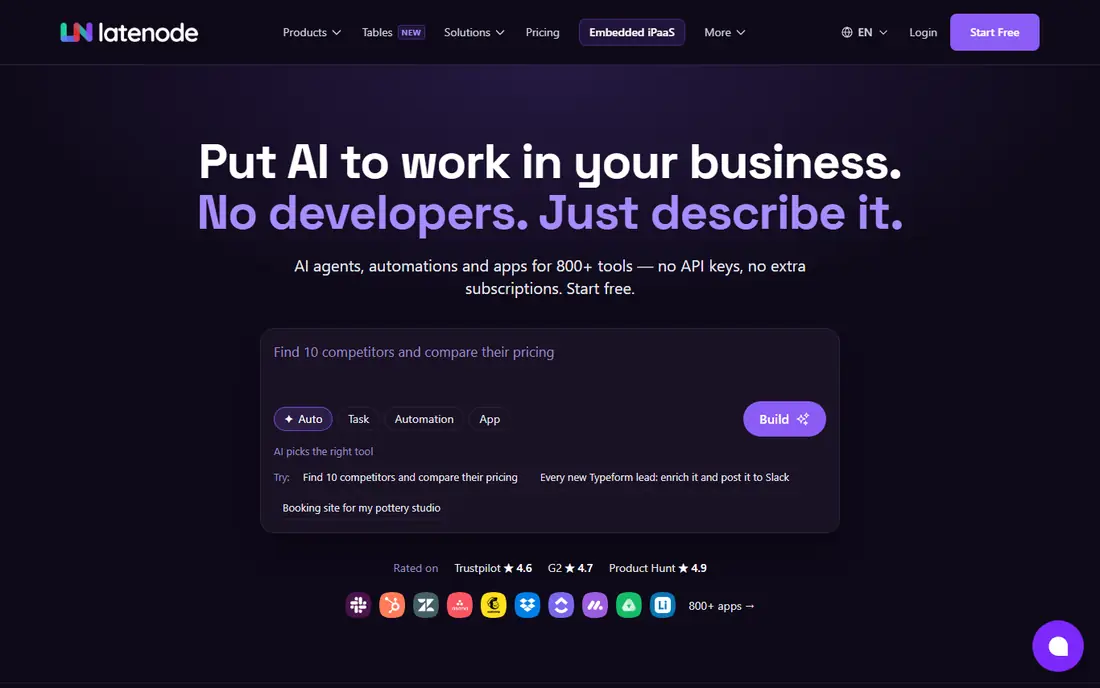
Latenode suits technical operators who build workflows around APIs and AI steps. You can mix visual steps with custom JavaScript nodes, call hundreds of language models under one subscription, and use a headless browser for sites that lack an API. The free plan costs nothing, needs no card, and covers 10,000 CPU seconds a month across 5 active workflows.
Pure no-code users may find Latenode less welcoming than Zapier or Activepieces, since its strength is code flexibility rather than guided setup. Billing follows runtime, so a few long workflows can cost more than many quick ones, and paid provider calls draw separate tokens. Shortlist Latenode when your workflows need custom API logic or AI steps that visual-only tools handle awkwardly.
- Bills runtime in CPU seconds, not per step
- JavaScript nodes with npm packages
- AI Copilot and built-in database
- Smaller connector catalogue than Zapier
- CPU-second billing takes care to forecast
Activepieces offers a Zapier-style visual builder with an open-source core. Teams can use the cloud service or host it themselves, and the free plan includes daily credits with unlimited flows. Paid plans start around $20 a month for 10,000 credits. AI agent features are built into newer versions, which suits teams experimenting with AI-assisted workflows.
Its catalogue, at several hundred pieces, is far smaller than Zapier's, so check that your key apps are covered before switching. Some connectors are also newer and less battle-tested. Activepieces fits teams that want a no-code builder with open-source freedom and a lower bill than Zapier at moderate volume.
- Open-source and self-hostable
- Visual builder close to Zapier
- Free plan with daily credits
- Smaller app catalogue than Zapier
- Some connectors are less mature
Workato is built for enterprises that automate across CRM, ERP, HR and finance systems with strict governance. Recipes, reusable connectors, role-based controls and audit logs suit organisations where automation is a company-wide programme, not a side project. Support and implementation help are part of the package.
Pricing is quote-based and enterprise-level, so small teams should not shortlist it. Workato fits when compliance, single sign-on and central control matter more than the monthly bill. If your team is under fifty people and your workflows are simple, a tool higher on this list will serve you better.
- Enterprise governance, security and SSO
- Recipe library for business systems
- Strong support
- Enterprise pricing only
- Overkill for small teams
Tray.ai, formerly Tray.io, targets the same enterprise ground as Workato with a visual builder for complex, multi-system flows. Its AI-assisted building helps teams draft integrations faster, and its data handling suits high-volume syncs between business systems. Governance and audit features support larger automation programmes.
Like Workato, Tray.ai is priced for enterprise buyers and sold through sales conversations. It needs staff time to run well at scale. Shortlist it when your workflows span many enterprise systems and your team can support a platform, not just a few automations.
- Visual builder for complex enterprise flows
- AI-assisted building
- Strong data handling
- Quote-based enterprise pricing
- Needs dedicated ops staff at scale
Microsoft Power Automate is the default choice for organisations already running Microsoft 365. It connects Outlook, Teams, SharePoint, Excel and Dynamics with hundreds of other connectors, and desktop flows automate older Windows apps that lack APIs. Paid plans start around $15 per user per month, and some Microsoft 365 plans include basic flows.
Outside the Microsoft stack, Power Automate is less compelling than Zapier or n8n. Licensing across plan types can also confuse buyers, so confirm what your existing Microsoft plan already includes. If your team lives in Microsoft tools, Power Automate removes a vendor and a bill.
- Deep Microsoft 365 and Dynamics integration
- Desktop flows for legacy apps
- Included in some Microsoft plans
- Less strong outside Microsoft tools
- Licensing can confuse
Integrately trades flexibility for speed. Its library of one-click automations covers common app pairs, so a standard workflow can go live in minutes without building each step by hand. Entry plans start around $19.99 a month billed annually, and a free plan covers a small number of tasks and automations for testing.
Complex branching, routers and data transforms are weaker here than in Make or n8n. Integrately fits small businesses with standard workflows, such as lead capture to CRM to email, where speed matters more than custom logic. Test your exact workflow before assuming a one-click version covers every edge case.
- One-click ready automations for common pairs
- Lower entry price than some rivals
- Simple setup
- Less flexible for complex branching
- Smaller catalogue than Zapier
IFTTT, short for If This Then That, is the simplest tool here. It connects consumer apps, smart home devices and web services with one-trigger, one-action applets. The free plan suits personal automations such as saving email attachments to cloud storage or logging smart home events.
Business teams will hit its limits quickly: multi-step logic, branching and data handling are thin compared with Make, Zapier or n8n. IFTTT fits individuals and tiny teams with simple trigger-and-action needs. It is a replacement for the simplest Make scenarios only, not for business process automation.
- Simplest setup for personal and smart-home automations
- Huge service list for consumers
- Free plan
- Limited multi-step logic for business use
- Pro features are paid
How we picked these
We compared official feature pages, pricing pages, documentation and public reviews for no-code and low-code automation tools that replace Make.com's visual workflow building. We kept only tools that are live and actively sold in October 2026, and we mixed no-code, low-code and enterprise options because Make serves all three audiences. Pipedream Workflows is not listed: it is in maintenance mode with no new signups ahead of its shutdown on 31 March 2027. Where pricing units differ, we name the unit so readers can compare fairly.
What to check before you switch
First, count your real billing units. Build your busiest workflow in each candidate and count tasks, credits or executions for a typical month. A tool that looks cheap on its pricing page can cost triple once multi-step flows run daily. Next, check app coverage for your exact tools, including triggers and actions, not just the app logo on a marketing page.
Also test error handling: what happens when an API fails, a rate limit hits or a data field is missing? Finally, check data residency and security needs if your workflows touch customer data. Self-hosted tools solve residency neatly, while cloud tools need a clear data processing agreement.
Frequently asked questions
What is the best Make.com alternative for beginners?
Zapier is the easiest starting point, with the largest app catalogue and a guided builder. Integrately is also simple for standard workflows, while Activepieces offers a gentler open-source path.
What is the cheapest Make.com alternative at high volume?
n8n usually wins at high volume, since it charges per workflow execution rather than per step, and self-hosting removes vendor fees entirely. Factor in server and maintenance time before calling it free.
Can I self-host a Make.com alternative?
Yes. n8n offers a free self-hosted community edition, Activepieces is open source and self-hostable, and Node-RED is another free self-hosted option for technical teams. Zapier, Workato and Tray.ai are cloud-only.
Is Make.com itself no-code or low-code?
Make.com is both: most flows need no code, while advanced users can add code steps, custom functions and API calls. The alternatives here split the same way, with Zapier and Integrately leaning no-code and Latenode and n8n leaning low-code.
How do I migrate workflows from Make.com?
Rebuild each scenario in the new tool rather than expecting an automatic import, since logic, filters and data mapping differ by platform. Start with your highest-value workflow, run both systems in parallel for a short period, then switch over once outputs match.
Sources
See where you really rank - block by block
ProMapRanker scans Google Maps across a grid of your service area. Simple monthly plans from $19, white-label on every plan.
Start freeKeep reading
 zoho books alternatives
Best Zoho Books Alternatives in 2026
Compare the best zoho books alternatives for small business accounting, from QuickBooks Online and Xero to FreshBooks, Wave, and Sage in 2026, with pricing.
Read → zluri alternatives
Best Zluri Alternatives in 2026
Compare zluri alternatives for 2026, with SaaS management platforms for app discovery, spend tracking, renewals, and automation for IT, finance and procurement.
Read → zerobounce alternatives
Best ZeroBounce Alternatives in 2026
Best zerobounce alternatives for list hygiene: compare 8 email verification tools for bulk cleaning, real-time checks and catch-all handling in 2026 today.
Read →