 ProMapRanker
Best MySQL Alternatives in 2026

Key takeaways
- PostgreSQL is the best general replacement for most teams, with strong SQL support, extensions, and a large community.
- MariaDB is the easiest move for teams that want to stay close to MySQL syntax and tooling.
- SQLite suits embedded and single-user apps, but it is not a shared server database for many concurrent writers.
- Distributed options such as CockroachDB, TiDB, and YugabyteDB solve scale and availability problems, but they add operational complexity.
Quick comparison
| Pick | Great for | Pricing starts at | Free tier | |
|---|---|---|---|---|
 PostgreSQL | General purpose relational work | Free | Yes | Visit |
 MariaDB | Staying close to MySQL | Free | Yes | Visit |
 SQLite | Embedded and local apps | Free | Yes | Visit |
 Microsoft SQL Server | Microsoft ecosystem workloads | See website | Yes | Visit |
 Oracle Database | Mission critical enterprise systems | See website | Yes | Visit |
 CockroachDB | Distributed transactions across regions | Free | Yes | Visit |
 TiDB | MySQL compatible distributed SQL | Free | Yes | Visit |
 Percona Server for MySQL | MySQL compatible performance tuning | Free | Yes | Visit |
 YugabyteDB | Distributed PostgreSQL compatibility | Free | Yes | Visit |
The best MySQL alternatives
MySQL remains a solid choice for many web apps, but teams leave it for licensing questions, advanced features, scale, or ecosystem fit. These databases cover the main reasons for a move, from a near drop-in swap to a distributed system.
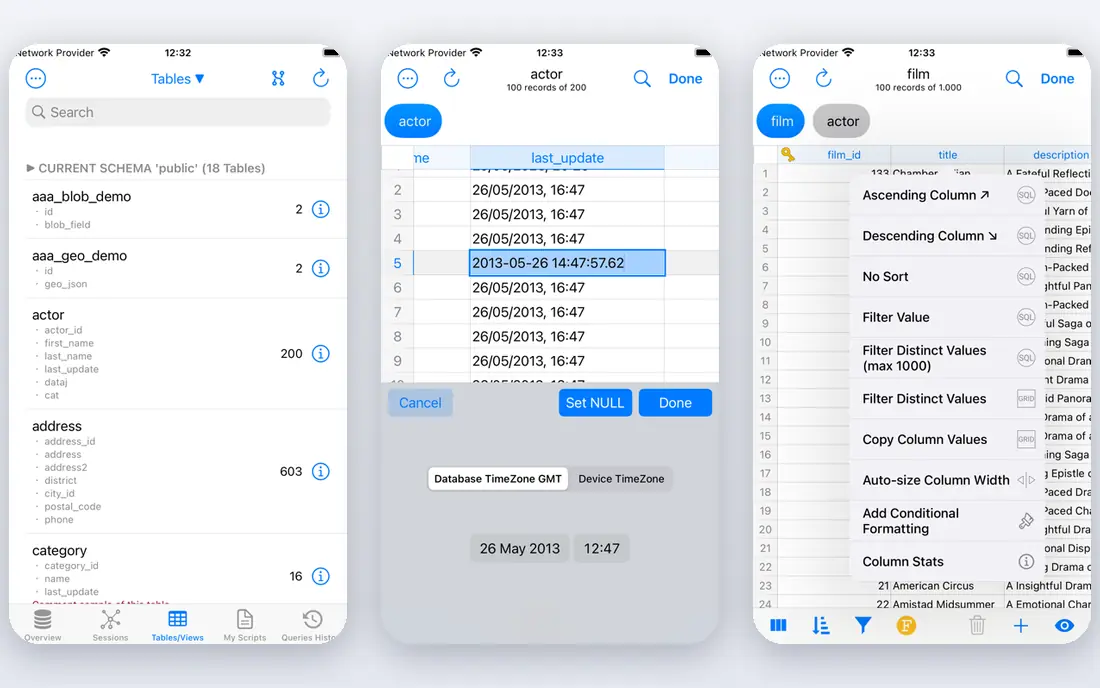
PostgreSQL is the default answer for a reason. It handles standard relational work, JSON data, full text search, and advanced indexing in one system, and its extension ecosystem adds features such as PostGIS for spatial data without switching databases. The community is large, documentation is thorough, and managed hosting is widely available.
Migration is not automatic. MySQL and PostgreSQL differ in types, functions, and some SQL behaviour, so a move needs testing of queries, stored routines, and application code. For a new project, that cost does not apply, which is why PostgreSQL is so often the first choice for a fresh build.
- Strong SQL, JSON, and full text support
- Rich extension ecosystem
- Proven reliability for production workloads
- Migration from MySQL needs query and type checking
- Tuning takes care for large workloads

MariaDB started as a fork of MySQL, and for many applications it remains the closest alternative. Code written for MySQL often runs with little change, and the familiar tooling and replication concepts carry over. Its storage engine choices also give teams options for different workload shapes.
Closeness is not sameness. Over time MariaDB and MySQL have diverged, so features, defaults, and some syntax differ. Test your application, backups, and replication setup on MariaDB before you treat it as a drop-in replacement, especially for larger or older systems.
- High MySQL compatibility for many apps
- Multiple storage engines
- Open source with community and enterprise options
- Some newer MySQL features differ or are missing
- Tooling checks still needed before a swap
SQLite is a different kind of database. It lives inside your application as a single file, with no server process, no network setup, and no separate admin work. That makes it ideal for mobile apps, desktop tools, testing, and small local services where simplicity beats scale.
It is not a shared server database. Many concurrent writers, remote access control, and heavy multi-user workloads are outside its design. If your app needs many users writing at once from different machines, a server database such as PostgreSQL or MariaDB is the better fit.
- No server to run or maintain
- Single file database that travels with the app
- Fast for local reads
- Not built for many concurrent writers
- No user management like a server database
SQL Server fits teams already invested in Microsoft technology. Integration with .NET, Azure services, and Microsoft reporting tools is a genuine advantage, and its enterprise features cover high availability, security, and performance tuning for demanding workloads. Free editions cover learning and small use, which helps teams evaluate it.
Cost is the main watch point. Paid editions are licensed in ways that need careful planning, and the total depends on edition, cores, and deployment. Teams outside the Microsoft ecosystem may get similar relational power from PostgreSQL without the licence complexity.
- Deep integration with Microsoft tools and Azure
- Strong enterprise features
- Familiar tooling for .NET teams
- Licensing costs rise for larger editions
- Linux support is real but the ecosystem still leans Windows
Oracle Database is the enterprise incumbent for systems where downtime is expensive and data volumes are large. Its high availability, partitioning, and performance features are built for that world, and vendor support is part of the package for many large firms. For a regulated or very large workload, that maturity matters.
For most small and mid-size teams, it is more than needed. Licensing is complex, costs are high, and running it well needs experienced database staff. A free edition exists for learning and small use, but production pricing should be quoted for your exact deployment before you compare it with open source options.
- Long track record for large enterprise workloads
- Deep high availability and partitioning features
- Strong support options
- Licensing and pricing are complex and costly
- Administration needs experienced staff
CockroachDB is built for apps that must stay up when a node or a region fails, and that need consistent transactions across locations. It replicates data automatically, rebalances as nodes join or leave, and speaks the PostgreSQL wire protocol for many applications. Its cloud service offers a free basic tier for getting started.
The trade-off is complexity. Distributed SQL brings new ideas about placement, latency, and transaction behaviour that a single-node team may not need. If your app runs in one region and fits on one strong server, a simpler database will be cheaper and easier to run.
- Strong consistency across regions
- Automatic replication and rebalancing
- PostgreSQL wire compatibility for many apps
- Operational concepts take learning
- Costs scale with compute and regions
TiDB is the distributed option for MySQL-shaped workloads. It offers MySQL protocol compatibility, so many MySQL applications can connect with less rewriting than a move to PostgreSQL, while gaining horizontal scale and a mix of transactional and analytical processing. Its cloud service offers a free starter tier for evaluation.
As with other distributed systems, the gain comes with operational work. Cluster sizing, placement, and monitoring matter more than on a single server, and the free tier will not cover a large production load. It fits teams that have outgrown a single MySQL server and want to keep MySQL compatibility.
- MySQL compatibility for many workloads
- Horizontal scale for large transactional and analytical work
- Open source core
- Distributed operations need planning
- Some MySQL features differ in a distributed design
Percona Server for MySQL is for teams that like MySQL but want better performance visibility and tuning. It aims for compatibility with MySQL, adds instrumentation and performance improvements, and is open source, with paid support available from Percona. For a team staying in the MySQL world, that is a focused upgrade rather than a rewrite.
It does not change the database family. If your reason for leaving MySQL is a need for PostgreSQL extensions, advanced types, or a different licensing model, Percona Server will not solve that. It solves the case where MySQL works, but you want it faster and easier to observe.
- Drop-in style MySQL compatibility for many apps
- Performance and instrumentation improvements
- Open source with support options
- Still a MySQL family database, so it does not add PostgreSQL style features
- Support is a paid extra
YugabyteDB pairs distributed resilience with PostgreSQL compatibility, which suits teams that want PostgreSQL style SQL without a single point of failure. It distributes data across nodes, handles node failures, and supports both relational and document style access patterns in its APIs. The open source core lets teams self-host and evaluate without a licence fee.
The same distributed caution applies. A small app with one region and modest traffic will find single-node PostgreSQL simpler and cheaper. YugabyteDB earns its complexity when availability across zones or regions, and scale beyond one server, are real requirements.
- PostgreSQL compatibility for distributed apps
- Strong consistency and resilience
- Open source core with managed options
- Distributed setup is more work than a single PostgreSQL server
- Some PostgreSQL features differ
How we picked these
We compared official documentation, licensing pages, and public reviews for databases that can replace MySQL for web, business, or embedded work. We kept systems that exist and work in October 2026, that cover relational, embedded, and distributed needs, and that offer a clear migration or ecosystem reason. Where managed pricing varies by instance size and region, we wrote See website rather than a single figure that would mislead.
What to check before you switch
Start with compatibility, not speed. Check SQL dialect, data types, functions, stored routines, and driver support for your application. A database that looks faster on paper is a poor switch if it forces a large rewrite or breaks a key query.
Next, check operations. Backups, replication, upgrades, monitoring, and managed hosting options decide how much staff time the database will need. A free licence does not mean a free database once hosting, monitoring, and on-call work are counted.
Finally, test with your real workload and data size. Run your queries, your backup and restore process, and your failure cases on a copy of production data. That test will reveal type differences, performance gaps, and tooling issues before they reach users.
Frequently asked questions
Is PostgreSQL better than MySQL?
It depends on the workload. PostgreSQL offers broader SQL features, extensions, and advanced indexing, which suit many general purpose apps. MySQL and MariaDB remain strong for simple web workloads and for teams with existing MySQL skills and tooling.
Can I migrate from MySQL to MariaDB easily?
Often yes, for many applications, because MariaDB keeps high MySQL compatibility. You should still test queries, replication, backups, and application code, since the two systems have diverged in some features and defaults.
Is SQLite suitable for a website with many users?
SQLite suits single-user apps, embedded use, and read heavy local work. For a website with many concurrent writers or remote users, a server database such as PostgreSQL, MariaDB, or MySQL is a better fit.
Do I need a distributed database?
Only if you have a real need for scale beyond one server, or availability across zones or regions, that a single server with replicas cannot meet. Distributed databases add operational work, so do not choose one for scale you may never need.
Are these databases really free?
The open source editions listed as free carry no licence fee for the software itself. Managed cloud services, enterprise support, and hosting still cost money, and commercial editions such as SQL Server and Oracle Database use paid licensing for larger deployments.
What about backups when switching databases?
Plan backups before you migrate. Test a full backup and restore on the new system, check point-in-time recovery if you need it, and keep the old database readable until the new one has run cleanly in production for a full cycle.
Sources
See where you really rank - block by block
ProMapRanker scans Google Maps across a grid of your service area. Simple monthly plans from $19, white-label on every plan.
Start freeKeep reading
 zoho books alternatives
Best Zoho Books Alternatives in 2026
Compare the best zoho books alternatives for small business accounting, from QuickBooks Online and Xero to FreshBooks, Wave, and Sage in 2026, with pricing.
Read → zluri alternatives
Best Zluri Alternatives in 2026
Compare zluri alternatives for 2026, with SaaS management platforms for app discovery, spend tracking, renewals, and automation for IT, finance and procurement.
Read → zerobounce alternatives
Best ZeroBounce Alternatives in 2026
Best zerobounce alternatives for list hygiene: compare 8 email verification tools for bulk cleaning, real-time checks and catch-all handling in 2026 today.
Read →