 ProMapRanker
Best Multi Vendor Marketplace Plugin Alternatives in 2026

Key takeaways
- Our reading of this topic is marketplace plugins for WordPress and WooCommerce, plus comparable marketplace platforms for sellers who want a hosted route.
- Dokan and WCFM Marketplace offer the most polished and most generous free starting points for WooCommerce marketplaces.
- WC Vendors suits simpler marketplaces that want flexible commissions without a large feature set.
- YITH Multi Vendor and MultiVendorX suit stores already in those ecosystems or with niche rental, booking or auction models.
- Commission rules and payout rails decide most choices, so test vendor payouts with real payment methods before launch.
Quick comparison
| Pick | Great for | Pricing starts at | Free tier | |
|---|---|---|---|---|
 Dokan | Polished WooCommerce marketplaces | $149 per year | Yes | Visit |
 WCFM Marketplace | Feature-rich free WooCommerce marketplace | Free | Yes | Visit |
 WC Vendors | Simple WooCommerce marketplaces | $99.50 per year | Yes | Visit |
 YITH WooCommerce Multi Vendor | YITH ecosystem marketplaces | $149.99 per year | No | Visit |
 MultiVendorX | Niche rental and booking marketplaces | $299 per year | Yes | Visit |
 MarketKing | Split-cart WooCommerce marketplaces | Free | Yes | Visit |
 WooCommerce Product Vendors | Official simple vendor split | See website | No | Visit |
 Sharetribe | Hosted peer-to-peer marketplaces | $119 per month | Free trial | Visit |
 CS-Cart Multi-Vendor | Large dedicated marketplace software | $1450 one-time | Free trial | Visit |
The best multi vendor marketplace plugin alternatives
A multi-vendor plugin turns a WooCommerce store into a marketplace where many sellers list products, manage orders and get paid. The best choice depends on commission rules, payout methods, vendor dashboards and how much you want to manage hosting yourself. The list below starts with WooCommerce plugins, then adds hosted and dedicated platforms for teams that want less plugin management.
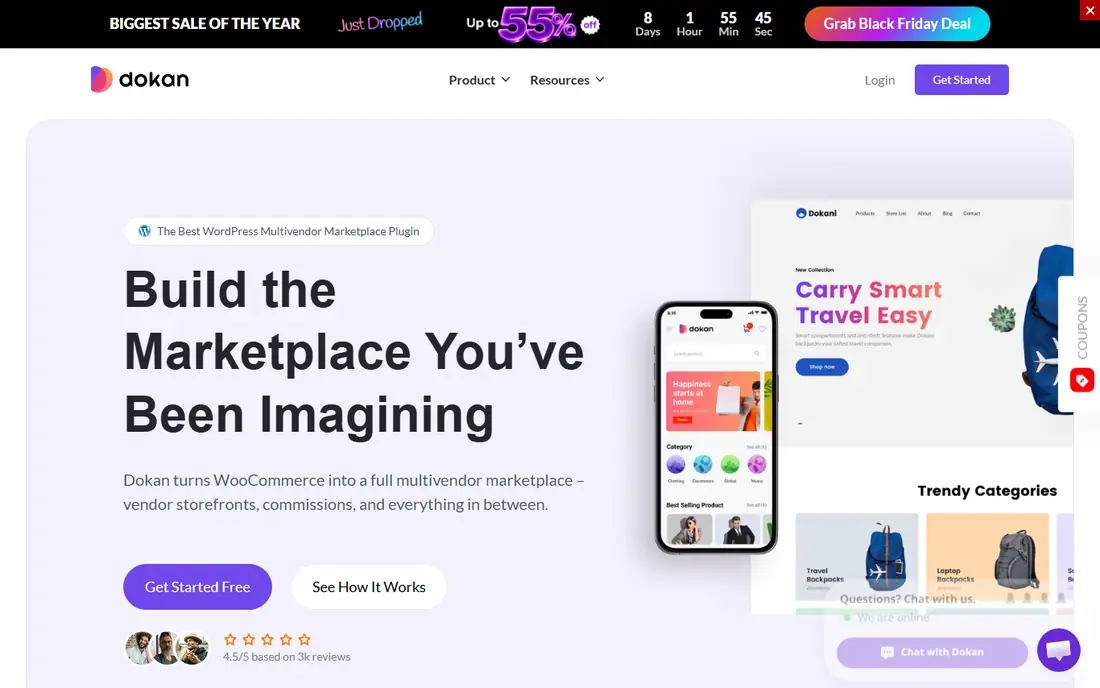
Dokan is the most popular WooCommerce marketplace plugin for teams that want a polished vendor experience out of the box. Vendors get a front-end dashboard, store pages and order tools, while admins control commissions by product, vendor, category or global rules. The Lite version is free, and Starter paid plans start at $149 per year for one site.
Payout automation is the main upgrade pressure. Full payout features sit on the Professional plan at $249 per year, and premium modules add cost over time. For a marketplace that needs a professional vendor experience and can grow into paid tiers, Dokan remains the safest WooCommerce starting point.
- Polished vendor dashboard and onboarding
- Many premium modules
- Large marketplace ecosystem
- Automated payouts sit on higher plans
- Renewal and module costs add up
WCFM Marketplace gives away the most functionality for free. The core plugin covers vendor dashboards, storefronts, commissions and order management, with paid Ultimate and add-on modules for delivery, groups and advanced features. Paid Ultimate pricing is reported around $59 per year, depending on bundle, which keeps total cost low for feature-rich builds.
The trade is density. The vendor dashboard packs many options into one place, which can overwhelm first-time sellers. Payout automation also needs the right add-on and payment setup. For a budget-conscious marketplace that wants depth without paying for Dokan modules from day one, WCFM is hard to beat.
- Deepest free tier among WooCommerce plugins
- Flexible commission rules
- Many add-ons
- Dashboard can feel dense for new vendors
- Paid add-ons needed for some payout and delivery features
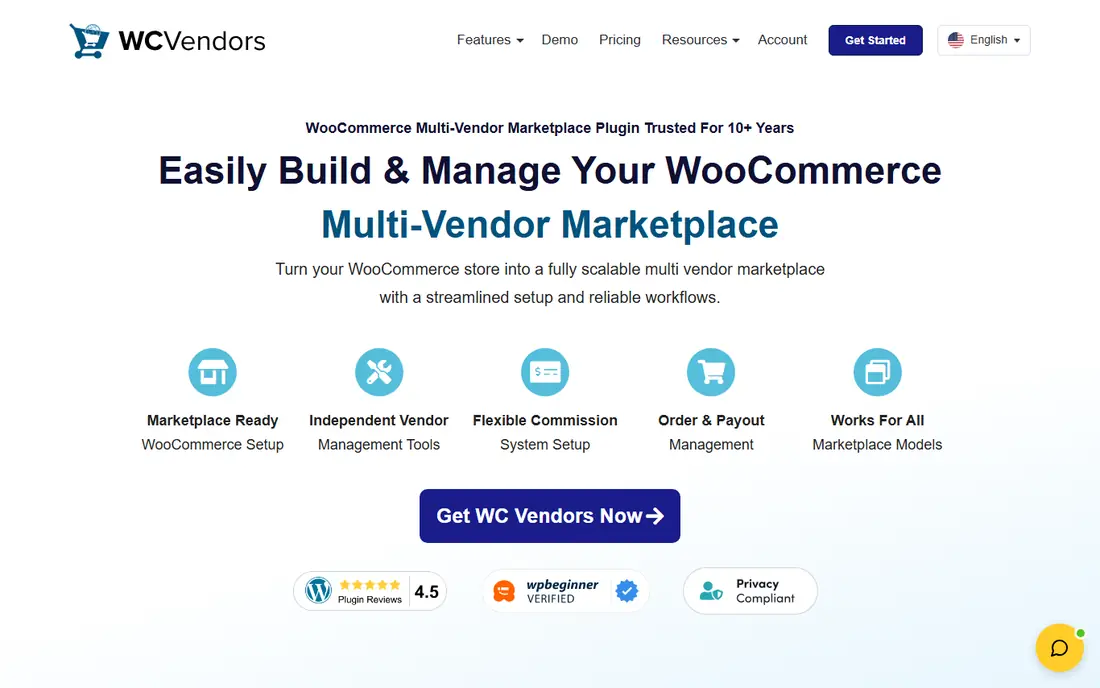
WC Vendors suits marketplaces that want a clean, WooCommerce-native plugin without a large module catalog. It supports percentage, fixed, fixed-plus-fee and tiered commissions, with product, vendor, category and global rules. The free core covers basics, and Pro starts at $99.50 for the first year, renewing at $199 per year.
That renewal jump matters for budgeting, since the second year costs more than the first. Feature depth is also smaller than Dokan and WCFM, especially for bookings, auctions and memberships. For a curated marketplace with straightforward products and payouts, WC Vendors keeps the stack simple and the vendor experience clear.
- Clean WooCommerce-native approach
- Flexible commission types
- Stripe Connect in Pro
- Smaller feature set than Dokan and WCFM
- Renewal price is higher than first-year price
YITH WooCommerce Multi Vendor fits stores already using YITH plugins for WooCommerce. Vendors get store pages, order management and commission tracking in a familiar YITH style, and admins can set global, vendor-specific and product-specific commissions. Pricing starts at $149.99 per year, with no free core version.
Payout flexibility can require extra YITH plugins for Stripe Connect, PayPal Payouts or wallet features, so price the full stack before committing. For a store already invested in YITH, that consistency is valuable. For a new marketplace with no YITH history, Dokan or WCFM may offer a better free starting point.
- Consistent YITH interface
- Vendor, product and global commissions
- Stripe Connect and PayPal Payouts support
- Premium only, no free core
- Some payout features need separate YITH plugins
MultiVendorX, formerly WC Marketplace, suits marketplaces with unusual business models. It supports fixed, percentage and per-unit commission rules, plus modules for rentals, bookings, auctions and membership-style selling. The free core covers basic marketplace features, and Pro starts at $299 per year for one site.
The price and learning curve are higher than simpler plugins. Vendors and admins need time to configure niche modules correctly, especially for rental calendars and booking rules. For a standard product marketplace, that depth is unnecessary. For a rental, service or auction marketplace, it is the reason to choose MultiVendorX.
- Strong niche modules for rentals, bookings and auctions
- Detailed per-unit commission rules
- Stripe marketplace payouts
- Higher Pro price at $299 per year
- Interface and setup take time to learn
MarketKing offers a modern WooCommerce marketplace plugin with a split-cart experience, so customers can buy from several vendors in one checkout while orders split correctly behind the scenes. The free core covers percentage or flat commissions, while Pro adds combined and rule-based commissions by vendor, category, product and tag.
Pro pricing varies by listing, so confirm the current annual price before budgeting. The ecosystem is also smaller than Dokan, with fewer third-party modules and themes. For a marketplace that values a clean split-cart checkout and a modern dashboard, MarketKing is a fresh alternative worth testing.
- Free core with split-cart vendor experience
- Rule-based commissions in Pro
- Modern vendor dashboard
- Pro pricing is quoted on request in some listings
- Smaller ecosystem than Dokan
WooCommerce Product Vendors is the official WooCommerce extension for simple vendor setups. It lets admins assign products to vendors, set fixed or percentage commissions and manage payouts, including PayPal Payouts and manual cycles. Pricing has been listed around $79 to $119 per year in different comparisons, so confirm the current price on WooCommerce.com before buying.
Vendor experience is more backend-focused than Dokan or WCFM, with less emphasis on polished vendor storefronts. For a store that only needs a clean commission split and official WooCommerce support, that simplicity is enough. For a public marketplace where vendor branding matters, a fuller plugin will serve sellers better.
- Official WooCommerce extension
- Simple fixed or percentage commissions
- PayPal Payouts support
- Backend-focused vendor experience
- Fewer storefront and marketing features than Dokan
Sharetribe is a hosted alternative for teams that do not want to run WordPress at all. It is built for peer-to-peer, rental and service marketplaces, with listing, booking, messaging and payment flows included. Plans start around $119 per month and go up to $699 per month for larger marketplaces, with trials to test the builder.
Control is the trade. You cannot customize a Sharetribe marketplace as deeply as a WooCommerce plugin stack, and monthly costs exceed plugin annual fees over time. For a founder who wants to validate a rental or service marketplace quickly, without hosting, updates and plugin conflicts, Sharetribe removes much of the technical burden.
- Hosted, no WordPress maintenance
- Built for services, rentals and peer-to-peer listings
- Fast validation
- Monthly SaaS cost
- Less control than self-hosted WooCommerce
- Transaction and platform limits vary by plan
CS-Cart Multi-Vendor is dedicated marketplace software for larger operations that have outgrown a plugin. It provides vendor storefronts, admin controls, commissions, payouts and marketplace management as a core product, rather than as an add-on to a store. Pricing is listed at $1,450 as a one-time license, with hosting and setup handled separately.
That upfront cost and setup effort make it unsuitable for a first test marketplace. For an established marketplace with many vendors, complex rules and long-term plans, a dedicated platform can be more stable than a growing stack of WordPress plugins. Compare total cost, including hosting and maintenance, before choosing it over WooCommerce.
- Dedicated marketplace software, not just a plugin
- Strong vendor and admin tools
- One-time license option
- Higher upfront cost
- Needs hosting and setup expertise
- Smaller WordPress-style plugin ecosystem
How we picked these
We compared official product pages, pricing pages, documentation and public plugin comparisons for WooCommerce marketplace plugins and hosted marketplace platforms. We kept only tools live in October 2026 that let multiple vendors list products or services, manage orders and receive payouts. We favored a mix of free-core plugins, premium plugins and hosted platforms, and we noted commission types and payout rails, since those features decide most marketplace launches.
What to check before you switch
Start with money flow, not design. Map how a customer pays, how commission is calculated, when vendors get paid and who handles refunds and taxes. Test Stripe Connect, PayPal Payouts or your chosen gateway with real test payments, including split orders from several vendors. A beautiful storefront means little if payouts fail or tax handling is unclear.
Next, test the vendor experience with a real seller. Ask a vendor to register, list a product, manage stock, handle an order and check earnings without help. Watch where they get stuck, especially on shipping, variations and payout setup. That test reveals more than an admin demo, since vendors will use the dashboard daily.
Finally, price the full stack for year two, not just year one. Include plugin renewals, payment gateway fees, hosting, themes and any add-ons for bookings, delivery or memberships. First-year discounts can hide renewal costs, as with WC Vendors. Launch with a small vendor group first, fix payout and order issues, then open registration more widely.
Frequently asked questions
What is the best WooCommerce multi-vendor plugin for beginners?
Dokan is the easiest polished starting point, with a setup wizard and a familiar vendor dashboard. WCFM Marketplace offers more free features but a denser dashboard, while WC Vendors suits simpler marketplaces. Test vendor registration and product listing in each free version before choosing.
Is there a free multi-vendor marketplace plugin?
Yes. Dokan Lite, WCFM Marketplace core, WC Vendors free, MultiVendorX core and MarketKing core all offer free versions. Free versions limit payouts, modules or advanced commissions, so check if your commission model and payout method need a paid plan.
How do marketplace commissions and payouts work?
Admins set a commission as a percentage, a fixed amount or a combination, often by product, vendor or category. Payment gateways such as Stripe Connect split payments to vendors, while PayPal Payouts and manual payouts handle other flows. Confirm payout timing, fees and refund handling for your chosen gateway.
Do I need WooCommerce to run a marketplace?
Not always. WooCommerce plugins need WordPress and WooCommerce, but hosted platforms such as Sharetribe and dedicated software such as CS-Cart Multi-Vendor run marketplaces without WordPress. Choose WooCommerce if you want plugin control and lower software cost, and choose hosted if you want less maintenance.
Can vendors manage their own shipping and taxes?
Most plugins let vendors manage shipping methods, stock and order fulfillment, with admin controls for global rules. Tax handling varies by plugin and gateway, so test tax calculation for your regions and product types. For complex tax or delivery rules, check add-ons before launch.
Sources
See where you really rank - block by block
ProMapRanker scans Google Maps across a grid of your service area. Simple monthly plans from $19, white-label on every plan.
Start freeKeep reading
 zoho books alternatives
Best Zoho Books Alternatives in 2026
Compare the best zoho books alternatives for small business accounting, from QuickBooks Online and Xero to FreshBooks, Wave, and Sage in 2026, with pricing.
Read → zluri alternatives
Best Zluri Alternatives in 2026
Compare zluri alternatives for 2026, with SaaS management platforms for app discovery, spend tracking, renewals, and automation for IT, finance and procurement.
Read → zerobounce alternatives
Best ZeroBounce Alternatives in 2026
Best zerobounce alternatives for list hygiene: compare 8 email verification tools for bulk cleaning, real-time checks and catch-all handling in 2026 today.
Read →