 ProMapRanker
Mojo Dialer Alternatives Compared


Real estate power dialing · Pricing starts at: $140 per user/month (billed annually)
Key takeaways
- PhoneBurner is the closest like-for-like swap for Mojo Dialer, with power dialing, local presence, and voicemail drop at $140 per user per month on annual billing.
- JustCall and Aircall are the only two options here with published starting prices under $35 per user per month, which makes them the low-cost entry points.
- Kixie, CallTools, Convoso, VanillaSoft, and Five9 hide pricing behind a sales call, so budget for a quote and a demo before you commit.
- Teams that call from a CRM all day need a dialer that logs calls automatically, while teams that work from lists need strong list handling and local presence.
- Pick by dialing mode first: single-line dialing suits careful follow-up, multi-line dialing suits high-volume prospecting, and the wrong mode slows a team down.
Quick comparison
| Pick | Great for | Pricing starts at | Free tier | |
|---|---|---|---|---|
| PhoneBurner | Real estate power dialing | $140 per user/month (billed annually) | Free trial (7 days) | Visit |
 Kixie | High-volume outbound sales | quote only | No | Visit |
 CallTools | Contact center dialing | quote only | No | Visit |
 Convoso | Lead conversion dialing | quote only | No | Visit |
 VanillaSoft | Cadence-based sales outreach | quote only | No | Visit |
 JustCall | Small team cloud phone | $29 per user/month (billed annually) | Free trial (14 days) | Visit |
 Aircall | CRM-connected cloud phone | $30 per user/month (billed annually) | Free trial (7 days) | Visit |
 Five9 | Enterprise contact center | quote only | No | Visit |
The best Mojo Dialer alternatives
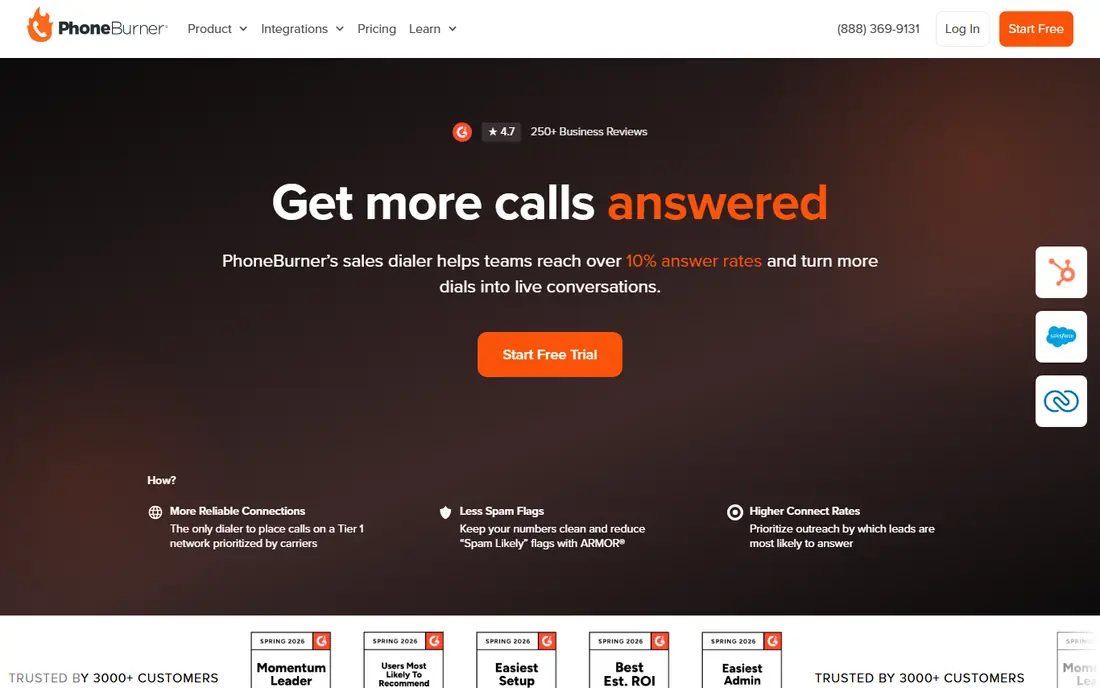
PhoneBurner is the most direct replacement for Mojo Dialer among the tools in this list. It is built around outbound power dialing, paired with local presence numbers, voicemail drop, and automated email follow-up, which matches the daily workflow of a real estate agent working through a call list. Agents move from one call to the next without manual dialing, and call notes and dispositions are logged against each contact.
The pricing is published openly, which is rare in this group. At $140 per user per month on annual billing, a team of ten agents would spend $1,400 per month before any add-ons. That cost is easier to justify for agents who make a large number of calls each day, since the time saved by power dialing and voicemail drop adds up fast.
PhoneBurner also offers a 7-day free trial, so a team can test the dialer with a real list before committing. Use the trial to check call quality, local presence numbers, and how cleanly dispositions flow back into the CRM. Confirm the integration syncs call outcomes and notes in both directions, because a dialer that keeps separate records creates extra admin work.
- Power dialing with local presence
- Voicemail drop and email follow-up built in
- Per-user price of $140 per month is high for large teams
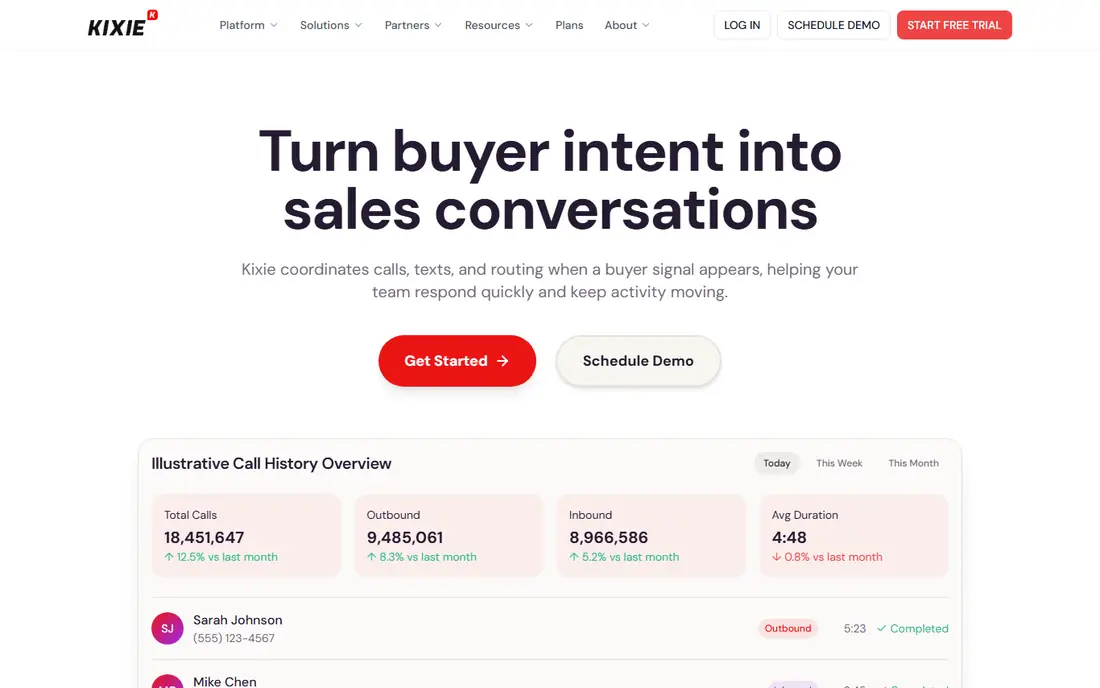
Kixie is a power dialer aimed at sales teams that make a high volume of outbound calls. It offers multi-line dialing, which places several calls at once and connects the agent when a person answers, plus local presence numbers that show a local area code. For real estate teams that prospect expired listings or circle prospect in a farm area, that combination can raise the number of live conversations per hour.
Kixie connects with common CRMs and logs calls automatically, which keeps each conversation record beside the contact details. The vendor also lists SMS and call recording, which matter for teams that follow up by text after a missed call. Kixie is aimed at sales floors rather than single agents, so it assumes a team working from shared lists and campaigns.
Pricing is available on request, and there is no free plan, so a team cannot test Kixie without talking to sales first. That is a real drawback for a small brokerage that wants to compare costs quickly. Ask for the per-user price, any minimum seat count, and whether local presence numbers and SMS carry extra charges.
- Multi-line power dialing with local presence
- Automatic call logging to popular CRMs
- No published price, so costs are only known after a sales quote
CallTools is a cloud contact center platform with predictive, power, and preview dialing modes, which gives a team more choice than a single-mode dialer. Predictive dialing suits large campaigns where many agents share a list, while preview dialing suits calls that need preparation. The platform also includes its own CRM and campaign tools, so a team without a separate CRM can manage contacts, lists, and dispositions in one place.
The breadth of CallTools is both its strength and its risk. A real estate team that only needs a dialer may find the contact center features more than it needs, and setup takes longer than a simple power dialer. Larger teams that run several campaigns at once will get more value from the campaign management and reporting tools.
Pricing is quote only, with no free trial listed. Before a demo, ask about the per-agent monthly price, any minimum seat count, whether the built-in CRM replaces the team's current CRM or runs beside it, and how call recordings are stored. The answers decide whether CallTools fits a brokerage or is too heavy for a small team.
- Predictive and preview dialing modes
- Built-in CRM and campaign management
- No published price and no free trial, so evaluation needs a sales conversation
Convoso is a contact center dialer built for teams that buy leads and need to reach them fast. Its predictive dialer places calls as soon as agents are free, and its lead management tools route new leads to the next available agent. For real estate teams that buy internet leads, speed matters, because a lead contacted within minutes is far more likely to answer. Convoso also supports SMS and email from the same platform, so follow-up can continue after the first call attempt.
The platform includes reporting on contact rates and agent activity, which helps a team lead see which lists and hours produce conversations. That reporting suits a brokerage that manages several agents and wants to compare performance across the team. Convoso is aimed at larger operations, with compliance tools for outbound calling rules and call recording among the listed features.
Pricing is available on request only, and there is no free trial. A small team should ask whether there is a minimum seat count and what the onboarding timeline looks like, because a platform of this size can take weeks to set up. Confirm also whether SMS is included in the per-user price or billed separately.
- Predictive dialing tuned for lead response speed
- Omnichannel contact including SMS and email
- No published price, so the total cost is unclear until a quote arrives
VanillaSoft takes a different approach from a pure power dialer. It is built around cadences, which are ordered sequences of calls, emails, and texts that guide an agent through each lead. The system routes the next best lead to each agent rather than letting agents pick from a list, which keeps the team working the highest-priority contacts first. For real estate teams that work internet leads, expired listings, and sphere contacts in a set order, that structure can keep follow-up consistent.
VanillaSoft also includes appointment setting, so an agent can book a showing or a listing appointment while still on the call, and the appointment lands in the calendar with the contact record attached. The platform records calls and logs outcomes, which shows a team lead how many leads reached each stage of the cadence.
Pricing is quote only and there is no free trial, which makes a quick cost comparison hard. Ask the vendor for the per-user price at the team's actual seat count, whether cadence setup is included in onboarding, and how the platform handles lists from an outside CRM. A team that wants a simple dialer may find the cadence system more structured than it needs.
- Lead-based routing with guided cadences
- Built-in appointment setting workflow
- No published price and no free trial, so costs stay hidden until a sales call
JustCall is a cloud phone system for small sales teams, and it is the lowest-priced published option in this list at $29 per user per month on annual billing. It provides local and international numbers, SMS, call recording, and voicemail, plus integrations with common CRMs that log calls and texts against the contact record. For a small real estate team that needs a shared phone system with some dialing help, that combination covers the basics at a modest monthly cost.
JustCall includes a power dialer that lets agents call through a list without dialing each number by hand, but its dialing features are lighter than those of a dedicated dialer such as PhoneBurner or Kixie. Teams that make hundreds of calls per agent per day may find the pace slower. The trade-off is a simpler setup, a lower price, and a phone system that also handles inbound calls, texts, and voicemail.
The 14-day free trial is the longest in this list, which gives a team time to test call quality and the CRM integration with real contacts. During the trial, check whether SMS is included in the starting price or limited to certain tiers, and whether the power dialer handles the team's list size without slowing down.
- Low published starting price with a 14-day trial
- SMS, call recording, and CRM integrations included
- Power dialer features are lighter than a dedicated dialer, so high-volume teams may outgrow it
Aircall is a cloud phone system built for teams that live inside a CRM. It connects with common CRMs and helpdesk tools, logging each call, recording, and note against the contact record automatically. Shared numbers, call routing, and a shared inbox let a small team handle inbound calls together, which suits a brokerage front desk or a small ISA team that answers calls from several agents. The starting price is $30 per user per month on annual billing, close to JustCall and far below PhoneBurner.
Aircall offers a power dialer as an add-on, but the core product is a phone system rather than a dedicated dialer. Teams that need multi-line or predictive dialing will find Aircall lighter than Kixie or Convoso. Teams that need reliable CRM logging, call routing, and a shared inbox will find it a strong fit.
The 7-day free trial lets a team test the CRM integration and call quality before committing. Check which tier includes the power dialer and SMS, because those features sit on higher tiers and can raise the monthly cost above the $30 starting price. Also confirm the per-user price on monthly billing, since the $30 figure is based on annual billing.
- Deep CRM integrations with automatic call logging
- Shared inbox and call routing for teams
- Advanced dialing and SMS features sit on higher tiers, which raises the monthly cost
Five9 is a cloud contact center platform aimed at large teams and enterprises. It offers predictive dialing, inbound call routing, omnichannel contact across voice, chat, email, and SMS, plus AI-assisted routing and agent tools. Reporting covers agent performance, queue times, and campaign results in detail, which suits a brokerage or call center with supervisors who manage many agents. Five9 also lists compliance tools for outbound calling, which matter for teams that call large consumer lists.
For a small real estate team, Five9 is almost certainly more platform than needed. The setup is longer, the feature set is wider, and the price is set by quote, which usually means a higher monthly cost than any published-price option here. A large brokerage that runs an inside sales team and needs detailed reporting may find the scale worth it.
Pricing is available on request, with no free trial. A team considering Five9 should ask for the per-agent price at its real seat count, the minimum contract term, and the onboarding timeline, because enterprise rollouts often take weeks. Confirm also whether the quote includes the dialer, SMS, and recording, or whether those are separate line items.
- Full contact center with predictive dialing and AI routing
- Strong reporting and compliance tools
- Quote-only enterprise pricing and a long setup, which is too heavy for small teams
How we chose
We compared vendor pricing pages, product pages, and documentation for each tool, and we checked the dialing modes each vendor lists: single-line, multi-line, predictive, and preview. We looked at CRM integrations and whether call logging is automatic, at list handling and campaign tools, and at whether the vendor publishes a price or keeps pricing behind a sales quote. We also noted trial length. We did not run hands-on tests, and we did not rank tools by customer counts or awards. Prices come from the vendor pricing pages linked in Sources, checked in November 2026.
What to check before you buy
Start with dialing mode. Single-line dialing suits careful follow-up where each call needs preparation, while multi-line and predictive dialing suit high-volume prospecting. Next, check CRM fit: the dialer should log calls, notes, and dispositions automatically, or the team will spend time on admin after every call. Check list handling too, including how lists are uploaded and how duplicates are handled.
Ask about local presence numbers and SMS, since both affect answer rates and follow-up. Ask whether call recording is included or an add-on, and how recordings are stored. Finally, confirm the full monthly cost at the team's actual seat count, including any add-ons, and confirm the contract term and cancellation terms before signing. A trial is the best way to test call quality, CRM sync, and list handling with real contacts.
| Team size | Daily calls per agent | Best fit |
|---|---|---|
| 1 to 2 agents | Under 50 | JustCall or Aircall, low monthly cost and simple setup |
| 1 to 5 agents | 50 to 100 | PhoneBurner for power dialing, or JustCall for a lower cost |
| 5 to 15 agents | 100 to 200 | PhoneBurner or Kixie for multi-line dialing and local presence |
| 15 to 50 agents | 200 or more | Kixie, Convoso, or CallTools for predictive dialing and campaign tools |
| 50 or more agents | 200 or more | Five9 or Convoso for full contact center scale and reporting |
Frequently asked questions
Is Mojo Dialer still a good choice for real estate teams?
Mojo Dialer remains a solid choice for real estate teams that want single-line and triple-line dialing with list management at plans from around $99 per month. It is built for agents who work call lists all day. The alternatives in this guide suit teams that want a different dialing mode, deeper CRM logging, a lower starting price, or a full contact center with reporting.
Which Mojo Dialer alternative is cheapest?
JustCall is the cheapest published option here at $29 per user per month on annual billing, with Aircall close behind at $30. Kixie, CallTools, Convoso, VanillaSoft, and Five9 do not publish prices, so their cost is only known after a quote. PhoneBurner is the most expensive published option at $140 per user per month, though it is a dedicated power dialer.
Do I need multi-line dialing or is single-line enough?
Single-line dialing is enough for careful follow-up, past-client calls, and conversations that need preparation. Multi-line dialing suits high-volume prospecting, such as expired listings or circle prospecting, where the goal is more live conversations per hour. The wrong mode slows a team down, so pick the mode that matches the list and the call goal.
Can these dialers log calls to my CRM automatically?
Most of the tools in this guide log calls to common CRMs automatically, including Kixie, JustCall, and Aircall. PhoneBurner, Convoso, VanillaSoft, CallTools, and Five9 also list CRM integrations, though the depth varies by CRM. Check the integration page for the team's exact CRM before buying, and test the sync during the trial.
What should I check during a free trial?
Use the trial with a real list and real contacts. Check call quality, whether local presence numbers show the right area code, and whether dispositions and notes sync to the CRM. Test the dialing mode at the team's real pace, and check how the dialer handles voicemail, wrong numbers, and callbacks. A trial that only tests one call tells a team very little.
Sources
See where you really rank - block by block
ProMapRanker scans Google Maps across a grid of your service area. Simple monthly plans from $19, white-label on every plan.
Start freeKeep reading
 Podium alternatives
7 Best Podium Alternatives for Local Businesses
Compare the best Podium alternatives for local businesses, with real starting prices, review tools, messaging features, and pros and cons to help you choose.
Read → Places Scout alternatives
7 Best Places Scout Alternatives for Local SEO
Places Scout alternatives compared side by side for local SEO: 7 tools with prices, free plans, rank tracking, citations and reviews to help you choose well.
Read → PinMeTo alternatives
8 Best PinMeTo Alternatives for Local Listings
Compare the 8 best PinMeTo alternatives for local listings, with real starting prices and free trials, so you can pick the right tool for your locations.
Read →