 ProMapRanker
Microsoft Azure SQL Database Alternatives


Lift-and-shift SQL Server on AWS · Pricing starts at: $0.017 per hour (db.t3.micro, SQL Server Express)
Key takeaways
- Amazon RDS and Google Cloud SQL are the closest lift-and-shift replacements for SQL Server workloads leaving Azure.
- Snowflake is not a like-for-like database swap: it is an analytics warehouse priced at $2 per credit on Standard.
- Supabase Pro at $25 a month and Neon on usage-based Launch are the cheapest paths to managed Postgres.
- PlanetScale Postgres starts at $5 a month for a single node, but there is no free plan.
- CockroachDB and YugabyteDB suit multi-region apps, and both start above $0.09 per vCPU-hour on their Standard tiers.
Quick comparison
| Pick | Great for | Pricing starts at | Free tier | |
|---|---|---|---|---|
| Amazon RDS | Lift-and-shift SQL Server on AWS | $0.017 per hour (db.t3.micro, SQL Server Express) | Yes | Visit |
 Google Cloud SQL | SQL Server on Google Cloud | $0.0105 per hour (db-f1-micro) | Free trial (30 days) | Visit |
 Snowflake | Cloud analytics at scale | $2 per credit (Standard, on demand) | Free trial (30 days) | Visit |
 CockroachDB | Multi-region distributed SQL | $0.092 per vCPU-hour (Standard) | Free trial (30 days) | Visit |
 PlanetScale | Branching Postgres for developers | $5 per month (Postgres single node) | No | Visit |
 Supabase | Postgres backend with auth and storage | $25 per month (Pro) | Yes | Visit |
 Neon | Serverless Postgres that scales to zero | $0.106 per CU-hour (Launch) | Yes | Visit |
 YugabyteDB | Postgres-compatible distributed SQL | $0.17 per vCPU-hour (Standard plan) | Yes | Visit |
Microsoft Azure SQL Database alternatives
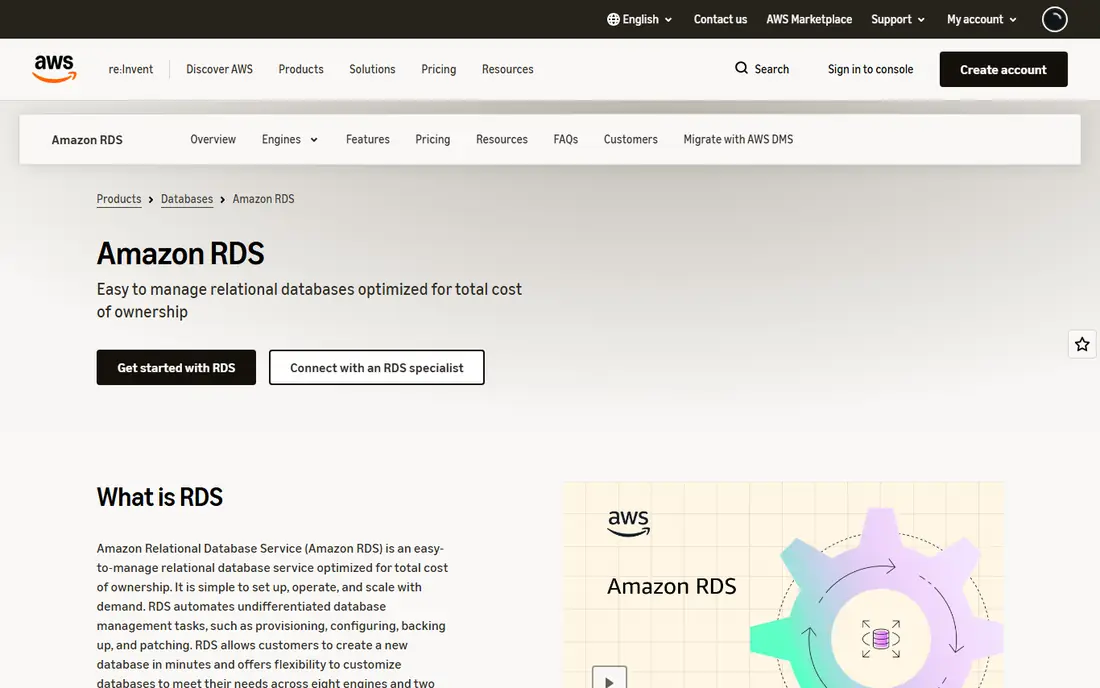
Amazon RDS is the most direct alternative when the workload must stay on SQL Server. It runs SQL Server Express, Web, Standard and Enterprise editions as a managed service, with automated backups, patching, failover and monitoring handled by AWS. The entry price is low: a db.t3.micro running SQL Server Express costs about $0.017 an hour, and the AWS free tier covers 750 hours a month of that shape. For a team already on AWS, RDS also connects cleanly to the rest of the stack, from Lambda to Redshift.
The catch is licensing. SQL Server Standard with licence included costs about $1.011 an hour on a db.m6i.large in US East, roughly five times the open-source engine price for the same shape, because the Microsoft licence sits inside the hourly rate. Bring-your-own-licence drops that cost if your team already owns licences through a Microsoft agreement. Storage, provisioned IOPS, backup storage above the free allowance and data transfer also bill separately, so the instance price is only the first line of the bill.
- Runs real SQL Server, so T-SQL code and tools carry over
- Deep AWS integration with backups, monitoring and IAM
- Licence-included Standard and Enterprise editions cost far more per hour than the Express entry price
- Storage, IOPS and backups bill separately
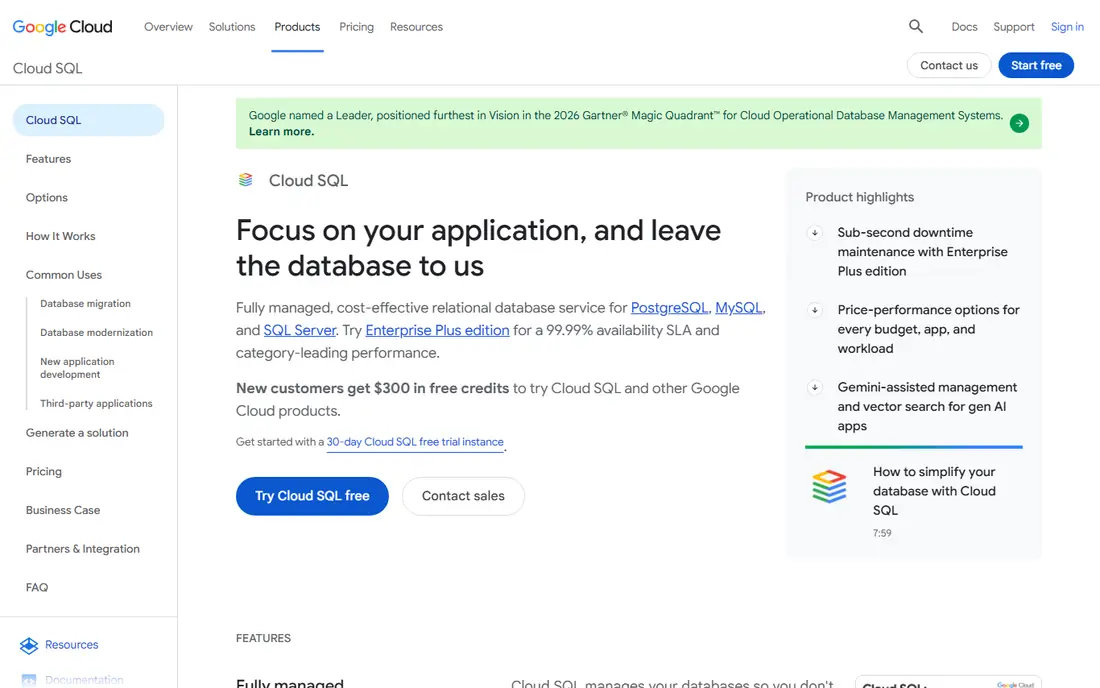
Google Cloud SQL is the equivalent move for teams standardising on Google Cloud. It runs managed MySQL, PostgreSQL and Microsoft SQL Server, with automated backups, high availability, point-in-time recovery and maintenance windows handled by Google. The cheapest shape is the shared-core db-f1-micro at $0.0105 an hour, about $8 a month, and new accounts get $300 in credits with a 30-day trial instance.
The licence is the part to price first. Cloud SQL charges the SQL Server licence per core hour, at $0.13 for Standard and $0.47 for Enterprise, with a four-core minimum, and it does not accept bring-your-own licences. That means even a two-vCPU instance is billed for four cores of licence, which can cost more than the compute itself. Express has no licence charge, so it is the cheap path for small apps. Committed use discounts cut vCPU and memory by 25 percent for one year, but they do not apply to licences.
- Runs managed SQL Server, MySQL and PostgreSQL on one service
- Shared-core shapes start near $8 a month
- SQL Server licence has a four-core minimum, so small instances still pay for four cores
- Licence cost is often the largest line on the bill
Snowflake is the right alternative when the Azure SQL workload is analytics, not transactions. It is a cloud data warehouse, not a row-by-row application database, and it bills on consumption: compute in credits, storage per terabyte and data transfer separately. On AWS US East, a credit costs $2.00 on Standard, $3.00 on Enterprise and $4.00 on Business Critical, on demand. Storage costs $23 per terabyte per month. A 30-day free trial includes $400 of credits, with no payment details required.
The model rewards disciplined use. A suspended warehouse consumes no credits at all, and since June 2026 new standard warehouses default to Gen2, which consumes 1.35 credits an hour on AWS at X-Small against 1 credit for Gen1. The risk is an idle warehouse left running: a Medium warehouse running around the clock burns through credits fast, and most of the bill on a typical month is compute, not storage. Pick Snowflake for reporting and analytics. Keep a transactional database for the application itself.
- Separates compute and storage, so warehouses scale independently
- No licence fee and no charge for a suspended warehouse
- Credit consumption depends on warehouse size and run time, so bills are hard to predict
- Not a transactional database for app workloads
CockroachDB is a distributed SQL database built for apps that must stay up across regions. It speaks the PostgreSQL wire protocol, so most Postgres drivers and tools work with it, and it runs multi-region ACID transactions with automatic failover. Since September 15, 2026, new CockroachDB Cloud deployments are priced under Cockroach Continuum. Standard costs $0.092 per vCPU-hour, which Cockroach Labs estimates at about $203 a month for 2 vCPUs and 100 GB on AWS us-east-1. Mission Critical costs $0.162 per vCPU-hour, about $1,528 a month for 12 vCPUs, and adds dedicated infrastructure and a 99.999 percent multi-region SLA.
The minimum viable production cluster needs three nodes, which makes the cost floor higher than a single-node Postgres host. New organisations get a 30-day trial with $400 in credit, and the old Basic plan with $15 of free monthly usage is not on the new pricing page. Self-hosted use is free for organisations under $10 million in annual revenue. Pick CockroachDB when uptime across regions is the requirement. Pick a single-region Postgres host when it is not.
- PostgreSQL wire compatibility with multi-region ACID transactions
- Survives a region failure without manual failover
- Three-node minimum raises the cost floor for small apps
- Source-available licence replaced the open-source core for larger organisations
PlanetScale started as a Vitess-based MySQL platform and now offers managed Postgres as well. Its standout feature is database branching: every pull request can get a copy of the database, so schema changes are tested against real data before they reach production. Postgres pricing is cluster-based. A single-node PS-5 cluster costs $5 a month, a three-node high-availability cluster costs $15 a month, and Metal with local NVMe storage starts at $50 a month. Vitess for MySQL starts at $39 a month for a three-node cluster.
There is no free plan. The old free Hobby tier ended in April 2024, so the cheapest way to try PlanetScale is a $5 single-node cluster. Storage is 10 GB included per cluster, then $0.125 per GB a month, and egress is 100 GB included, then $0.06 per GB. The branching workflow is the reason to choose it: teams that ship schema changes weekly get more value from branches than from a cheaper host without them. Teams that need a free tier should look at Neon or Supabase instead.
- Database branching works like Git branches for schema changes
- Single-node Postgres starts at $5 a month
- No free plan, so even a side project costs $5 a month
- High-availability clusters start at $15 and Metal at $50
Supabase is an open-source Postgres backend with authentication, storage, edge functions and realtime built in. The Free plan costs $0 and includes 500 MB of database storage per project and 50,000 monthly active users, which suits validation and side projects. Pro starts from $25 a month per organisation and adds 8 GB of disk per project, 100,000 monthly active users, 250 GB of egress and a $10 monthly compute credit that covers one Micro instance. Team starts from $599 a month, and Enterprise is quoted.
The $25 headline needs a close read. It is a plan fee, not a flat rate: compute is billed per project on top, from about $10 a month for Micro to $3,730 for a 16XL, minus the $10 credit. A production app on a Large instance costs about $125 a month in total. Free projects pause after a week of inactivity, and a spend cap is on by default on Pro, which stops overage charges but can also restrict a project. Pick Supabase when you want a full backend, not just a database.
- Pro bundles Postgres, Auth, Storage, Edge Functions and Realtime for one fee
- Free plan covers 500 MB and 50,000 monthly active users
- The $25 fee covers almost no compute, so larger instances add $10 to $3,730 a month
- Free projects pause after a week of inactivity
Neon is serverless Postgres with compute and storage billed separately. The Free plan includes 100 CU-hours and 0.5 GB of storage. Launch is usage-based with no monthly minimum: compute costs $0.106 per CU-hour, storage costs $0.35 per GB-month, and a typical small app lands near $15 a month. Scale meters compute at $0.222 per CU-hour with a higher autoscale ceiling. Egress is free up to 500 GB, then $0.10 per GB, and extra branches cost $1.50 per branch-month after the included ten.
The standout feature is branching, done with copy-on-write snapshots at the storage layer, so a branch per pull request costs almost nothing to create. Autosuspend after five minutes of inactivity means a side project with little traffic costs a few dollars a month. The trade-off is cold starts: a database that has scaled to zero takes time to wake, and keeping one compute unit running around the clock costs roughly $76 a month in compute alone. Neon is now part of Databricks, though it still operates as its own product.
- Compute scales to zero after 5 minutes idle, so quiet databases cost almost nothing
- Branching gives every pull request its own database copy
- Cold starts add latency after idle periods
- Launch has no monthly minimum, so a busy always-on database can cost more than a fixed host
YugabyteDB Aeon is the managed form of YugabyteDB, a distributed SQL database that is compatible with PostgreSQL. The Standard plan rate card is $0.17 per vCPU-hour, billed by the minute, with storage at $0.10 per GB a month and backup storage at $0.025 per GB a month. A one-node cluster with 2 vCPUs, 8 GB of RAM and 100 GB of storage lists near $248 a month. A free Sandbox tier covers up to 2 vCPUs, 4 GB of memory and 10 GB of storage, with 15 simultaneous connections.
YugabyteDB suits apps that need Postgres compatibility with horizontal scale and multi-region deployment. It bundles pgvector, pg_cron, pg_partman and pgaudit, but it has no PostGIS and no GiST indexes, exclusion constraints or deferrable constraints, so check extension needs before migrating. Clusters can be paused, which suspends vCPU charges. For a single-region app with modest scale, a simpler Postgres host costs less and is easier to run.
- PostgreSQL-compatible distributed SQL with a free Sandbox tier
- Clusters pause, so vCPU charges stop when paused
- Distributed design adds complexity for single-region apps
- No PostGIS and no GiST indexes in the Postgres-compatible layer
How we chose
We compared vendor pricing pages, product documentation and feature lists for eight alternatives to Microsoft Azure SQL Database, and we checked each price against the vendor's own pricing page or a November 2026 read of it. We kept only tools that are live and purchasable now, with a clear database product that can replace some or all of an Azure SQL workload. We did not claim hands-on testing, and we did not invent prices, ratings or customer counts. Where a vendor hides its price, we say quote only. Prices change, so confirm the current figure on the vendor's own site before you buy.
What to check before you buy
Start with the workload type. A transactional application needs a transactional database, so RDS, Cloud SQL, CockroachDB, YugabyteDB, PlanetScale, Supabase or Neon fit, while Snowflake fits analytics only. Next, check SQL Server compatibility. Only RDS and Cloud SQL run real SQL Server, so a migration from Azure SQL to any other tool on this list means changing the engine, the SQL dialect and the tooling. That is a larger project than a host change, and it needs a migration plan, not just a price comparison.
| Workload | Monthly budget | Best pick | Why | | SQL Server app, small | Under $50 | Amazon RDS Express | Free tier covers 750 hours a month | | SQL Server app, production | $100 to $500 | Google Cloud SQL | Managed SQL Server with committed use discounts | | Analytics and reporting | Usage-based | Snowflake Standard | $2 per credit, no charge for suspended warehouses | | Small Postgres app | Under $30 | Supabase Pro | $25 a month with auth, storage and functions | | Bursty Postgres app | Usage-based | Neon Launch | $0.106 per CU-hour, scales to zero | | Multi-region app | $200-plus | CockroachDB Standard | $0.092 per vCPU-hour, multi-region ACID |
Also check the billing model. Some tools charge a flat monthly fee, some charge per hour, some charge per credit or per vCPU-hour, and some charge a plan fee plus usage meters. Work out the monthly total for your shape, not just the headline rate: add storage, backups, egress and licence costs, and check whether unused capacity is billed. Finally, test the migration path with a copy of one database before you commit, and confirm the current price on the vendor pricing page.
Frequently asked questions
Which alternative is closest to Azure SQL Database?
Amazon RDS and Google Cloud SQL are the closest, because both run real Microsoft SQL Server as a managed service. RDS covers Express, Web, Standard and Enterprise editions on AWS, while Cloud SQL runs SQL Server on Google Cloud. Both keep T-SQL code and SQL Server tooling working. The other tools on this list run Postgres or a warehouse engine, so moving to them means changing the database engine.
Is Snowflake a direct replacement for Azure SQL Database?
No. Snowflake is a cloud data warehouse for analytics, not a transactional database for applications. It stores data for reporting, runs large queries across warehouses, and bills by credits consumed. It does not suit row-by-row inserts, updates and transactions from a live app. Use Snowflake alongside a transactional database, not instead of one, unless the workload is purely analytical.
What is the cheapest managed Postgres alternative?
Neon is cheapest for quiet or bursty workloads, because Launch bills $0.106 per CU-hour and scales to zero after five minutes idle, so a side project can cost a few dollars a month. Supabase Pro is cheapest for a shipped app with steady traffic, at $25 a month including auth, storage and functions. PlanetScale Postgres starts at $5 a month for a single node, but it has no free plan.
Do these alternatives have free tiers?
Yes, most do. Amazon RDS has a free tier with 750 hours a month of SQL Server Express on db.t3.micro. Supabase Free includes 500 MB of storage and 50,000 monthly active users. Neon Free includes 100 CU-hours and 0.5 GB of storage. YugabyteDB has a free Sandbox tier. Snowflake, Google Cloud SQL and CockroachDB offer free trials with credits instead of a standing free tier.
How much does it cost to run SQL Server outside Azure?
It depends on the edition and the licence. SQL Server Express is nearly free: RDS covers it in the free tier, and Cloud SQL charges no licence for Express. Standard and Enterprise cost far more, because the licence sits inside the hourly rate. On RDS, Standard licence included costs about $1.011 an hour on a db.m6i.large. On Cloud SQL, the Standard licence is $0.13 per core hour with a four-core minimum.
Sources
- https://aws.amazon.com/rds/pricing/
- https://cloud.google.com/sql/pricing
- https://www.snowflake.com/pricing/
- https://www.cockroachlabs.com/pricing/
- https://planetscale.com/pricing
- https://supabase.com/pricing
- https://neon.com/pricing
- https://docs.yugabyte.com/stable/yugabyte-cloud/cloud-admin/cloud-billing-costs/
See where you really rank - block by block
ProMapRanker scans Google Maps across a grid of your service area. Simple monthly plans from $19, white-label on every plan.
Start freeKeep reading
 Podium alternatives
7 Best Podium Alternatives for Local Businesses
Compare the best Podium alternatives for local businesses, with real starting prices, review tools, messaging features, and pros and cons to help you choose.
Read → Places Scout alternatives
7 Best Places Scout Alternatives for Local SEO
Places Scout alternatives compared side by side for local SEO: 7 tools with prices, free plans, rank tracking, citations and reviews to help you choose well.
Read → PinMeTo alternatives
8 Best PinMeTo Alternatives for Local Listings
Compare the 8 best PinMeTo alternatives for local listings, with real starting prices and free trials, so you can pick the right tool for your locations.
Read →