 ProMapRanker
Best Lucky Patcher Alternatives in 2026

Key takeaways
- This list covers lawful uses only: app backup, app management, open-source apps and legitimate ad blocking. Bypassing paid licensing is not endorsed here.
- Swift Backup and Neo Backup are the closest lawful replacements for the backup side of Lucky Patcher, with cloud sync on Swift Backup and open-source privacy on Neo Backup.
- F-Droid and Obtainium give you free and open-source apps through legitimate channels, instead of patched copies of paid apps.
- AdGuard and Blokada block ads lawfully, system-wide, without modifying other apps or bypassing payments.
- Full app data backup on Android usually needs root access or special permissions, so check what your device allows before choosing a backup tool.
Quick comparison
| Pick | Great for | Pricing starts at | Free tier | |
|---|---|---|---|---|
 Swift Backup | Full app and data backup | Free | Yes | Visit |
 Neo Backup | Open-source app backup | Free | Yes | Visit |
 App Manager | Inspecting and managing apps | Free | Yes | Visit |
 F-Droid | Free open-source apps | Free | Yes | Visit |
 Obtainium | Tracking app updates directly | Free | Yes | Visit |
 AdGuard for Android | System-wide ad blocking | See website | Yes | Visit |
 Blokada | Free ad and tracker blocking | Free | Yes | Visit |
 MobiKin Assistant for Android | Simple desktop backup | See website | Free trial | Visit |
 Shizuku | Safe system permissions for apps | Free | Yes | Visit |
The best lucky patcher alternatives
Lucky Patcher is a patching tool used to modify Android apps, including to bypass app payments and licensing checks. We do not list piracy, cracking or license-bypass tools here, and we do not endorse bypassing paid licensing. Instead, this list covers the lawful jobs people often associate with Lucky Patcher: backing up your own apps, managing apps on your own device, finding legitimately free apps, and blocking ads through legitimate tools. Use only your own apps and your own device, and respect app licenses and terms of service.
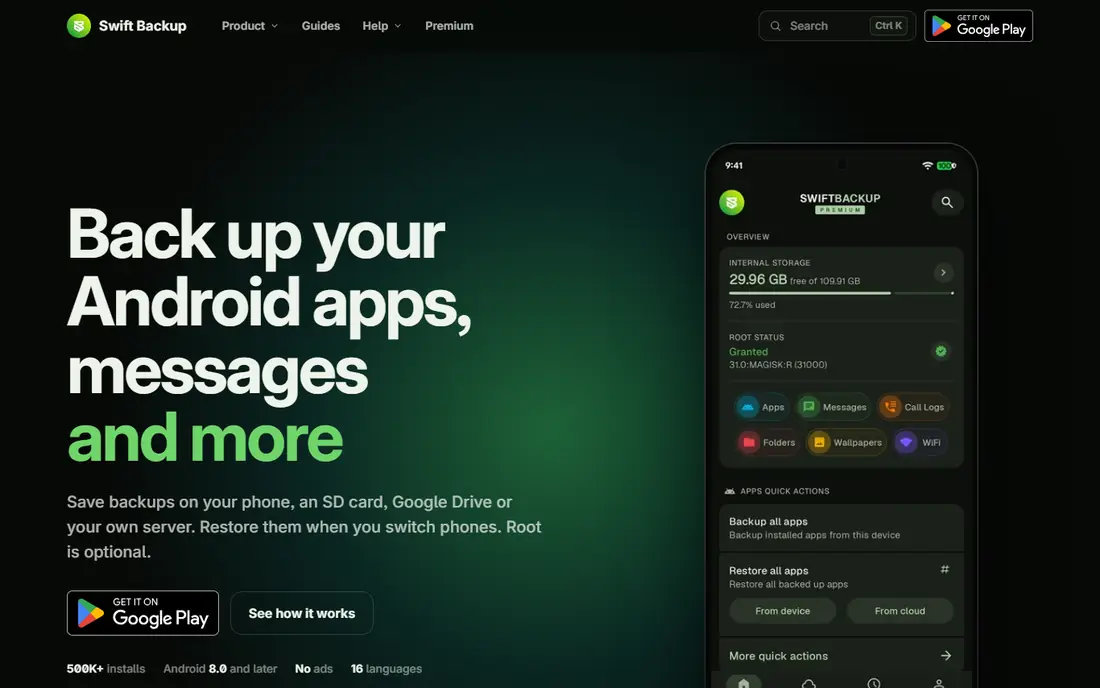
Swift Backup is the most capable lawful backup tool on this list for power users. It handles apps plus app data and system data on devices that support Android backup APIs or root access, and it syncs backups to Google Drive and Dropbox so you can restore after a reset or move to a new phone. Categories are clear, and scheduled backups keep the process hands-off once set up.
The limit is Android itself. Full app data backup usually needs root access or special permissions, which not every device or user wants to set up, and backup sizes can grow large. If you manage several phones and want a serious backup tool without touching piracy, Swift Backup is the first tool to try.
- Backs up apps, app data and system data on supported devices
- Cloud sync to Google Drive and Dropbox
- Clean, modern interface
- Full app data backup often needs root or special permissions
- Cloud setup can confuse beginners
- Some advanced features need a premium upgrade
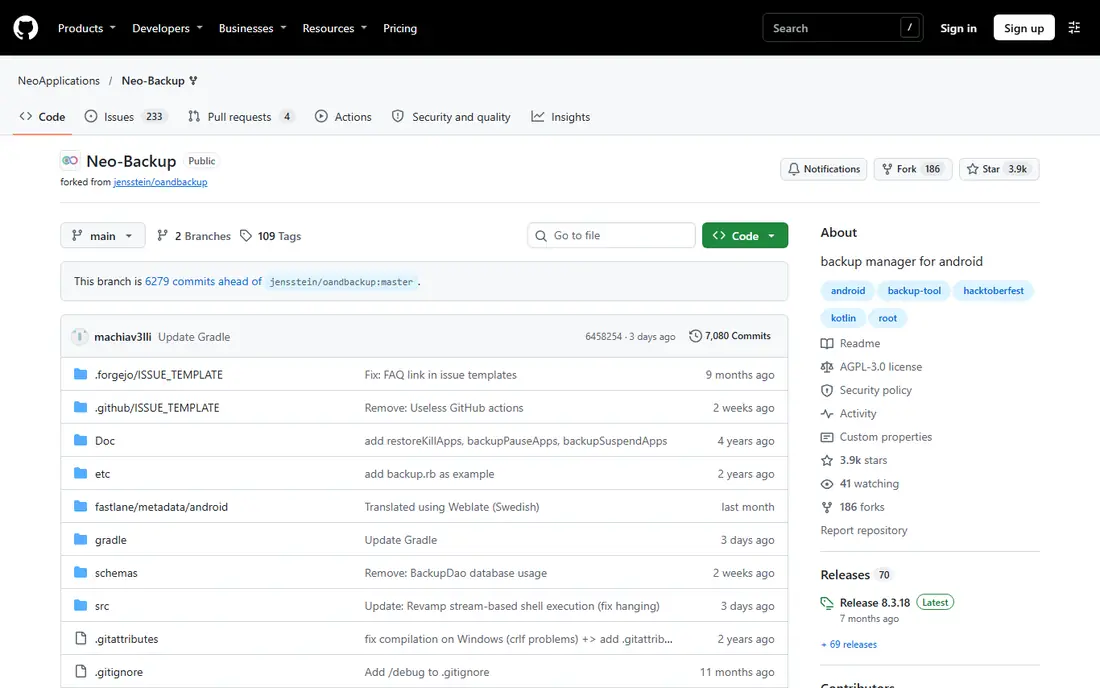
Neo Backup, formerly known as OAndBackupX, is the privacy-first, open-source backup option. Your backups stay local unless you decide to move them, the code is open for inspection, and there are no ads or trackers in the app itself. You can back up installed apps as APK files, and optionally back up app data on rooted phones.
It is less polished than commercial backup apps, and beginners may find setup technical. There is also no cloud sync built in, so you handle storage yourself. For privacy-aware users who want transparency and control over their own app backups, Neo Backup is the right lawful choice.
- Open-source and privacy-focused with no ads or tracking
- Backs up apps as APK files
- Backups stay local unless you choose otherwise
- App data backup usually needs root access
- Setup feels technical for beginners
- No built-in cloud sync
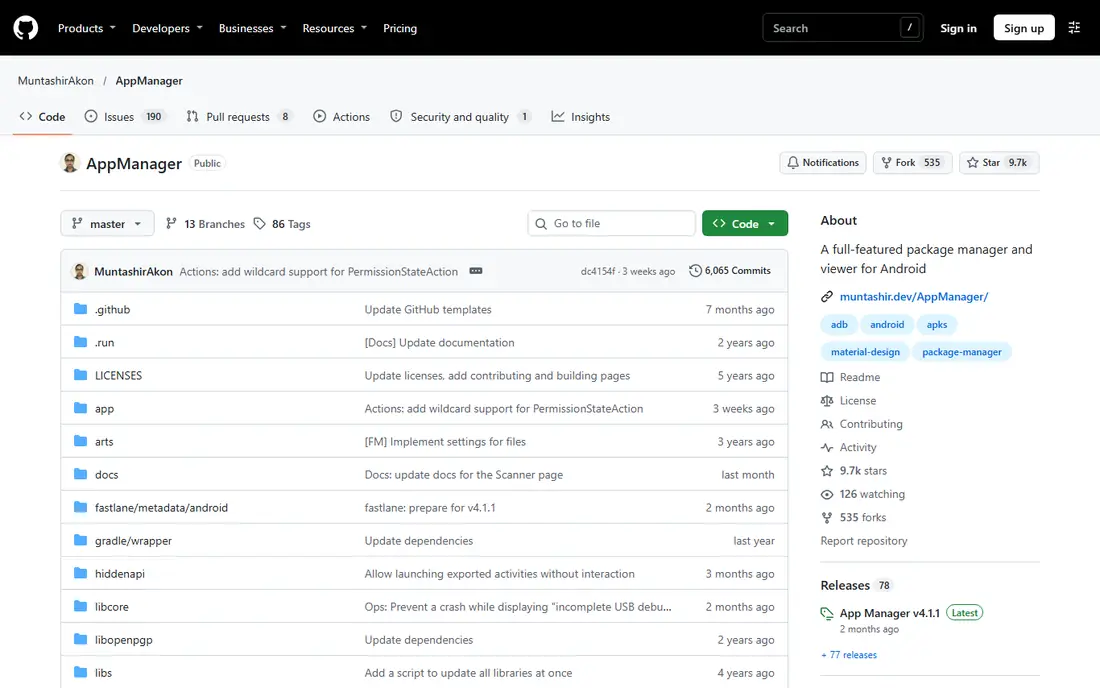
App Manager is an open-source tool for inspecting and managing apps already installed on your own device. It shows permissions, trackers, activities and components in detail, and lets you manage app behavior through legitimate Android controls. That transparency helps you understand what your apps do and clean up apps you no longer trust.
Power brings risk if used carelessly. Disabling the wrong component can break an app, so App Manager suits users who read what each control does before changing it. For lawful app management and privacy inspection on your own device, it is a strong, free tool.
- Open-source app inspection and management
- Shows permissions, trackers and components
- Lets you manage your own installed apps
- Powerful controls need care to use safely
- Interface is detailed rather than beginner-friendly
- Some features need root or ADB setup
F-Droid is an app store for free and open-source software, and it answers the legitimate version of the desire behind Lucky Patcher: getting good apps without paying for them. Every app in the catalog is free and open-source, so you download software whose authors chose to share it freely, not patched copies of paid apps. Updates come through the store, and anti-feature warnings flag apps with tracking or ads.
The catalog will not replace Google Play entirely. Many popular commercial apps are absent, because they are not open-source. For open-source alternatives to common tools, from file managers to note apps, F-Droid is the lawful place to start.
- Catalog of free and open-source Android apps
- No tracking or paid-app piracy
- Apps are built from published source where possible
- Catalog is smaller than Google Play
- Some popular commercial apps are absent
- Interface is plain
Obtainium takes a different approach to getting apps lawfully. Instead of browsing a store, you add the official source for an app, such as its GitHub releases page, and Obtainium checks for updates and helps you install them directly from the developer. That cuts out shady repackaged APK sites and keeps you close to the official release.
There is no catalog to browse, so you need to know which apps you want and where their developers publish them. For users who follow open-source developers directly, Obtainium is a clean, lawful way to stay updated without a store middleman.
- Tracks updates directly from developers on GitHub and other sources
- Open-source
- Avoids third-party repackaged APK stores
- Setup needs adding sources yourself
- No central catalog to browse
- Update checks depend on the source publishing releases
AdGuard for Android blocks ads and trackers lawfully, without patching other apps or bypassing payments. It filters traffic through its own app, using maintained filter lists, and it gives you control over which apps and sites are filtered. That makes browsing and app use cleaner while leaving developers' payment systems untouched.
Pricing depends on setup, with free options and paid licenses for fuller features, so check the current AdGuard pricing page before buying. Battery use and device setup also vary. For legitimate ad blocking that respects how apps are paid for, AdGuard is the most polished option here.
- System-wide ad and tracker blocking
- Works without modifying other apps
- Clear privacy controls and filter lists
- Full system-wide blocking on Android may need a paid license depending on setup
- VPN-based filtering can affect battery
- Setup varies by device
Blokada is the free, open-source route to the same lawful goal as AdGuard: fewer ads and trackers, without touching other apps' payments or licenses. Setup is simple, the app is open-source, and it blocks ads and trackers across the device using DNS and VPN-based filtering. For users who want ad blocking at no cost, it is the easiest starting point.
The free version has limits compared with paid tiers, and some apps work to resist ad blocking, so results vary by app. Battery use can also rise with always-on filtering. As a free, lawful ad blocker, Blokada still earns its place for most users.
- Free and open-source ad and tracker blocking
- Simple setup
- No need to modify other apps
- Free version has limits compared with paid tiers
- VPN-based blocking can affect battery
- Some apps detect and resist ad blocking
MobiKin Assistant for Android suits beginners who prefer backing up from a computer rather than from the phone itself. It connects an Android phone to a Windows or Mac computer and backs up contacts, messages, apps, photos and other data, with restore options if you switch phones or reset your device. The desktop view makes it easy to see what was backed up.
The trade is depth. Without root access, it cannot back up full app data the way Swift Backup or Neo Backup can on rooted devices, and full features need a paid license after the trial. For a simple, lawful backup managed from a computer, it is a good first step before moving to a deeper tool.
- Backs up phone data to a computer from one desktop program
- Handles contacts, messages, apps and media
- Easy restore flow
- App data backup is limited compared with root tools
- Desktop software adds a step versus on-phone apps
- Full features need a paid license
Shizuku is a developer tool that lets legitimate apps use system-level Android APIs without full root access, using ADB or wireless debugging permissions you grant yourself. Tools like App Manager use Shizuku to manage your own apps more deeply than normal permissions allow, while staying inside Android's permission model.
Setup is technical, and Shizuku on its own does not back up apps or block ads. It is a building block that makes other lawful tools work better. For advanced users who want deeper control over their own device without rooting or piracy, Shizuku is worth learning.
- Lets legitimate apps use system APIs safely through ADB or wireless debugging
- Open and well documented
- Avoids full root for many tasks
- Setup through ADB or wireless debugging is technical
- It is a permission bridge, not a backup or patching tool
- Some devices restrict it
How we picked these
We compared official project pages, Google Play listings, GitHub repositories and public reviews for tools that do lawful jobs related to app backup, app management, open-source distribution and ad blocking. We deliberately excluded any tool whose purpose is bypassing payments, licenses or in-app purchase checks, including the piracy-focused tools that dominate generic Lucky Patcher alternative lists. Prices are starting prices checked in October 2026, and tools without a published paid price are marked as See website or Free.
What to check before you buy
First, be clear about your lawful goal. If it is backup, pick Swift Backup or Neo Backup and check whether your device allows the permissions they need. If it is free apps, use F-Droid or Obtainium and download only from official developer sources. If it is ads, pick AdGuard or Blokada and accept that some apps resist blocking.
Second, never sideload patched copies of paid apps from unofficial sites. Those files are a common source of malware, they break app terms of service, and they deprive developers of payment for their work. Finally, back up before changing app permissions or components, so you can restore if an app stops working after a change.
Frequently asked questions
What is Lucky Patcher used for?
Lucky Patcher is an Android tool for modifying apps, including removing ads, changing permissions, backing up apps and bypassing license verification and in-app purchases. The license-bypass uses violate app terms and, in many cases, the law, which is why this article lists lawful tools instead.
Is there a legal alternative to Lucky Patcher?
Yes, for the lawful jobs. Swift Backup and Neo Backup cover app backup, App Manager covers app management, F-Droid and Obtainium cover free open-source apps, and AdGuard and Blokada cover ad blocking. None of these bypass payments or licenses.
Can I back up apps without root?
Yes, but with limits. MobiKin Assistant backs up contacts, messages, apps and media to a computer without root, while Swift Backup and Neo Backup back up full app data mainly on rooted devices or with special permissions. Android backup APIs cover some data without root, but not everything.
Is ad blocking legal on Android?
Using a lawful ad blocker like AdGuard or Blokada on your own device is generally accepted, and both tools work without modifying other apps. Some apps and services may limit features when ads are blocked, and you should respect the terms of services you use.
Why should I avoid patched APK sites?
Patched APK sites repackage apps outside official channels, which creates malware risk, breaks updates, and bypasses payment to developers. Official stores, F-Droid and direct developer releases are safer and lawful ways to get apps.
Do I need root to use these tools?
No, not for all of them. F-Droid, Obtainium, AdGuard, Blokada and MobiKin Assistant work without root. Swift Backup, Neo Backup and App Manager gain deeper features with root or Shizuku permissions, but their basic functions work without it.
Sources
- https://swiftapps.org
- https://github.com/NeoApplications/Neo-Backup
- https://github.com/MuntashirAkon/AppManager
- https://f-droid.org
- https://github.com/ImranR98/Obtainium
- https://adguard.com
- https://blokada.org
- https://shizuku.rikka.app
- https://www.mobikin.com/android-backup/app-backup-and-restore-alternative.html
See where you really rank - block by block
ProMapRanker scans Google Maps across a grid of your service area. Simple monthly plans from $19, white-label on every plan.
Start freeKeep reading
 zoho books alternatives
Best Zoho Books Alternatives in 2026
Compare the best zoho books alternatives for small business accounting, from QuickBooks Online and Xero to FreshBooks, Wave, and Sage in 2026, with pricing.
Read → zluri alternatives
Best Zluri Alternatives in 2026
Compare zluri alternatives for 2026, with SaaS management platforms for app discovery, spend tracking, renewals, and automation for IT, finance and procurement.
Read → zerobounce alternatives
Best ZeroBounce Alternatives in 2026
Best zerobounce alternatives for list hygiene: compare 8 email verification tools for bulk cleaning, real-time checks and catch-all handling in 2026 today.
Read →