 ProMapRanker
Best Kaltura Alternatives in 2026

Key takeaways
- Brightcove is the closest enterprise replacement for Kaltura, with broadcast-grade streaming, analytics and monetization behind quote-based pricing.
- Vimeo, from $12 per seat per month billed annually, is the easiest self-serve starting point for business video hosting and live events.
- Panopto suits universities and large employers best, with lecture capture, searchable video and LMS integrations at its core.
- Wistia and Vidyard are marketing and sales video tools first, not full enterprise video libraries, so pick them for lead generation, not archives.
- Dacast, Muvi and Uscreen cover monetized streaming well, with Dacast cheapest for straightforward live and on-demand delivery.
Quick comparison
| Pick | Great for | Pricing starts at | Free tier | |
|---|---|---|---|---|
 Brightcove | Enterprise video at scale | See website | No | Visit |
 Vimeo | Self-serve business video | $12 per seat per month | No | Visit |
 Panopto | Education and internal video | See website | No | Visit |
 Wistia | Marketing video and leads | $79 per month | Yes | Visit |
 Vidyard | Sales video messages | Free | Yes | Visit |
 Dacast | Live and on-demand streaming | $39 per month | Free trial | Visit |
 JW Player | Publisher video and ads | See website | Free trial | Visit |
 Muvi | White-label streaming services | $399 per month | Free trial | Visit |
 Uscreen | Video memberships | $49 per month | Free trial | Visit |
The best kaltura alternatives
Kaltura is an enterprise video platform used for streaming, virtual classrooms, internal video portals and large media libraries, with heavy customization and white-label options. Alternatives split by job: enterprise platforms for scale, education tools for learning, marketing tools for leads, and OTT tools for selling subscriptions. Pick by your main job first, because no tool here leads on all four.
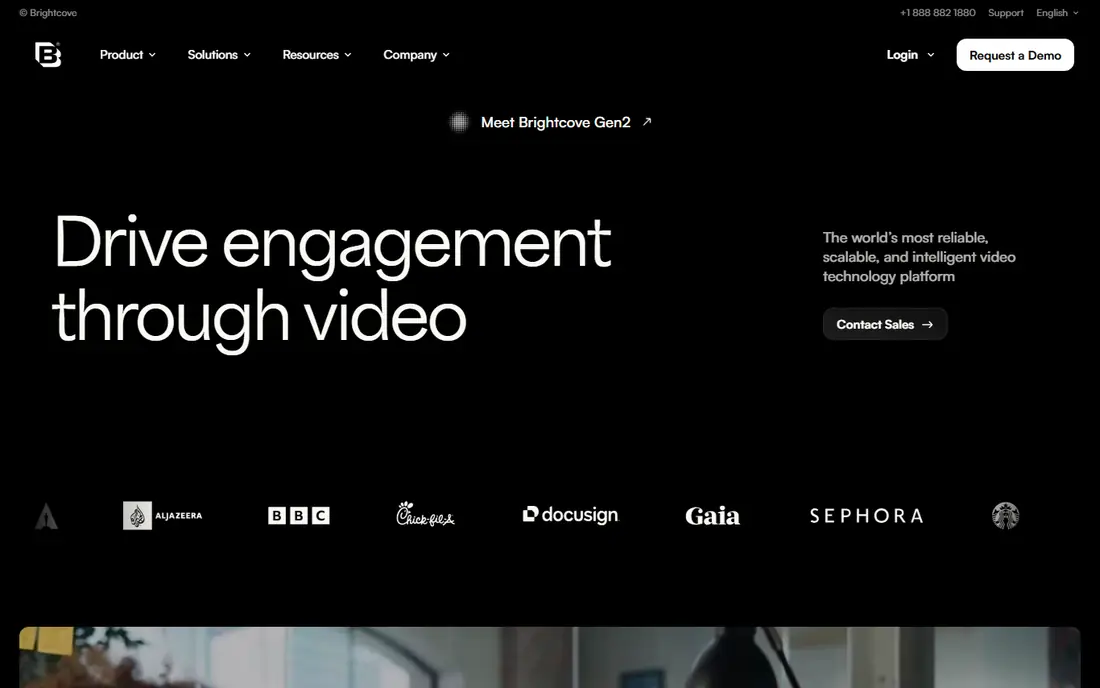
Brightcove is the enterprise alternative most Kaltura buyers evaluate first. It handles large live and on-demand audiences, with video marketing, analytics, audience engagement and monetization tools built for media companies and large enterprises. Its analytics depth helps teams prove which videos drive engagement and revenue, not just views.
The buying process is enterprise-grade too. Pricing is quote-based, contracts are typically annual, and implementation needs planning. Small teams with a modest library will find cheaper tools faster to launch. For large organizations that need scale, reliability and detailed analytics, Brightcove is the natural Kaltura replacement.
- Broadcast-grade streaming and analytics
- Strong monetization and audience tools
- Proven at large media scale
- Quote-only pricing
- Implementation and annual contracts take time
- Overkill for small video libraries
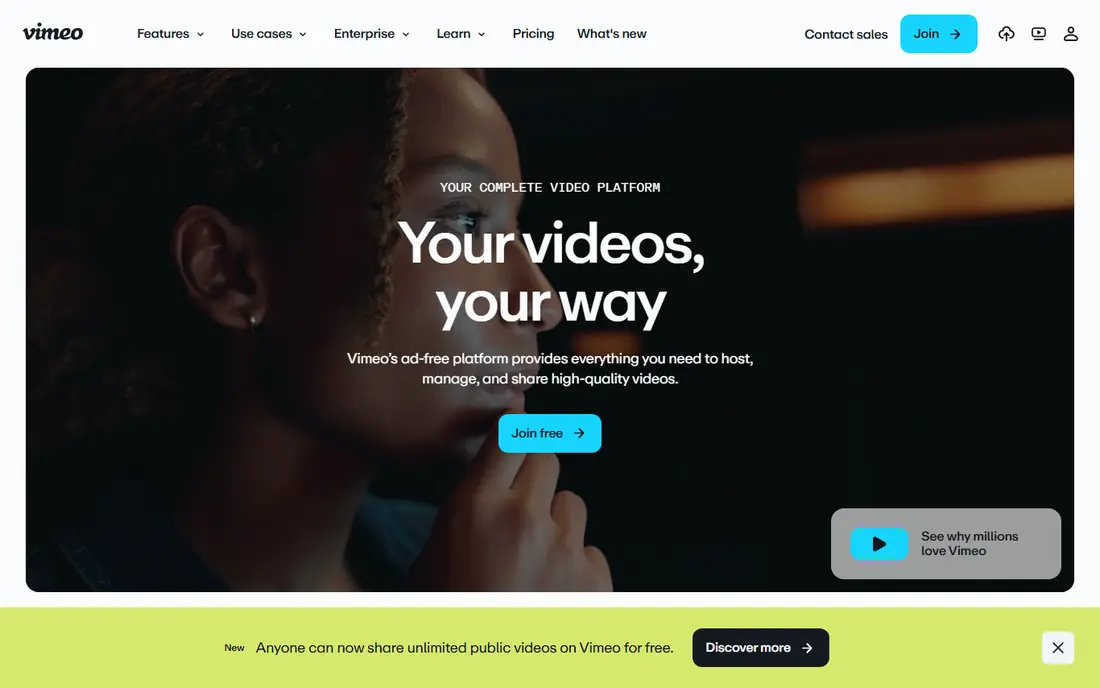
Vimeo is the simplest step away from Kaltura for teams that want business video hosting without a sales process. Starter starts at $12 per seat per month billed annually, Standard at $25 per seat per month billed annually, and Advanced at $75 per seat per month billed annually, with live events starting on Advanced. You get hosting, a customizable player, privacy controls and marketing integrations that cover most business needs.
Per-seat pricing is the catch. A larger team pays for every seat, and self-serve plans carry bandwidth limits that matter for high-volume libraries. Vimeo also changed ownership in 2026, so buyers signing a long commitment should confirm the roadmap. For small and mid-size teams that want to launch quickly, Vimeo remains the easiest pick.
- Easy self-serve signup
- Live streaming on higher tiers
- Good player customization and privacy controls
- Per-seat pricing adds up with larger teams
- Bandwidth limits apply on self-serve plans
- Recent ownership changes merit a check on roadmap

Panopto is built for universities and large employers with big video libraries. Lecture capture, searchable transcripts, LMS integrations and an internal video portal are its core strengths, and 2026 additions include AI search, AI recaps and AI quizzes. That search focus matters when staff or students need to find one moment inside hundreds of hours of video.
It is less suited to marketing video or public streaming services. Pricing is quote-based for enterprise buyers, and smaller teams may find self-serve tools cheaper. For education and internal training at scale, Panopto is one of the strongest Kaltura alternatives available.
- Lecture capture and searchable video
- Strong LMS integrations
- AI search and quiz features added in 2026
- Pricing is quote-based for most buyers
- Video-first focus means weaker interactive authoring
- Enterprise orientation
Wistia is a marketing video platform first. Business starts at $79 per month billed annually for three users, with a free plan for small libraries, and the focus is on turning viewers into leads through heatmaps, lead capture forms, calls to action and CRM integrations. Marketing teams can see exactly which sections viewers watched, rewatched or skipped.
That focus is also its limit. Wistia is not designed as a vast internal video archive or a broadcast OTT service, and costs rise as users and features grow. If your goal is lead generation from product explainers and demos, Wistia is excellent. If your goal is managing a huge institutional library, Panopto or Brightcove fit better.
- Heatmaps and viewer-level analytics
- Lead capture and calls to action built in
- A/B testing on higher tiers
- Business plan at $79 per month billed annually is a jump from free
- Per-user costs add up
- Not built as an enterprise archive
Vidyard suits sales teams that send personalized video messages in outreach. The free plan allows a small number of recorded videos per month, and paid plans add unlimited recording, full analytics, branded sharing pages and CRM integrations that sync viewer data. Recording from a browser and sharing a link takes seconds, which is why sales teams adopt it quickly.
Costs scale per user, so a large sales team pays a lot, and pure hosting features are thinner than Wistia. Vidyard has also leaned hard into AI video messaging, which may matter less to teams that just need hosting. For one-to-one sales video, it is the most focused tool here.
- Free plan for short sales videos
- Easy recording and sharing
- CRM integrations for viewer tracking
- Paid plans are per user and add up fast
- Hosting and marketing features are thinner than Wistia
- AI video pivot changes focus
Dacast is the practical streaming pick. From $39 per month billed annually, you get live events and video on demand with a paywall, without per-subscriber fees, which keeps costs predictable for event organizers and publishers. Setup is straightforward, and streaming quality is broadcast-grade for the price.
It is not a marketing analytics platform like Wistia, nor an education suite like Panopto. Teams that need deep viewer analytics or LMS tools will need another product alongside it. For dependable live and on-demand delivery at a clear price, Dacast is hard to beat.
- Broadcast-grade live and on-demand streaming from $39 per month billed annually
- Paywall with no per-subscriber fees
- Straightforward setup
- Marketing and education features are thinner
- Interface is functional rather than polished
- Higher tiers needed for advanced features
JW Player, now part of the JW Player platform family, is built for publishers who monetize video with advertising. The player is lightweight and fast, ad tools are strong, and streaming infrastructure supports large publisher audiences. Media sites that earn from video ads get a platform tuned to that job rather than a general host.
Smaller teams may find pricing opaque, since plans are quote-based, and education or internal portal features are not the focus. For publishers where ad revenue and player performance matter most, JW Player is a strong Kaltura alternative. For internal training libraries, look at Panopto instead.
- Lightweight, fast player
- Strong ad monetization for publishers
- Good streaming and analytics tools
- Pricing is quote-based
- Full platform value needs publisher scale
- Less of an education or internal portal tool
Muvi builds a complete Netflix-style service without hiring developers: branded website and apps, content management, DRM, subscriptions, pay-per-view and advertising models in one platform. Standard pricing starts at $399 per month billed monthly, or $339 per month billed annually, which reflects that completeness.
That completeness is also the cost. Small creators with a few videos do not need a full OTT platform, and setup still takes planning even without coding. For media brands, educators selling subscriptions, or companies launching a branded streaming service, Muvi is the most complete turnkey option here.
- Full white-label streaming service with apps
- Multiple monetization models
- No per-user fees on the core platform
- $399 per month starting price is high for small creators
- Setup takes planning
- Smaller teams may not need full OTT features
Uscreen is the creator-friendly route to selling video memberships. From $49 per month for Starter, you can build a branded membership site and apps, sell subscriptions, and run a community around your videos without developers. That approachability makes it popular with fitness creators, educators and independent media brands.
Larger OTT operations may find Muvi more complete, with deeper monetization and DRM options. Uscreen also suits creator catalogs better than vast enterprise archives. For a creator or small media brand launching paid memberships quickly, Uscreen offers the best balance of price and completeness here.
- Branded membership sites and apps without developers
- Subscription and community tools
- Approachable starting price
- Feature depth trails Muvi for large OTT operations
- Revenue and transaction terms need checking
- Catalog tools suit creators more than enterprises
How we picked these
We compared official feature pages, pricing pages and public reviews for platforms that host, stream, manage or monetize video libraries at business scale. We excluded Kaltura itself, since this list is alternatives only, and we excluded meeting tools like Zoom, which are not video library platforms. Prices are starting prices checked in October 2026, with quote-only tools marked as See website.
What to check before you buy
Start with your main job: enterprise streaming, education, marketing leads, sales video or paid memberships. Each job points to a different winner here, and buying the wrong category costs more than any price difference. Next, check storage, bandwidth and seat limits at your real volume, since Vimeo per-seat pricing and bandwidth caps can change the total fast.
Also test the viewer experience on mobile and on slow connections, and confirm integrations with your LMS, CRM or website before signing. Finally, ask about migration. Moving a large video library, with metadata, captions and permissions, takes planning, so confirm import tools and support before committing to a new platform.
Frequently asked questions
What is Kaltura used for?
Kaltura is an enterprise video platform for live and on-demand streaming, virtual classrooms, internal video portals and large media libraries, with customization and white-label options for education, media and large employers.
Which Kaltura alternative is best for universities?
Panopto is the strongest education pick, with lecture capture, searchable video and LMS integrations. Brightcove and Vimeo also work for education, but Panopto is built around learning workflows and large searchable archives.
What is the cheapest Kaltura alternative?
Dacast, from $39 per month billed annually, is cheapest for live and on-demand streaming, while Uscreen from $49 per month is cheapest for paid memberships. Vidyard has a free plan, but it is a sales video tool, not a full video library platform.
Can I sell subscriptions with these tools?
Yes, with the right tool. Muvi and Uscreen are built for subscriptions and memberships, and Dacast supports paywalls for live and on-demand content. Brightcove also supports monetization at enterprise scale.
Is Vimeo a good Kaltura alternative?
Vimeo works well for small and mid-size teams that want self-serve hosting, a good player and live events without a sales process. Large enterprises with huge libraries, strict DRM needs or complex education workflows may need Brightcove or Panopto instead.
How hard is it to migrate a video library?
Migration difficulty depends on library size, captions, metadata and permissions. Small libraries move in days with import tools, while large institutional libraries take weeks and need vendor support. Confirm import, caption and permission handling before you commit.
Sources
See where you really rank - block by block
ProMapRanker scans Google Maps across a grid of your service area. Simple monthly plans from $19, white-label on every plan.
Start freeKeep reading
 zoho books alternatives
Best Zoho Books Alternatives in 2026
Compare the best zoho books alternatives for small business accounting, from QuickBooks Online and Xero to FreshBooks, Wave, and Sage in 2026, with pricing.
Read → zluri alternatives
Best Zluri Alternatives in 2026
Compare zluri alternatives for 2026, with SaaS management platforms for app discovery, spend tracking, renewals, and automation for IT, finance and procurement.
Read → zerobounce alternatives
Best ZeroBounce Alternatives in 2026
Best zerobounce alternatives for list hygiene: compare 8 email verification tools for bulk cleaning, real-time checks and catch-all handling in 2026 today.
Read →