 ProMapRanker
Best iManage Alternatives in 2026


Cloud document management for midsize and large firms · Pricing starts at: See website
Key takeaways
- NetDocuments and LexWorkplace are the closest document-first replacements, with matter-centred filing, version control and Office integration at the centre.
- Practice platforms such as Clio Manage, MyCase, Filevine and Smokeball suit firms that want documents, cases, billing and client contact in one place.
- PracticePanther publishes a clear entry price, while most dedicated document systems ask for a quote, so budget comparisons need a written quote for the same user count.
- Firms moving from a server-based setup should test email filing, search and permissions with their own matter files before signing a long contract.
Quick comparison
| Pick | Great for | Pricing starts at | Free tier | |
|---|---|---|---|---|
| NetDocuments | Cloud document management for midsize and large firms | See website | No | Visit |
 LexWorkplace | Smaller firms wanting a true legal DMS | $395 per month | Free trial | Visit |
 Filevine | Litigation and high-volume case teams | See website | No | Visit |
 Clio Manage | Small and midsize firms needing practice management | See website | Free trial | Visit |
 MyCase | Solo and small firms wanting an all-in-one system | See website | Free trial | Visit |
 PracticePanther | Firms wanting published pricing and trust accounting | $49 per user per month | Free trial | Visit |
 Smokeball | Small firms wanting automatic time capture | See website | No | Visit |
 M-Files | Firms needing metadata-driven document control | See website | Free trial | Visit |
 DocuWare | Firms needing document workflow and archiving | See website | Free trial | Visit |
The best imanage alternatives
We compared official feature pages, pricing pages, app store listings, privacy policies and public reviews to find document systems that can replace a legal DMS rather than just store files. Each option below handles matter-based filing, search and version control in some form, though the depth varies a lot.
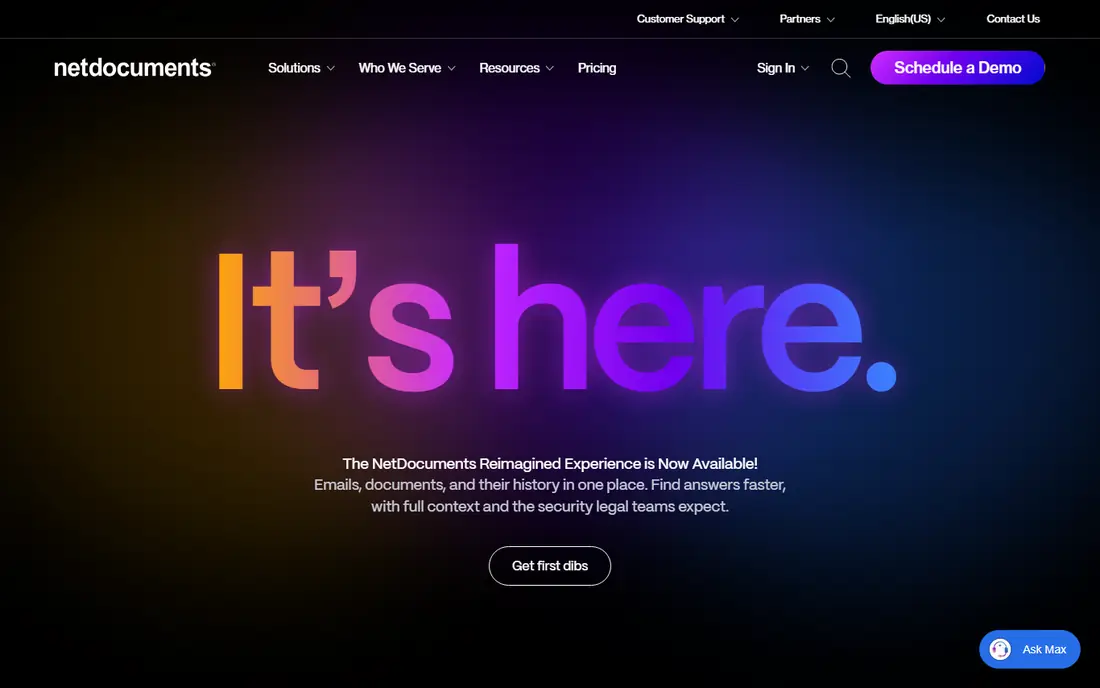
NetDocuments is the most direct cloud alternative for firms that want a dedicated legal document system without running their own servers. Documents and email are filed by client and matter, and search covers content, metadata and email in one place. That structure matters when a firm has years of files and needs to find a specific draft or message quickly.
The trade-off is cost clarity. Pricing is handled by quote, so a firm should ask for a total figure that includes storage, support and any add-on modules. Migration also deserves a trial run, because folder structures and permissions rarely transfer cleanly from an older system. For firms that already work in Microsoft 365, the Office integration keeps drafting and filing close together, which helps adoption.
- Cloud-native design
- Matter-centred filing and search
- Strong Office and Outlook integration
- Quote-based pricing
- Setup and migration can take time for large libraries
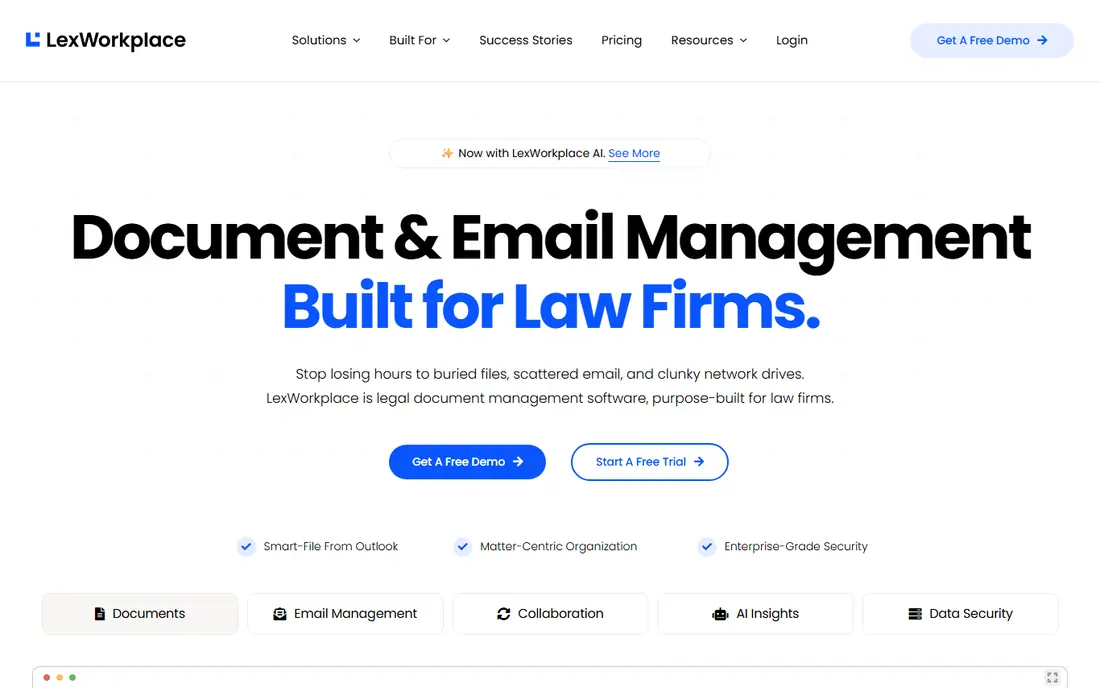
LexWorkplace appeals to firms that want a real document management system but do not have a large IT team. It organises work by client and matter, supports version history and full-text search, and connects with common Office tools. The published entry price, covering a small team, makes early budgeting much simpler than a quote-only system.
The honest limit is scale. A very large firm with complex ethical walls, records retention rules and multiple offices may need more governance depth than this platform offers. For a firm of a handful to a few dozen lawyers, that trade is often worth it. We would test its email filing and search on a busy matter before committing the whole firm.
- Published entry pricing
- Built for small and midsize firms
- Matter-based organisation
- Smaller ecosystem than the largest vendors
- Fewer enterprise governance add-ons

Filevine suits firms that think in cases first and documents second. Each case holds its documents, tasks, deadlines, messages and notes, so staff spend less time hunting across separate tools. Reporting tools help managers see caseload, deadlines and bottlenecks, which is useful for personal injury and other high-volume practices.
The catch is implementation. Custom workflows and templates take time to build well, and pricing requires a sales conversation. Firms should ask what is included in the base plan and what costs extra, especially for document automation and reporting add-ons. Once set up, though, the combined case and document view can replace several separate tools.
- Case, document and task tools in one system
- Strong reporting
- Custom workflows
- Quote-based pricing
- Setup can be longer than simpler tools
Clio Manage is a practice management platform first, with document storage, matter organisation, time tracking, billing and a client portal built around it. For many small and midsize firms, that breadth is the point. Staff can open a matter, see its documents, record time and send a bill without switching systems.
Firms that need deep document governance should check the details carefully. Version control, email filing and retention controls exist, but they are not as specialised as a dedicated DMS. The free trial is worth using to test document search and the client portal with real files. Pricing is tiered, so compare plans on the features a firm will actually use each week.
- Broad practice management features
- Large integration list
- Client portal
- Document tools are part of a wider suite, not a standalone DMS
- Costs rise with add-ons
MyCase is a good fit for a solo lawyer or a small team that wants one system for cases, documents, billing and client communication. The interface is straightforward, and new staff can usually learn the basics quickly. Client messaging and a portal reduce back-and-forth email, which helps small firms that handle their own admin.
The limit shows up as a firm grows. Document management is solid for everyday filing and search, but firms with strict records rules or very large libraries may want a dedicated DMS. Pricing is tiered by plan, so check whether the features a firm needs, such as advanced reporting, sit on a higher tier. For many small firms, the simplicity outweighs that limit.
- Simple setup
- Case, billing and client messaging in one place
- Clear interface
- Reporting and document controls are lighter than enterprise DMS tools
PracticePanther
Great for: Firms wanting published pricing and trust accounting
PracticePanther stands out in this list because its entry price is published, which makes shortlisting faster. It covers matters, contacts, calendar, documents, time, billing and trust accounting, with a clean setup flow for new matters. Small firms that bill hourly and need reliable trust accounting will find that combination practical.
The document side is competent rather than specialised. Search, filing and version handling cover daily needs, but a firm with complex governance requirements should test retention and permission controls in the trial. Costs also climb as a firm adds users and moves up tiers, so model the price at the firm's real headcount, not just the entry figure.
- Published tiered pricing
- Trust accounting and billing tools
- Easy matter setup
- Document depth is lighter than a dedicated DMS
- Some features sit on higher tiers
Smokeball records time and activity as staff work on documents and matters, which helps firms that lose billable time to manual time entry. Documents sit inside matters, and built-in forms and templates speed up common tasks. For a small firm, that automatic capture can pay for itself in recovered hours.
Pricing is by quote, so the value case needs a firm-specific figure. The platform is also aimed mainly at smaller firms, so a large firm should check governance, reporting and multi-office support before shortlisting it. A demo using the firm's own document types is the best way to judge whether the time capture works with its daily habits.
- Automatic time and activity tracking
- Matter-based documents
- Built-in forms
- Quote-based pricing
- Best suited to smaller firms
M-Files takes a different approach from folder-based systems. Documents are found by what they are, such as client, matter, document type and status, rather than by where someone filed them. That helps when the same document belongs in more than one place, and it reduces the damage from inconsistent filing habits.
The shift in thinking is also the drawback. Staff used to folders need training and a clear metadata plan, or search results will be messy. Workflow tools can route documents for review and approval, which suits firms with formal sign-off steps. Pricing is by quote, so ask for a figure that covers the user count, storage and any workflow add-ons.
- Metadata-based filing instead of rigid folders
- Workflow automation
- Broad integrations
- Concept takes training for folder-based teams
- Pricing is by quote
DocuWare is a general document management platform with strong capture, workflow and archiving features. It can scan and index paper, route documents for approval, and apply retention rules, which suits firms digitising older files or formalising approval steps. Cloud and on-premises deployment options give firms a choice about where data lives.
Because it is not built only for law firms, matter-centred features and legal integrations need checking. A firm should confirm how it handles client and matter metadata, email filing and Office integration before treating it as a direct replacement. With a clear filing plan, it can still serve as a capable document system for a firm that values workflow and archiving.
- Document capture and workflow tools
- Archiving and retention controls
- Cloud or on-premises options
- Less legal-specific than dedicated legal DMS tools
- Setup needs planning
How we picked these
We compared official feature pages, pricing pages, app store listings, privacy policies and public reviews, and we kept only tools that are sold and supported today. A product had to offer matter or metadata-based filing, search and version control, not just cloud storage. We left out basic file-sync tools and products that no longer fit a legal document workflow.
What to check before you switch
Start with a pilot on one practice group, using real matters, real email and real deadlines. Test search speed on older files, check how permissions work for confidential matters, and confirm what happens to version history during migration. Ask each vendor for a written quote covering users, storage, support and add-ons, and ask how long migration and training usually take. A tool that looks simple in a demo can still fail if email filing is slow or if staff cannot find documents under pressure.
Frequently asked questions
Is NetDocuments a direct replacement for a legal DMS?
Yes, for many firms it is the closest cloud option, with matter filing, search, version control and Office integration. Pricing is by quote, so get a written figure for the firm's user count and storage needs.
Which option is best for a solo lawyer?
MyCase and PracticePanther are strong starting points, because both combine cases, documents, billing and client contact in one system. A dedicated DMS may be more than a solo practice needs at first.
Do these tools work with Microsoft Office and Outlook?
Most of the tools on this list offer Office and Outlook integration, but the depth varies. Test email filing and document editing from inside Office during a trial, rather than trusting a feature list.
How hard is it to migrate documents from an older system?
Migration difficulty depends on folder structure, metadata, permissions and version history. Ask the vendor for a migration plan, a test import and a clear statement of what transfers and what does not.
Should a small firm choose a DMS or a practice management platform?
Choose a dedicated DMS when document governance, search and retention are the main problem. Choose a practice platform when cases, billing and client contact matter just as much as documents.
Can a general tool such as M-Files or DocuWare work for a law firm?
Yes, with a clear metadata and filing plan, though legal-specific features need checking. Confirm matter handling, email filing and permission controls before committing.
Sources
- https://www.netdocuments.com
- https://www.lexworkplace.com
- https://www.lexworkplace.com/imanage-alternatives/
- https://www.filevine.com
- https://www.clio.com
- https://www.mycase.com
- https://www.practicepanther.com
- https://www.smokeball.com
- https://www.m-files.com
- https://www.docuware.com
- https://www.onthemap.com/blog/best-document-management-systems/
See where you really rank - block by block
ProMapRanker scans Google Maps across a grid of your service area. Simple monthly plans from $19, white-label on every plan.
Start freeKeep reading
 zoho books alternatives
Best Zoho Books Alternatives in 2026
Compare the best zoho books alternatives for small business accounting, from QuickBooks Online and Xero to FreshBooks, Wave, and Sage in 2026, with pricing.
Read → zluri alternatives
Best Zluri Alternatives in 2026
Compare zluri alternatives for 2026, with SaaS management platforms for app discovery, spend tracking, renewals, and automation for IT, finance and procurement.
Read → zerobounce alternatives
Best ZeroBounce Alternatives in 2026
Best zerobounce alternatives for list hygiene: compare 8 email verification tools for bulk cleaning, real-time checks and catch-all handling in 2026 today.
Read →