 ProMapRanker
Best Free Power BI Alternatives for Small Business in 2026


Free Google-based dashboards · Pricing starts at: Free
Key takeaways
- Only tools with a real free tier are listed here; trial-only products were excluded.
- Hosted free tools start fastest, while open-source tools cost no licence fee but need setup and care.
- Google-based teams get the quickest win from Looker Studio, while SQL teams get more from Superset or Redash.
- Pick the tool that matches your data sources and your technical comfort, then prove weekly use before paying.
Quick comparison
| Pick | Great for | Pricing starts at | Free tier | |
|---|---|---|---|---|
| Looker Studio | Free Google-based dashboards | Free | Yes | Visit |
 Metabase | No-code dashboards for non-technical teams | Free | Yes | Visit |
 Apache Superset | SQL-first dashboards at scale | Free | Yes | Visit |
 Grafana | Real-time and operational dashboards | Free | Yes | Visit |
 Redash | Lightweight SQL dashboards | Free | Yes | Visit |
 Lightdash | BI built on dbt metrics | Free | Yes | Visit |
 Zoho Analytics | Small teams in the Zoho ecosystem | Free | Yes | Visit |
 Databox | Marketing and sales KPI dashboards | Free | Yes | Visit |
The best free power bi alternatives for small business
Every tool on this list has a genuinely free tier you can use for real small business work, not just a short trial. Trial-only tools were left out, even when they are popular, because a trial ends and a small business budget feels the difference. The list mixes hosted free tools, which are fastest to start, with open-source tools, which are free to run but need someone to look after them.
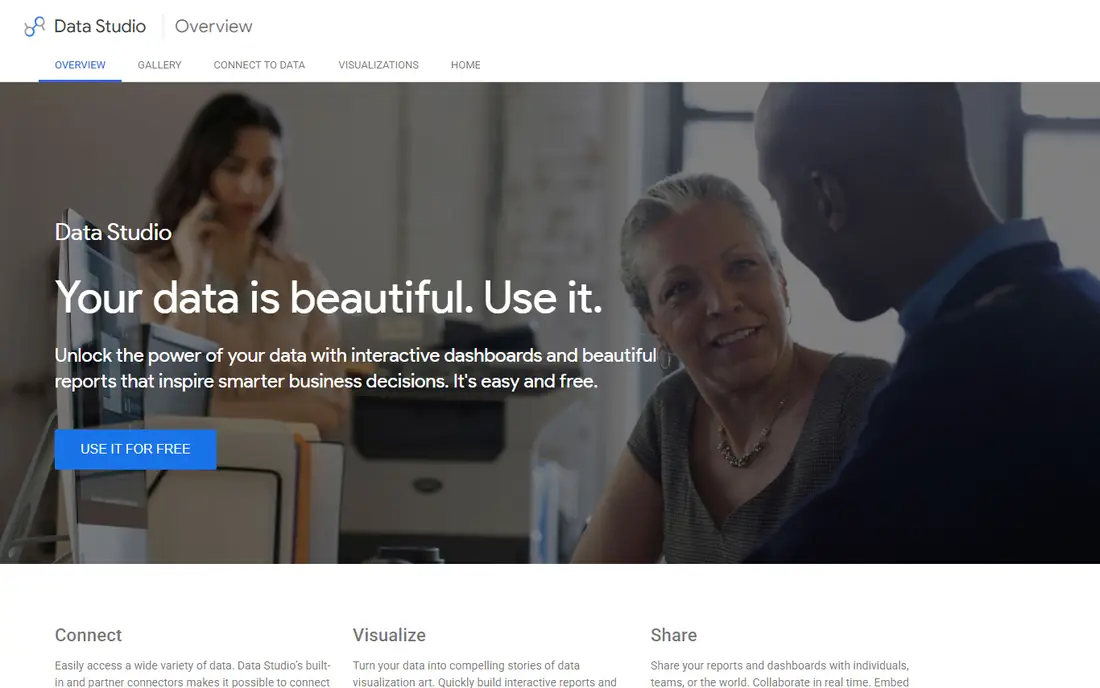
Looker Studio is the easiest free start for a small business already using Google Sheets, Analytics, or Ads. You connect a source, drag fields onto a canvas, and share a live dashboard by link without installing anything. For a weekly sales or marketing report, that is often all a small team needs.
The limits appear when your data lives elsewhere. Connectors for other databases and tools exist, but the experience is strongest inside Google, and the free tier lacks row-level security for sensitive data. If your business runs on Google tools and your reports are simple, start here before paying for anything.
- Free for core use
- Strong Google Sheets, Analytics, and Ads connectors
- Easy sharing by link
- Weak outside Google tools
- No row-level security in the free tier
Metabase is the friendliest open-source option for a team without a data specialist. Non-technical staff can ask questions with a visual builder, save the answers as charts, and build dashboards without writing SQL. The open-source edition can be self-hosted for free, which keeps licence costs at zero for a small business.
Free does not mean effort-free. You still host, update, and back up the server, or you pay for Metabase Cloud instead. Advanced governance features, such as row-level security and SSO, sit in paid tiers. It is a strong pick when someone on the team can look after a small server, or when the business is happy to start on a simple install.
- Open-source edition is free to self-host
- Visual query builder for non-coders
- Unlimited users in the open edition
- Self-hosting needs maintenance
- Governance features are paid
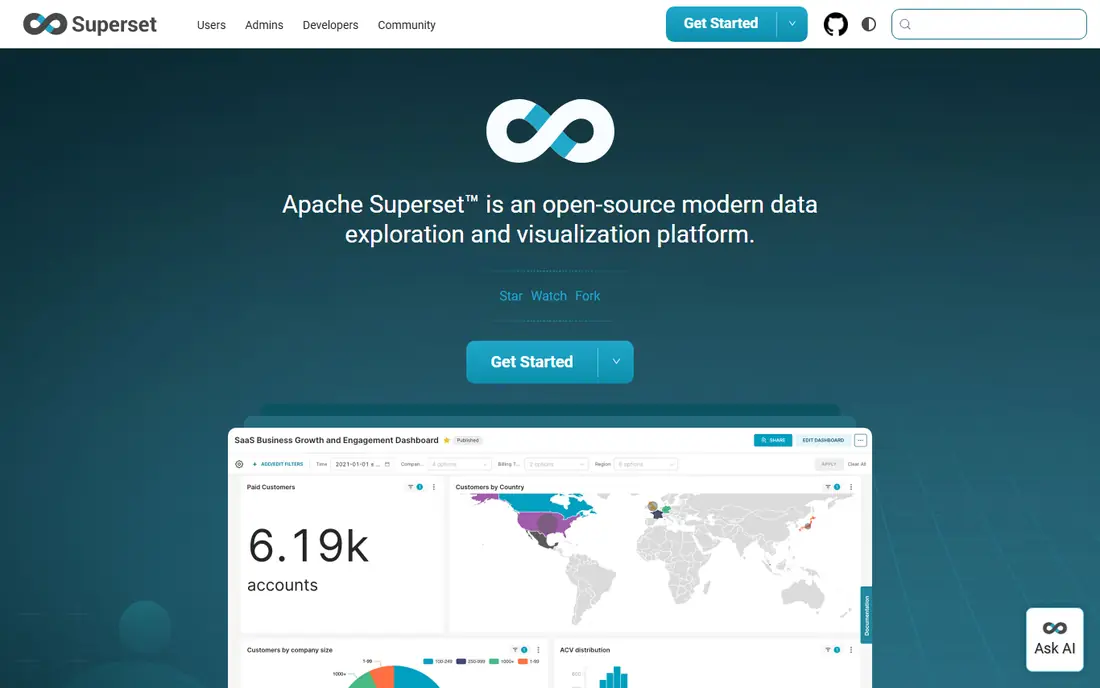
Apache Superset suits a technical small business that already works with SQL and wants a powerful, free dashboard tool. It offers a wide range of charts, a SQL Lab for exploring data, and dashboards that can grow with the business without licence fees. Data teams like the control it gives over queries and data sources.
The same power makes it a poor first pick for a non-technical owner. Setup needs Docker or a similar deployment, and day-to-day use rewards SQL skills. If your team has an analyst or a developer who can own it, Superset is excellent value. If not, a no-code tool will get you to a first dashboard faster.
- Free and open source
- Many chart types
- SQL Lab for analysts
- No licence fees at any scale
- Needs technical setup
- Less friendly for non-technical users
Grafana shines when the question is what is happening right now: website traffic, server health, sales today, or sensor readings over time. Its open-source edition is free, and its panels handle live and time-series data better than most business tools. Small teams use it for wall displays and daily operations checks.
It is less suited to classic business reporting, such as monthly profit by product, where a tool built for business tables and filters works better. Grafana also rewards technical setup. Pick it when live operations dashboards are the main need, and pair it with another tool if you also need deep business analysis.
- Open-source edition is free
- Excellent for time-series and live metrics
- Large plugin set
- Not a traditional business BI tool
- Weaker for static business reporting
Redash keeps the workflow simple: write a query, turn it into a chart, put charts on a dashboard, and schedule a refresh. Technical teams like that directness, and the open-source edition is free to self-host. For a small team that already queries a database, it can be running quickly with little fuss.
The limit is clear: if you cannot write SQL, Redash will frustrate you, because there is no visual builder for non-coders. Development has also slowed since its acquisition, so expect a stable tool rather than a fast-moving one. It fits a SQL-comfortable team that wants a light, free dashboard layer.
- Open source and free to self-host
- Simple query-to-dashboard flow
- Good for technical teams
- SQL only, so non-coders struggle
- Development pace has slowed
Lightdash is built for teams that already use dbt to define their data models. Metrics are defined once in dbt, then Lightdash turns them into charts and dashboards that everyone can trust, because the definition does not change between reports. That consistency is a real advantage for a growing data practice.
The requirement is also the barrier. Without a dbt project, Lightdash has little to work with, so it is not a good first BI tool for a business starting from spreadsheets. If dbt is already part of your stack, though, Lightdash gives you a free, coherent BI layer without rebuilding your metrics in a second tool.
- Open-source edition is free
- Metrics defined once in dbt
- Clean dashboards for dbt teams
- Requires an existing dbt project
- Not a general-purpose starter tool
Zoho Analytics is the practical free option for a small business already using Zoho CRM, Books, or other Zoho apps. The free plan covers a small team with basic dashboards, and the connector set reaches beyond Zoho into common business tools. Scheduled reports and an AI assistant help a busy owner get answers without building every chart by hand.
The free plan has limits on users and rows, so a growing team will hit the ceiling and need a paid plan. That paid step is still modest compared with enterprise BI, but it is a real cost to plan for. Start on the free plan, prove that dashboards get used weekly, and upgrade only when the limits actually bite.
- Free plan for small use
- Wide connector set
- AI assistant and scheduled reports
- Free plan has user and row limits
- Paid plans start higher than pure open source
Databox is built for KPI dashboards rather than deep analysis, which suits a small business tracking marketing, sales, and operations numbers in one place. The free plan covers one user and a few data sources, with connectors for common marketing and sales tools. Mobile views make it easy to check the numbers each morning.
The free plan is deliberately narrow, so it works as a starter, not as a company-wide BI platform. Custom modelling and larger source counts need paid plans. Pick Databox when the goal is a simple, always-on KPI wall for a small team, and use a fuller BI tool if you need ad-hoc analysis across many tables.
- Free plan for one user and a few sources
- Many marketing connectors
- Mobile KPI views
- Free plan is narrow
- Deeper BI and modelling need paid plans
How we picked these
We compared official feature pages, pricing pages, app store listings, privacy policies, and public reviews for each option. We kept only tools that are still offered and maintained in October 2026 and that fit the topic without stretching the definition. Where a price could not be confirmed from the vendor, we wrote See website rather than guessing. We did not claim hands-on testing that did not happen, and we weighed one concrete strength against one honest weakness for every product.
How to choose a free tool that stays free
Check what free really means for your use. A hosted free plan may limit users, rows, or data sources, while an open-source tool may be unlimited but needs a server, updates, and backups. Write down your must-have sources, your team size, and whether any data is sensitive enough to need row-level security. A tool that is free but cannot connect to your main data source is not a bargain.
Start with one dashboard and one question, such as weekly sales by channel or monthly leads by source. If the team checks it weekly for a month, the tool has earned its place, and you can expand from there. If nobody opens it, no paid upgrade will fix that. Also plan the exit: confirm you can export your dashboards or queries, so a future move does not mean starting from scratch.
Frequently asked questions
Is there a completely free alternative to Power BI?
Yes, several. Looker Studio is free for core hosted use, and Metabase, Apache Superset, Grafana, Redash, and Lightdash all have free open-source editions you can self-host. The difference is effort: hosted free tools need less setup, while open-source tools need someone to install and maintain them.
Can I share dashboards with my team for free?
It depends on the tool. Looker Studio shares by link for free, and self-hosted open-source tools let you add users without licence fees. Some free plans limit viewers or sharing features, so check the sharing rules for your exact team size before you build a dashboard others must see.
Do I need to know SQL for these tools?
Not for all of them. Looker Studio, Metabase, Zoho Analytics, and Databox all offer visual builders for non-coders. Superset, Redash, and Lightdash reward SQL or dbt skills, so they suit technical teams better. Choose a visual tool first if no one on your team writes SQL regularly.
What is the catch with free BI tools?
The catch is usually limits or labour. Hosted free plans limit users, rows, or sources, and open-source tools shift hosting, updates, and backups onto you. Paid features such as row-level security, SSO, and support are also commonly gated. Read the free plan limits before you commit your main reports to a tool.
Can I move my Power BI reports to these tools?
You cannot move them directly, because report formats and formulas differ between tools. Plan to rebuild your key dashboards, starting with the few reports your team actually uses each week. Export the underlying data or queries where possible, and run the old and new dashboards side by side until the numbers match.
Sources
See where you really rank - block by block
ProMapRanker scans Google Maps across a grid of your service area. Simple monthly plans from $19, white-label on every plan.
Start freeKeep reading
 zoho books alternatives
Best Zoho Books Alternatives in 2026
Compare the best zoho books alternatives for small business accounting, from QuickBooks Online and Xero to FreshBooks, Wave, and Sage in 2026, with pricing.
Read → zluri alternatives
Best Zluri Alternatives in 2026
Compare zluri alternatives for 2026, with SaaS management platforms for app discovery, spend tracking, renewals, and automation for IT, finance and procurement.
Read → zerobounce alternatives
Best ZeroBounce Alternatives in 2026
Best zerobounce alternatives for list hygiene: compare 8 email verification tools for bulk cleaning, real-time checks and catch-all handling in 2026 today.
Read →