 ProMapRanker
Best Free Alternatives to ManyChat in 2026

Key takeaways
- Every tool in this list offers a genuinely free tier, not only a short trial, though each free tier has a clear limit on conversations, contacts, or channels.
- Tidio and SendPulse are strong starting points for small stores, because their free tiers cover website chat and social messaging with usable limits.
- Botpress and Landbot suit builders who want to design custom flows, while HubSpot suits teams that want chat beside a free CRM.
- Chatfuel, Tawk.to, and Meta Business Suite suit teams that want to start at zero cost on social channels or website chat, with different channel strengths.
- Trial-only tools such as respond.io and Wati are left out on purpose, because a trial that ends is not a free plan.
Quick comparison
| Pick | Great for | Pricing starts at | Free tier | |
|---|---|---|---|---|
 Tidio | Website chat plus social inbox | Free | Yes | Visit |
 SendPulse | Chatbots beside email marketing | Free | Yes | Visit |
 Botpress | Custom AI agents | Free | Yes | Visit |
 Landbot | Guided website bots | Free | Yes | Visit |
 Chatfuel | Social automation at zero cost | Free | Yes | Visit |
 HubSpot | Chat beside a free CRM | Free | Yes | Visit |
 Meta Business Suite | Free Meta messaging tools | Free | Yes | Visit |
 Tawk.to | Free unlimited-agent live chat | Free | Yes | Visit |
The best free alternatives to ManyChat
ManyChat is popular for Instagram, Messenger, and WhatsApp automation, but its free tier is limited, and costs rise as contacts grow. The tools below are different in an important way: each one lists a free tier you can keep using without paying, subject to the limits described. We checked vendor pricing pages and recent product descriptions for free plan details, and we left out tools that offer only a free trial. Free limits change, so check the current plan page before you build a large flow on a free tier.
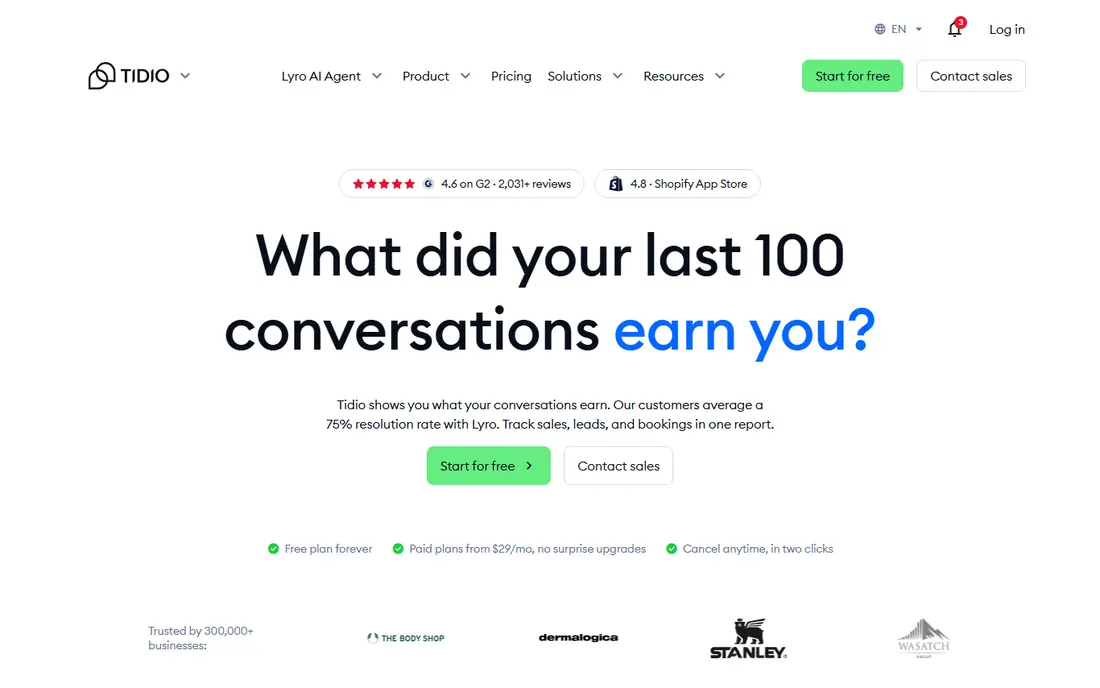
Tidio works well for a small store that needs website chat first and social messages second. The free tier lets you answer visitors on your site and handle messages from connected social channels in one inbox, which keeps support simple when one person handles most replies. Its automation tools also let you set up basic flows for common questions, so you are not starting from a blank page.
The free limit is the main constraint. Once you pass the monthly conversation allowance, you need a paid tier or you need to wait for the next cycle, which is not ideal for a store with a sudden traffic spike. AI reply features are also separate paid add-ons on many plans. Start on the free tier, track how many conversations you actually use in a month, and upgrade only when the count is consistently close to the limit.
- Free tier covers website chat and social messages
- Live chat and automation in one inbox
- Easy setup for small stores
- Free tier is limited to a set number of conversations per month
- Advanced AI features are paid add-ons
- Higher tiers rise with conversation volume
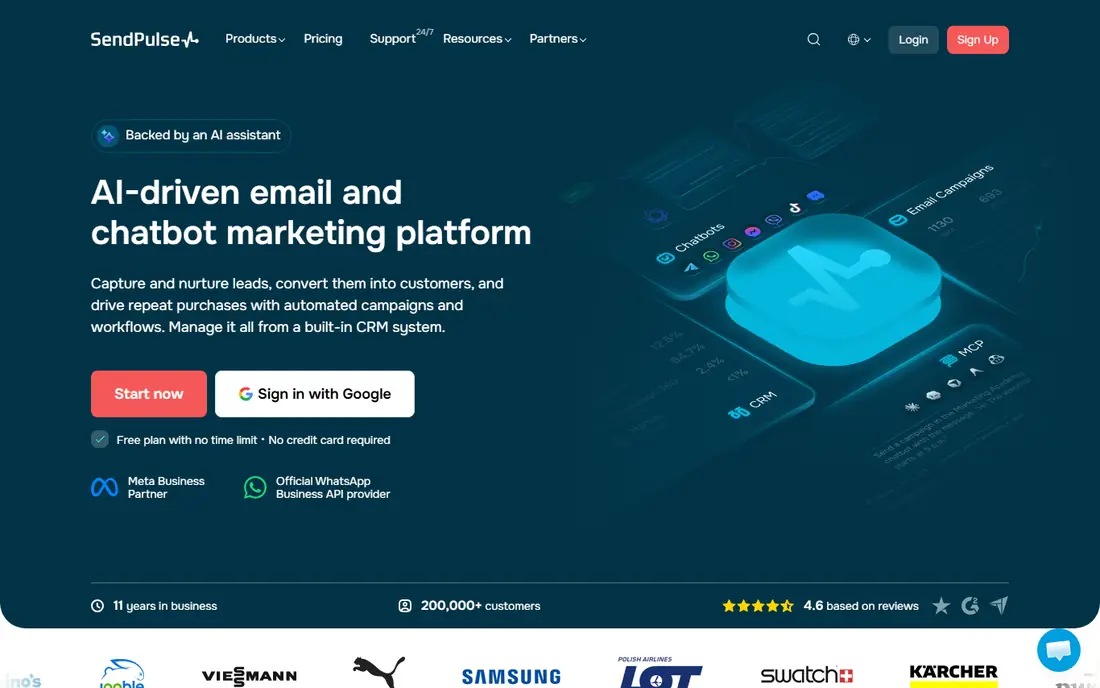
SendPulse suits a small business that wants chatbots and email in one account, rather than paying for two separate tools. Its free tier covers chatbots on social channels plus email marketing, which is useful for a shop that sends a newsletter and also answers social messages. The chatbot builder supports multi-step flows, so you can move beyond a single auto-reply into lead capture and basic sequences.
The free tier is not unlimited, and the subscriber and message limits decide whether it stays free for you. A growing list will push you to a paid tier sooner than a small list will, and the breadth of tools in the account can feel busy at first. If you mainly need chat and rarely send email, a simpler chat-only tool may be easier to learn. If you use both, SendPulse gives good value at zero cost to start.
- Free tier includes chatbots, email, and other marketing tools
- Multi-channel bots for Messenger, Instagram, and WhatsApp
- Subscriber-based free limits
- Free tier limits subscribers and messages
- Interface covers many tools, so setup takes longer
- Advanced automation sits on paid tiers
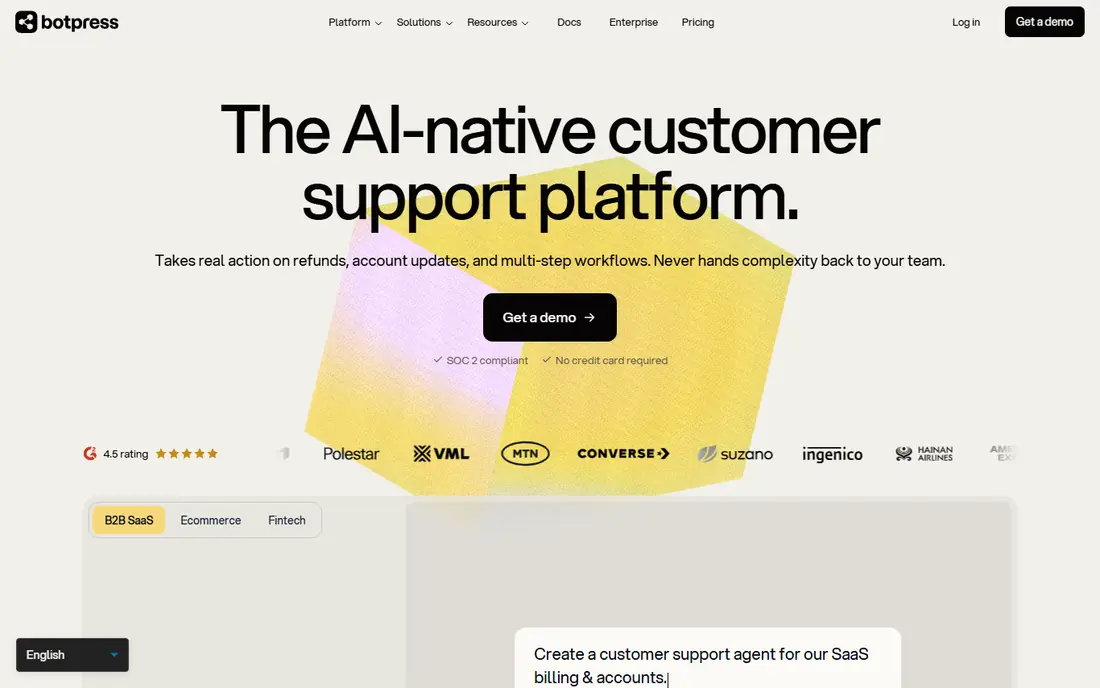
Botpress is the pick for teams that want to build a custom agent rather than use a fixed template. Its free tier lets you design flows, connect knowledge sources, and publish a web chat agent, which is enough to test a real support or lead capture use case. That flexibility matters when your questions are specific to your product and a generic bot would give weak answers.
The trade-off is effort. Botpress rewards teams willing to design flows and test answers, and it is less instant than a tool built around one social channel. The free conversation limit also means a popular bot will need a paid tier fairly quickly. Use the free tier to prove the agent actually helps visitors, then decide whether the paid cost is justified by the time saved or leads captured.
- Free tier for building custom agents
- Flexible flows and AI features
- Web chat and channel integrations
- Free tier is limited by conversations
- Setup is more technical than a template bot
- Paid tiers are costly for high volume
Landbot is built around guided conversations on a website, where a visitor answers a few questions and is led to the right next step. That style works well for lead capture, booking requests, and simple support triage, because it feels more like a conversation than a long form. The visual builder makes it easy to see the flow, which helps non-technical teams edit it without breaking the logic.
The free tier is web-only in practice, so it is not a direct replacement for Instagram or Messenger automation unless you pay. The monthly chat limit also matters for busy sites. Landbot is best for a business whose main goal is website conversion, not social DM automation, and whose team wants a clean, visual way to build those flows.
- Free tier for website bots
- Visual builder for guided conversations
- Good for lead capture forms in chat form
- Free tier is limited to web chat and a set number of chats per month
- Social channels need paid tiers
- AI features are limited on free
Chatfuel is one of the closest free matches to ManyChat, because it focuses on social automation with a visual builder. Its free Light plan covers automations on Instagram, Facebook, and WhatsApp within usage limits, which lets a creator or small brand test comment-to-DM flows and auto-replies without paying. That channel fit is the reason it belongs here, even though its paid tiers and product focus have changed over time.
The free limits are the key detail to check. Usage caps decide how many automations you can run, and heavier use will need a paid tier. Chatfuel has also shifted attention toward appointment-led service businesses in recent product work, so teams outside those verticals should test whether the current templates fit their needs. Start with one simple flow, measure how many contacts it handles, and only upgrade when the free allowance is clearly too small.
- Free Light plan for social automations
- Visual flow builder
- Covers Instagram, Facebook, and WhatsApp automations
- Free plan has usage limits
- Some advanced features need paid tiers
- Recent product focus has shifted toward specific verticals
HubSpot is a different kind of free alternative, because its strength is the CRM behind the chat. Its free tools include live chat, contact management, and basic forms, so a chat conversation can create or update a contact record without extra work. That matters for a business that wants to follow up properly, rather than just send an auto-reply and lose the lead.
It is not a like-for-like ManyChat replacement for Instagram comment-to-DM automation, and teams should be clear about that before switching. HubSpot free chat is strongest on a website, with social messaging handled differently from a dedicated DM tool. Choose HubSpot when your priority is turning chats into tracked contacts and deals, and choose a social-first tool when your priority is automated DMs on Instagram or Messenger.
- Free live chat and CRM in one account
- Unlimited agents on free chat tools
- Contact records update from chat automatically
- Free tier is not a full social DM automation tool
- Advanced automation needs paid hubs
- HubSpot ecosystem can feel large for a tiny team
Meta Business Suite is the zero-cost option many small brands overlook, because it is already available with a Facebook Page and Instagram account. It offers saved replies, basic auto-replies, and a shared inbox for Facebook and Instagram messages, which covers the most common needs for a small account. There is no extra bill, and there is no new tool to learn from scratch.
The limits are clear. Automation is basic, so complex flows, keyword triggers, and multi-step sequences need a dedicated bot tool. It also only covers Meta channels, so website chat and other platforms need separate tools. Use Meta Business Suite when your volume is modest and your main need is faster replies on Facebook and Instagram, and move to a dedicated bot builder when you need deeper automation.
- Free for Facebook and Instagram messaging
- Built-in auto-replies and saved replies
- No extra subscription for basic tools
- Limited to Meta channels
- Automation is basic compared with dedicated bot builders
- No website chat or WhatsApp bot builder in the same free toolset
Tawk.to is the most generous free live chat tool in this list, because its free tier allows unlimited agents. That makes it a strong pick for a small support team that needs several people answering website chat at once, without paying per seat. It includes a website widget, mobile apps, triggers, and canned responses, which cover the daily needs of many small businesses.
It is not a social DM automation tool, so it does not replace ManyChat for Instagram or Messenger flows. It is a website chat tool, and it should be judged on that job. The free version also carries branding that can be removed with a paid add-on. Choose Tawk.to when website chat and team size matter most, and pair it with a social tool only if you also need automated DMs.
- Free live chat with unlimited agents
- Website widget and mobile apps
- Triggers and canned responses included
- Website chat only, not social DM automation
- Design and reporting are basic in places
- Paid add-ons exist for removing branding and extra features
How we picked these
We compared official pricing pages and product descriptions, and we only included tools that list a free tier you can keep using, not only a trial period. We checked channel coverage, free limits, and whether the tool genuinely fits the ManyChat use case of automated messaging and chat. We excluded trial-only tools, even popular ones, because the task here is free alternatives, and a trial that ends does not meet that test. Free limits change often, so we describe limits in general terms where vendor pages differ by plan version.
How to pick a free tier without getting stuck
Start by naming the channel that matters most. If Instagram DMs drive your leads, a website-only free tool will not help, however generous its free tier is. If website chat drives your leads, a social-only tool will leave your site visitors unanswered. Match the channel first, then check the free limit against your real volume. Count conversations, contacts, or messages for a typical month, and leave headroom for a busy week, because a free tier that fits an average month can fail in a peak month.
Next, test one flow end to end before you rebuild everything. Set up a single auto-reply or lead capture flow, run it with real visitors, and check whether replies, tags, and contact records work as expected. That test also reveals whether the builder feels easy for your team, which matters more than a feature list when you need to edit flows quickly. Finally, check the paid upgrade path, so you know what the first paid tier costs and what it adds, in case growth pushes you past the free limit.
What to watch in free plan terms
Read the free plan terms for conversation counting, contact counting, and channel limits, because vendors count different things. Some count each conversation, some count contacts, and some count messages, and those counts produce very different bills. Also check whether free users get support, whether data export is included, and whether the vendor can change free limits with notice. A free tool that locks your contacts in is a poor long-term choice, even at zero cost.
Frequently asked questions
Is there a truly free alternative to ManyChat?
Yes, several tools in this list offer a free tier you can keep using, including Tidio, SendPulse, Botpress, Landbot, Chatfuel, HubSpot, Meta Business Suite, and Tawk.to. Each free tier has limits, so truly free depends on your volume and channels. A tool is only truly free for you if your monthly use stays inside its free allowance.
Which free alternative is best for Instagram?
Chatfuel and Meta Business Suite are the closest free options for Instagram, with Chatfuel offering deeper automation flows and Meta Business Suite offering basic free replies. Tidio and SendPulse also connect social channels on free tiers, but their free limits and channel details differ. Test the exact Instagram flow you need, such as comment-to-DM, before you commit.
Which free alternative is best for a website?
Tidio, Landbot, HubSpot, and Tawk.to all offer free website chat, with different strengths. Tawk.to allows unlimited agents for free, Landbot suits guided lead capture, HubSpot suits chat beside a CRM, and Tidio suits a combined website and social inbox. Pick based on whether you need team size, guided flows, CRM records, or a combined inbox.
Why are trial-only tools not in this list?
Because a free trial is not a free plan. Tools such as respond.io and Wati offer trials, but they require payment to keep using them after the trial ends. This list is limited to tools with a genuinely free tier, so readers looking for zero-cost options are not misled by a short trial.
Can I move my ManyChat flows to a free tool?
Usually you need to rebuild flows, because flow formats do not transfer directly between tools. Export your contacts, tags, and flow logic first, then rebuild your most important flows in the new tool and run both tools in parallel for a short period. That parallel run catches missing triggers before you cancel the old tool.
What happens when I outgrow a free tier?
You move to the first paid tier, reduce volume, or split work across tools, but splitting work across tools adds management overhead. Check the first paid price before you build heavily on a free tier, so growth does not surprise you. A tool with a clear, affordable first paid tier is often a better long-term pick than a tool with a generous free tier and a steep first paid price.
Sources
See where you really rank - block by block
ProMapRanker scans Google Maps across a grid of your service area. Simple monthly plans from $19, white-label on every plan.
Start freeKeep reading
 zoho books alternatives
Best Zoho Books Alternatives in 2026
Compare the best zoho books alternatives for small business accounting, from QuickBooks Online and Xero to FreshBooks, Wave, and Sage in 2026, with pricing.
Read → zluri alternatives
Best Zluri Alternatives in 2026
Compare zluri alternatives for 2026, with SaaS management platforms for app discovery, spend tracking, renewals, and automation for IT, finance and procurement.
Read → zerobounce alternatives
Best ZeroBounce Alternatives in 2026
Best zerobounce alternatives for list hygiene: compare 8 email verification tools for bulk cleaning, real-time checks and catch-all handling in 2026 today.
Read →