 ProMapRanker
Best Free Alternatives to Basecamp in 2026

Key takeaways
- ClickUp and Trello give the broadest free starting points, but ClickUp caps storage and Trello caps boards and collaborators.
- Asana now suits solo users and pairs best on its free plan, since its free plan covers up to two seats for newer accounts.
- Freedcamp and Zoho Projects are strong for small teams that want projects and milestones without paying at first.
- Notion works best when docs and tasks should live together, while Todoist suits one person who mainly needs fast task capture.
- Check user caps, storage, and missing views before you move a whole team, because those limits decide when a free plan stops fitting.
Quick comparison
| Pick | Great for | Pricing starts at | Free tier | |
|---|---|---|---|---|
 ClickUp | All round free project work | Free | Yes | Visit |
 Trello | Simple visual boards | Free | Yes | Visit |
 Asana | Structured tasks for small teams | Free | Yes | Visit |
 Notion | Docs plus tasks in one place | Free | Yes | Visit |
 Todoist | Fast personal task capture | Free | Yes | Visit |
 Wrike | Structured team planning | Free | Yes | Visit |
 Zoho Projects | Low cost team projects | Free | Yes | Visit |
 Freedcamp | Unlimited users on a budget | Free | Yes | Visit |
 Nifty | Small teams that want chat and docs | Free | Yes | Visit |
The best free alternatives to Basecamp
These nine tools all offer a free plan that a small team or solo worker can start on today, with a paid step up when limits start to bite.
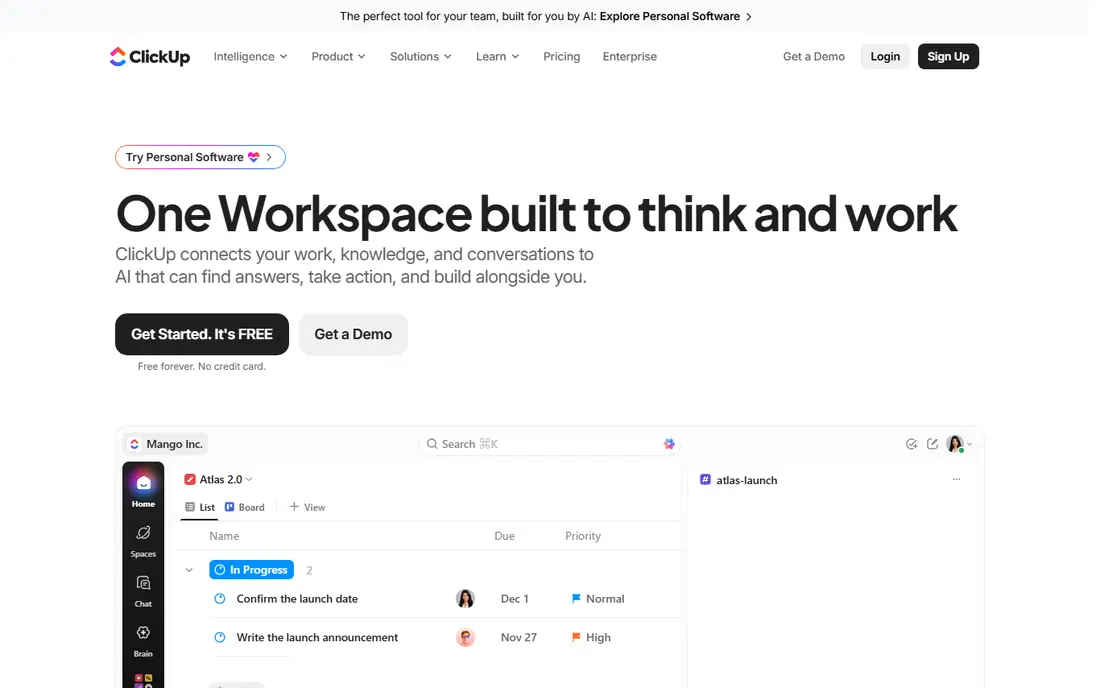
ClickUp is the closest free match for a team that wants one place for tasks, docs, and dates. The free plan covers unlimited tasks and members, which makes it easy to invite a small team without an immediate bill. Views, templates, and basic time tracking help a group move from a simple list to a fuller project setup without switching tools.
The catch is depth. With so many settings, a new workspace can take longer to tidy than a simpler board tool, and storage limits mean large file attachments need another home. Still, for a team that wants room to grow, ClickUp gives the most free ground to test on before paying.
- Unlimited tasks and members on the free plan
- Many views including list, board, and calendar
- Docs, goals, and basic time tracking included
- Free storage is limited to 100 MB in published comparisons
- Setup can feel busy for a team that wants a plain board
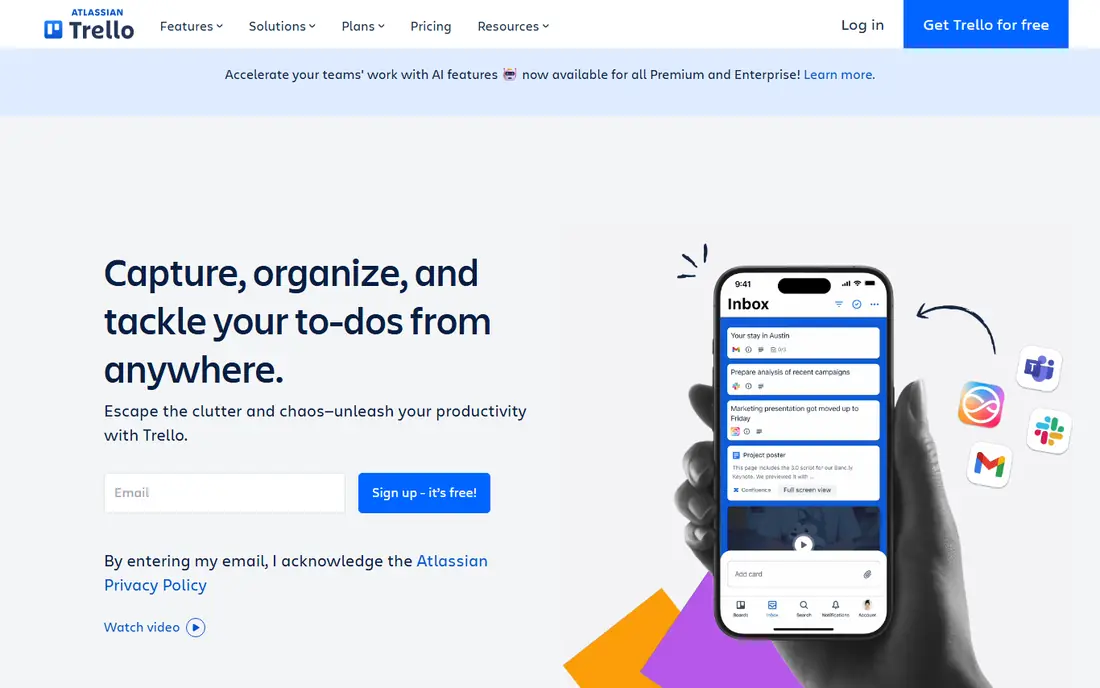
Trello suits teams that think in columns. A card moves from to do to doing to done, comments and checklists sit on the card, and nobody needs training to follow the flow. For a freelance client, a content calendar, or a small support queue, that plain structure is often enough.
Limits arrive when a team grows. The free plan caps the number of collaborators per workspace and the number of boards, and heavier planning features sit behind paid tiers. If your work fits on a handful of boards, Trello stays calm and cheap. If you need timelines and reporting, pair it with another tool or move up a tier.
- Very fast to learn
- Unlimited cards on the free plan
- Simple automation for routine moves
- Free workspaces cap collaborators and boards in published comparisons
- Reporting and timelines need paid plans
Asana is a good pick when a project needs clear ownership. Each task has an owner and a due date, projects stay tidy, and the interface rarely gets in the way. For a duo, a solo worker, or a small team testing structured work, the free plan is a practical place to start.
Larger free teams will hit the seat limit quickly. That limit is the main reason to check Asana before a whole department signs up. Paid plans start at $10.99 per user per month in published comparisons, so budget for that step if your team is larger than two.
- Clear tasks, owners, and due dates
- More than 100 integrations in published comparisons
- Clean interface for shared work
- Free plan covers up to two seats for newer accounts
- Timelines and automation need paid plans
Notion fits teams that write as much as they plan. Meeting notes, a wiki, a task database, and a content calendar can live in one workspace, which cuts down on scattered docs. For a solo worker, the free plan is generous, and templates make setup quick.
For a team, the trade is control. Building the right database takes time, and native reporting is not as direct as in Asana or Wrike. Choose Notion when docs matter as much as tasks, and choose a dedicated project tool when deadlines and workloads need stricter tracking.
- Unlimited pages for solo use in published comparisons
- Databases, wikis, and tasks in one workspace
- Flexible templates
- Limits tighten once a second member joins
- Reporting and workload views are weaker than dedicated project tools
Todoist is built for capture first and planning second. Type a task, add a date in plain words, and move on. That speed matters for one person juggling client work, errands, and personal tasks, and the app stays light on every device.
It is not a team project hub. The free plan caps active projects, and collaboration, reminders, and deeper filters sit behind Pro. Use Todoist as a personal system, and move team projects to ClickUp, Trello, or Asana when shared ownership matters.
- Very fast task entry with natural language dates
- Works on most platforms
- Simple projects and filters
- Free plan limits active projects
- Reminders need a paid plan in published comparisons
Wrike gives a small team a more formal structure than a board alone. Tasks, discussions, and files sit in one plan, and the free plan covers unlimited users, which helps a growing group test it without seat pressure. Teams that need approvals and clearer status tracking will find the layout useful.
The free plan is a trial of structure, not the full planning suite. Gantt charts and calendar views need a paid plan, and the Team tier starts at $10 per user per month in published comparisons. That makes Wrike best for teams that value structure and are willing to pay later for timelines.
- Unlimited users on the free plan in published comparisons
- Multiple views for tasks
- Enterprise grade security options
- Gantt and calendar views are not on the free plan in published comparisons
- Paid plans start higher than some rivals
Zoho Projects is the value pick in this list. Even the free plan includes Gantt charts, which many free tools hold back, and paid plans start at $4 per user per month in published comparisons. For a small business already using Zoho tools, the fit is even clearer.
The free limits are tight, with a small number of projects and users. That is fine for a pilot or a micro team, but a larger team should price the Premium tier early. If cost matters more than polish, Zoho Projects is hard to beat.
- Gantt charts on the free plan in published comparisons
- Tasks, subtasks, and basic reporting
- Low paid prices
- Free plan caps projects and users
- Deeper features and integrations need paid tiers
Freedcamp keeps the simple, all in one feel that many people want from a free tool. Unlimited users and projects remove the seat worry that trips up other free plans, and the core set covers tasks, milestones, discussions, and time tracking. For a volunteer group, a startup, or a small agency, that breadth at no cost is rare.
Polish is the trade. The interface is plainer than ClickUp or Asana, and advanced features such as Gantt charts sit behind paid plans starting at $1.49 per user per month in published comparisons. If you want function over finish, Freedcamp is a strong free starting point.
- Unlimited users, projects, and storage on the free plan in published comparisons
- Tasks, calendar, discussions, and time tracking
- Gantt charts need a paid plan
- Integrations and permissions are limited on the free plan
Nifty brings chat into the project space, so a small team can discuss work without a separate messaging app. Tasks, milestones, and docs sit next to that chat, which keeps context close to the work. For a team of a few people, that mix can replace two tools at once.
Free limits are real, with a small number of active projects and limited storage in published comparisons. Paid plans start at $7 per user per month in published comparisons. Nifty suits a small team that wants communication and planning together and does not yet need heavy reporting.
- Tasks, milestones, docs, and team chat in one free plan
- Unlimited users in published comparisons
- Clear project views
- Free plan caps active projects and storage
- Larger teams need paid plans for full reporting
How we picked these
We compared official pricing pages, free plan limits, and public product pages for project tools that offer a free tier in October 2026. We kept only tools with a current free plan, a working homepage, and a clear fit for project and task work, and we left out tools whose free tier had ended or whose main use is time tracking alone. We did not claim hands-on testing, and we used published limits rather than guessing at features or prices.
What to check before you switch
Start with team size, then with views. A free plan that caps seats at two will fail a team of five, no matter how good the interface looks. A free plan that hides Gantt charts will fail a team that plans by dates. List the views you use every week, such as board, list, calendar, and timeline, and match that list to the free tier before you migrate any live project.
Next, test with one real project. Move a current project, invite the people who will use it daily, and run it for two weeks. Watch for storage caps, guest limits, and automation limits, because those are the limits that appear after the first week. If the tool still fits after that test, moving the rest of your work is a smaller step.
Finally, price the step up. Note the paid price for the tier that adds the missing view or seat count, and check whether guests count as paid seats. A free tool that costs little at five seats but jumps sharply at twenty is a different choice from one with steady pricing. Keep an export or backup habit from day one, so a future move stays possible.
Frequently asked questions
Are there really free alternatives to Basecamp?
Yes. ClickUp, Trello, Asana, Notion, Todoist, Wrike, Zoho Projects, Freedcamp, and Nifty all offer free plans, each with limits on users, storage, views, or automation. The right one depends on team size and the views you need, not on the longest feature list.
Which free alternative is best for a small team?
ClickUp is the broadest free starting point for a small team, while Trello is the simplest if work fits on boards. Freedcamp suits teams that need unlimited users at no cost, and Zoho Projects suits teams that want Gantt charts without paying at first.
Can a free plan replace a paid project tool?
For a solo worker or a very small team, often yes for months. Free plans usually limit seats, storage, or advanced views, so a growing team should budget for a paid tier when timelines, reporting, or automation become daily needs.
What is the catch with free project tools?
The catch is usually a cap, not a hidden charge. Common caps include user counts, project counts, storage, and missing views such as Gantt or timeline. Read the pricing page for the tier you will actually need, not just the free tier headline.
Should I move all projects at once?
No. Move one live project first, test it for two weeks with the people who use it daily, and check storage, guests, and automation limits. If that project runs well, move the rest in stages and keep an export of the old workspace until the switch is complete.
Sources
See where you really rank - block by block
ProMapRanker scans Google Maps across a grid of your service area. Simple monthly plans from $19, white-label on every plan.
Start freeKeep reading
 zoho books alternatives
Best Zoho Books Alternatives in 2026
Compare the best zoho books alternatives for small business accounting, from QuickBooks Online and Xero to FreshBooks, Wave, and Sage in 2026, with pricing.
Read → zluri alternatives
Best Zluri Alternatives in 2026
Compare zluri alternatives for 2026, with SaaS management platforms for app discovery, spend tracking, renewals, and automation for IT, finance and procurement.
Read → zerobounce alternatives
Best ZeroBounce Alternatives in 2026
Best zerobounce alternatives for list hygiene: compare 8 email verification tools for bulk cleaning, real-time checks and catch-all handling in 2026 today.
Read →